

 中文
中文 
云的眼泪 deepin
2023-03-29 02:41 deepin 看看这个服务启动了没有

Reply Like 0 View the author
 deepin
 看看这个服务启动了没有
deepin 好像URI查找里输入smb://ip地址,试试

 deepin
 (1) 找到windows所在打印机的ip地址和打印机共享名;
(2)在URI中输入lpd://ip地址/打印机共享名
(3)安装驱动程序,ok
 deepin
 地址我记得不是IP地址,而是某个特殊的URL
 deepin
 mark
我也是安装不了共享打印机
mint据说很好安装
 deepin
 (1) 找到windows所在打印机的ip地址和打印机共享名;
(2)在URI中输入lpd://ip地址/打印机共享名
(3)安装驱动程序,ok
谢谢帮助,按你的方法找到了打印机,但安装驱动时出错了。
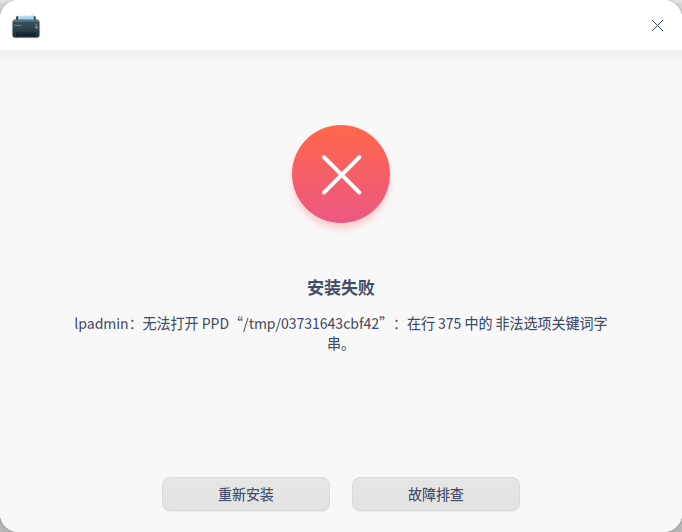
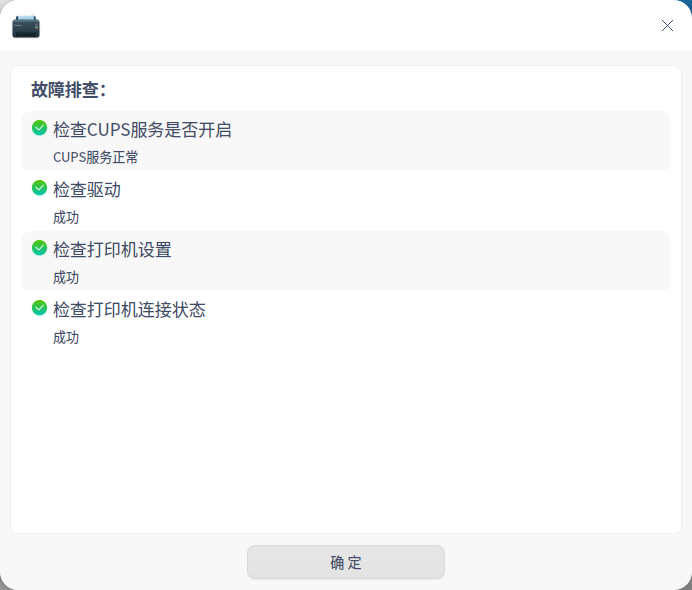
deepin 看看这个服务启动了没有
这个怎么看,我是小白
deepin 这个怎么看,我是小白
系统监视器→→系统服务
 deepin
 看看这个服务启动了没有
这个服务没有启动,怎么处理?
deepin 这个服务没有启动,怎么处理?
点右键——设置启动方式——自动
如果设置不了,说明smb服务组件出了问题,重新安装组件。或者是安全软件禁用了smb服务。
Popular Ranking
ChangePopular Events
More


 necesito ayuda
这个地址是一台win7系统主机,上面有一台pantum2510打印机,已经共享,我在我这台机上的win10系统正常共享使用。但在deepin最新版中通过以下方式找不到这个打印机
我要怎么才能共享这台打打印机,目前让我接受linux用于日常办公就差这一环了。