

 中文
中文 
凡 deepin
2023-03-17 06:17 deepin 背景色不错
Reply Like 1 View the author
 deepin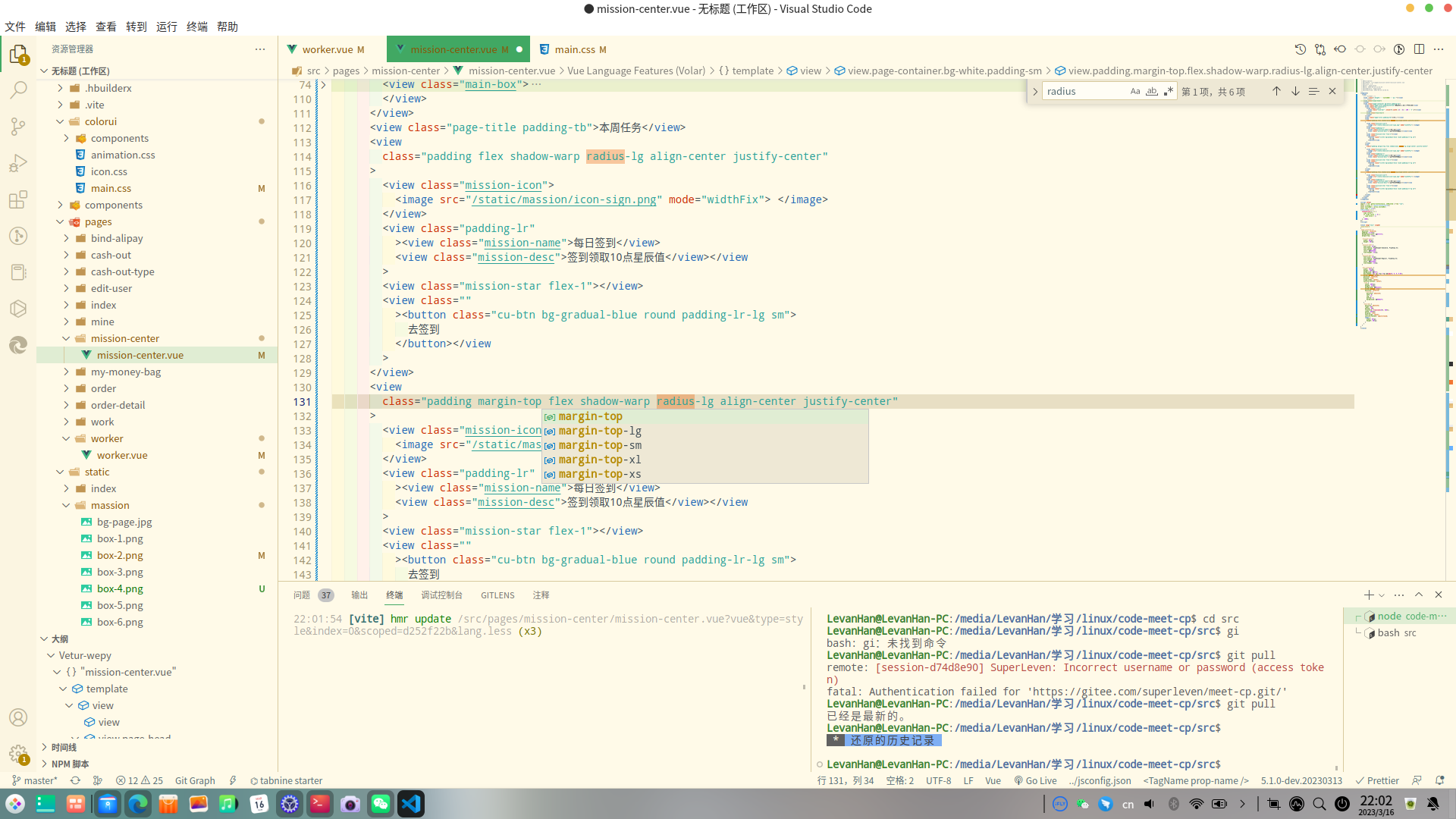
deepin 背景色不错
 deepin
 文件-首选项-设置,搜索“title Bar Style”,默认的native改成custom即可解决大额头问题。
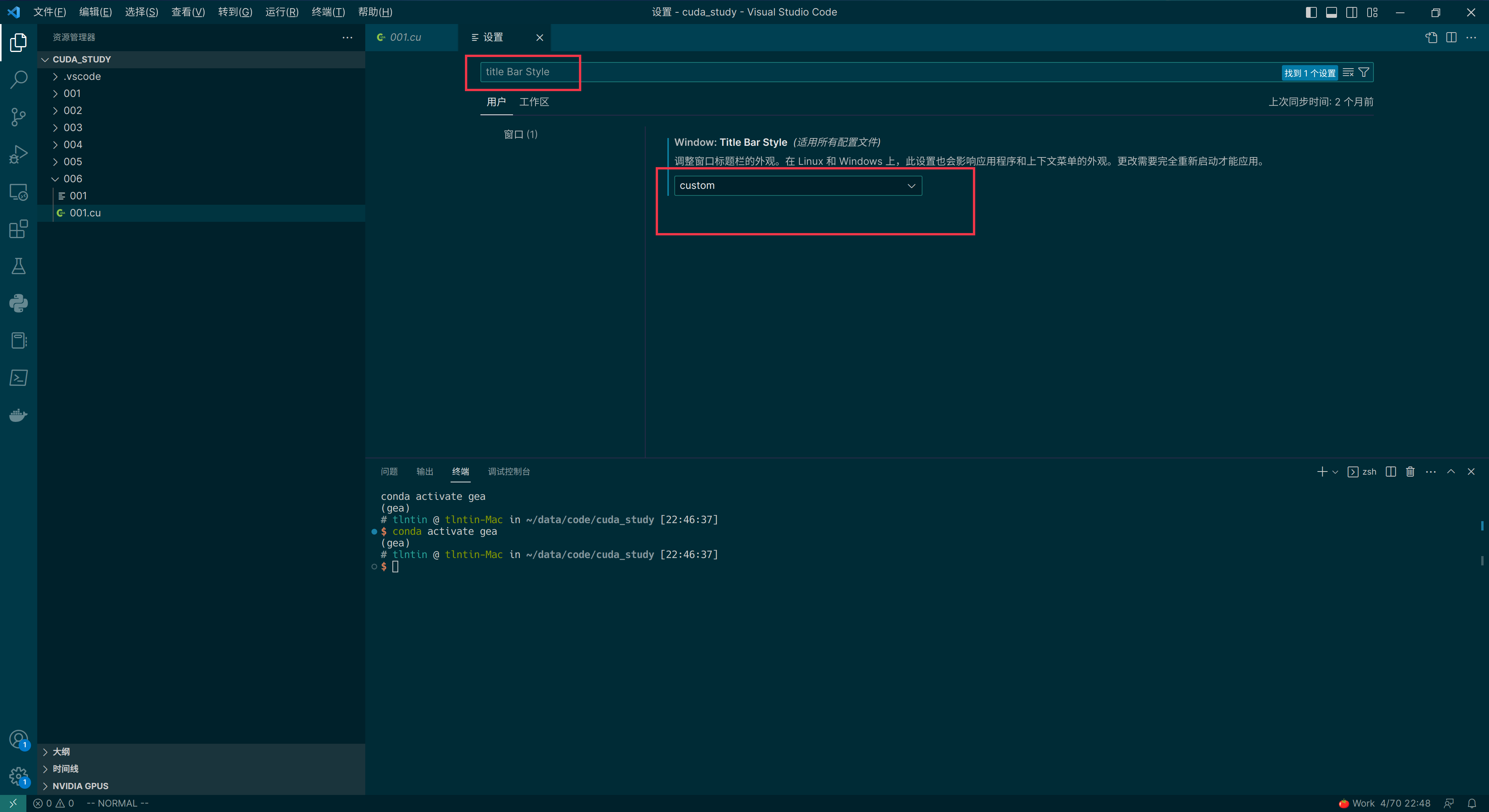
deepin 文件-首选项-设置,搜索“title Bar Style”,默认的native改成custom即可解决大额头问题。
大佬啊,我试试
deepin 文件-首选项-设置,搜索“title Bar Style”,默认的native改成custom即可解决大额头问题。
改完右上角的功能按钮也出来了,可以用右边的侧边栏了,这个问题我百度了好久都没有解决,真的是太感谢你了

 deepin
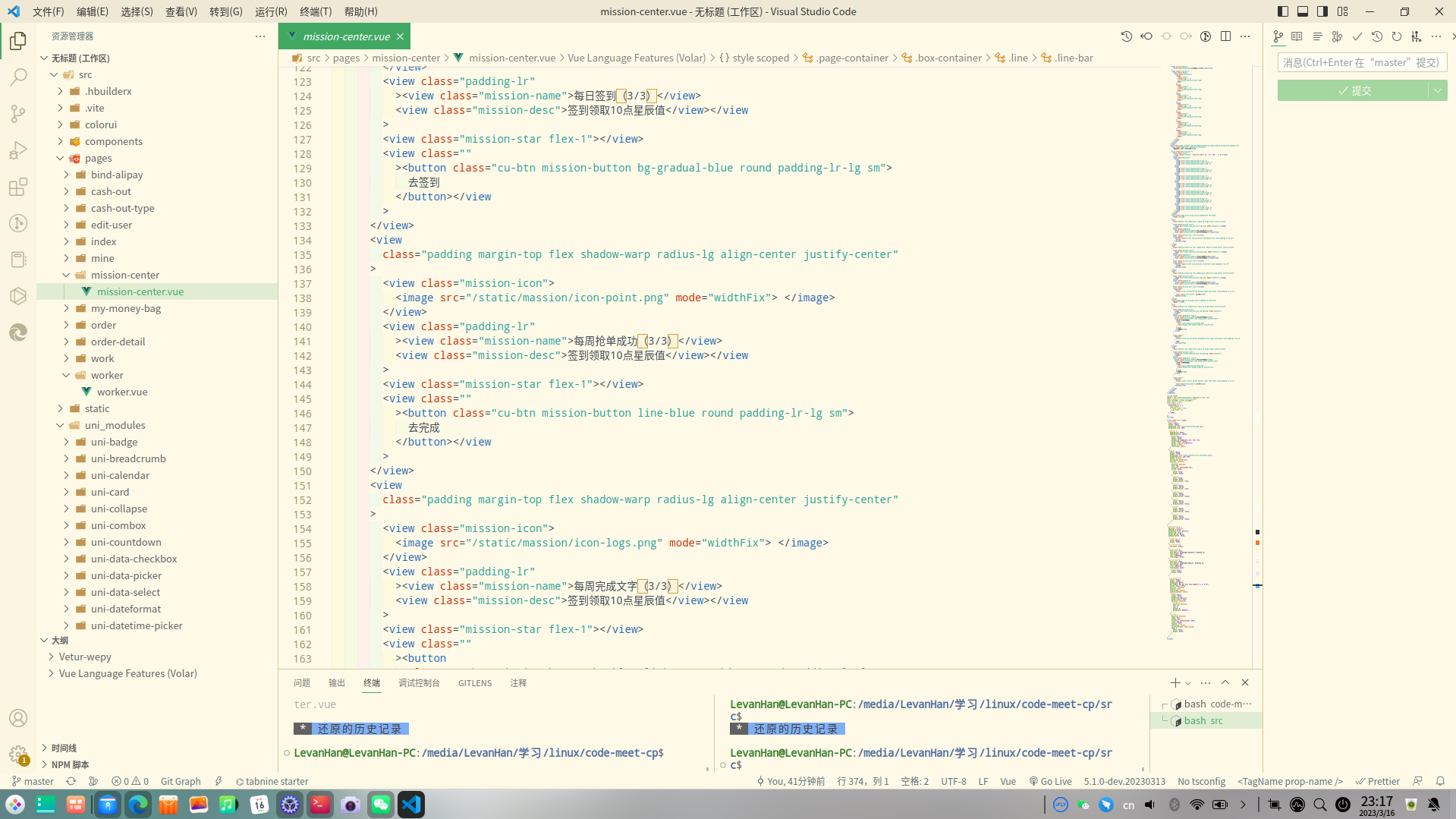
 vscode默认设置那里可以改成无大额头
deepin vscode默认设置那里可以改成无大额头
改完了😄
 deepin
 我发现我从来没出现过大额头。
deepin 我发现我从来没出现过大额头。
😂
deepin 改完右上角的功能按钮也出来了,可以用右边的侧边栏了,这个问题我百度了好久都没有解决,真的是太感谢你了
不客气
 deepin
 firefox也可以去掉大额头
不能去掉额头的应用可以的可用把额头改小
https://blog.csdn.net/qq_38721537/article/details/121187536
deepin firefox也可以去掉大额头
不能去掉额头的应用可以的可用把额头改小
https://blog.csdn.net/qq_38721537/article/details/121187536
唯爱edge浏览器
 deepin
 文件-首选项-设置,搜索“title Bar Style”,默认的native改成custom即可解决大额头问题。
太好了,终于解决了大额头
 deepin
 你这是给换了个皮肤??
deepin 你这是给换了个皮肤??
是的
Popular Ranking
ChangePopular Events
More


 unable to type in Deepin ID login menu