

 中文
中文 

青稚 deepin
2023-03-12 04:37 deepin You should send this question to the English forum instead of here. You can use the translator to translate it into Chinese and seek the help of Chinese users.
The translator I use may have different translation and display results
Reply Like 0 View the author




 unable to type in Deepin ID login menu

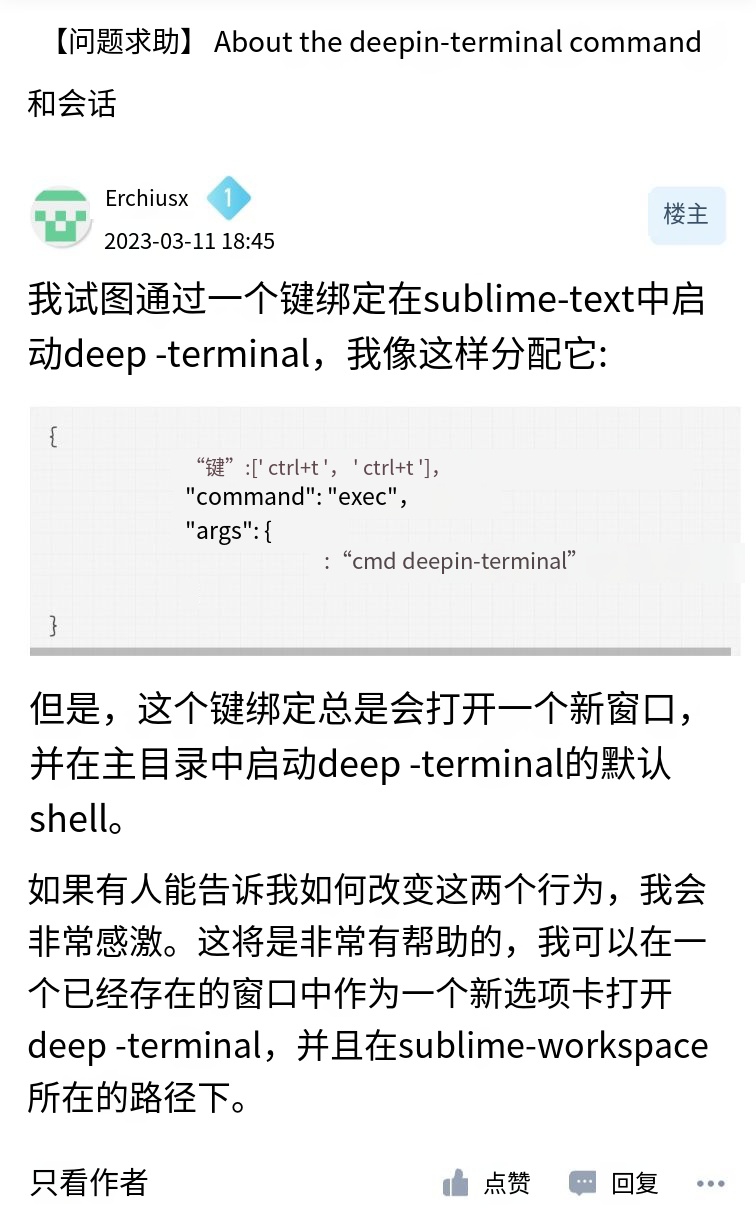
I'm trying to start deepin-terminal in sublime-text via a key binding, and I assigned it like this:
However, this key binding will always open a new window and start deepin-terminal's default shell in the home directory.
I'll quite appreciate it if anyone can show me how to change these two behaviours. It will be quite helpful if I can open deepin-terminal as a new tab in a pre-existing window, and under the path where the sublime-workspace is.