

 中文
中文 
LiuYongzhang deepin
2023-02-19 16:27 deepin https://shurufa.sogou.com/linux
直接下载安装不就行了吗?
Reply Like 0 View the author
 deepin
 https://shurufa.sogou.com/linux
直接下载安装不就行了吗?
deepin 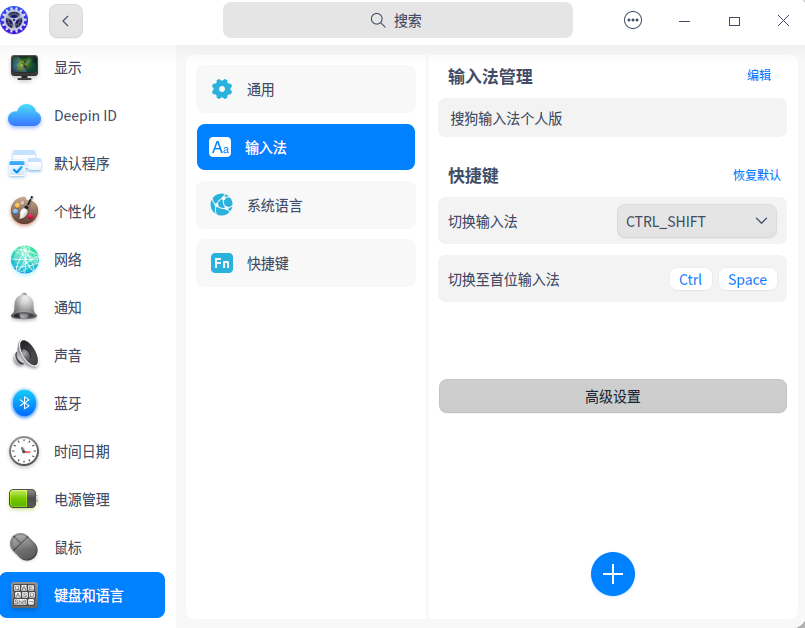

 deepin
 我是按照这个人提供的方法安装的。搜狗用的fcitx4,需要卸载5.安装4之后才可以安装
ID:帅哥
sudo apt purge fcitx5*
sudo apt install fcitx
然后注销系统,在安装搜狗输入法
deepin
20.8自带fcitx4。23更新了fcitx5,就没搜狗了

 deepin
 https://shurufa.sogou.com/linux
直接下载安装不就行了吗?
他用的是v23版本,v23的fcitx升级到了fcitx5,但现有的搜狗输入法只兼容fcitx4,两者不兼容,所以无法安装,v23的应用商店也只好下架了搜狗输入法

20.8自带fcitx4。23更新了fcitx5,就没搜狗了
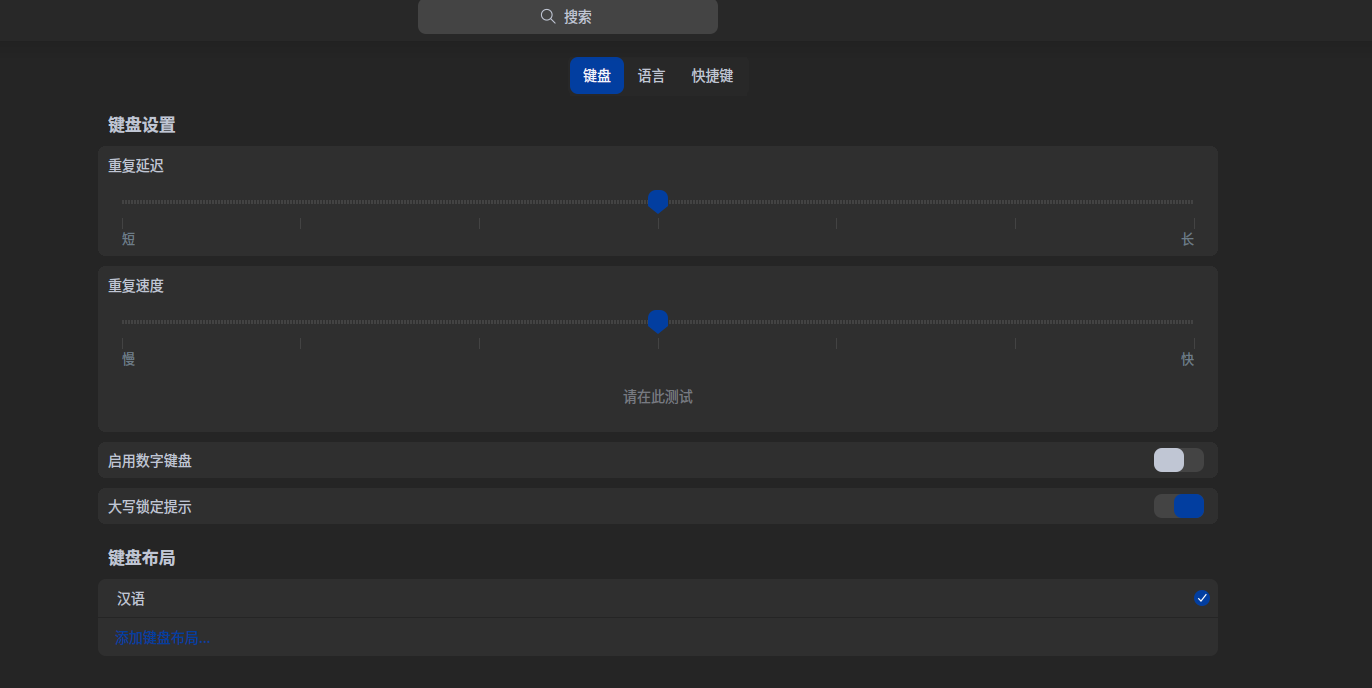
我也是按坛主的方法安装的搜狗输入法,能正常使用。但设置里找不到输入法界面了。

 deepin
 我也是按坛主的方法安装的搜狗输入法,能正常使用。但设置里找不到输入法界面了。
看看有没有 fcitx-config-gtk 能安装,控制中心没有设置地方的话用 gtk 的设置界面吧
deepin 我也是按坛主的方法安装的搜狗输入法,能正常使用。但设置里找不到输入法界面了。
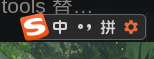
属性设置我是左键键点击的小花花
属性设置我是左键键点击的小花花
明白,上午不知道折腾什么了,把系统折腾不能正常起动了。又学了一次重装系统。这次手动安装,直接挂载了交换分区。
Popular Ranking
ChangePopular Events
More


 is Deepin 25 using OSTree?
希望能把搜狗输入法尽快适配,不给安装fcitx和fcitx5冲突,搜狗前置需要fcitx
问题如何重现
问题重现频率