

 中文
中文 
fax928 deepin
2023-02-13 03:53 deepin Q&A Team
20.8试试重装一下Uengine
sudo apt purge uengine (完全卸载uengine)
sudo apt install uengine (安装uengine)
Reply Like 1 View the author
deepin 20.8试试重装一下Uengine
sudo apt purge uengine (完全卸载uengine)
sudo apt install uengine (安装uengine)

 deepin
 20.8试试重装一下Uengine
sudo apt purge uengine (完全卸载uengine)
sudo apt install uengine (安装uengine)
嗯嗯,我也是20.8,主要是安卓应用还有文件不能丢,就省去卸载这个步骤了😁
 deepin
 如果您的Uengine运行器2.0.0出现了上述问题,您可以尝试以下解决方案:
如果仍然存在问题,请向Uengine运行器技术支持团队寻求帮助,以了解更多解决方案。

 deepin
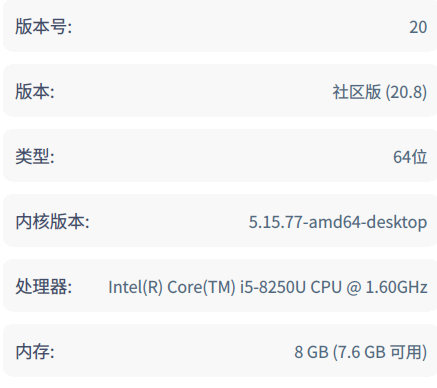
 是v20系统

 deepin
 20.8试试重装一下Uengine
sudo apt purge uengine (完全卸载uengine)
sudo apt install uengine (安装uengine)
谢谢
我下载的安装包com.gitee.uengine.runner.spark_2.0.0_all,安装之后启动器菜单里有,就是打不开,
用你这方法,提示安装感觉要成功了
deepin 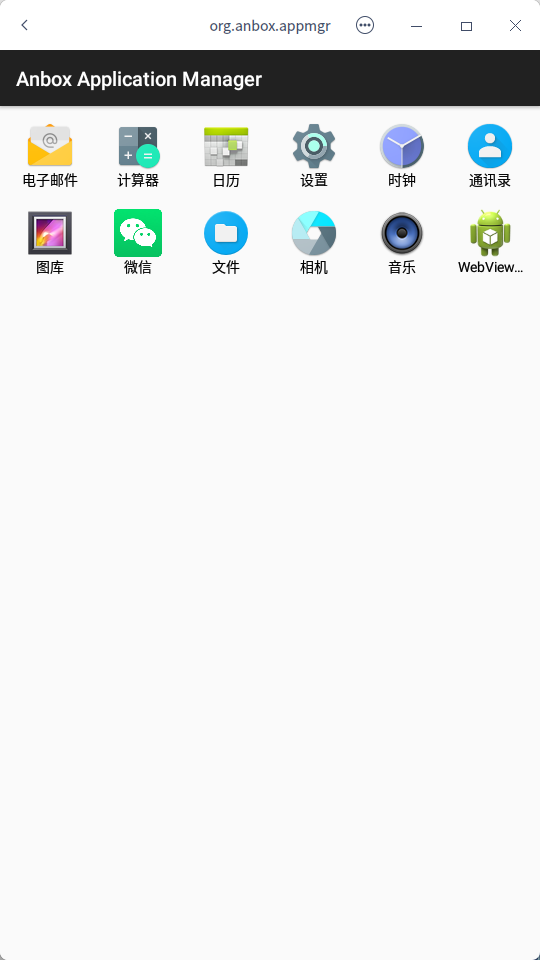
在启动器里,点uengine程序菜单,这个界面出来了,请问怎么安装APK文件呢,我在APK文件上点右键,点“安装/卸载APK”没有反应
deepin
在启动器里,点uengine程序菜单,这个界面出来了,请问怎么安装APK文件呢,我在APK文件上点右键,点“安装/卸载APK”没有反应
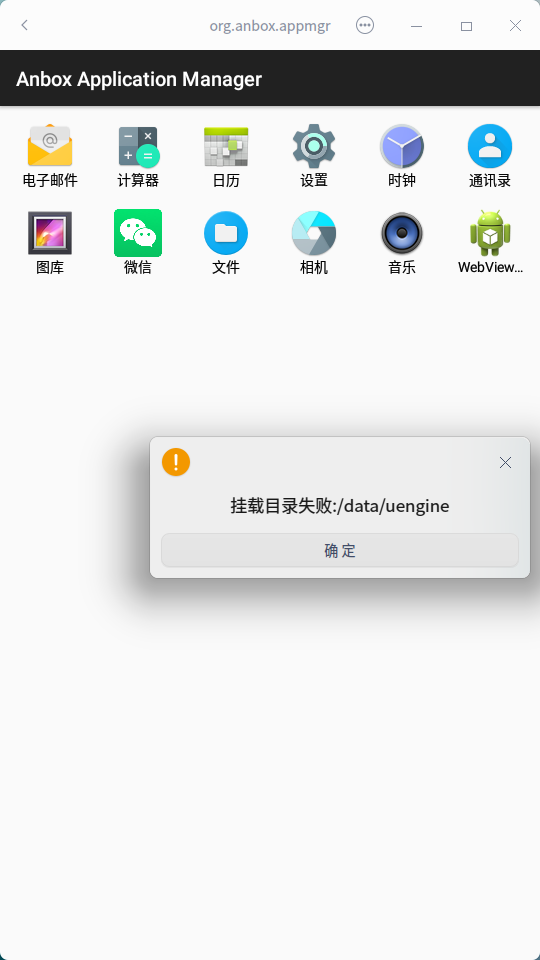
我的是这个反应。。。。不知道怎么解决
deepin
我的是这个反应。。。。不知道怎么解决
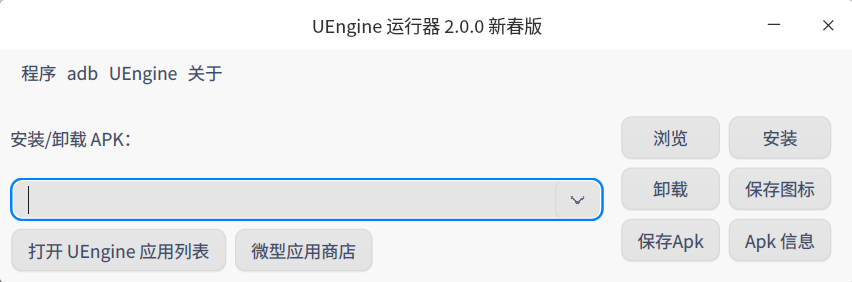
这个没遇到,安装apk的话可以打开
在这里选择apk安装


Popular Ranking
ChangePopular Events
More


 is Deepin 25 using OSTree?
最近我的 uengine 运行器 2.0.0 突然不能使用了,主要表现为:
所有安装的安卓应用不能打开
不能通过uengine运行器安装、卸载apk
启动已安装的安卓应用会等好久并显示如图:
下面提供我试了可行的解决办法:
打开文件:
sudo deepin-editor /etc/fstab在最后增加一行:
tmpfs /run tmpfs nosuid,noexec,size=1024M,nr_inodes=4096 0 0增加之后,保存,重启
重启后,打开uengine运行器,菜单uengine---重新安装uengine
安装好后,菜单uengine---uengine服务---重启uengine服务,就可以使用了
说明:
我也不知道为什么插入那一行,并且size=1024M是在试了例如18M、36M不行的情况下索性直接给他1个G
希望懂的大佬纠正、科普