

 中文
中文 
xuqi
2023-02-07 17:51 deepin testing team
Reply Like 0 View the author


 deepin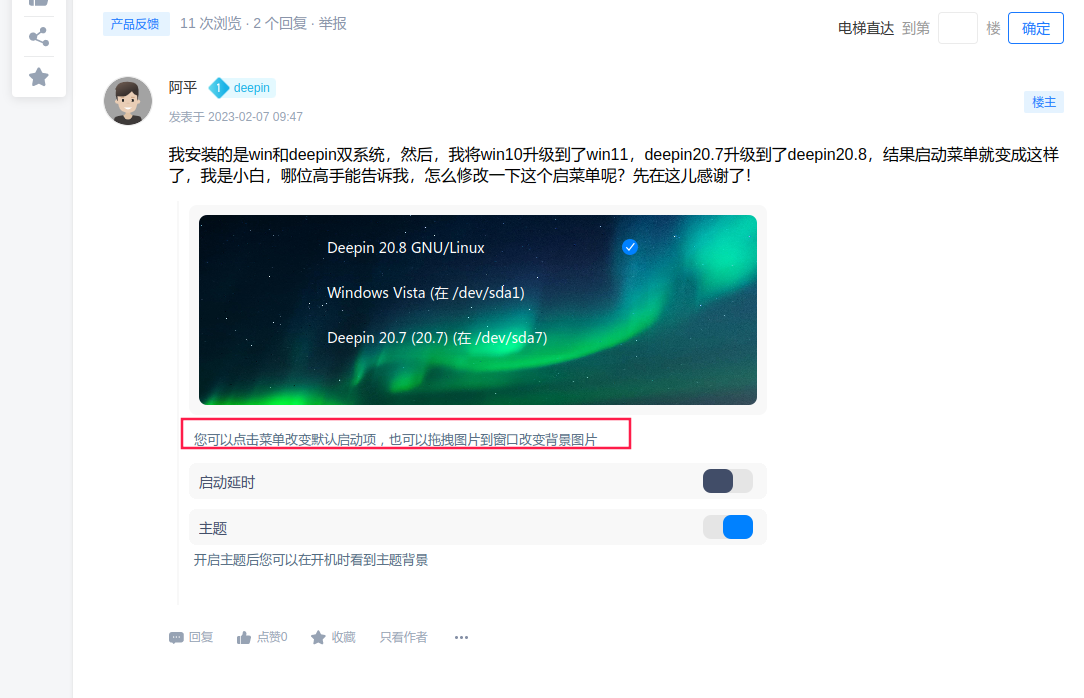
 deepin
 我只会重置修复启动菜单。。。
 deepin
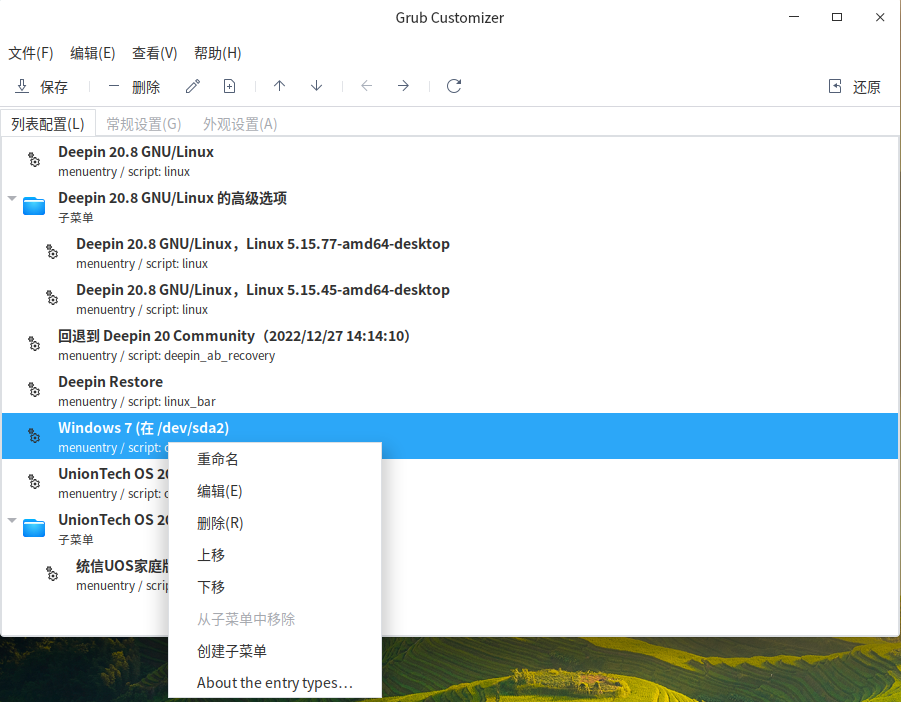
 安装grub-customizer
sudo apt install grub-customizer
就可以修改名称、调整启动顺序、设置主题背景等

 deepin
 用鼠标点选,就可以修改,一个字:简单!两个字:十分简单

 deepin
 sudo deepin-editor /boot/grub/grub.cfg
或者sudo vim /boot/grub/grub.cfg
注意:就在里面找菜单,标题,不要改其他地方,不然启动不了。
 deepin
 太感谢这位大神了,我已经完成修改,并且成功!!谢谢,谢谢,谢谢!
Popular Ranking
ChangePopular Events
More


 is Deepin 25 using OSTree?
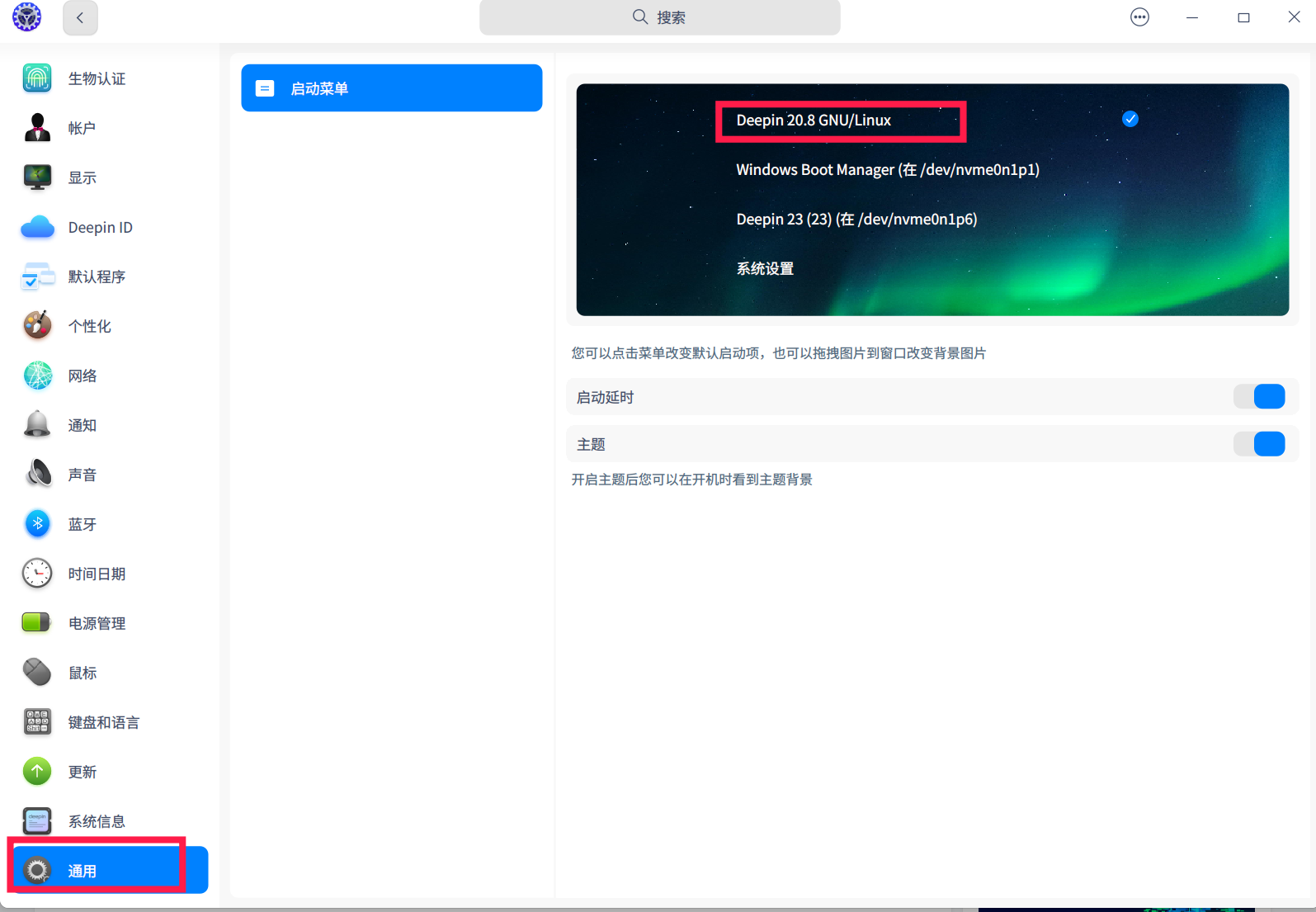
我安装的是win和deepin双系统,然后,我将win10升级到了win11,deepin20.7升级到了deepin20.8,结果启动菜单就变成这样了,我是小白,哪位高手能告诉我,怎么修改一下这个启菜单呢?先在这儿感谢了!