

 中文
中文 
donaldsebleung deepin
2023-02-01 03:32 deepin 假设 deb 包包名为 freedownloadmanager,完全卸载软件包,包括配置文档及依赖包如下:
sudo apt purge --auto-remove freedownloadmanager
Reply Like 1 View the author
 deepin
 假设 deb 包包名为 freedownloadmanager,完全卸载软件包,包括配置文档及依赖包如下:
sudo apt purge --auto-remove freedownloadmanager

 deepin
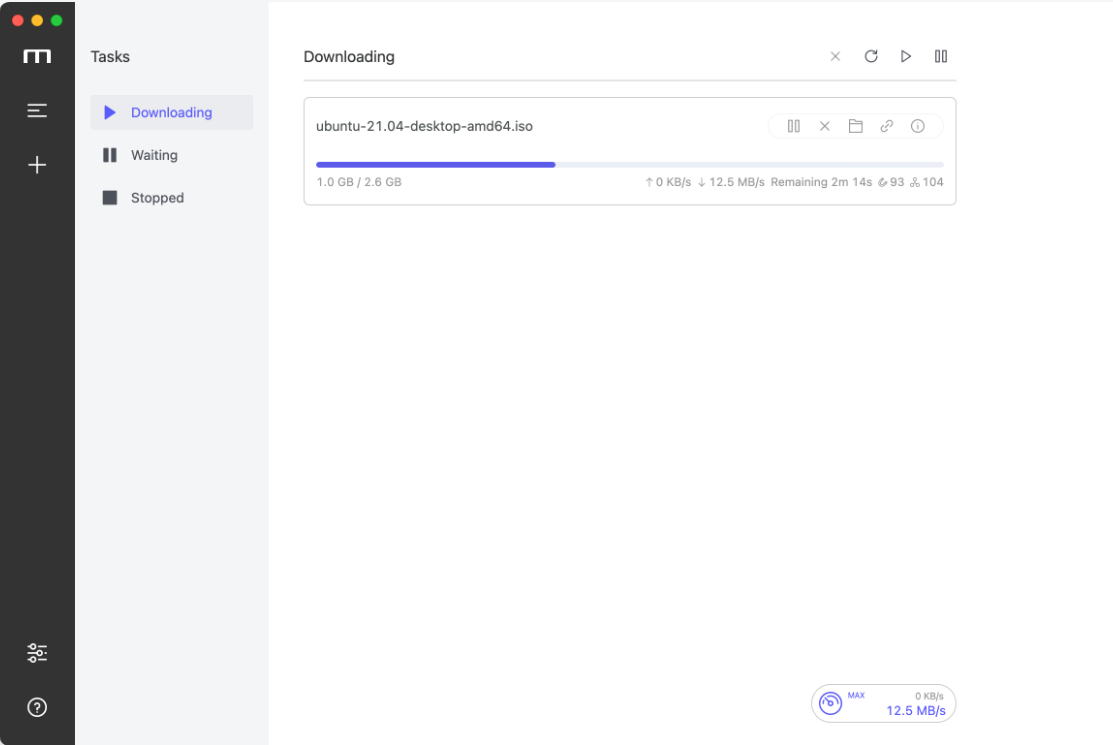
 试试 motrix

 deepin
 deepin默认的卸载使用的是remove命令,不会删除配置文件,删除配置文件需要像一楼所说的那样使用purge命令,在不知道软件包名且已经卸载软件时,可以试试这条命令
dpkg -l | grep "^rc" | awk '{print $2}' | xargs sudo apt -y purge
 deepin
 假设 deb 包包名为 freedownloadmanager,完全卸载软件包,包括配置文档及依赖包如下:
sudo apt purge --auto-remove freedownloadmanager
谢谢您的回复,不过问题依旧
deepin deepin默认的卸载使用的是remove命令,不会删除配置文件,删除配置文件需要像一楼所说的那样使用purge命令,在不知道软件包名且已经卸载软件时,可以试试这条命令
dpkg -l | grep "^rc" | awk '{print $2}' | xargs sudo apt -y purge
谢谢您的回复,不过问题依旧
deepin 试试 motrix
感谢
 deepin
 楼上的做法只能删除随软件安装的配置文件,不会删除软件自行创建的文件。
你这种情况需要找到fdm创建的下载进度保存文件。一个常见的做法是在 ~/目录下搜索freedownloadmanager并删除。一般来说,比较高频的出现位置包括 ~/自己, ~/.config ,~/.local/share。
Popular Ranking
ChangePopular Events
More


 is Deepin 25 using OSTree?
如题,deepin20.8安装freedownloadmanager下载BT文件后蹦了,无法启动,再次启动时总是创建崩溃前最后创建的BT任务,就没有然后了,卸载后问题依旧,deepin应用如何重置应用或彻底卸载应用,谁知道怎么做,谢谢!!