

 中文
中文 
liwl deepin
2023-01-30 21:40 deepin 我不是很懂。是无法登陆了?
Reply Like 0 View the author
 deepin
 我不是很懂。是无法登陆了?

有截图呈现么?

 deepin
 有截图呈现么?
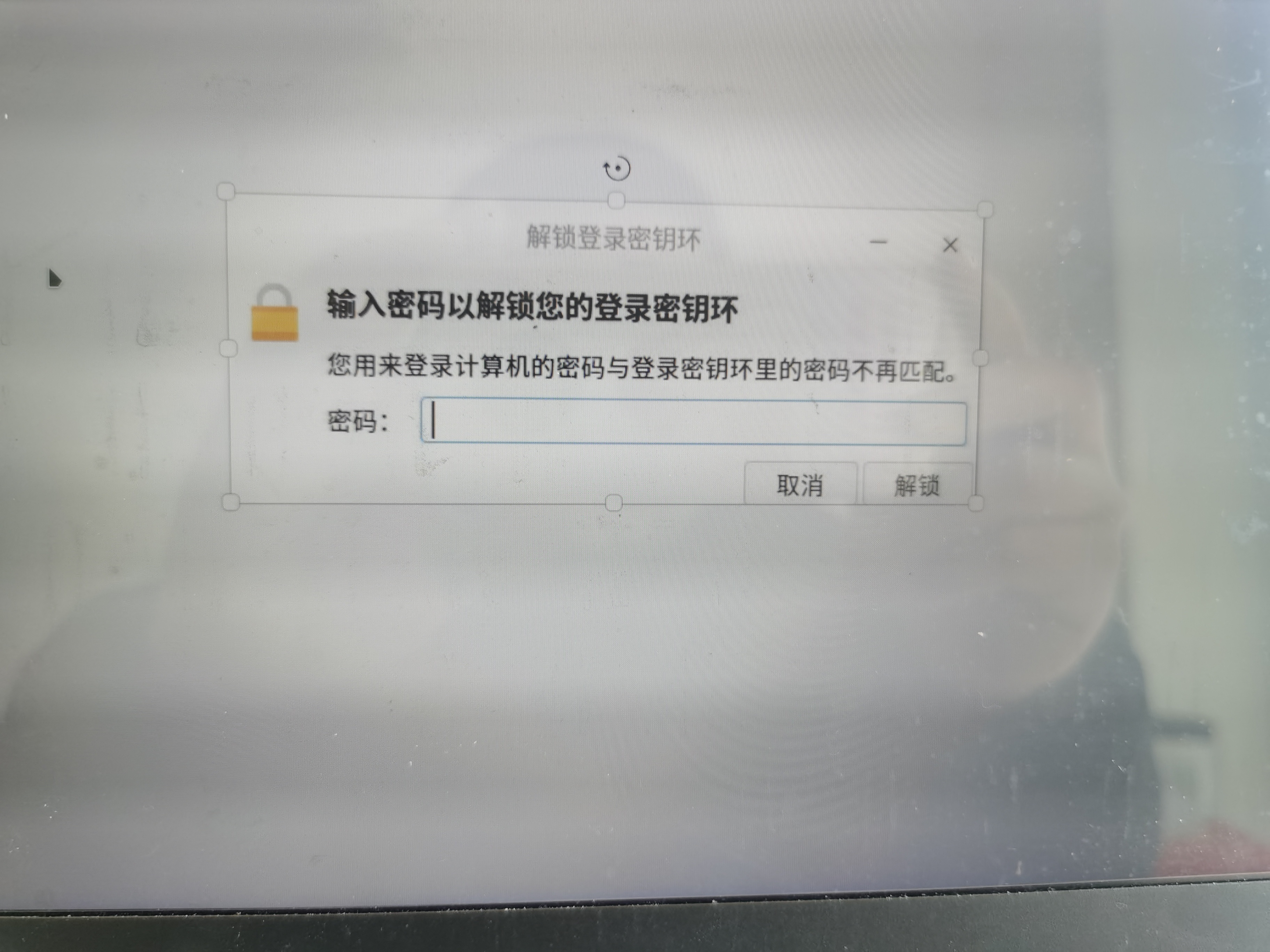
deepin 我不是很懂。是无法登陆了?
就是浏览器用不了

 deepin
你这是用的Chrome浏览器吗?这个应该就是浏览器设置了密码。我之前看到这个文章https://www.cnblogs.com/lameisoft/p/16461536.html
看着跟你这问题一样。

 deepin
 清除密钥环就行,在论坛里搜一下应该有讲的

在终端中输入:
sudo rm -rf /var/lib/keyring ~/.local/share/keyring
试下看是否可以解决你的问题
deepin 你这是用的Chrome浏览器吗?这个应该就是浏览器设置了密码。我之前看到这个文章https://www.cnblogs.com/lameisoft/p/16461536.html
看着跟你这问题一样。
不止浏览器
deepin 在终端中输入:
sudo rm -rf /var/lib/keyring ~/.local/share/keyring
试下看是否可以解决你的问题
没有解决
deepin 就是浏览器用不了
这个论坛之前有过的问题。是否启用了自动登陆?
 deepin
 https://bbs.deepin.org/zh/post/248250

 deepin
 安装seahorse
sudo apt install seahorse
然后在启动器找到“密码与密钥”,点开之后左边密钥环找到叫“登陆”或者“login”的,点修改密码,将密码修改为你的登陆密码。如果不知道原密码,可以直接删除,会自动重建,代价是你之前在浏览器保存过的网站密码会没掉。
Popular Ranking
ChangePopular Events
More


 is Deepin 25 using OSTree?
登入计算机密码和登入密钥里的密码不再匹配
这个怎么办,一直没有动过这块