中文
中文 
xuqi
2023-01-28 21:49 deepin testing team
Reply Like 0 View the author


 deepin
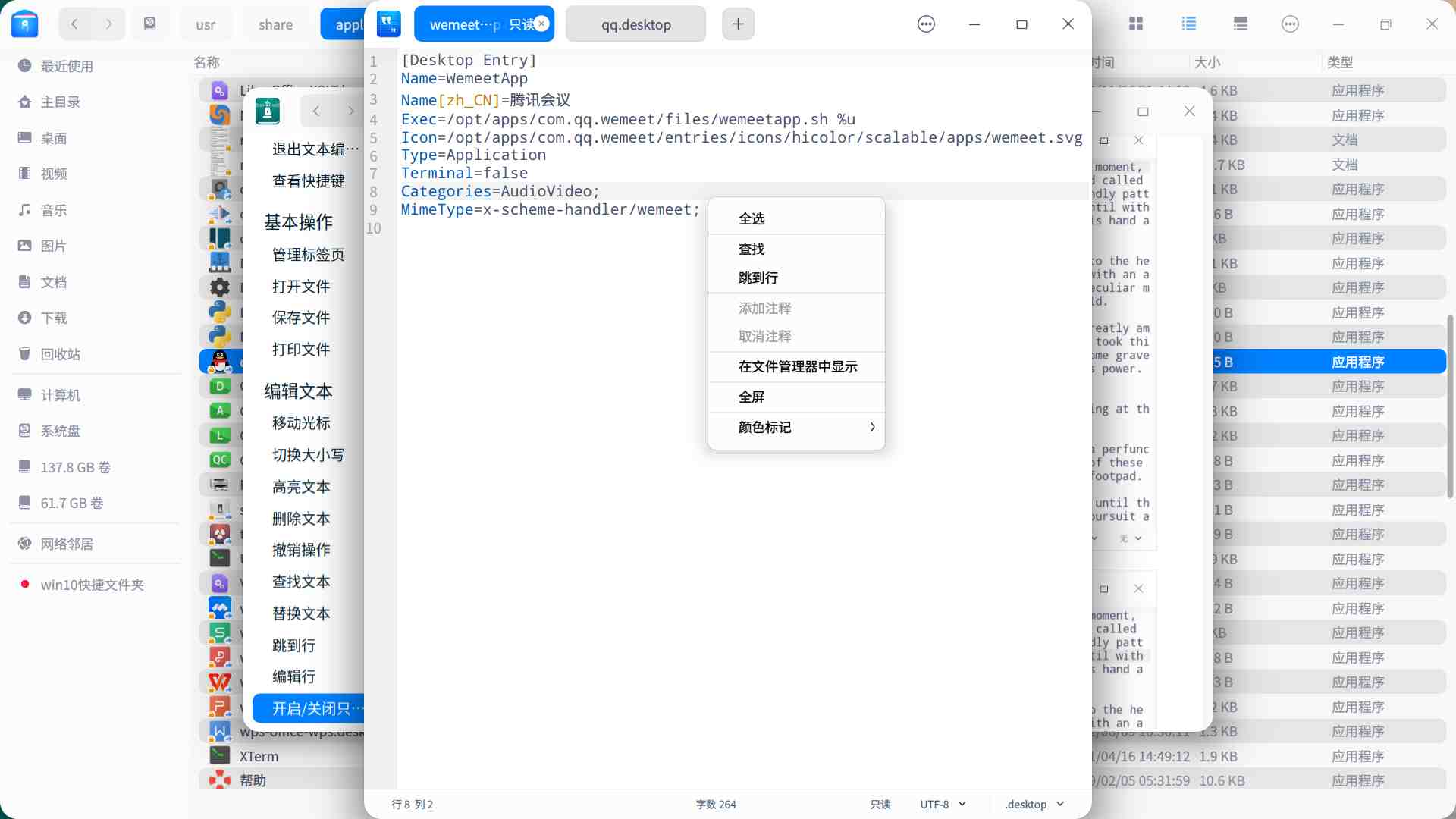
 在/usr/share/applications下面找到软件快捷方式,复制到~/.local/share/applications,用编辑器打开,修改categories属性。

 deepin
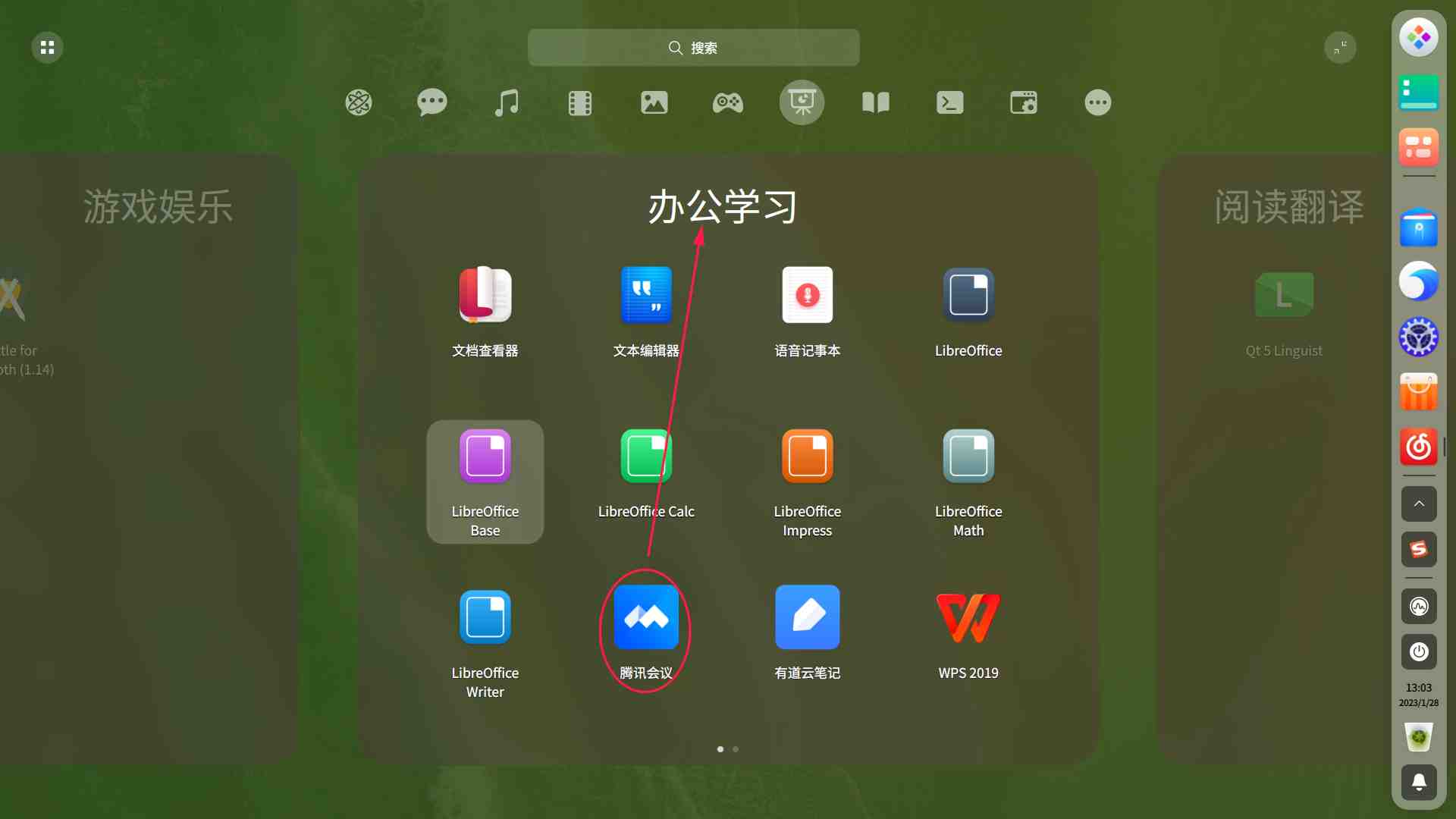
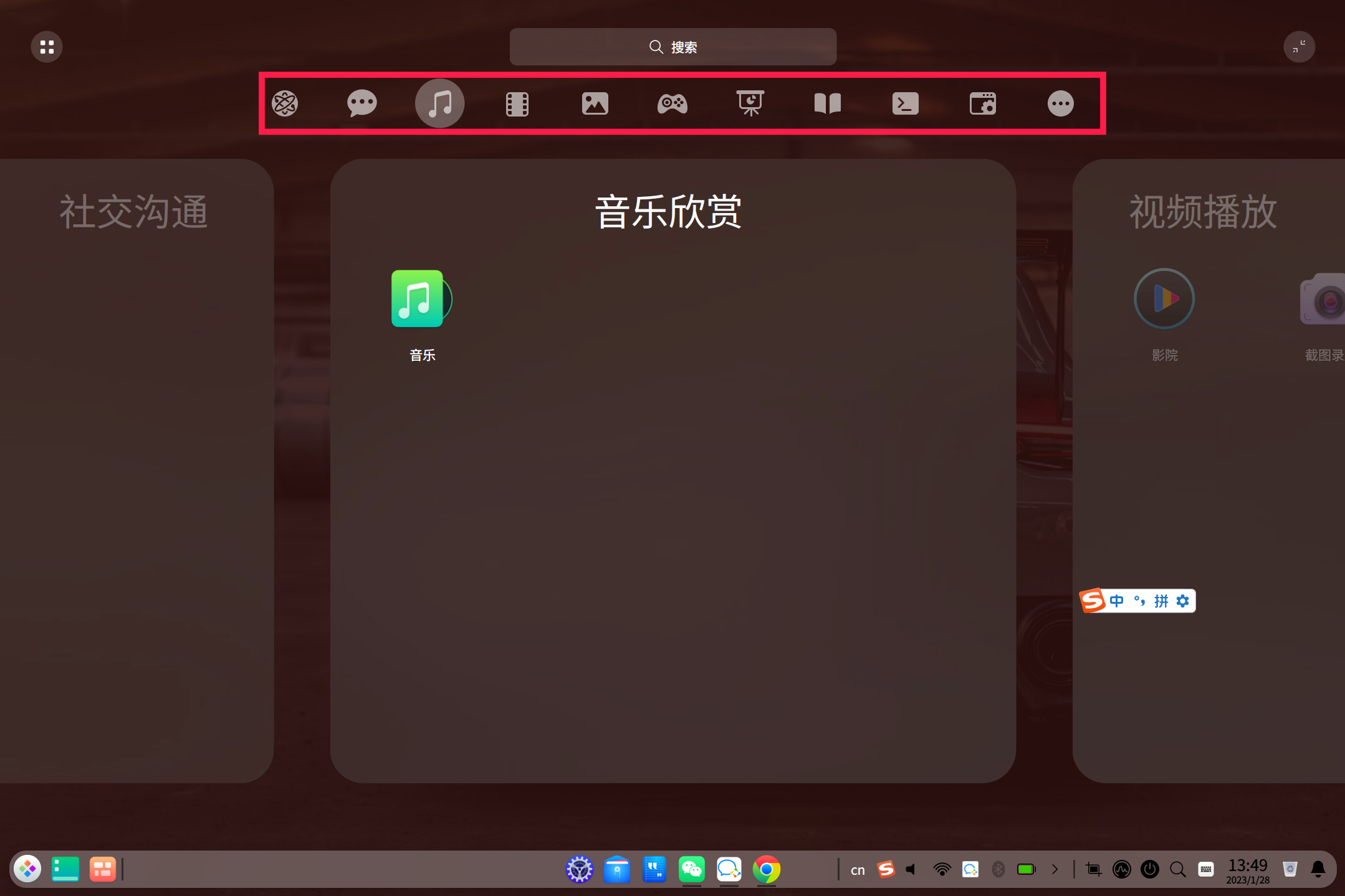
 老哥,其实,我是想将“腾讯会议”放在“社交沟通”这一分类的
deepin 在/usr/share/applications下面找到软件快捷方式,复制到~/.local/share/applications,用编辑器打开,修改categories属性。
只读模式关不掉

 deepin
 分类错误,上报 他们发个小布丁就行了。
 deepin
 分类错误,上报 他们发个小布丁就行了。
这分类应该没错,只是楼主自己想放到那里去

 deepin
 弄成手机桌面那样灵活摆放
deepin 在/usr/share/applications下面找到软件快捷方式,复制到~/.local/share/applications,用编辑器打开,修改categories属性。
为什么要复制到~/.local/share/applications呢,不能直接在/usr/share/applications里面改吗
 deepin
 为什么要复制到~/.local/share/applications呢,不能直接在/usr/share/applications里面改吗
有没有可能是你说的第一个目录下面的文件权限都是不可读,不可写,可执行?(猜的)
deepin 有没有可能是你说的第一个目录下面的文件权限都是不可读,不可写,可执行?(猜的)
试了,以管理员身份打开是可以直接改的,也成功了,改了之后注销一下就可以了
deepin @xiekehui
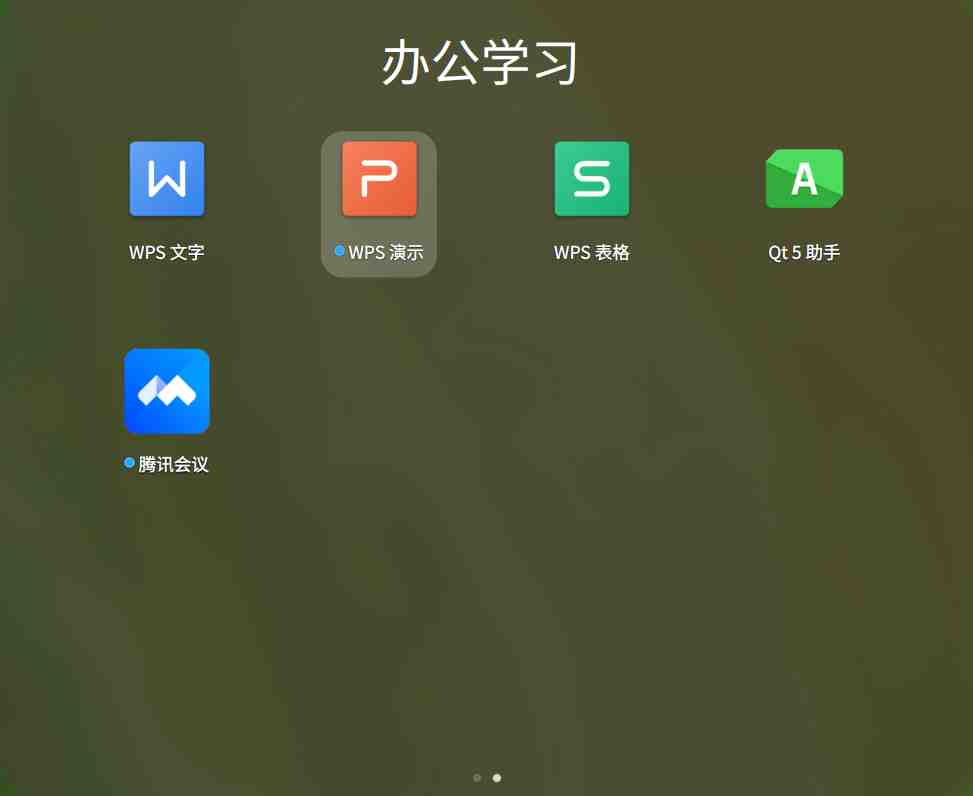
我将wemeet的categories属性先后改成“Network”与“Chat”(分别参考了qq与dingtalk),可腾讯会议在启动器中的位置仍然是“办公学习”
Name=WemeetApp
Name[zh_CN]=腾讯会议
Exec=/opt/apps/com.qq.wemeet/files/wemeetapp.sh %u
Icon=/opt/apps/com.qq.wemeet/entries/icons/hicolor/scalable/apps/wemeet.svg
Type=Application
Terminal=false
Categories=Chat;
MimeType=x-scheme-handler/wemeet;
 deepin
 还是希望后期能优化,支持拖拽分类
deepin 还是希望后期能优化,支持拖拽分类
V23都把全屏启动器的应用分类给砍了……
deepin 为什么要复制到~/.local/share/applications呢,不能直接在/usr/share/applications里面改吗
直接在/usr/share/applications里面改的话,会被更新覆盖掉,每次更新都要重新改。
deepin @xiekehui
我将wemeet的categories属性先后改成“Network”与“Chat”(分别参考了qq与dingtalk),可腾讯会议在启动器中的位置仍然是“办公学习”
Name=WemeetApp
Name[zh_CN]=腾讯会议
Exec=/opt/apps/com.qq.wemeet/files/wemeetapp.sh %u
Icon=/opt/apps/com.qq.wemeet/entries/icons/hicolor/scalable/apps/wemeet.svg
Type=Application
Terminal=false
Categories=Chat;
MimeType=x-scheme-handler/wemeet;
改完之后注销一下再进去看看。
deepin 改完之后注销一下再进去看看。
有注销的,还试过重启,都没有作用
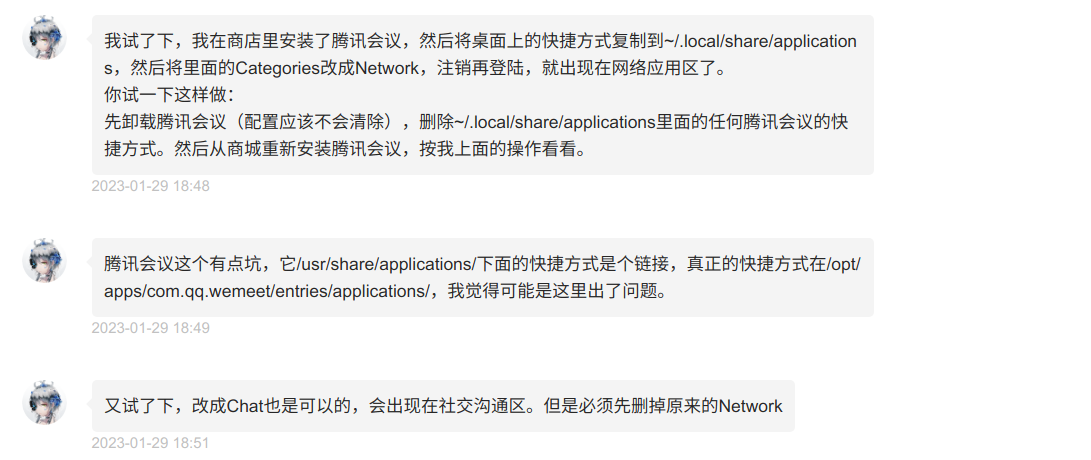
deepin 后续来了:在 @安洛的帮助下,我已成功将某软件从启动器的默认分区出择出。改良的操作步骤关键之处在于选择复制的.desktop文件出处,从/usr/share/applications/换用桌面的快捷方式(注:安洛也表示,这是该是个个例)
deepin 这个呢,其实是个不影响使用的BUG,以前出现过,提交后没了,这次又出现了,我想这个问题是软件本身的不规范造成的。
Popular Ranking
ChangePopular Events
More


 is Deepin 25 using OSTree?
能跨区域调整软件的位置吗