

 中文
中文 
吉吉如律令 deepin
2023-01-27 16:17 deepin 看readme.md文档是怎么说的
Reply Like 3 View the author
 deepin
 看readme.md文档是怎么说的

 deepin
 readme文档里会将如何编译文件的,照着里面做,可能需要翻译。

 deepin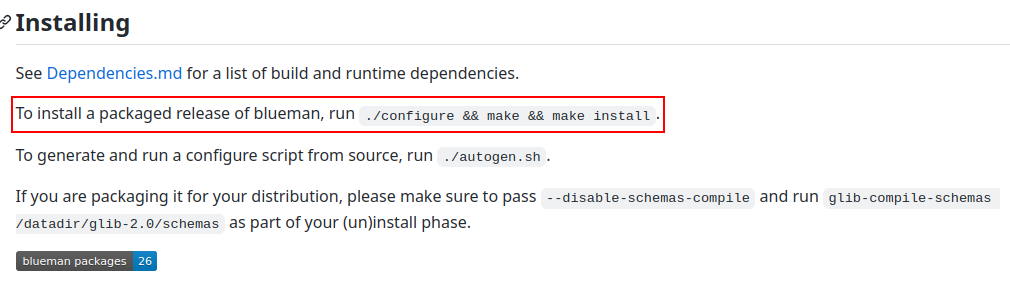
 deepin
 谢谢,有点难。。。我打了命令没反应诶,还是谢谢了。
deepin 你要好好看说明文档,要配置好开发环境。
一般开发文档里会说,编译需要哪些依赖库,要确保依赖库都正确安装了。不同语言编写的程序还要配置好语言环境,常见的vue,rust等等都需要配置,而且,在天朝大内网环境下,语言配置的坑还非常之多
只有当环境都配置好了,才能执行最后的./configure 和make工作。
deepin 我再试试。
我在安装glib(glib是需要的搭建依赖)时遇到问题(已经在解压缩出来的目录下了)
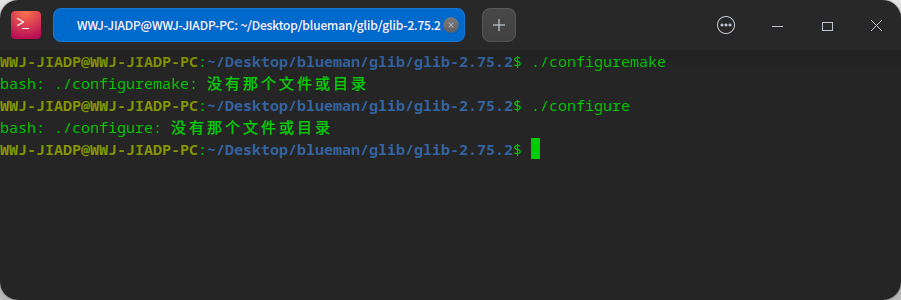
怎么办?
这是目录的截图
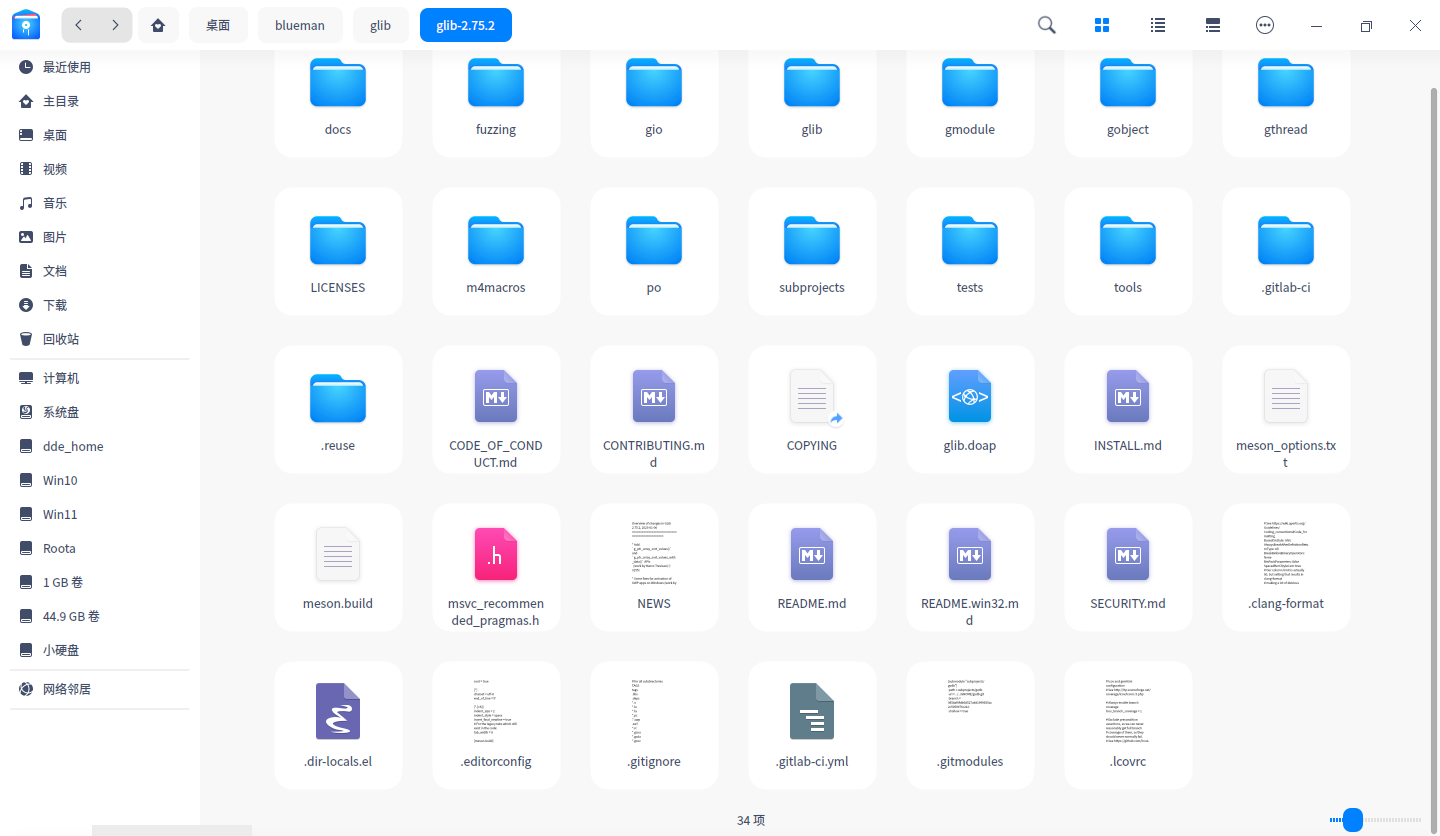
deepin README.md提示我看INSTALL.md,跟着步骤走终端打命令有反应了,glib貌似装好了。

 deepin
 dependencies.md里面的依赖全安装了吗?
deepin dependencies.md里面的依赖全安装了吗?
应该是装好了,但是现在打命令./autogen.sh是不是报错了?
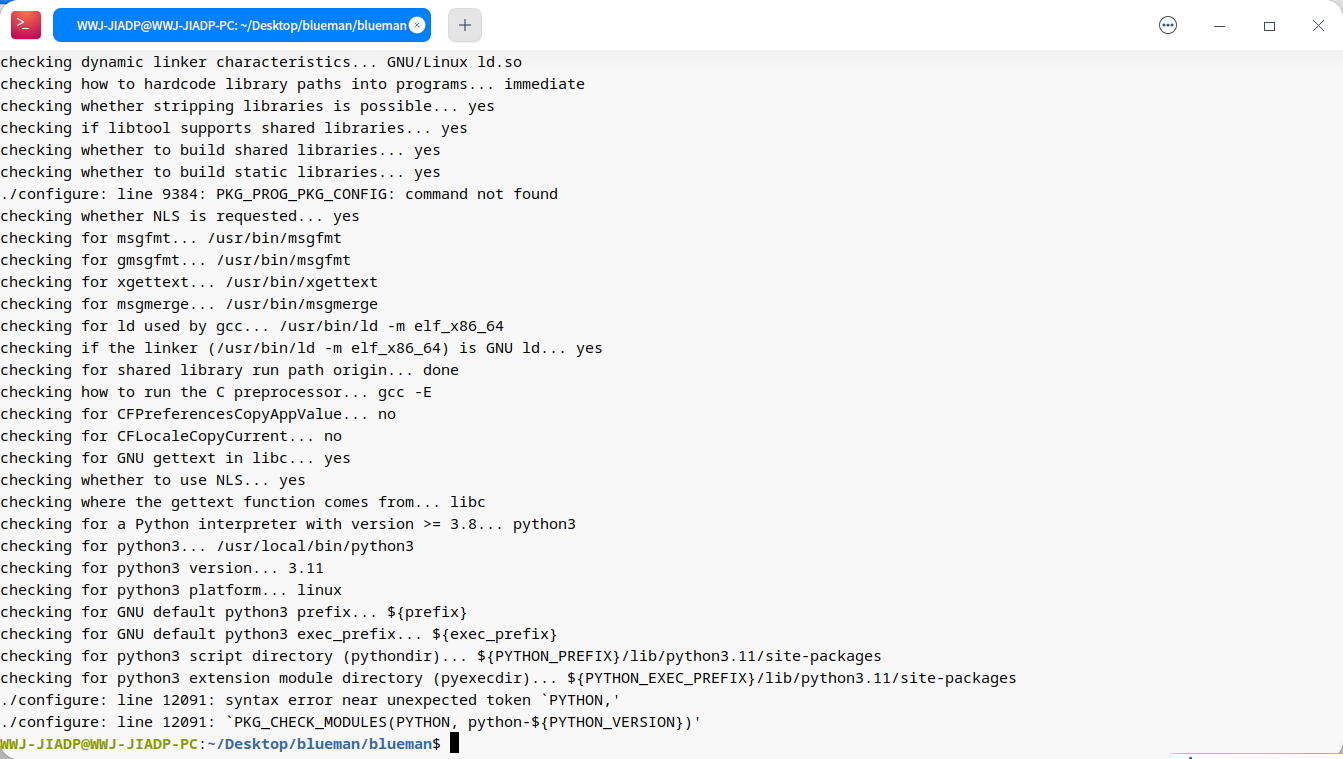
红框子里的依赖我应该都装好了
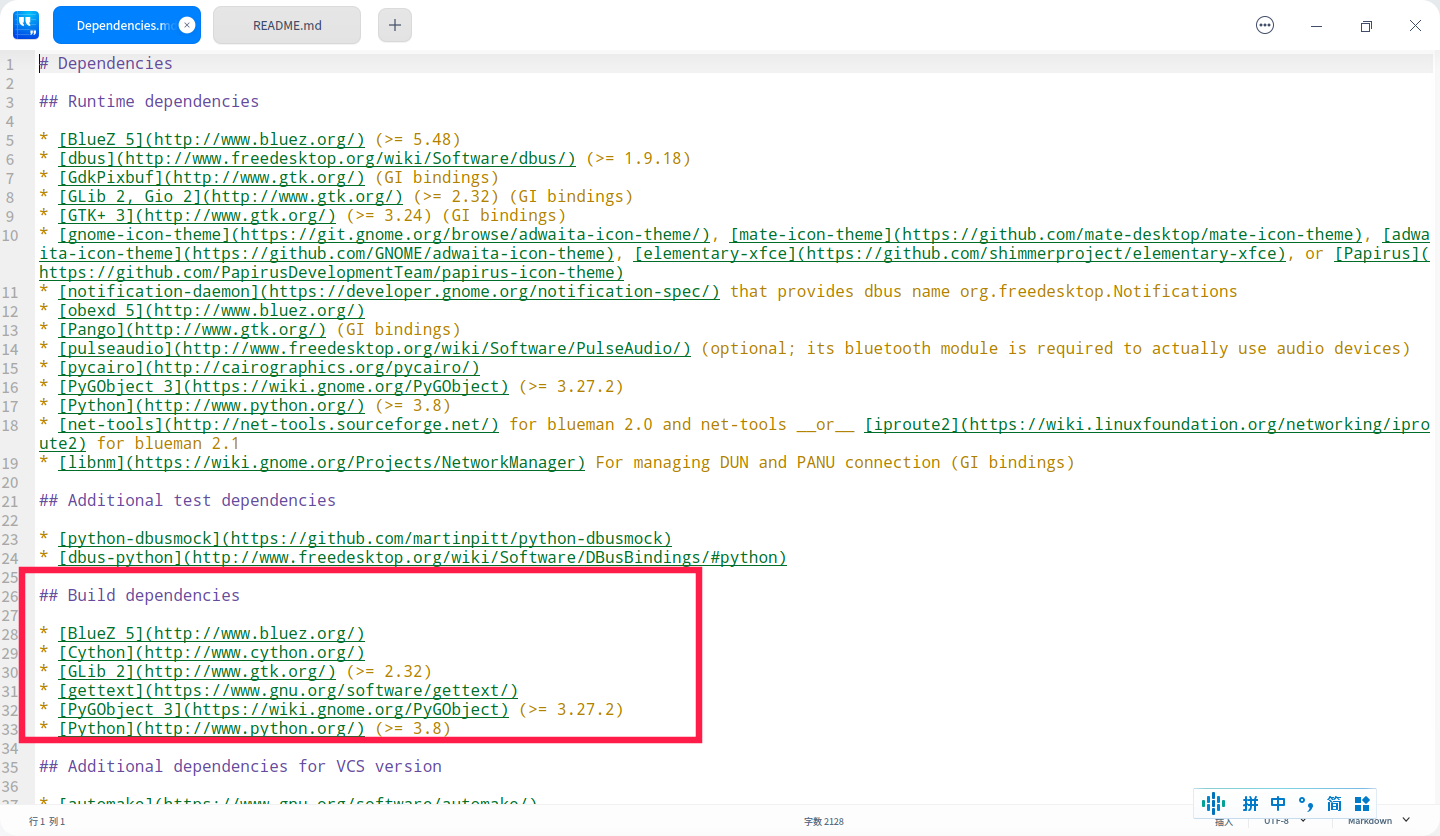
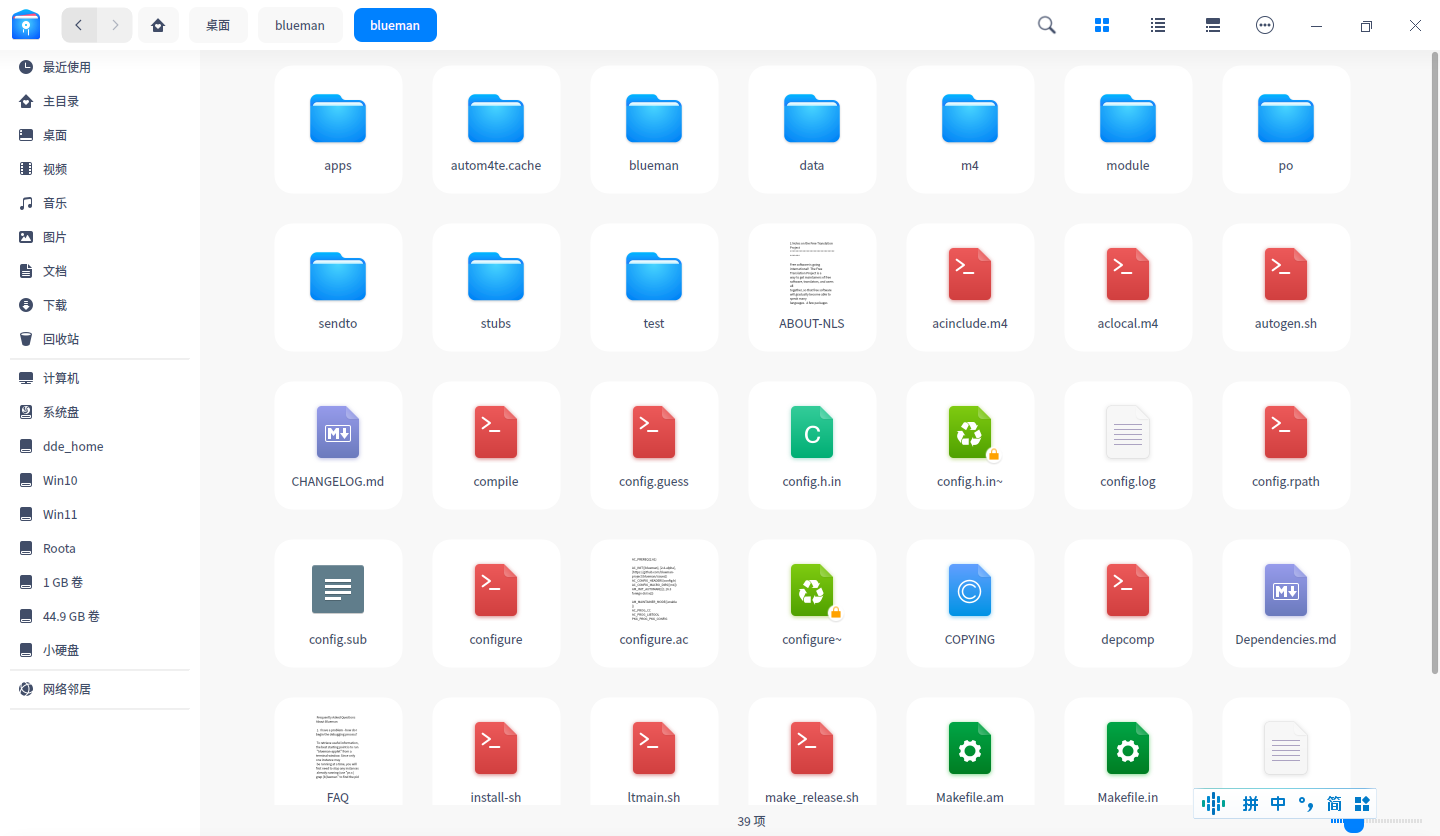
现在目录里是这情况
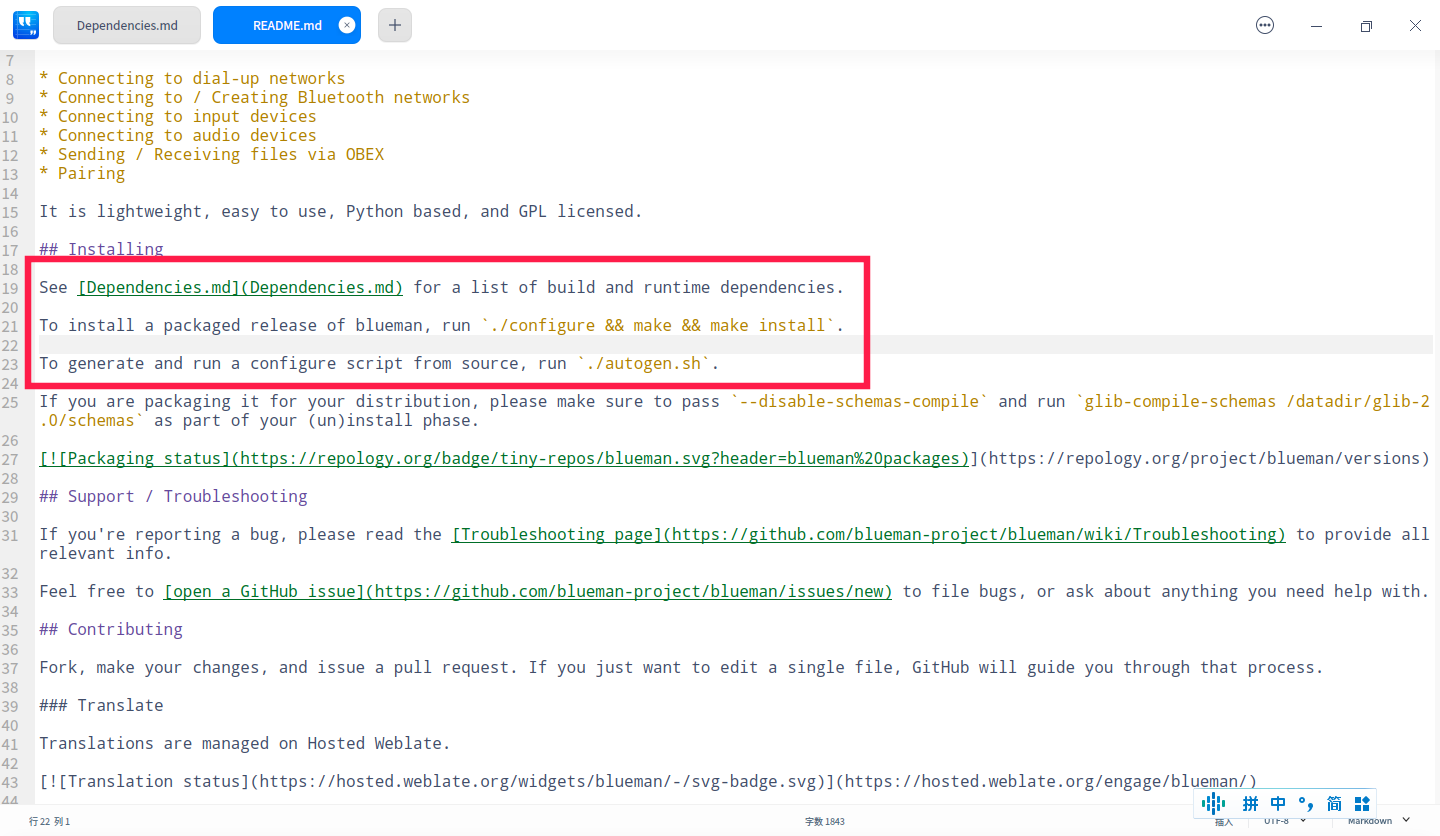
这是blueman说明,我在操作红框子里步骤
deepin 我现在重新下载了这个
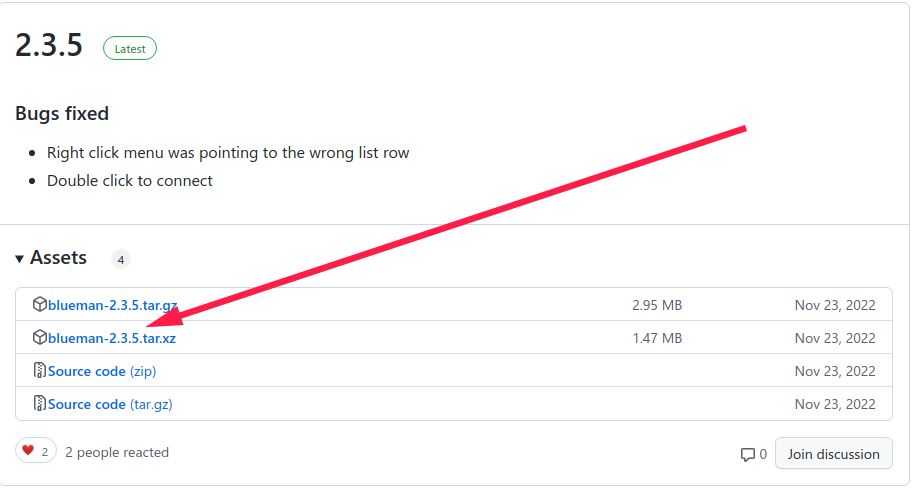
解压出来直接能./configure
解决了一点小问题现在./configure报错
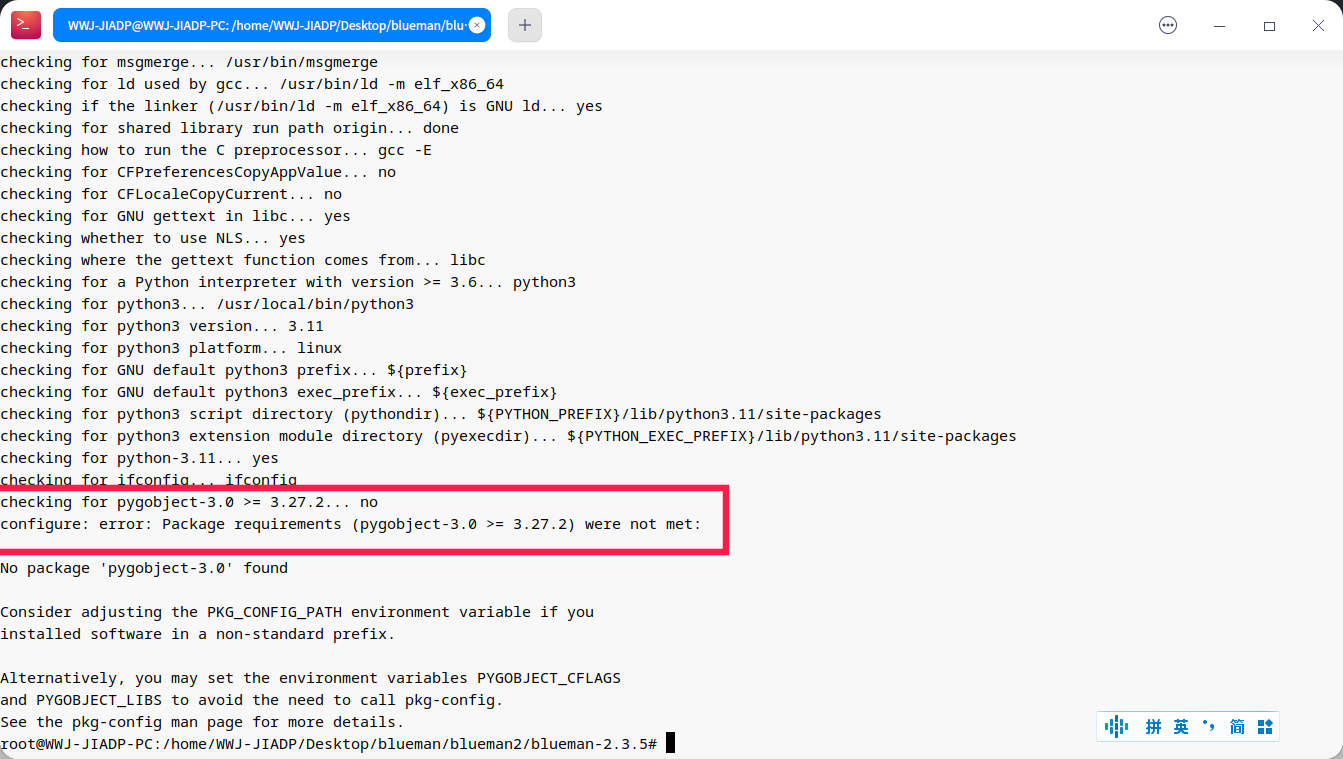
pygobject哪里有高点的版本?
我先去洗澡顺带等回复
deepin (base) WWJ-JIADP@WWJ-JIADP-PC:~/Desktop$ pip install PyGObject
Collecting PyGObject
Using cached PyGObject-3.42.2.tar.gz (719 kB)
Installing build dependencies ... error
error: subprocess-exited-with-error
× pip subprocess to install build dependencies did not run successfully.
│ exit code: 1
╰─> [43 lines of output]
Collecting setuptools
Using cached setuptools-66.1.1-py3-none-any.whl (1.3 MB)
Collecting wheel
Using cached wheel-0.38.4-py3-none-any.whl (36 kB)
Collecting pycairo
Using cached pycairo-1.23.0.tar.gz (344 kB)
Installing build dependencies: started
Installing build dependencies: finished with status 'done'
Getting requirements to build wheel: started
Getting requirements to build wheel: finished with status 'done'
Installing backend dependencies: started
Installing backend dependencies: finished with status 'done'
Building wheel for pycairo (pyproject.toml): started
Building wheel for pycairo (pyproject.toml): finished with status 'error'
error: subprocess-exited-with-error
    × Building wheel for pycairo (pyproject.toml) did not run successfully.
    │ exit code: 1
    ╰─> [15 lines of output]
        running bdist_wheel
        running build
        running build_py
        creating build
        creating build/lib.linux-x86_64-cpython-39
        creating build/lib.linux-x86_64-cpython-39/cairo
        copying cairo/__init__.py -> build/lib.linux-x86_64-cpython-39/cairo
        copying cairo/__init__.pyi -> build/lib.linux-x86_64-cpython-39/cairo
        copying cairo/py.typed -> build/lib.linux-x86_64-cpython-39/cairo
        running build_ext
        Package cairo was not found in the pkg-config search path.
        Perhaps you should add the directory containing `cairo.pc'
        to the PKG_CONFIG_PATH environment variable
        No package 'cairo' found
        Command '['pkg-config', '--print-errors', '--exists', 'cairo >= 1.15.10']' returned non-zero exit status 1.
        [end of output]

    note: This error originates from a subprocess, and is likely not a problem with pip.
    ERROR: Failed building wheel for pycairo
  Failed to build pycairo
  ERROR: Could not build wheels for pycairo, which is required to install pyproject.toml-based projects
  [end of output]
note: This error originates from a subprocess, and is likely not a problem with pip.
error: subprocess-exited-with-error
× pip subprocess to install build dependencies did not run successfully.
│ exit code: 1
╰─> See above for output.
note: This error originates from a subprocess, and is likely not a problem with pip.
(base) WWJ-JIADP@WWJ-JIADP-PC:~/Desktop$
哪里不对?
deepin 现在blueman目录下./configure
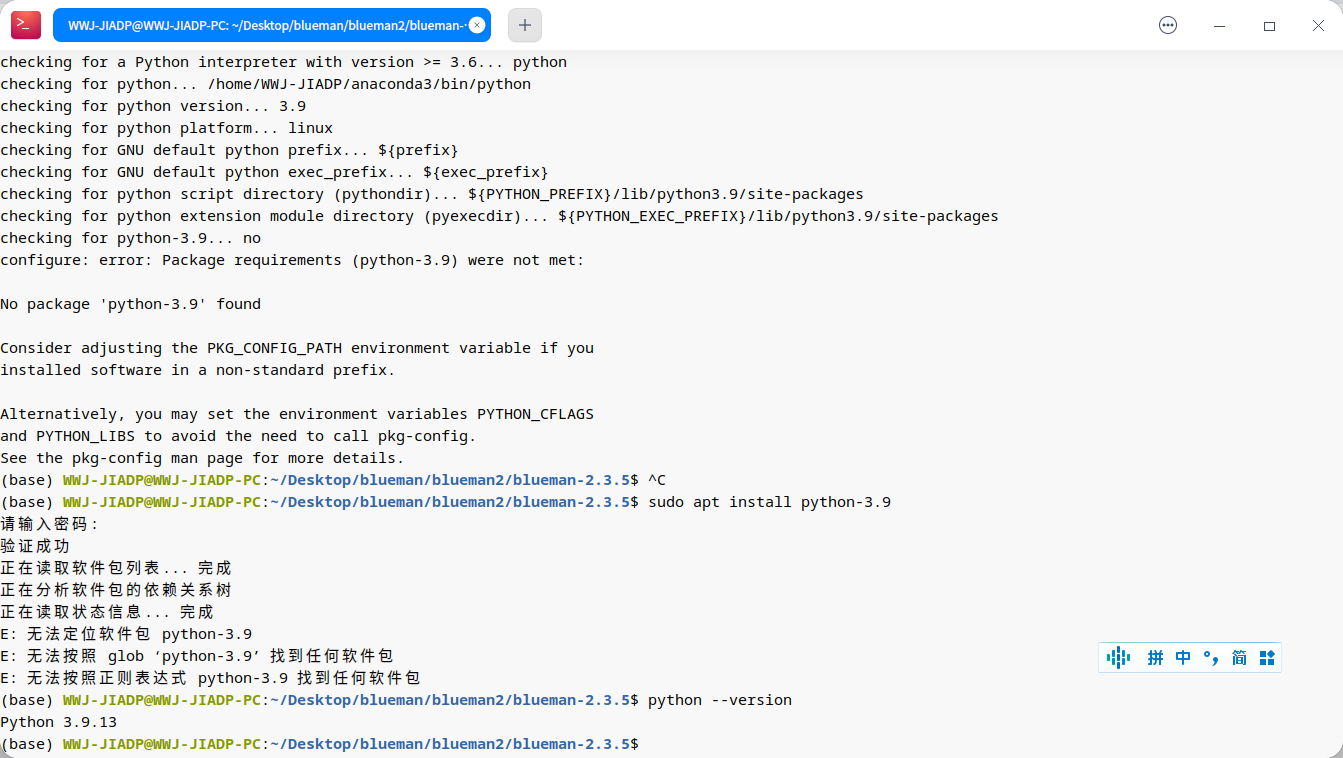
deepin 很难。。。
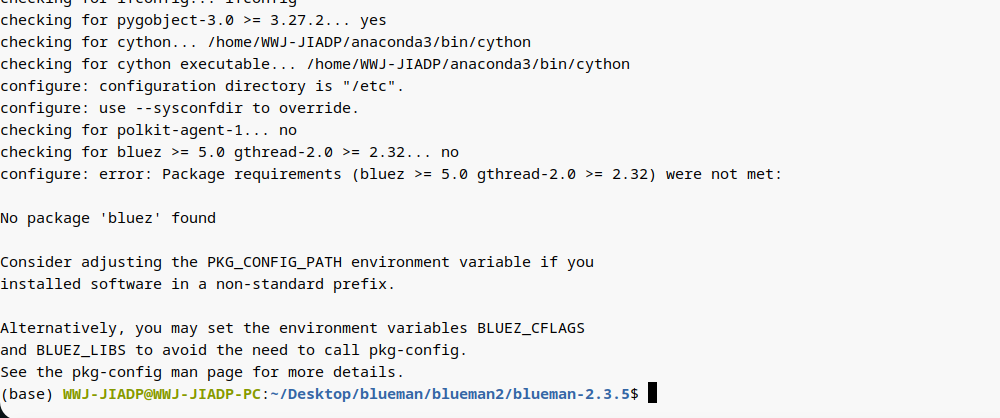
卡在这了。。。后来想了想试了试sudo apt install blueman,可以直接装诶。。。
还是感谢大家了!
deepin 错误是好了一个又来一个。。。
另外说下blueman是蓝牙管理器噢,可以和系统自带的蓝牙换着用。(碰到一些特殊情况的时候)
Popular Ranking
ChangePopular Events
More


 is Deepin 25 using OSTree?
我把blueman git clone下来了接下去该怎么办?(能变成一个双击运行的程序吗?)