[Seek Help] deepin 刚装好,分区大小分错了,如何修改?
Tofloor
poster avatar
月下独吟
deepin
2023-01-16 02:39
Author

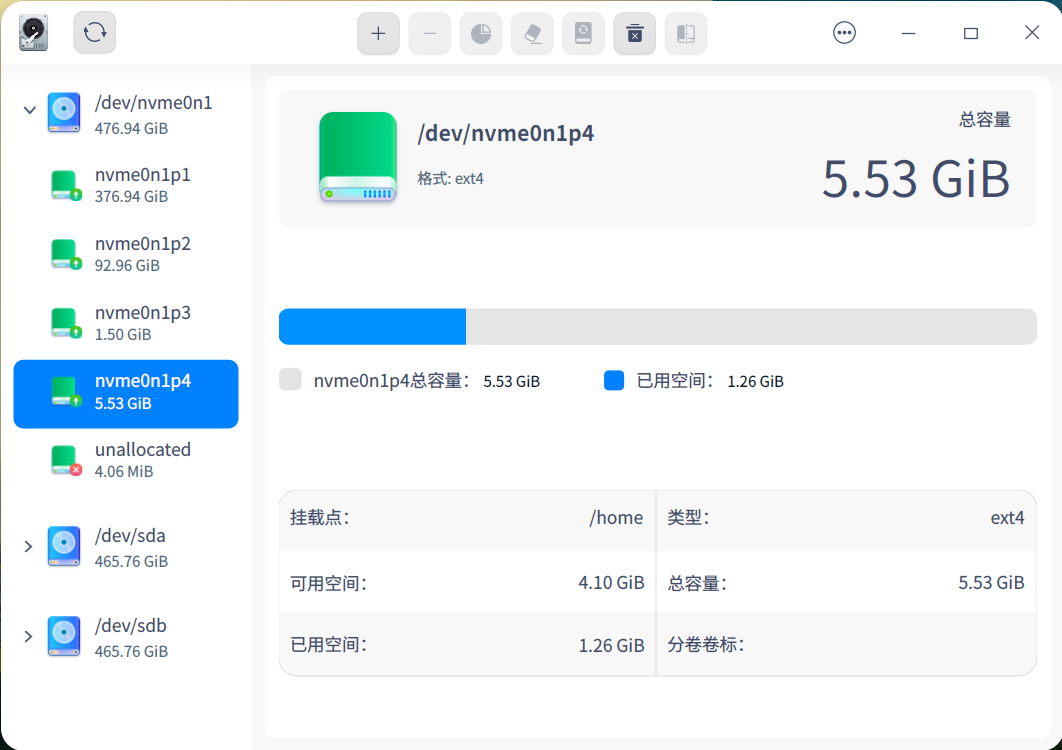
就分了5个G,怎么扩容?
截图_deepin-diskmanager_20230115183745.png

Reply Favorite View the author
All Replies
寂静的羽夏
deepin
2023-01-16 03:10
#1

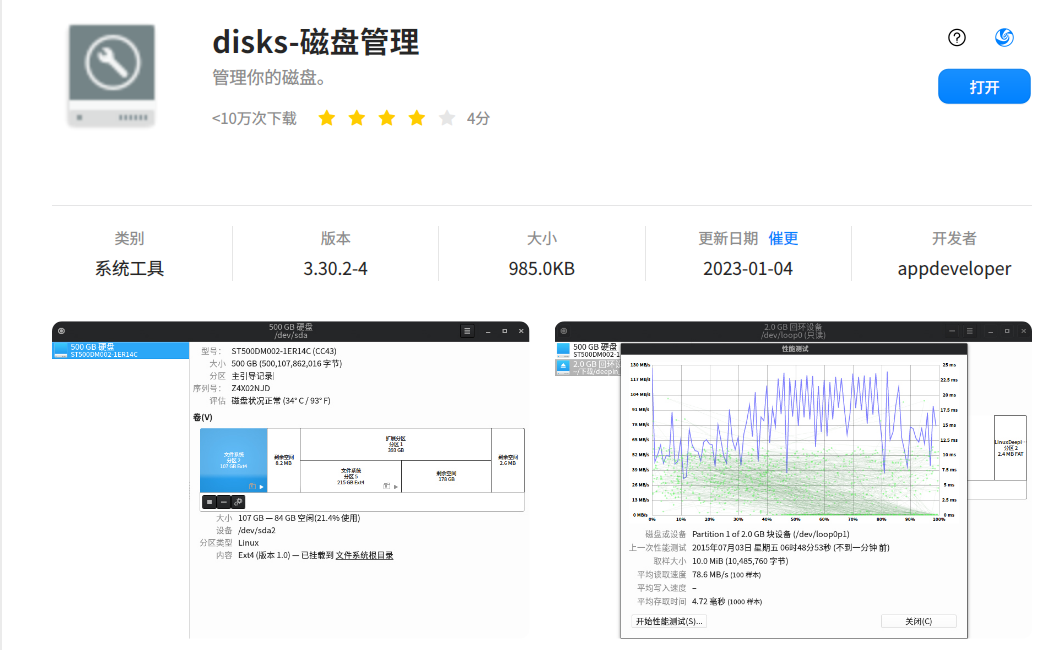
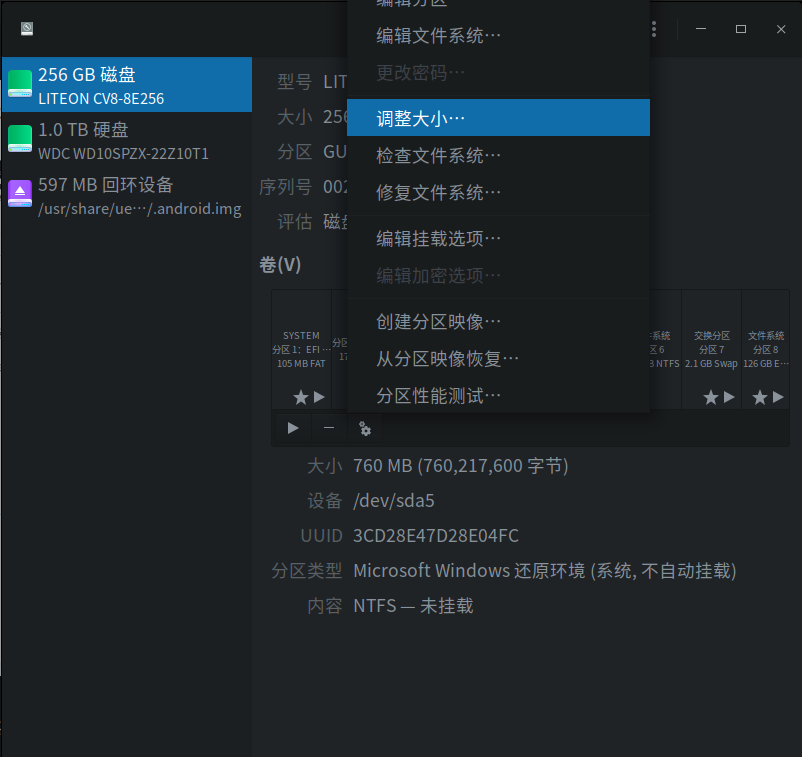
试试这个,这个更好用一些:
image.png

image.png

Reply View the author
辉夜
deepin
2023-01-16 03:10
#2

live cd下用分区工具

Reply View the author
月下独吟
deepin
2023-01-16 03:32
#3
寂静的羽夏

试试这个,这个更好用一些:
image.png

image.png

截图_gnome-disks_20230115193225.png

Reply View the author
月下独吟
deepin
2023-01-16 03:33
#4

live cd 是什么?

Reply View the author
寂静的羽夏
deepin
2023-01-16 03:35
#5
月下独吟

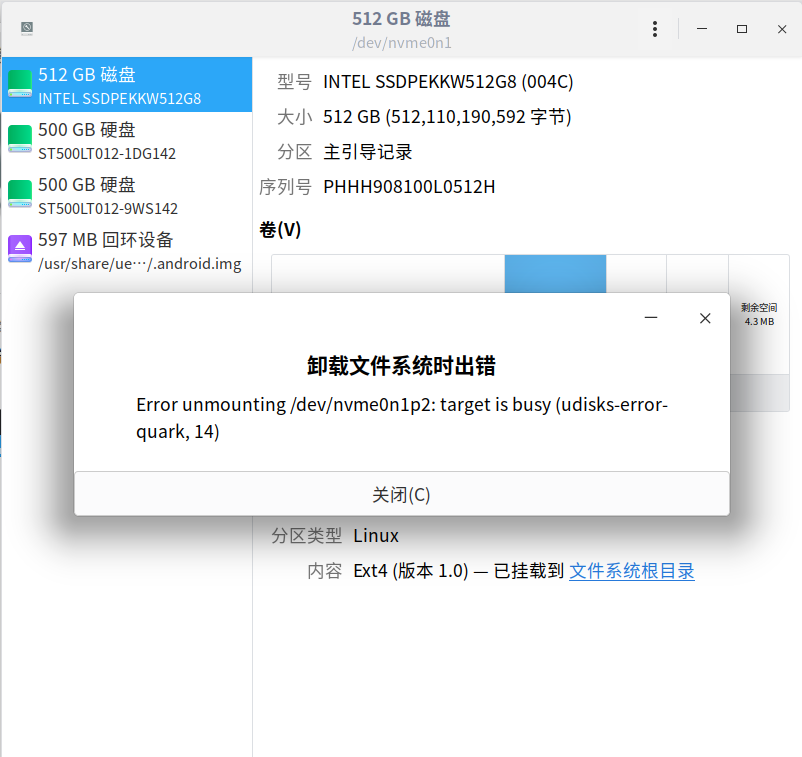
截图_gnome-disks_20230115193225.png

这个我没遇到过,抱歉没法给你提供解决方案,你可以尝试通过 liveCD 使用该软件进行调整(可以理解为进入 Win 的 PE系统使用 Diskpart)。

Reply View the author
Free_Aaron.Li
deepin
2023-01-16 04:03
#6

我一般出现这种问题,是进入win的PE系统使用DiskGenius进行修改分区大小。

我认为这个软件很好用

image.png

Reply View the author
月下独吟
deepin
2023-01-16 05:25
#7
Free_Aaron.Li

我一般出现这种问题,是进入win的PE系统使用DiskGenius进行修改分区大小。

我认为这个软件很好用

image.png

试过了 无法修改

Reply View the author
月下独吟
deepin
2023-01-16 05:26
#8
寂静的羽夏

这个我没遇到过,抱歉没法给你提供解决方案,你可以尝试通过 liveCD 使用该软件进行调整(可以理解为进入 Win 的 PE系统使用 Diskpart)。

可以压缩分区,但是不能扩容分区,重做系统已解决

Reply View the author
水木火
deepin
2023-01-16 06:17
#9

才装好的话,其实重装最方便,用live cd调来调去也挺麻烦,弄不好还要改fstab

Reply View the author
蔡EEPIN
deepin
2023-01-16 06:38
#10

现在装系统只用btrfs,无痛缩扩容+快照是真舒服

Reply View the author
晚秋(lateautumn)
Moderator
2023-01-16 06:58
#11

调整半天,有时候还不如重装快呢joy

Reply View the author
pzm9012
Moderator
2023-01-16 17:17
#12
月下独吟

截图_gnome-disks_20230115193225.png

照着我的这篇帖子,使用装有deepin镜像或第三方live cd的U盘进入live系统,再做调整

https://bbs.deepin.org/post/246591

Reply View the author
pzm9012
Moderator
2023-01-16 17:18
#13
Free_Aaron.Li

我一般出现这种问题,是进入win的PE系统使用DiskGenius进行修改分区大小。

我认为这个软件很好用

image.png

最好还是别用Win下的分区软件操作Linux分区,很容易出问题

Reply View the author
babyfengfjx
Super Moderator
CQA
2023-01-16 17:33
#14

试试这个:https://bbs.deepin.org/zh/post/237402

Reply View the author
leo
deepin
2023-01-16 18:24
#15

重装最好,我也遇到过这个问题,无解

Reply View the author
海水
deepin
2023-01-17 06:39
#16
蔡EEPIN

现在装系统只用btrfs,无痛缩扩容+快照是真舒服

安装程序不支持btrfs分区吧,只能先装到临时的地方,再把系统迁移到btrfs分区中。

不过btrfs分区确实舒服,一定要把系统迁移到子卷中,snap是个挺爽的东西,感觉以后系统不会被玩儿坏了。

Reply View the author