

 中文
中文 
deepinuser17 deepin
2023-01-06 08:48 deepin 具体案例见:
https://bbs.deepin.org/post/248075
回复#3 和 #4
Reply Like 0 View the author
 deepin
 具体案例见:
https://bbs.deepin.org/post/248075
回复#3 和 #4
deepin 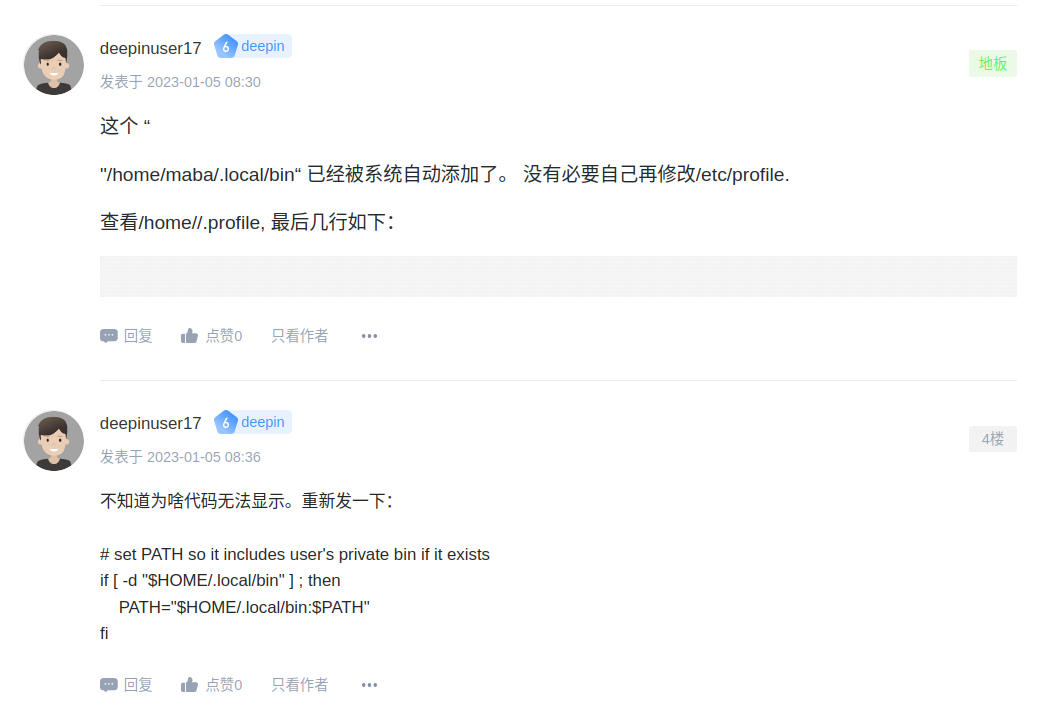

 deepin
 # set PATH so it includes user's private bin if it exists
if [ -d "$HOME/.local/bin" ] ; then
PATH="$HOME/.local/bin:$PATH"
fi
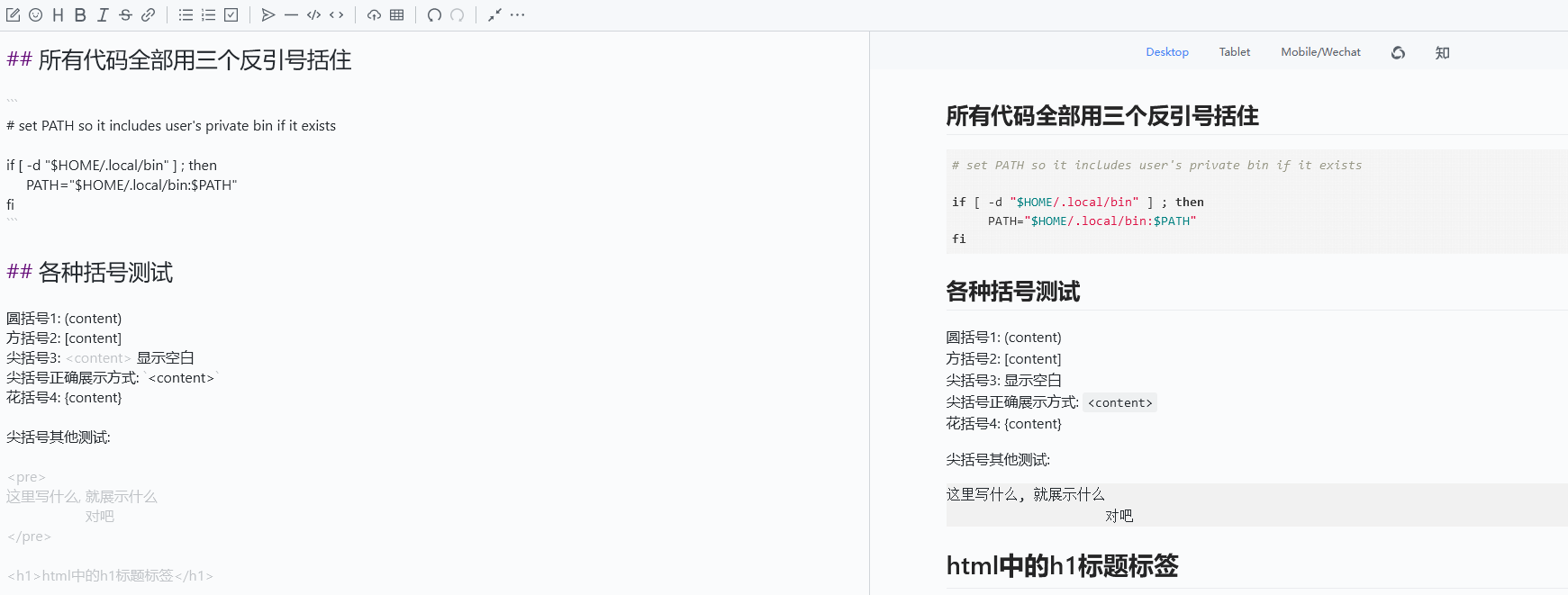
圆括号1: (content)
方括号2: [content]
尖括号3: 显示空白
尖括号正确展示方式:
花括号4: {content}
尖括号其他测试:
这里写什么, 就展示什么
对吧
MarkDown编辑器会解析井号为段落,圆括号加方括号为链接, 等.
尖括号可以理解为插件没有处理, 浏览器自动解析的结果


编辑器用的是所见即所得模式吗?
# set PATH so it includes user's private bin if it exists

if [ -d "$HOME/.local/bin" ] ; then
     PATH="$HOME/.local/bin:$PATH"
fi
我试着使用插入代码块功能,是正常的

deepin 再试试。
还是不行。 5楼的回帖。
# set PATH so it includes user's private bin if it exists
if [ -d "$HOME/bin" ] ; then
    PATH="$HOME/bin:$PATH"
fi
**6楼 ** 成功了
# set PATH so it includes user's private bin if it exists
if [ -d "$HOME/bin" ] ; then
    PATH="$HOME/bin:$PATH"
fi
Popular Ranking
ChangePopular Events
More


 is Deepin 25 using OSTree?
问题: 使用Markdown编辑器创建的帖子,编辑的帖子不显示括号内的文字,不显示拷贝的代码
重复率: 100%
如何重复:
使用Markdown编辑器,编写新的帖文,或是修改帖文。 在帖文里拷贝复制一段代码。 该段代码不能显示。 或者用括号<>. 括号内的文字也无法显示
系统信息: Deepin 20.8, 火狐108.0.1英文版