

 中文
中文 
璀璨星空 deepin
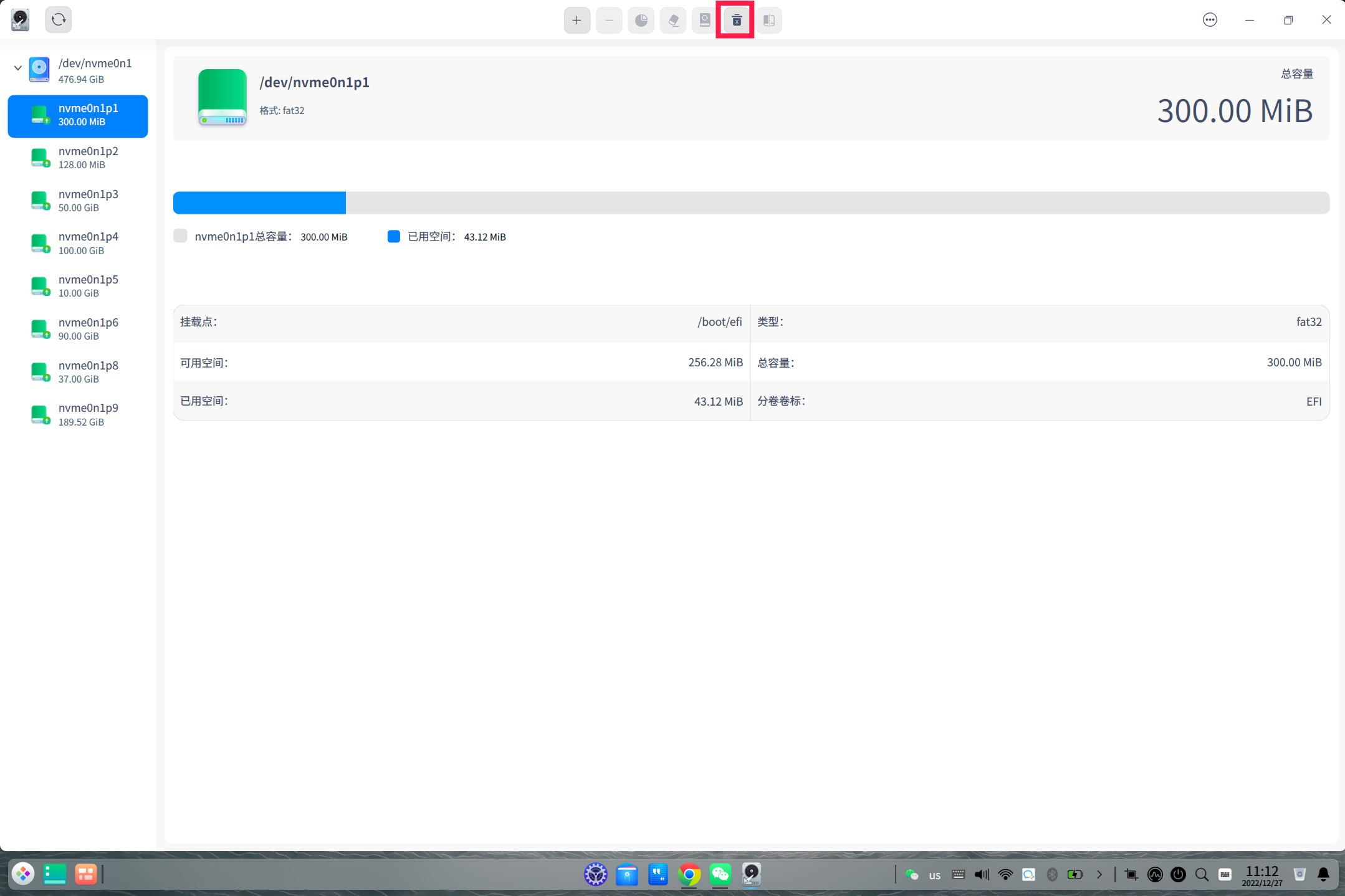
2022-12-27 18:26 deepin 从磁盘管理器里卸载就行,然后从文件管理器里将自动挂载关掉,卸载时别点成格式化了那就完蛋了
Reply Like 0 View the author
 deepin
 从磁盘管理器里卸载就行,然后从文件管理器里将自动挂载关掉,卸载时别点成格式化了那就完蛋了

 deepin
 sudo vim /etc/udev/rules.d/80-udisks2.rules
添加以下内容
ENV{ID_FS_UUID}=="XXXX", ENV{UDISKS_IGNORE}="1"
注意:把上面的XXXX换成要隐藏的分区uuid,如隐藏多个分区,每个分区一行。保存重启生效。
lsblk -f 或blkid 可查看分区uuid


 deepin
 磁盘管理的卸载按钮是灰色的。不能操作。
设备管理器,没有右键菜单。
至于代码!
各方面的感觉,离win系统差距还是很大的。

 deepin
 磁盘管理的卸载按钮是灰色的。不能操作。
这个先选中正确的驱动器,就可以操作的。

 deepin
 二楼说的是最靠谱的方式,不影响磁盘本身。而且操作也不复杂。
deepin 我的文凭还达不到使用Linux的级别。使用Windows系统还凑乎。
Popular Ranking
ChangePopular Events
More


 is Deepin 25 using OSTree?
由于使用双系统。开机以后总有一个多余的系统盘。这里又不能操作。想隐藏掉。