

 中文
中文 
ZHZ deepin
2021-07-12 03:50 deepin 试试看可不可以按Ctrl+Alt+F2进入一个模式,在那可以用命令行登录系统,之后执行sudo apt dist-upgrade命令更新系统,reboot命令重启可能就正常了。我之前两次不同情况导致无法进系统的问题都这样解决了
Reply Like 0 View the author
 deepin
 试试看可不可以按Ctrl+Alt+F2进入一个模式,在那可以用命令行登录系统,之后执行sudo apt dist-upgrade命令更新系统,reboot命令重启可能就正常了。我之前两次不同情况导致无法进系统的问题都这样解决了
deepin 试试看可不可以按Ctrl+Alt+F2进入一个模式,在那可以用命令行登录系统,之后执行sudo apt dist-upgrade命令更新系统,reboot命令重启可能就正常了。我之前两次不同情况导致无法进系统的问题都这样解决了
在dist-upgrade之前可能还要先执行一下update,更新一下源
 deepin deepin
 在dist-upgrade之前可能还要先执行一下update,更新一下源
执行后不报ACPI错误了,但是卡在下面这个届面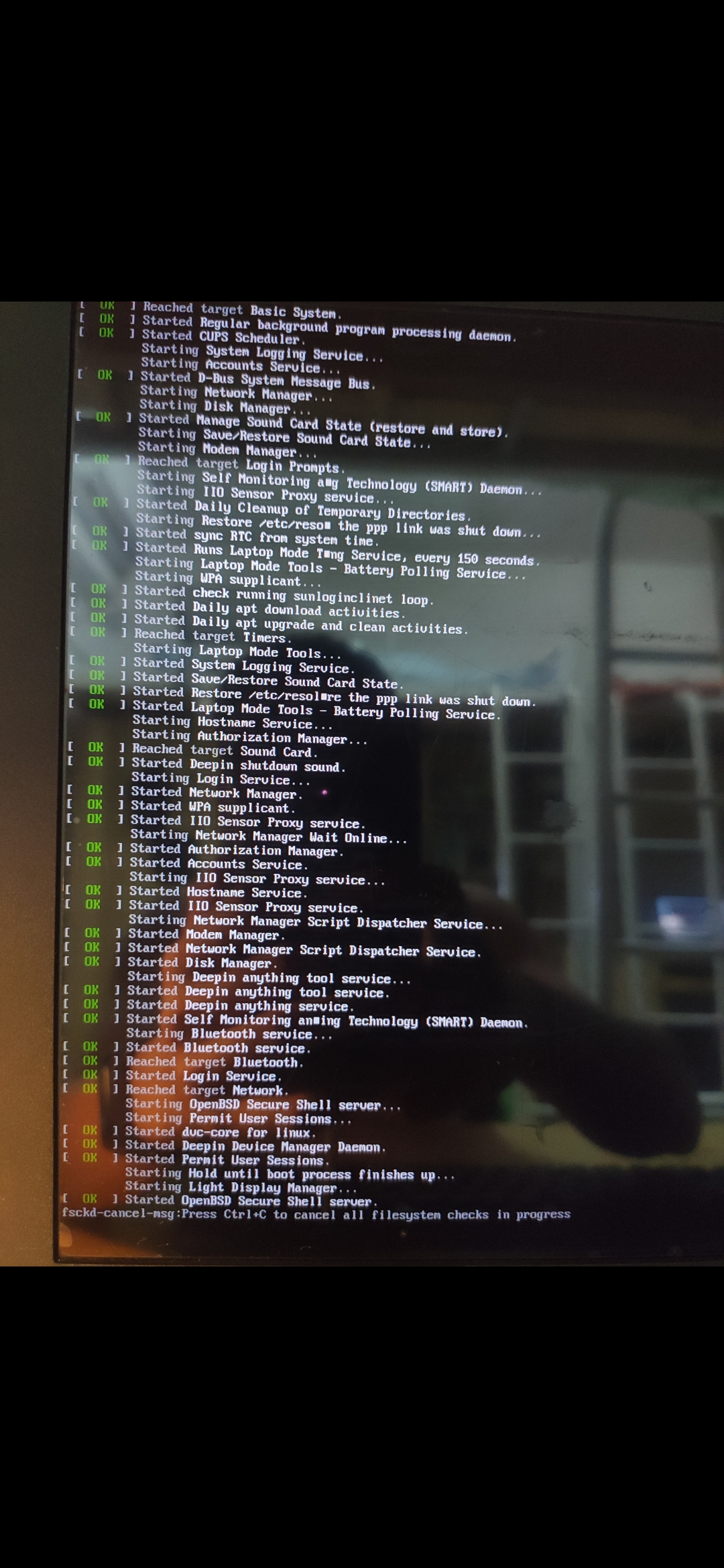
deepin 再次重启报错如下,bluetooth hcio unexpected event for opcode 0xfc2f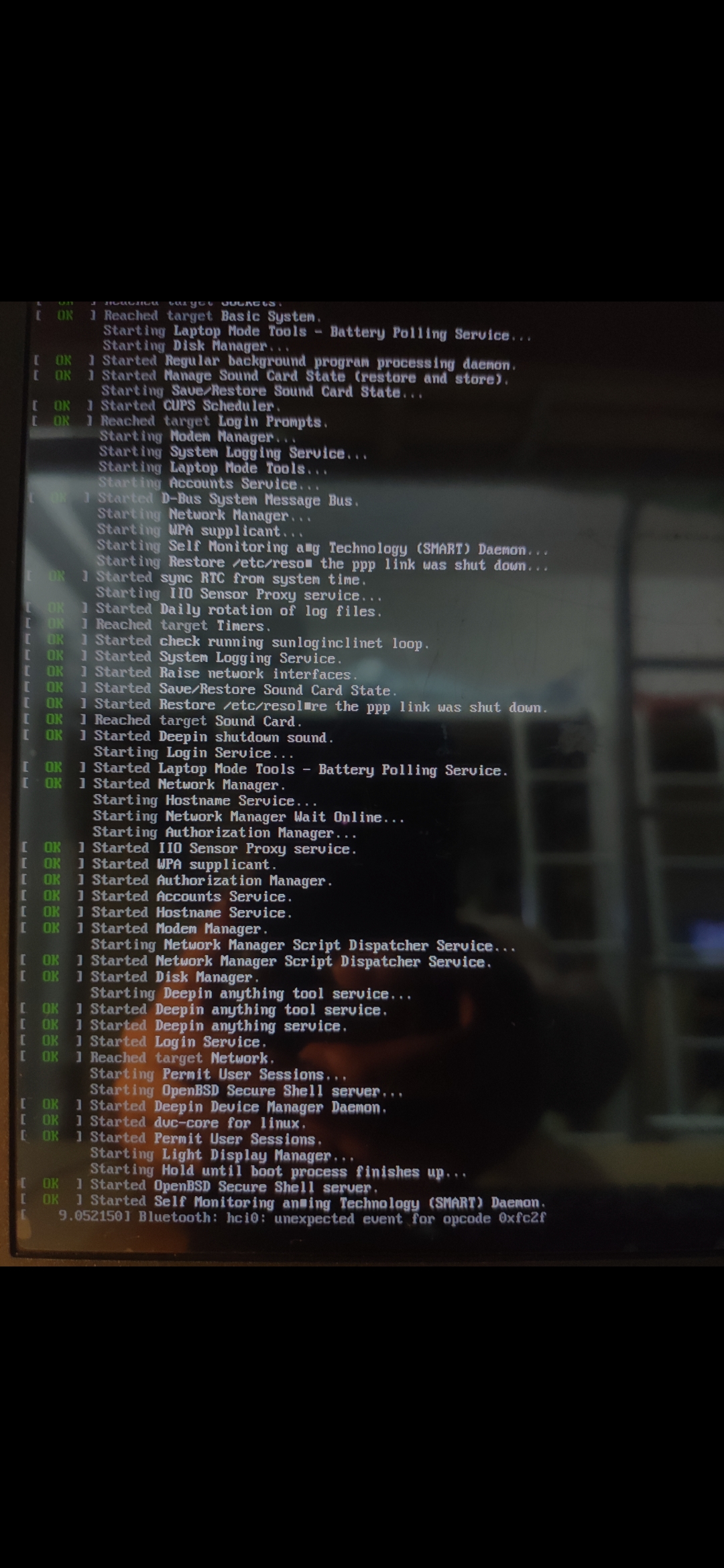
deepin 问题解决了:
1、在grup选择界面按E,进入一个界面,在quiet splash 打个空格,加入“nouveau.modeset=0”,空格不要,按地F10重启
2、如果进入不了系统,按ctrl+alt+F2,输入账号名和密码,执行sudo apt update , 再执行 sudo apt full-upgrade
3、执行 reboot,重启
Popular Events
More


 The settings menu needs to be translated into Russian.
在终端更新系统,卡在图2,半个月了,无法进入系统,安全启动已关闭,救救孩子,不想重装
笔记本,惠普暗影精灵2pro,i5 +1050