

 中文
中文 

 deepin
 woolgather@woolgather-PC:~/Desktop$ apt list --upgradable
正在列表... 完成
deepin-home-appstore-daemon/未知 7.0.0.00621-1 amd64 [可从该版本升级:7.0.0.0062-1]
deepin-reader/未知 5.9.6-1 amd64 [可从该版本升级:5.9.0.23-1]
ghostscript/未知 9.27~dfsg.3-1+dde amd64 [可从该版本升级:9.27~dfsg.2-1+dde]
libgs9-common/未知,未知 9.27~dfsg.3-1+dde all [可从该版本升级:9.27~dfsg.2-1+dde]
libgs9/未知 9.27~dfsg.3-1+dde amd64 [可从该版本升级:9.27~dfsg.2-1+dde]
libvlc5/未知 3.0.11.2-1 amd64 [可从该版本升级:3.0.11.1-1+eagle]
libvlccore9/未知 3.0.11.2-1 amd64 [可从该版本升级:3.0.11.1-1+eagle]
linux-headers-deepin-stable-amd64/未知 5.12.14-1 amd64 [可从该版本升级:5.12.9-1]
linux-image-deepin-stable-amd64/未知 5.12.14-1 amd64 [可从该版本升级:5.12.9-1]
linux-libc-dev/未知 5.12.14-amd64-desktop-1 amd64 [可从该版本升级:5.10.36-amd64-desktop-1]
vlc-data/未知,未知 3.0.11.2-1 all [可从该版本升级:3.0.11.1-1+eagle]
vlc-plugin-base/未知 3.0.11.2-1 amd64 [可从该版本升级:3.0.11.1-1+eagle]
vlc-plugin-video-output/未知 3.0.11.2-1 amd64 [可从该版本升级:3.0.11.1-1+eagle]
woolgather@woolgather-PC:~/Desktop$
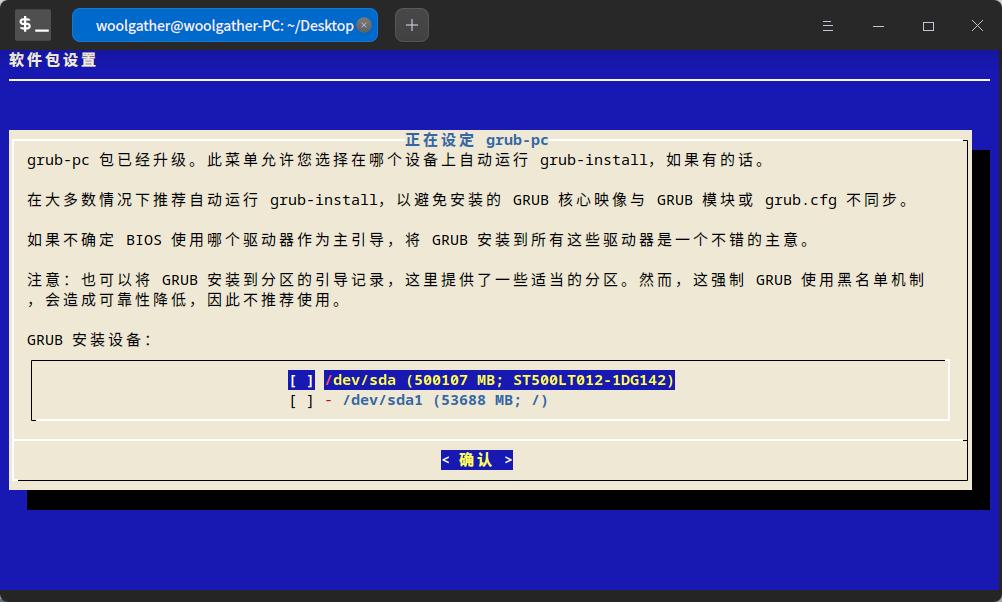





 The settings menu needs to be translated into Russian.


woolgather@woolgather-PC:~/Desktop$ sudo apt update && sudo apt dist-upgrade
请输入密码:
验证成功
命中:1 https://community-packages.deepin.com/deepin apricot InRelease
命中:2 https://community-packages.deepin.com/printer eagle InRelease
命中:3 https://home-store-img.uniontech.com/appstore eagle InRelease
sh: 1: /usr/bin/deepin-app-store-pkgcache: not found
正在读取软件包列表... 完成
正在分析软件包的依赖关系树
正在读取状态信息... 完成
有 13 个软件包可以升级。请执行 ‘apt list --upgradable’ 来查看它们。
E: dpkg 被中断,您必须手工运行 ‘sudo dpkg --configure -a’ 解决此问题。
woolgather@woolgather-PC:~/Desktop$