

 中文
中文 
handsome200001 deepin
2021-07-01 22:30 deepin 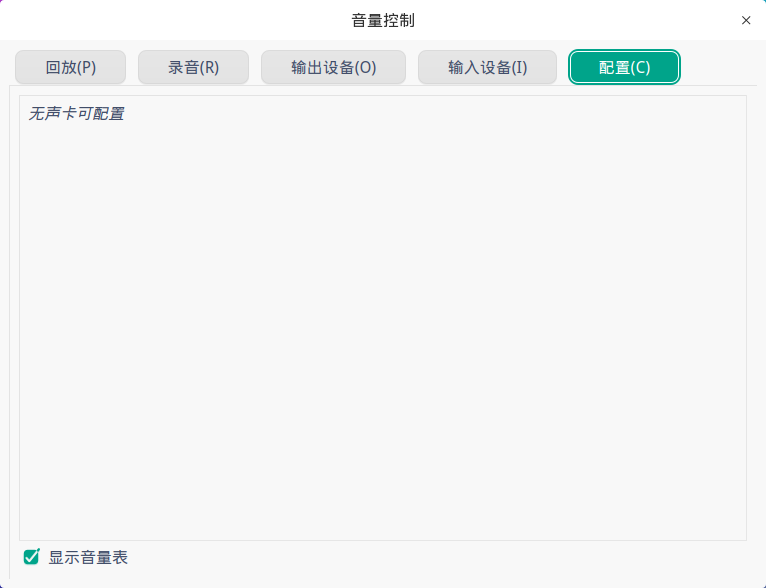
Reply Like 0 View the author
 deepin
deepin 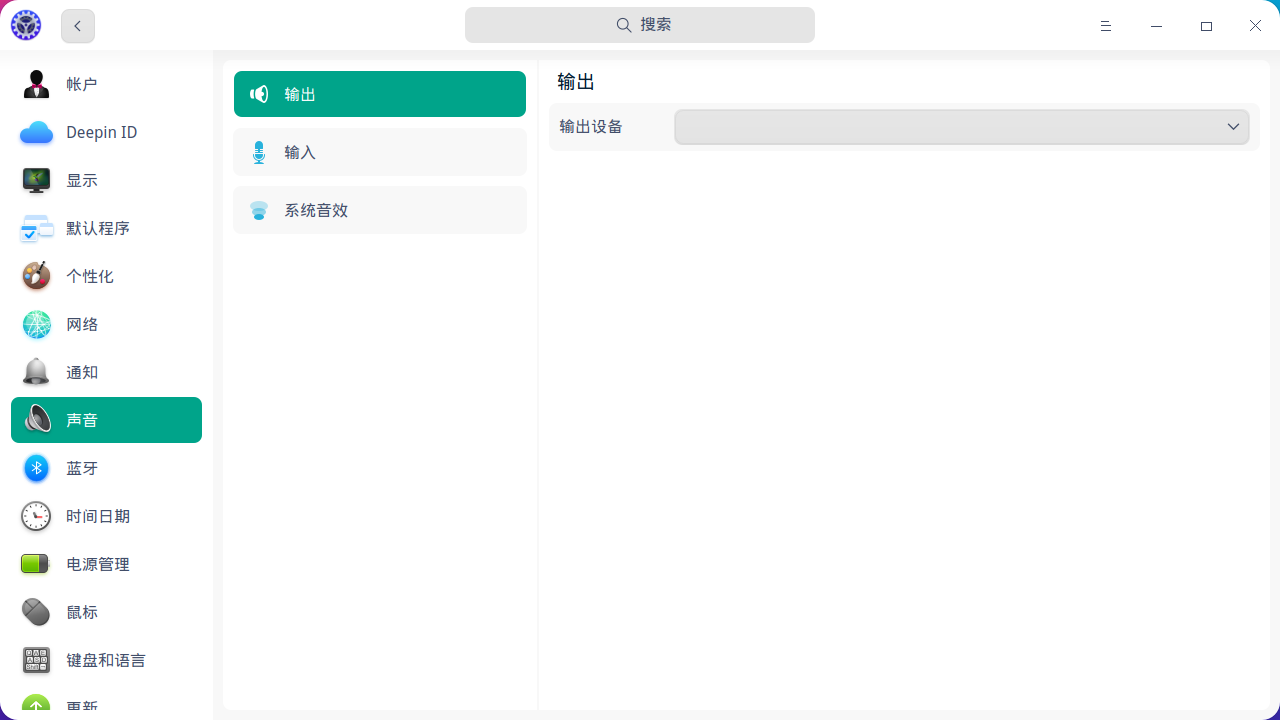

 deepin
 首先建议楼主打开设备管理器这个软件把电脑信息右键复制上来,让大家看看
给楼主2个方案试试
1)换一个内核,开机选择5.10.x
2)安装一下ubuntu编译的内核,
deepin 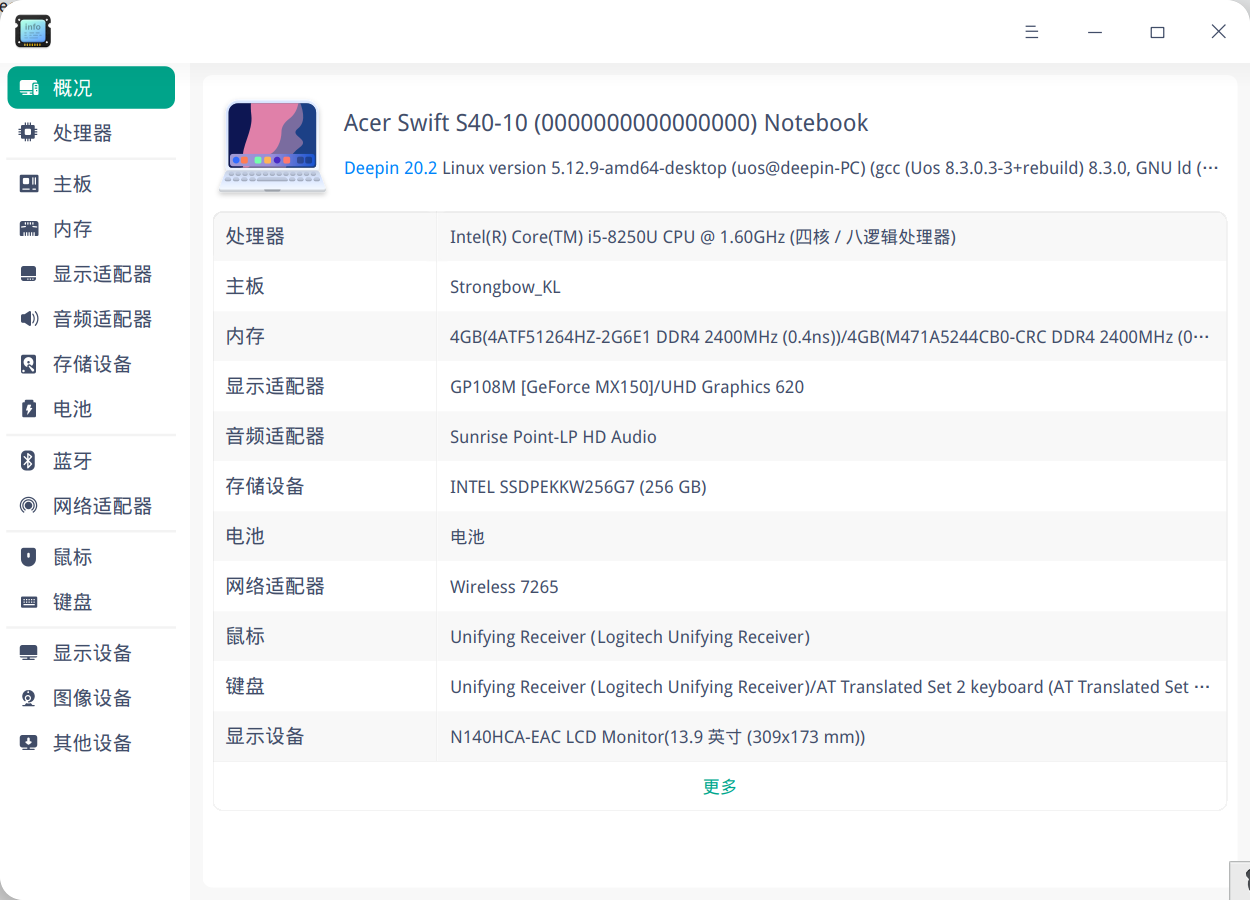
deepin 首先建议楼主打开设备管理器这个软件把电脑信息右键复制上来,让大家看看
给楼主2个方案试试
1)换一个内核,开机选择5.10.x
2)安装一下ubuntu编译的内核,
谢谢
deepin 我在网上搜索了一下,你这款声卡5.2以后的内核都是支持的
这里有一个帖子,上面有一个解决方案,如果你懂英语的话,按着做应该就能搞定:
deepin 我在网上搜索了一下,你这款声卡5.2以后的内核都是支持的
这里有一个帖子,上面有一个解决方案,如果你懂英语的话,按着做应该就能搞定:
谢谢,用心了,出声恢复正常,但是麦克风录音还是不行
deepin 谢谢,用心了,出声恢复正常,但是麦克风录音还是不行
麦克风录音属于音频输入设备,你先搞清楚音频输入设备型号,然后在bing.com搜索一下linux 和 你的音频输入设备型号,应该就会一些帖子,再看一下有没有解决方案
deepin 谢谢,用心了,出声恢复正常,但是麦克风录音还是不行
楼主怎么解决的?
deepin http://alsa-project.org/db/?f=910aa0ca1d1a37c1a8840b230fcff37385ae40fe
上面这是我电脑的信息,有人知道我这个怎么处理吗?同志们,江湖救急!!!!
Popular Events
More


 The settings menu needs to be translated into Russian.
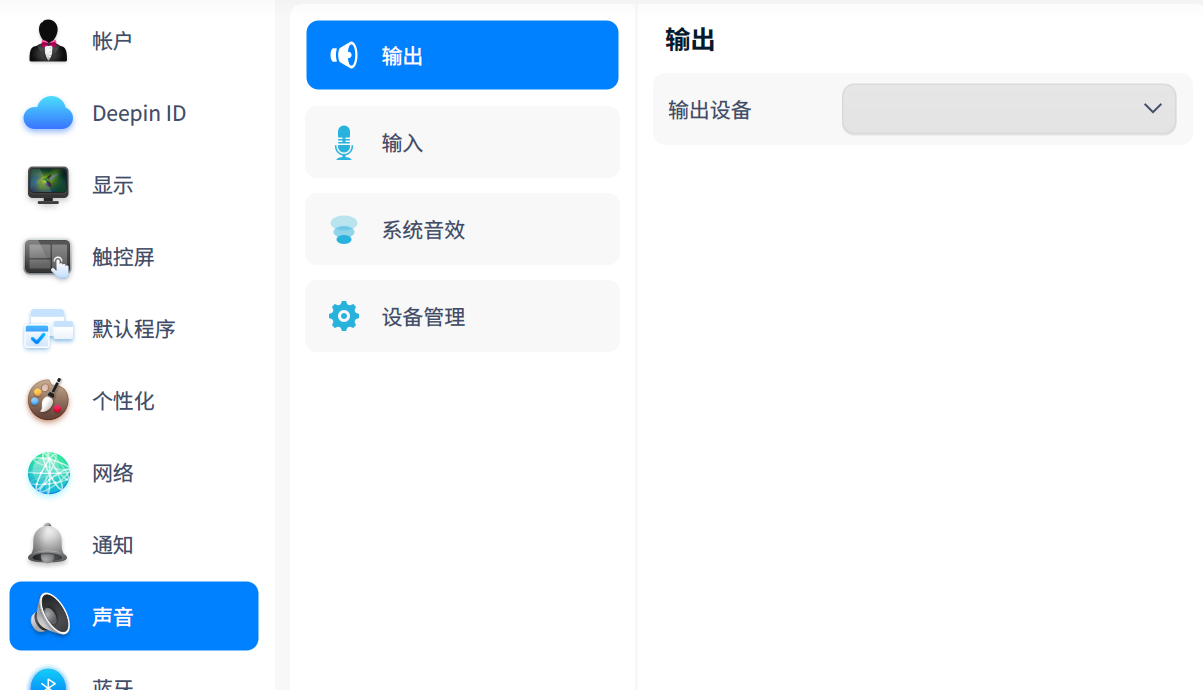
今天刚全局安装deepin20.2.2,升级内核成5.12.9,没有声音,直接找不到声卡,各位大佬给个解决方法吧