

 中文
中文 
zanyrain deepin
2021-05-19 20:48 deepin 12.2.1 上古版本?
Reply Like 0 View the author
 deepin
 12.2.1 上古版本?

 deepin
 12.2.1 上古版本?
写错了,是20.2.1

 deepin deepin
 按照您的意思我尝试过了,还是同样的错误。我把所有的内容都拍照了。放在下面的帖子里。
deepin 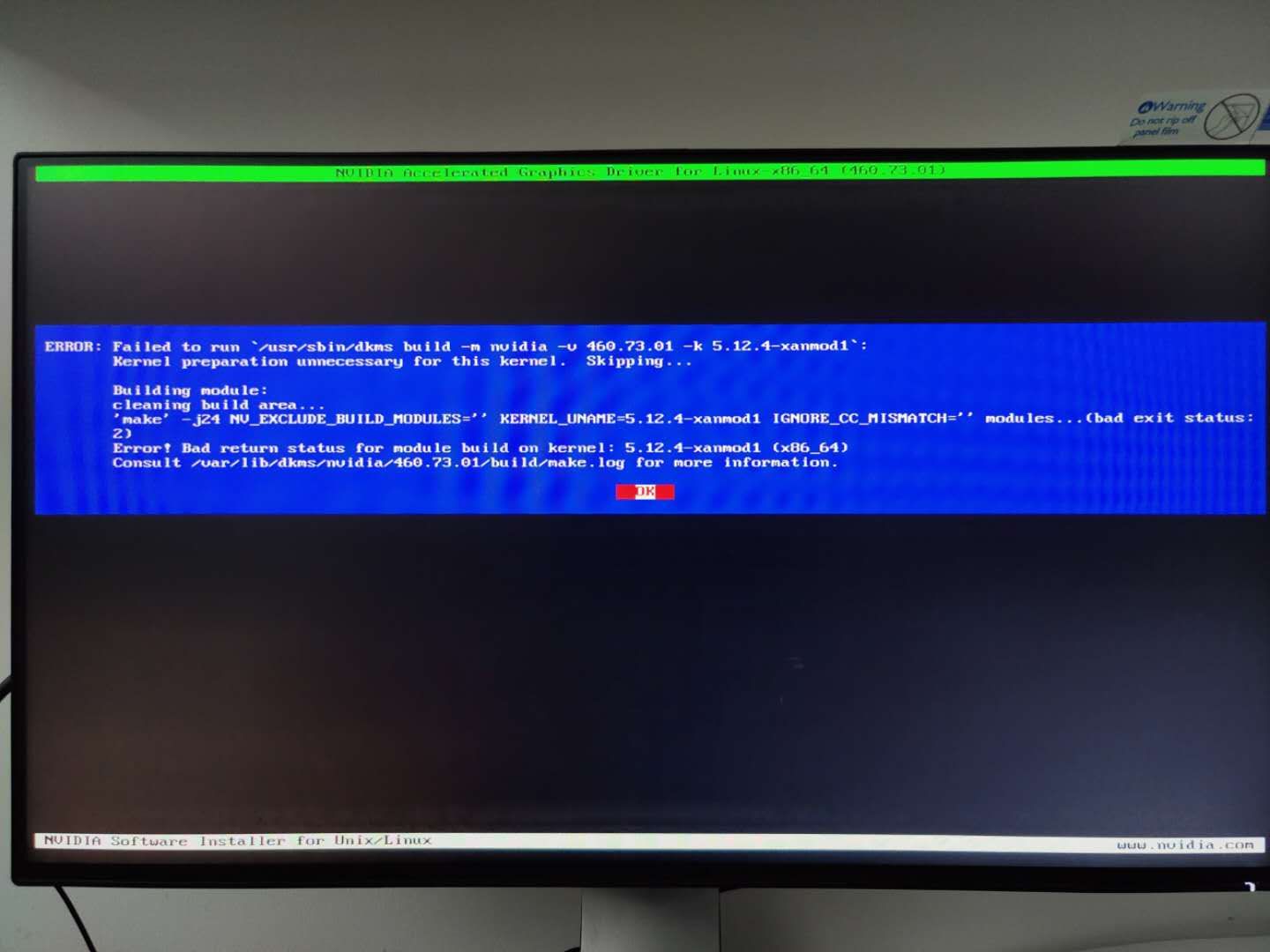
deepin 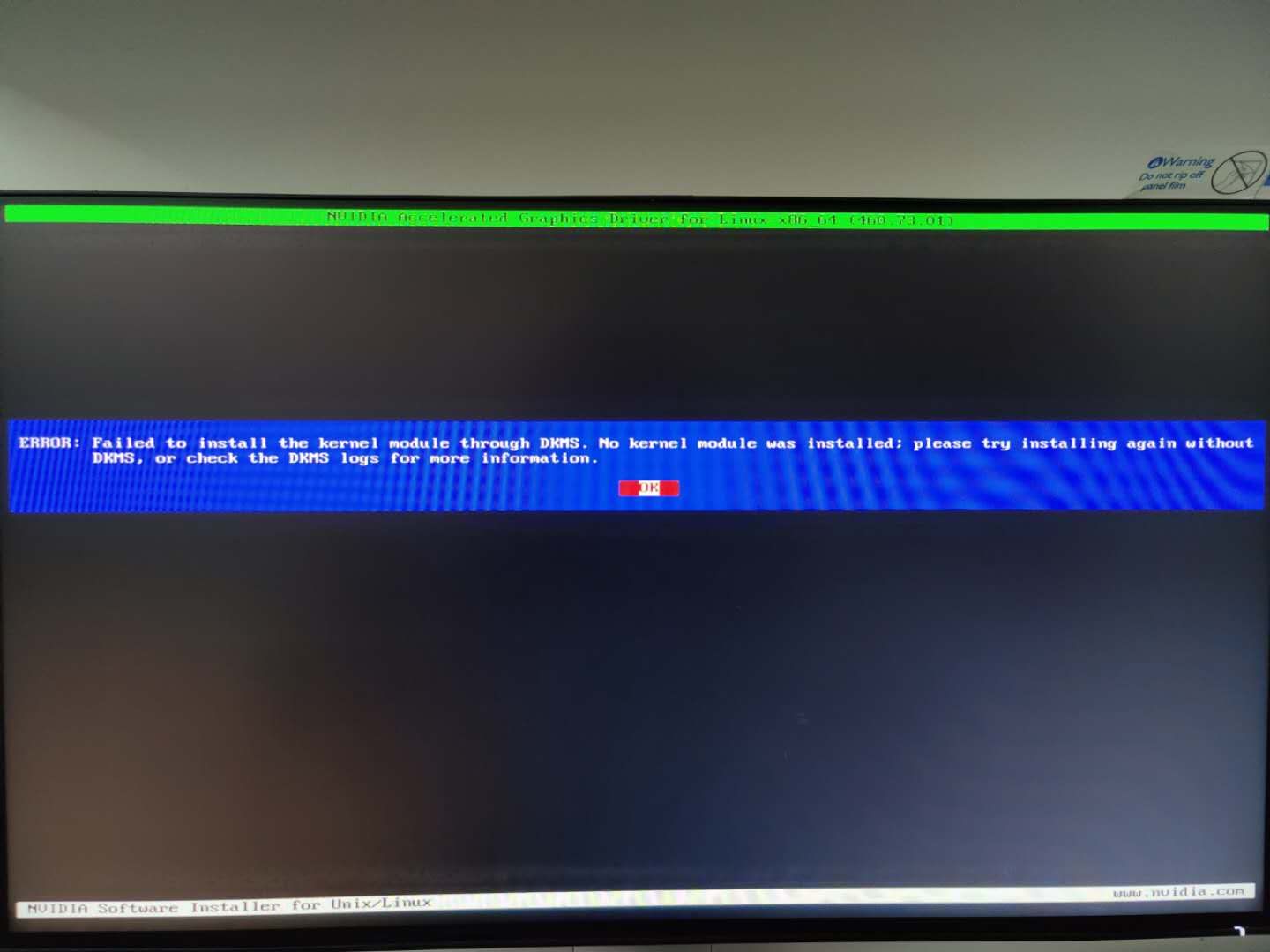
deepin 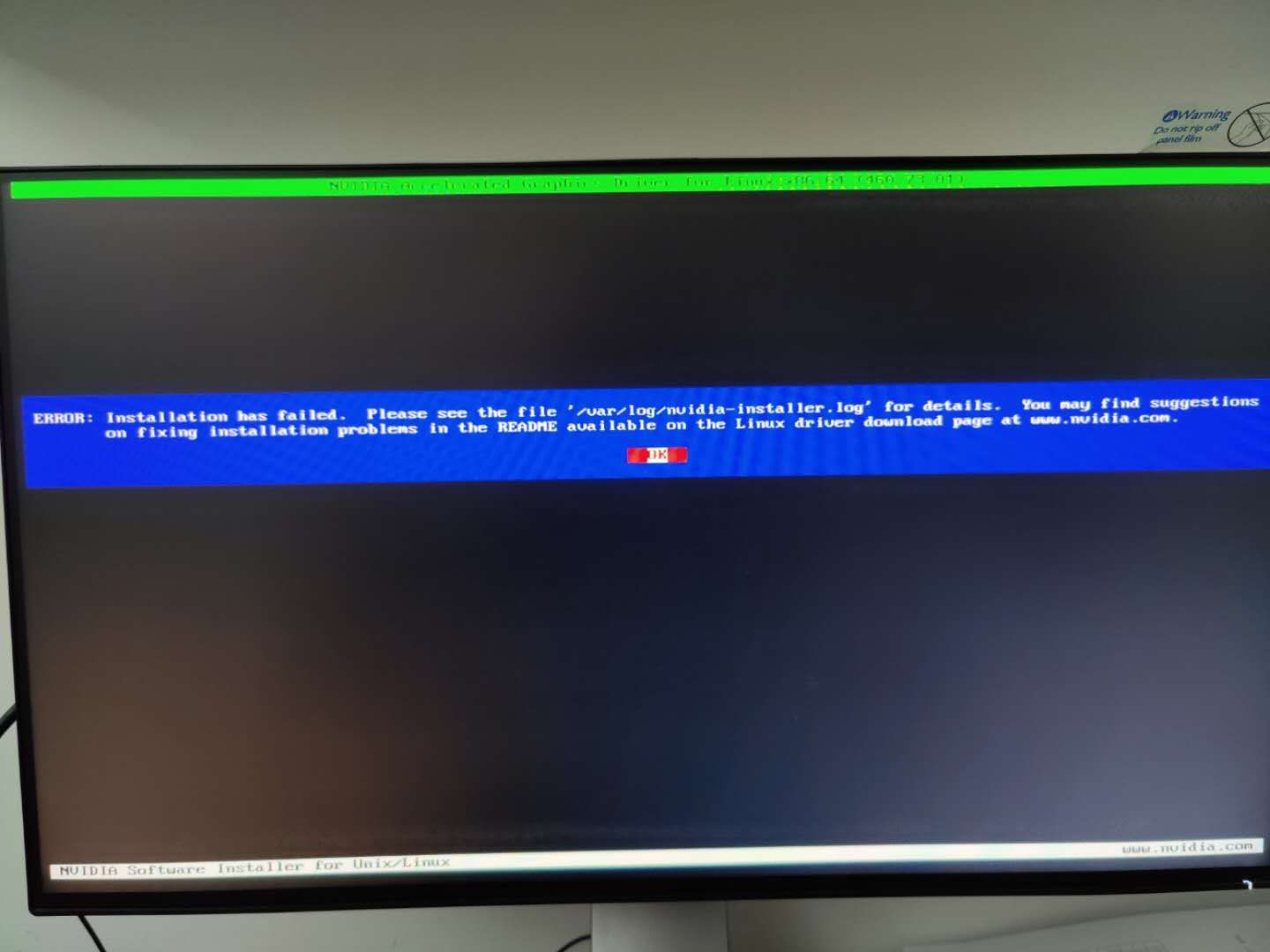
deepin 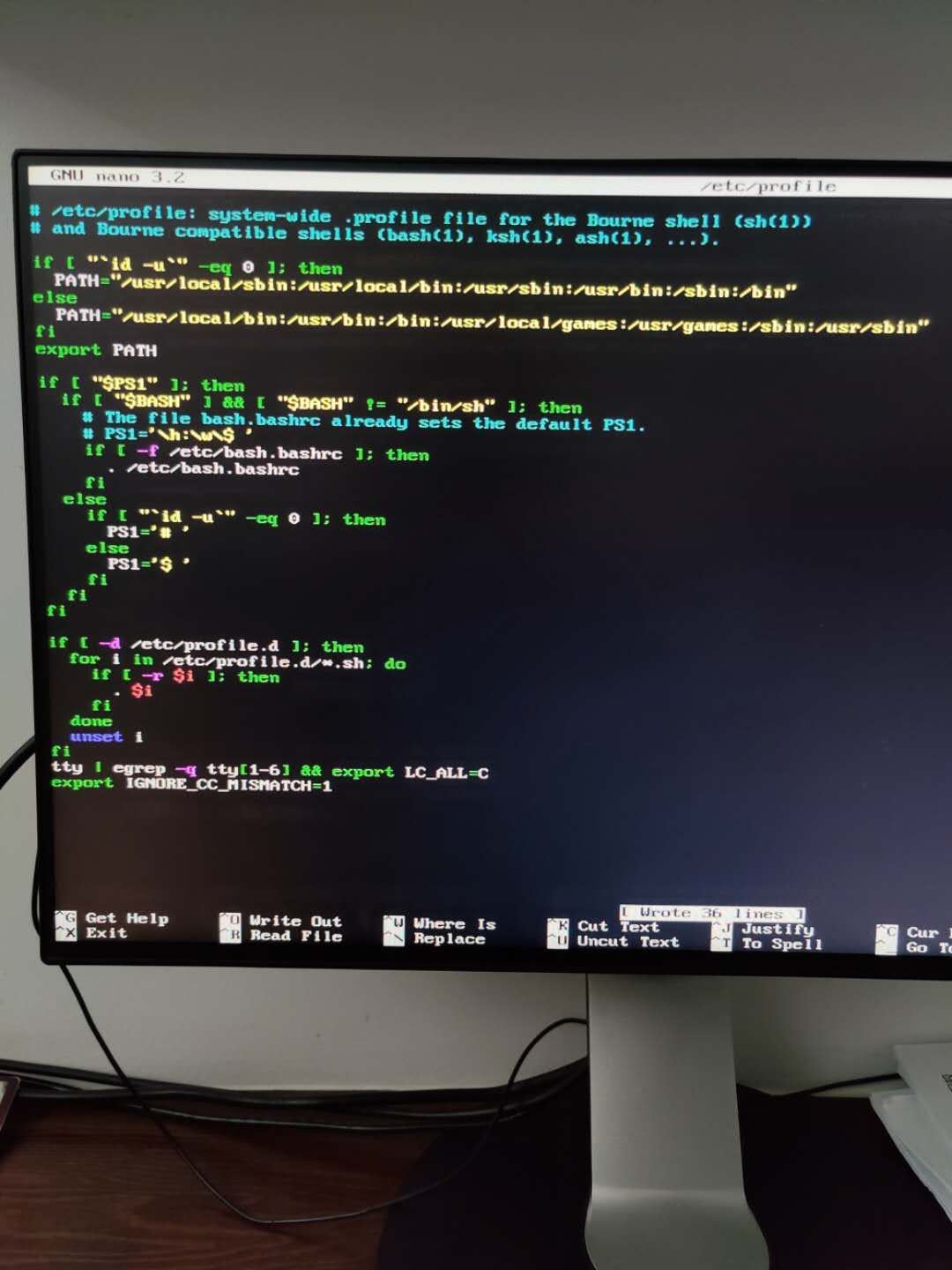
deepin 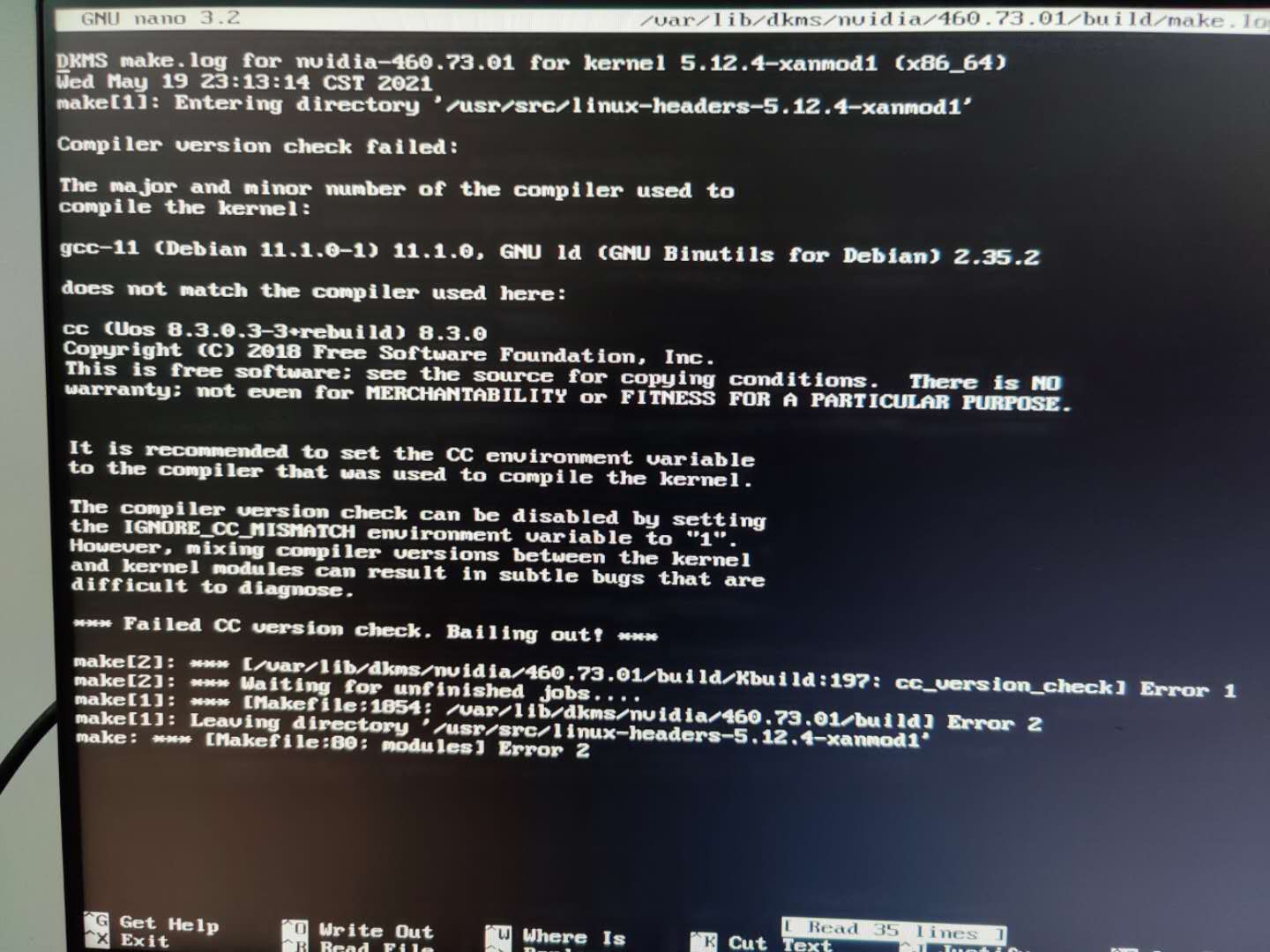
deepin 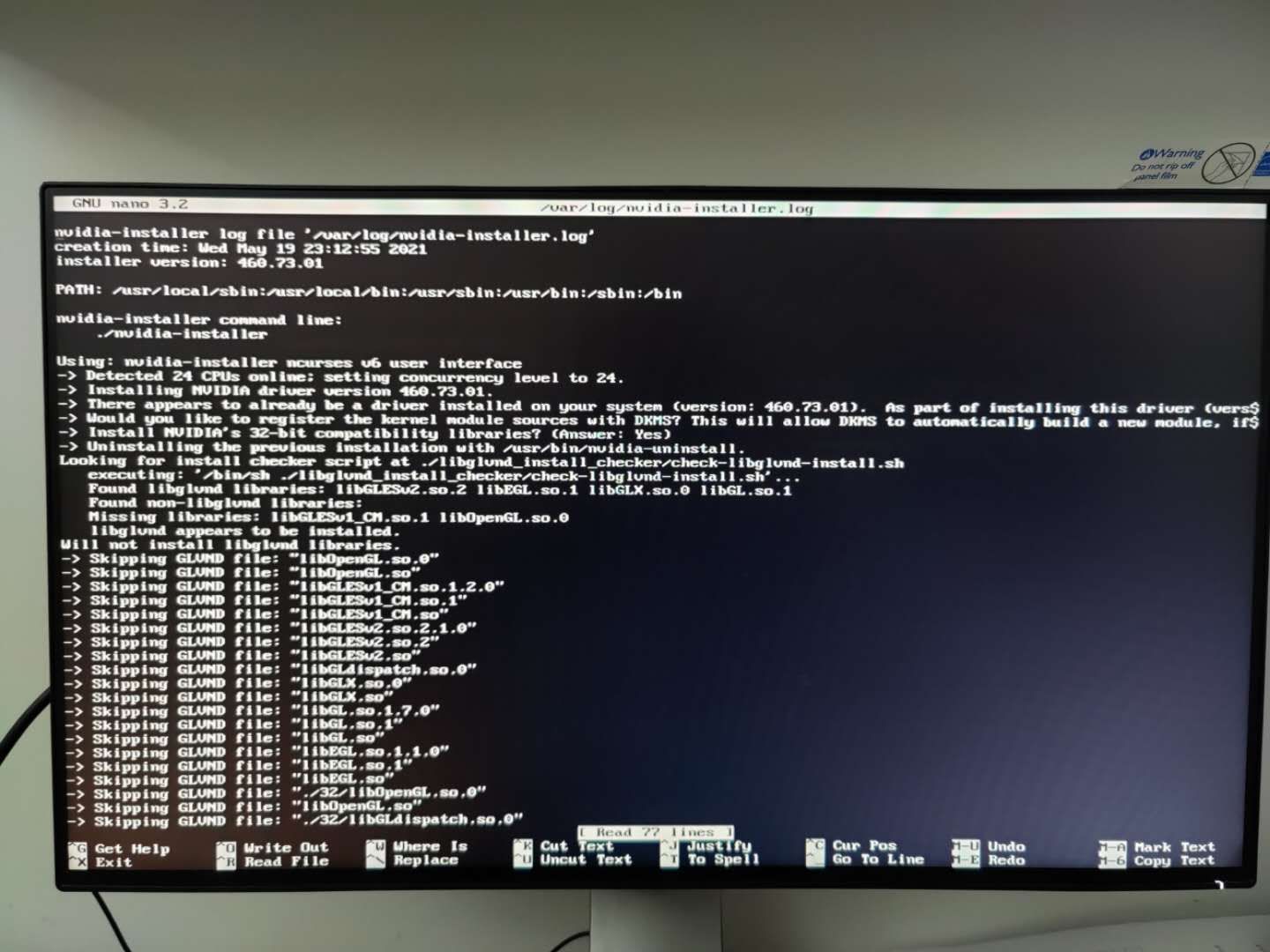
deepin 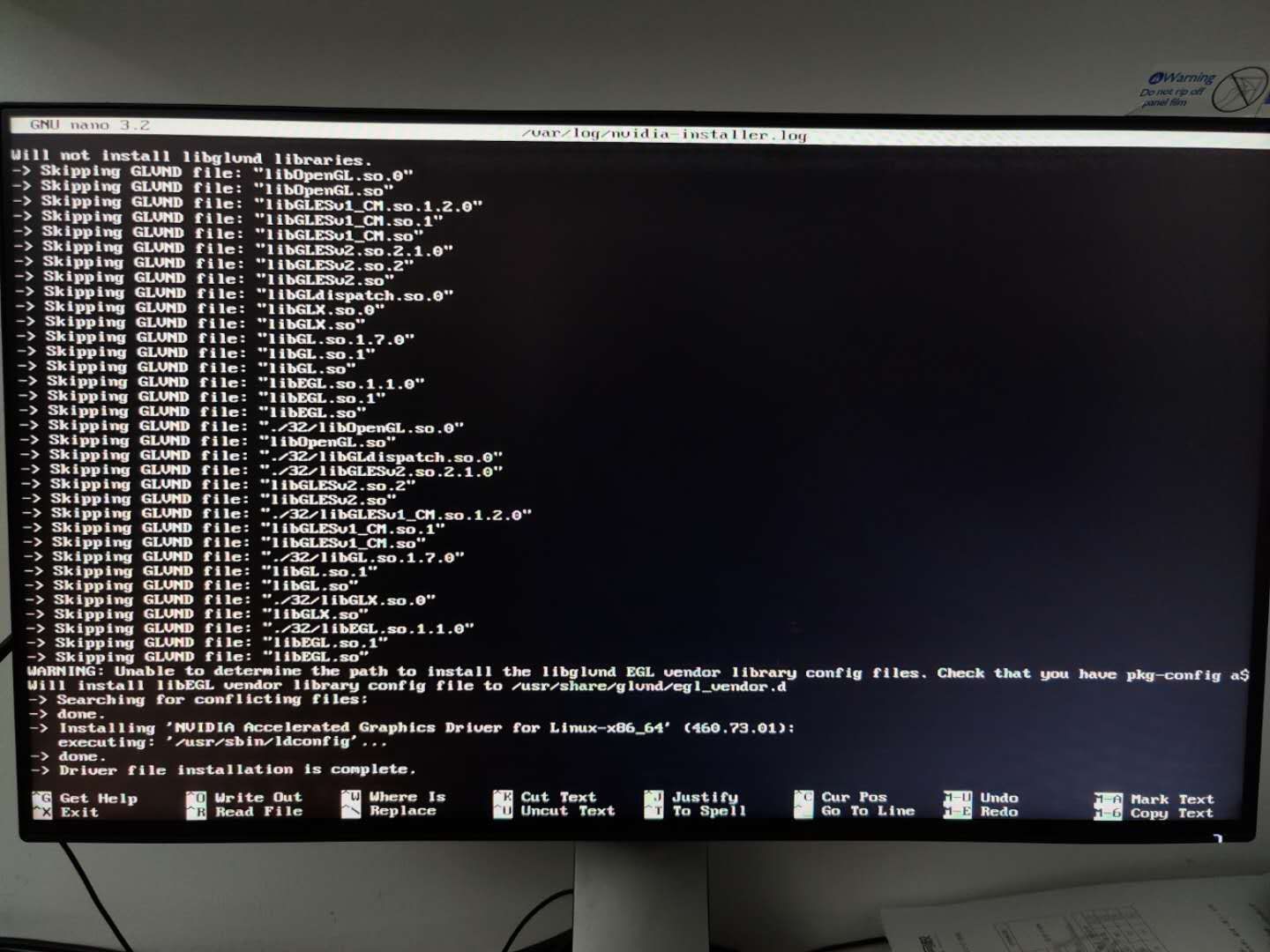
deepin 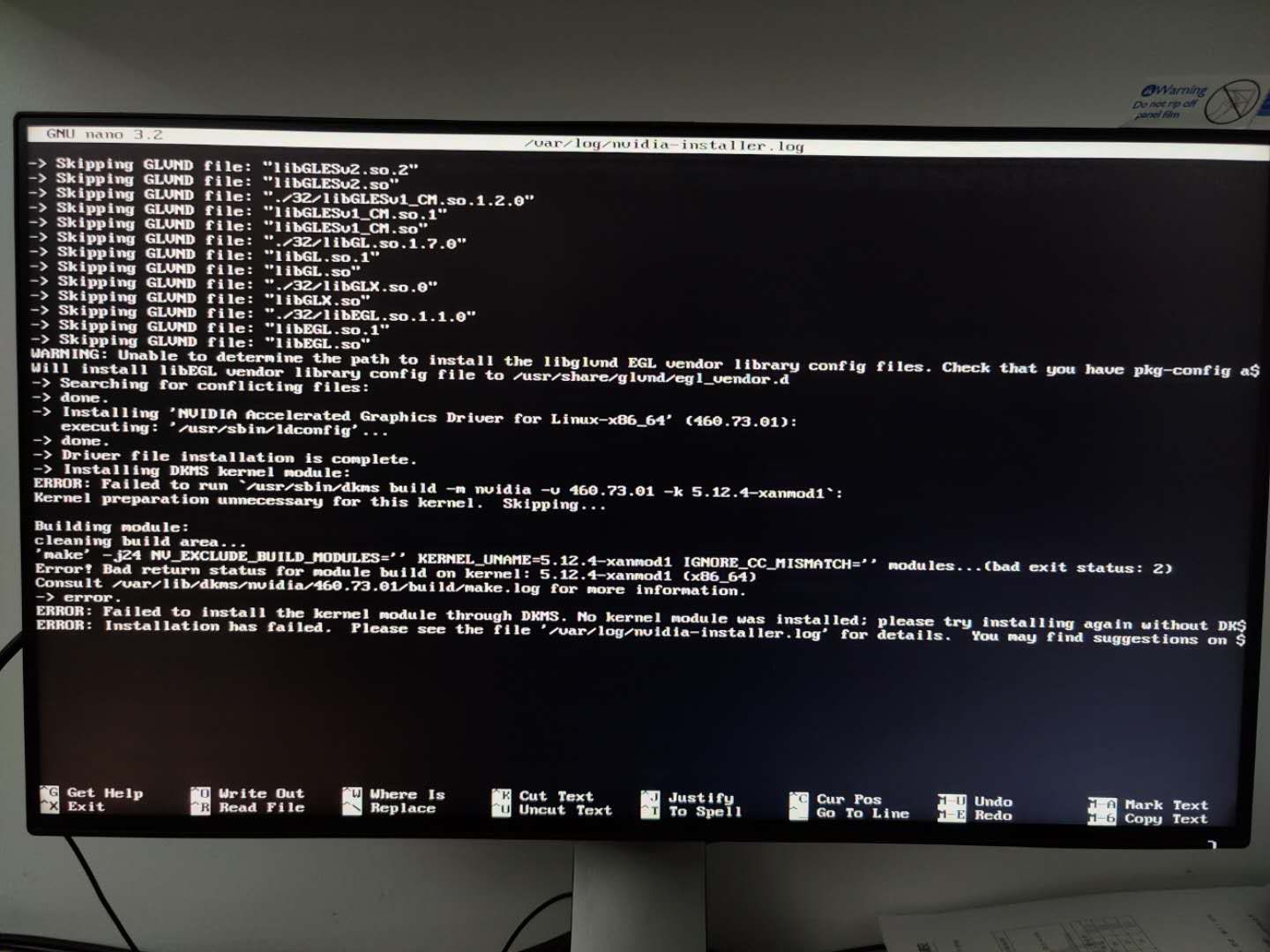
deepin 按照您的意思我尝试过了,还是同样的错误。我把所有的内容都拍照了。放在下面的帖子里。
是的,不采用dkms安装方式就可以正常安装完成了,其他都不需要设置。感谢大佬。
deepin 梳理一下帖子的内容:
0、内容来自:
a.https://blog.csdn.net/yanhanhui1/article/details/104077800
b.https://blog.csdn.net/zhangyuexiang123/article/details/103815924
c.本帖内容
1、安装好deepin 20.2.1;
2、安装好xanmod(https://xanmod.org/)
下方命令都在终端进行操作:
‘echo 'deb http://deb.xanmod.org releases main' | sudo tee /etc/apt/sources.list.d/xanmod-kernel.list’
‘wget -qO - https://dl.xanmod.org/gpg.key | sudo apt-key --keyring /etc/apt/trusted.gpg.d/xanmod-kernel.gpg add -’
‘sudo apt update && sudo apt install linux-xanmod’
完成后重启,选择xanmod内核进入;
3、下载好Nvidia官方驱动,解压后授予执行权限(下载https://www.nvidia.cn/Download/index.aspx?lang=cn)
授予命令为:
‘sudo chmod a+x "/home/账户名称/Downloads/nvidia.run"’
(假设解压在账户下载文件夹并改名为nvidia.run)
4、禁用nouveau驱动并清除英伟达驱动残留(如果有)
‘sudo nano /etc/modprobe.d/blacklist.conf’(使用nano文本编辑器编辑/etc/modprobe.d/blacklist.conf文件)
加入以下两段内容:
“blacklist nouveau
options nouveau modeset=0”
保存后更新内核驱动界面:
‘sudo update-initramfs -u’
卸载所有旧英伟达驱动:
sudo apt --purge remove nvidia*
保险一点执行一下自动卸载命令:
sudo apt autoremove
完成后再次重启,继续以xanmod内核启动
5、测试禁用情况,正式开始安装驱动
‘lsmod|grep nouveau’
如果没有任何反馈,即为禁用成功。
安装第一步,停止窗口模式:
‘sudo service lightdm stop’
输入后,屏幕卡死,鼠标无效。按Ctrl+Alt+F2进入命令行模式,输入账户密码继续登陆。(如果进入后界面没有刷新,不用紧张,继续输入账户密码就会刷新过来了)
登陆后,运行安装程序
‘sudo bash "/home/账户名称/Downloads/nvidia.run"’(管理员模式使用bash运行路径下的nvidia.run文件)
进入界面,看见DKMS四个大写字母的,请选择“No”,其他都可以选择Yes,看不懂的就这么选择。
顺利退出后,即安装完成。
6、重启后完成安装
退出后,输入
‘reboot’
就会重启了,然后选择xanmod内核进入,就可以正常进入桌面了,如果刚才安装其他都点Yes的话,就可以看到多了一个官方的nvidia控制面板: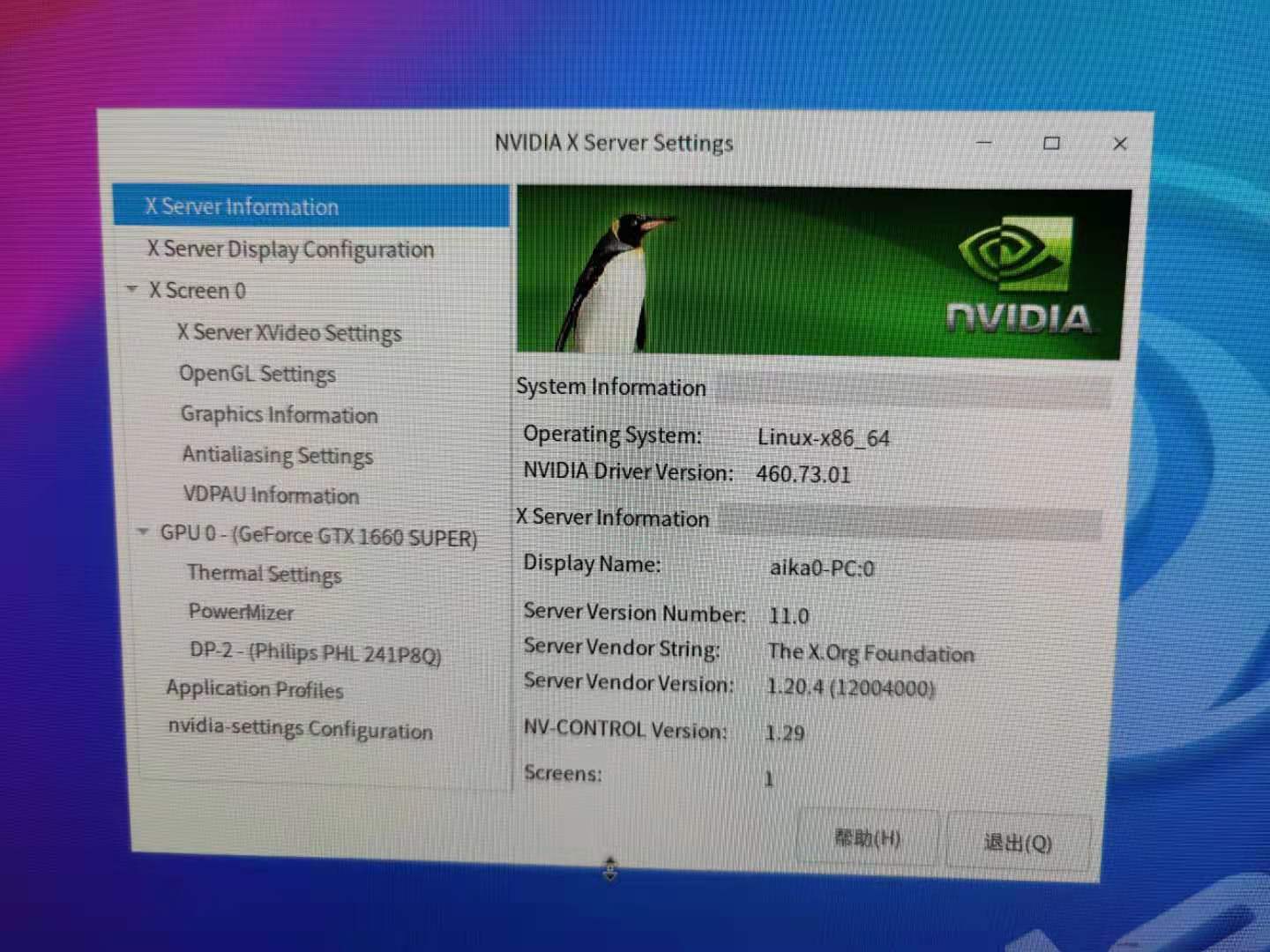
其他不需要操作了,继续想要做的别的事情吧。
deepin 补充一下Nvidia官方显卡驱动的选择问题:
如果是GrForce系显卡,建议在这里下载驱动,可以下载之前的驱动,防止最新版安装失败后可以用旧版本来正常使用。https://www.nvidia.cn/geforce/drivers/
不推荐在这里下载https://www.nvidia.cn/Download/index.aspx?lang=cn
目前最新的Linux驱动情况可在这个网页查看:https://www.nvidia.cn/drivers/unix/
Popular Events
More


 The settings menu needs to be translated into Russian.
https://blog.csdn.net/yanhanhui1/article/details/104077800
deepin版本是20.2.1(版本写错了),xanmod是5.12.4。
依照这篇文章进行操作,到进入安装文件界面了,提示了错误。
想请教下有没有可能安装得了,还是改用"apt-get install nvidia-driver"比较好?谢谢大家。