

 中文
中文 
lcw0268 deepin
2021-05-10 05:49 deepin It has been deleted!
 deepin
 deepin
 TEMP 是指的 核心温度吧?

 deepin
 已经很低了吧,现在大多数不都85-90+这样子?
deepin 已经很低了吧,现在大多数不都85-90+这样子?
WIN10 鲁大师那个 CPU温度 与这个温度 不一样吧?~?
 deepin
 这个温度低的一批,多久都没事。
deepin 这个温度低的一批,多久都没事。
电压 有问题, 在 WIN10里面 CPUZ 查看都是 1V 左右。
怎么在 i7z 都是低于 1V 以下。
CPU主频2.5, 一直工作在 2以下, 正常吗? ( 当前CPU计算密集, 21线程)
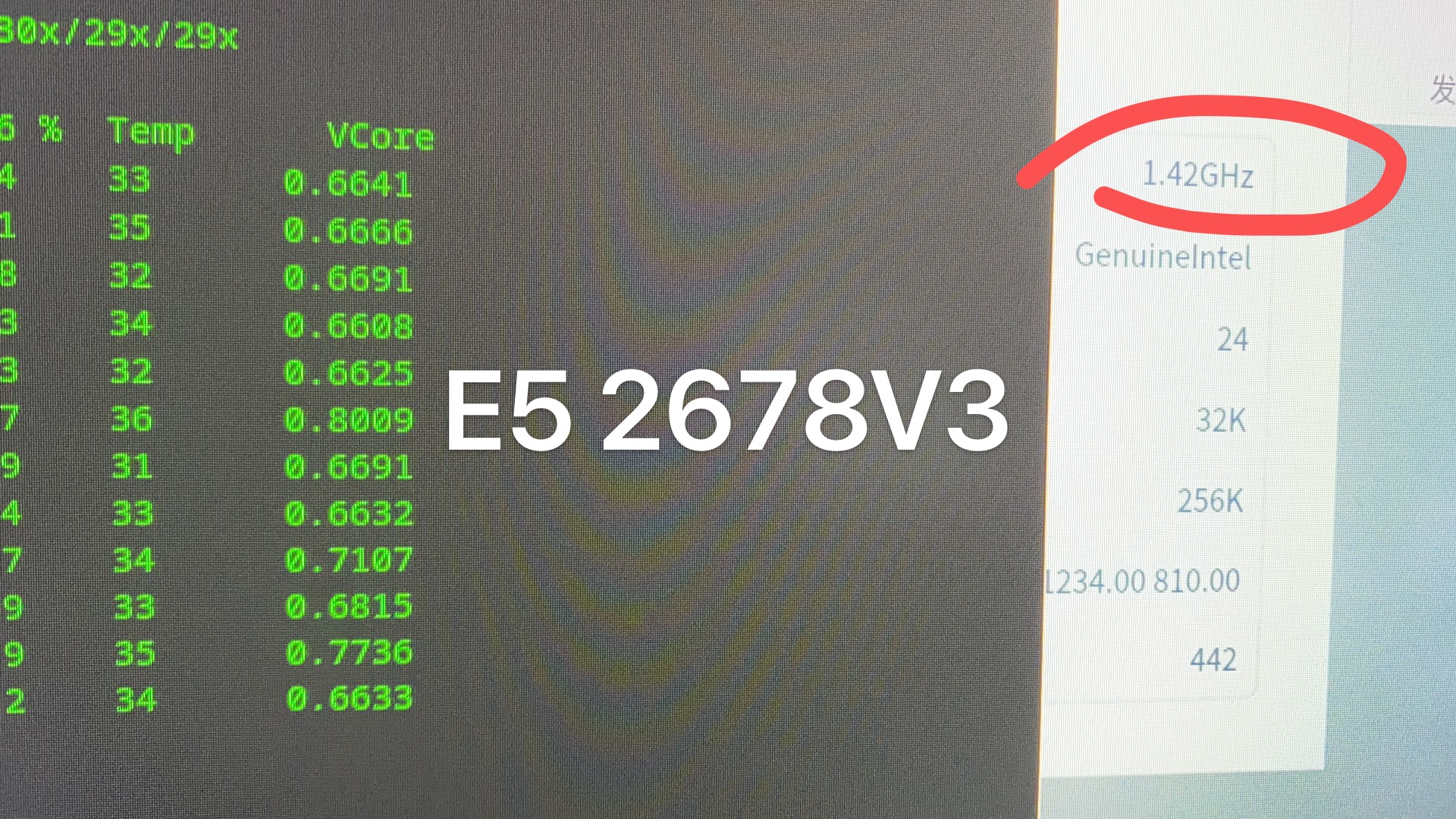
deepin 最新的这个图, 是更换了 新CPU风扇, TEMP 降下来了。
这种情况,会不会是 CPU 内部出问题了? 还是 deepin CPU利用率就是这样的,?
旁边的 2680V2 ,一直工作频率是 3以上
deepin 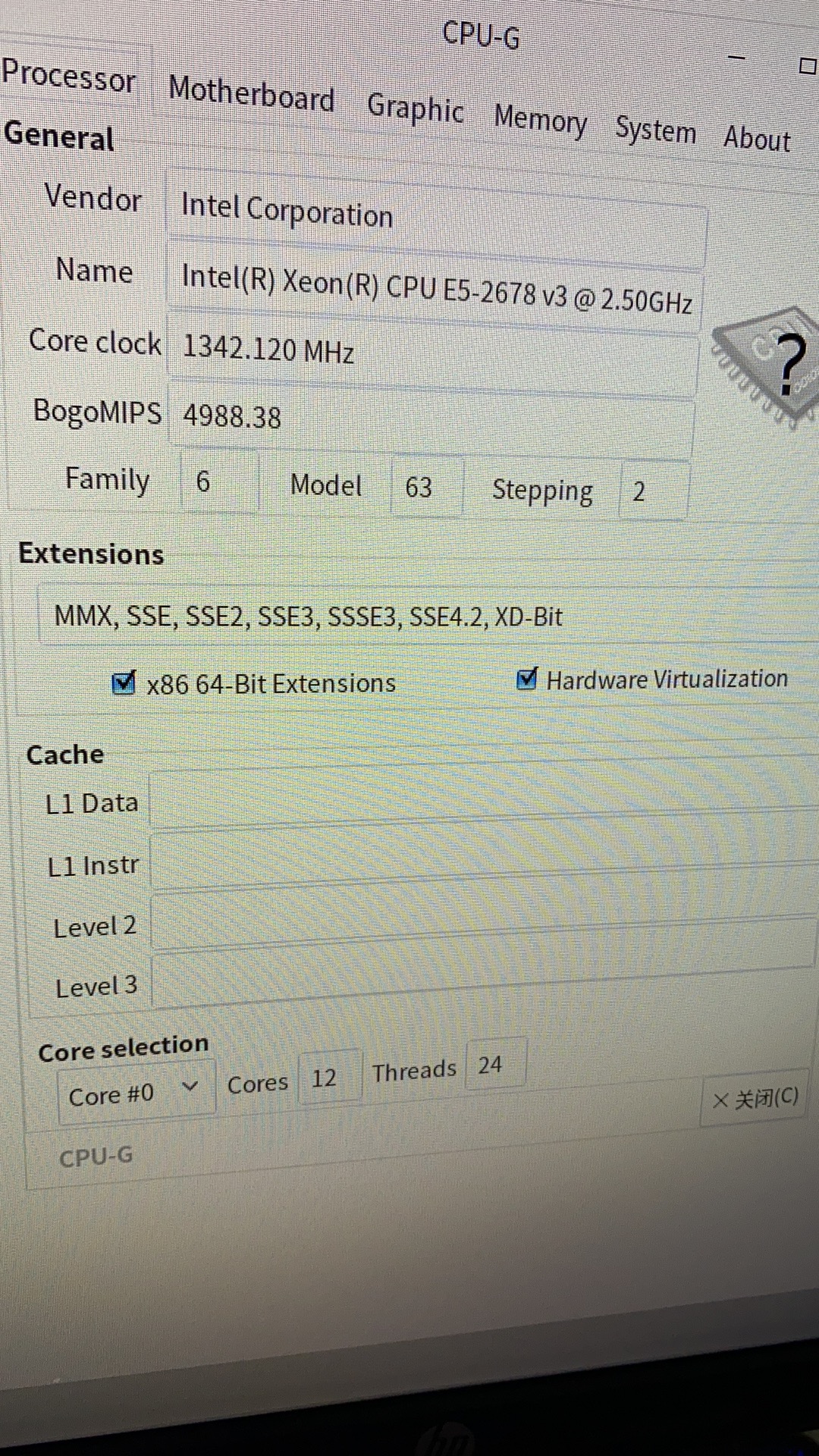 \
\
CPU-G截图
 deepin
 已经很低了吧,现在大多数不都85-90+这样子?
可能台式机对发热的容忍度高一点?我的苏菲正常都是三十几度的,负载稍高的时候四十几度
deepin 可能台式机对发热的容忍度高一点?我的苏菲正常都是三十几度的,负载稍高的时候四十几度
你的 CPU 查看 当前频率 是否一直保持在 基础主频以上 ?
我的这个 大部分时间都在 主频以下。
deepin 你的 CPU 查看 当前频率 是否一直保持在 基础主频以上 ?
我的这个 大部分时间都在 主频以下。
我这边系统比较空闲的时候都达不到标定的主频的,负载高的时候频率才上去,编译的时候能睿频到 3.0 GHz 左右。
deepin 我这边系统比较空闲的时候都达不到标定的主频的,负载高的时候频率才上去,编译的时候能睿频到 3.0 GHz 左右。
我这CPU的 电压是不是被 降了? 从来没有突破过 1V, 都是 0.8v 左右
deepin 我这CPU的 电压是不是被 降了? 从来没有突破过 1V, 都是 0.8v 左右
不知道 deepin 现在的电源管理是什么样的。装个 cpupower-gui 调一下试试?
deepin deepin 不知道 deepin 现在的电源管理是什么样的。装个 cpupower-gui 调一下试试?
感谢~ 搞定了,
sudo cpupower frequency-set -g performance
Popular Events
More


 The settings menu needs to be translated into Russian.
RT
这么高的TEMP, CPU可以熬多久 ? TEMP 是 摄氏度, 吧