

 中文
中文 
ugvibib deepin
2021-03-24 02:35 deepin 文字是实在看不懂,看图的话,我猜应该是提了几个bug。
Reply Like 1 View the author
 deepin
 文字是实在看不懂,看图的话,我猜应该是提了几个bug。

 deepin
 非常好的建议与反馈。他遇到的问题我也遇到过,希望深度重视一下。其中的一些建议也非常合理
deepin 非常好的建议与反馈。他遇到的问题我也遇到过,希望深度重视一下。其中的一些建议也非常合理
Deepin 20.1 多任务窗口全黑,这个应该和macOS设计意图一样的吧,作为预览。这个是bug么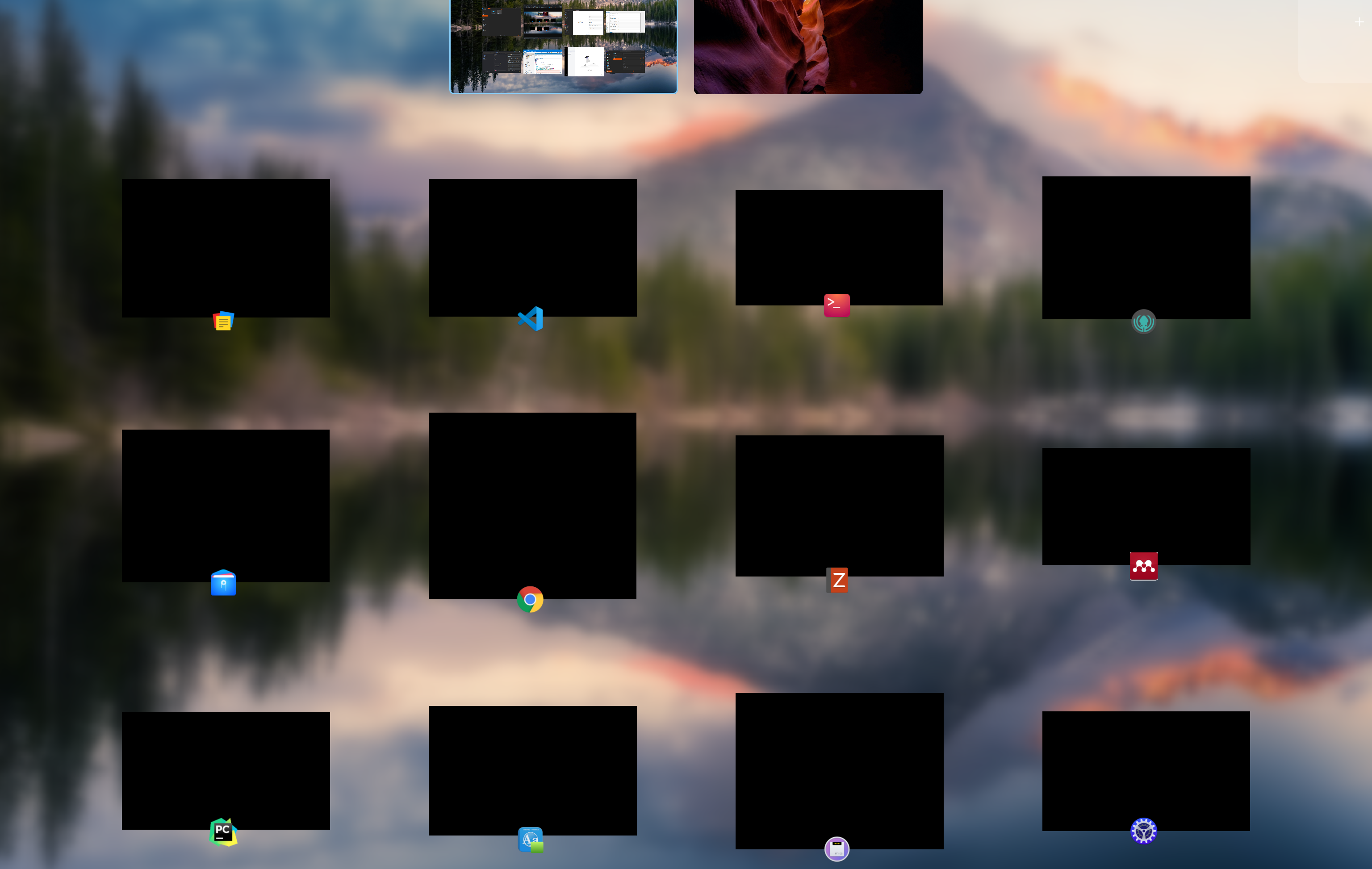

 deepin

 deepin
 For the "Live App Preview in Multitasking View", were you running Deepin inside a virtual machine?
 deepin deepin
 文字是实在看不懂,看图的话,我猜应该是提了几个bug。

 deepin deepin
 Deepin 20.1 多任务窗口全黑,这个应该和macOS设计意图一样的吧,作为预览。这个是bug么
Kernel 5.7, 5.10不正常,5.8 OK
deepin 支持你的观点,deepin团队继续努力,争取和苹果系统一样。这样我就不用买苹果了。
 deepin
 For the "Live App Preview in Multitasking View", were you running Deepin inside a virtual machine?
No, Dual boot
But as evident from the comments here many people have issues with it

 deepin
 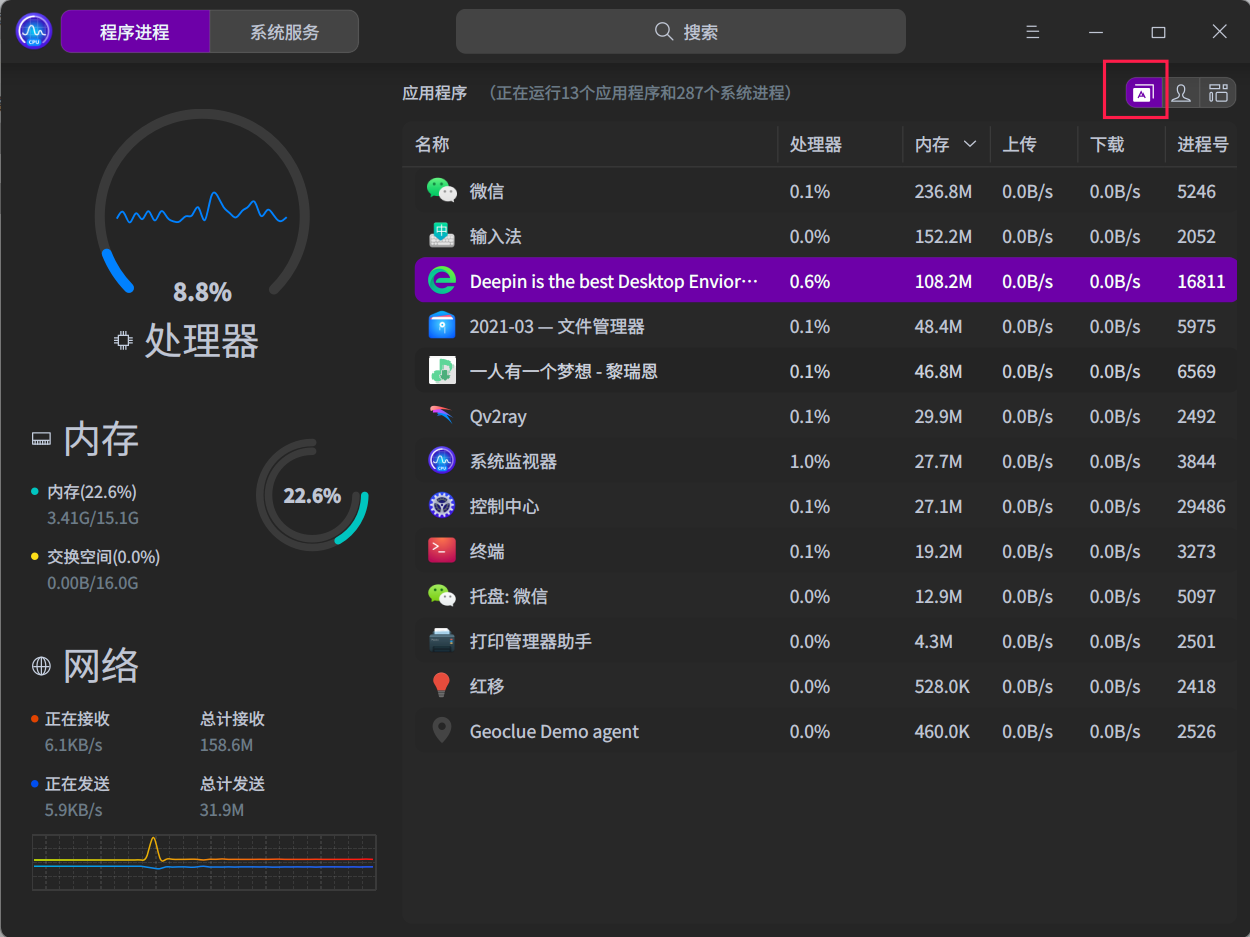 You could try this mode
deepin deepin You could try this mode
I tried this in most cases it only shows one instance of the application and doesn't show the total CPU and Memory used by all the instances
However, in the case of Firefox Browser it counts the correct number of instances but Deepin System Monitor doesn't group the instances like Windows Task Manager.
Popular Ranking
ChangePopular Events
More


 Deepin IDE?
Deepin Desktop is by far the most polished and amazing looking Desktop Environment I ever used
First of all Hats off to the entire Deepin Team for achieving that.
I have been trying out Ubuntu DDE (Ubuntu with the Deepin Desktop Environment) and I fell in love with the looks, features, Consistency and Polish of the Deepin Desktop Environment, That said there are a few things that the (Deepin Desktop Environment ) Team can improve or polish more.
Here is a list of the things that I found that can be improved/tweaked/polished for an even more consistent user Experience
Improved Blur Algorithm
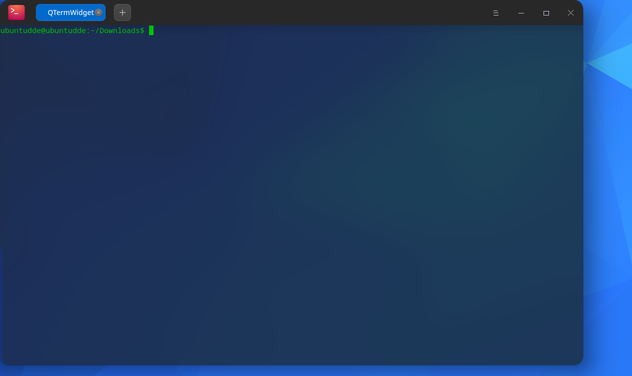

The blur has a weird banding that's hard to ignore and it was sometimes very distracting
A better blur algorithm should be implemented or the existing one should be improved.
Live App Preview in Multitasking View
Deepin:
macOS:
Windows:
As seen above the Deepin Just shows an Icon of the Apps in the Multitask View Instead it should show a Preview of the Apps Open Like macOS and some other Linux Desktop Environment does.
Date Format:
Current Data Format Options are limited. It should be possible to choose (Day/Month/Year) DD:MM:YYYY and other various date formats
System Monitor:
The System Monitor should Group the Processes by a single Application Like Microsoft Task Manager does.
File Manager Image Previews:
Image Thumbnails and other various Files should show previews
One thing to note here is that I saw the Image Preview Option in the settings and it's enabled but no thumbnails are shown.
Deepin:
Window:
macOS:
Search Bar:
Deepin doesn't offer an easy way to Search Applications Files and Folders:
Windows:
Windows 10 Powertoys Search:
macOS:
Spotlight
Some other small annoyances or Bugs I found:
1. The Bell notification icon is not visible until I switch from fashion mode to Efficient Mode and back to Fashion mode.
2. There's no Undo Functionality in the terminal
3. In Personalization>Window Minimize Effect>Magic Lamp, the animation of this effect is too fast. The effect is very smooth but due to the fast animation sometimes my eyes couldn't register the motion and it felt glitchy. The animation should be slowed down 5-10% or an option should be given for a user to select the speed of the effect.
4. In Multitask View Creating if you create a new Virtual Desktop the dock constantly shows up and hide and it gives a very glitchy appearance, I think it should either be shown or completely hidden.
5. In the Notification Center if you click on the group messages the animation it plays is kinda glitchy and can be polished further.