

 中文
中文 
lcw0268 deepin
2021-03-07 11:07 deepin sudo apt install --reinstall locales
sudo dpkg-reconfigure locales
Reply Like 0 View the author
 deepin
 sudo apt install --reinstall locales
sudo dpkg-reconfigure locales

 deepin
 sudo apt install --reinstall locales
sudo dpkg-reconfigure locales
deepin 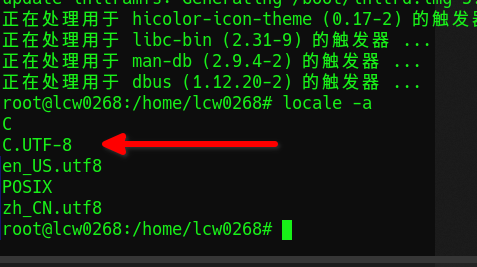

 deepin
 最快捷的方式就是重装,然后永远不要好奇 使用bleachbit 这个软件的本地化清理功能,最好是永远不要安装这个软件

 deepin
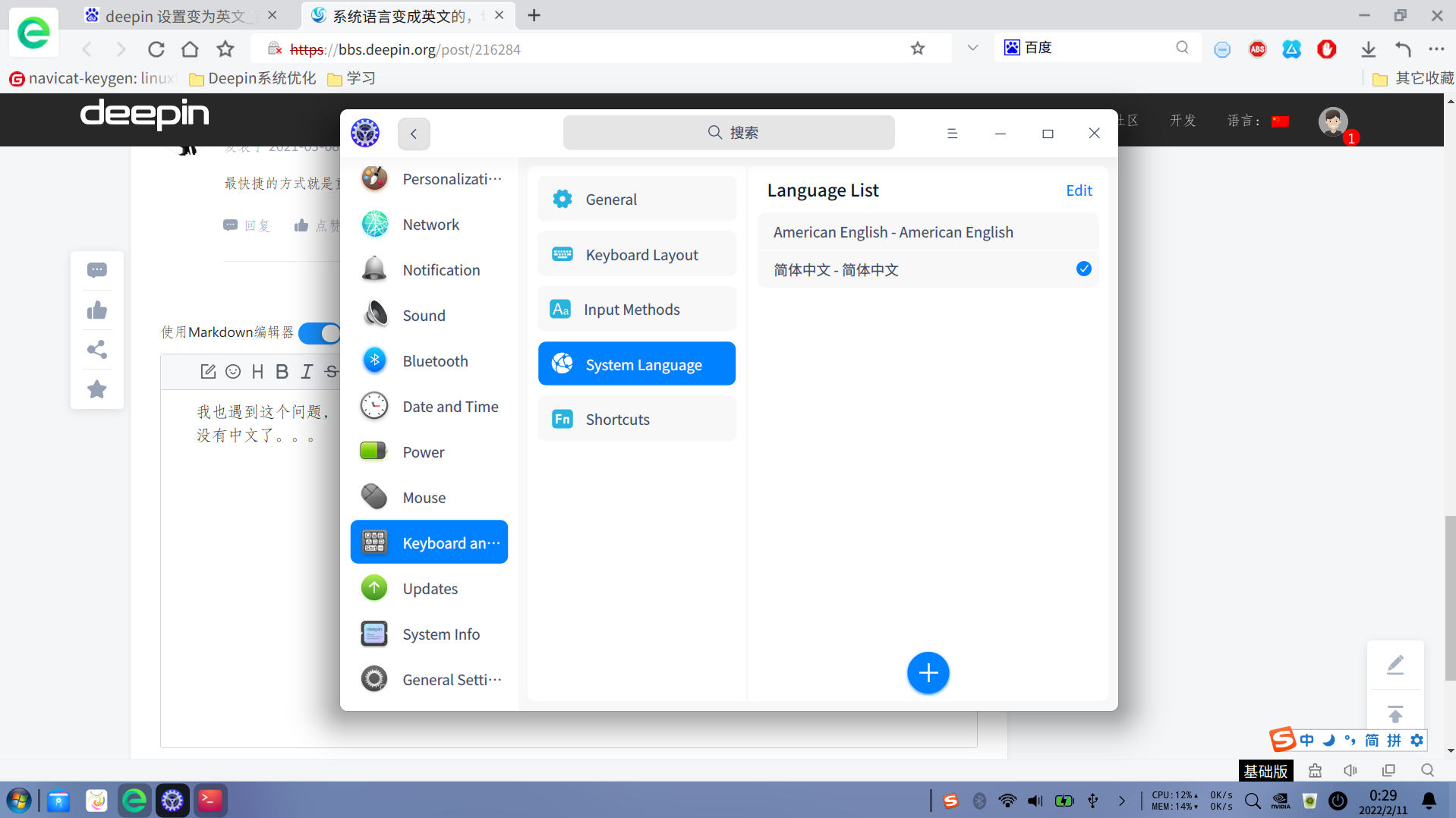
 我也遇到这个问题,同求解决方案啊,不想重装,也是用bleachbit as administrator这个清理完了,然后就没有中文了。。。
Popular Ranking
ChangePopular Events
More


 the Network section no longer appears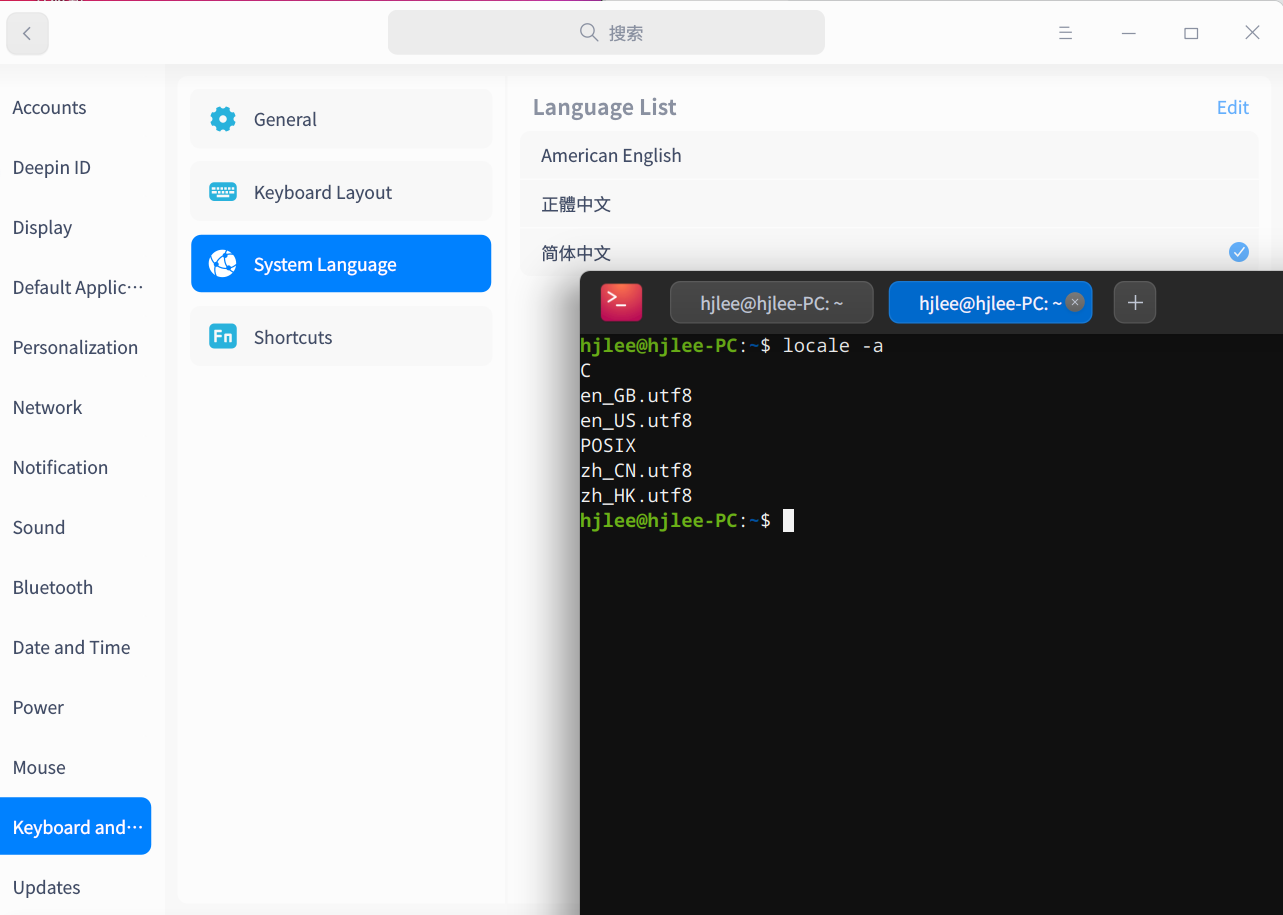
Screen Capture_dde-control-center_20210307013116.png
设置的中文,显示语言仍然显示英文,重启无用。求助。
Screen Capture_deepin-devicemanager_20210307013255.png