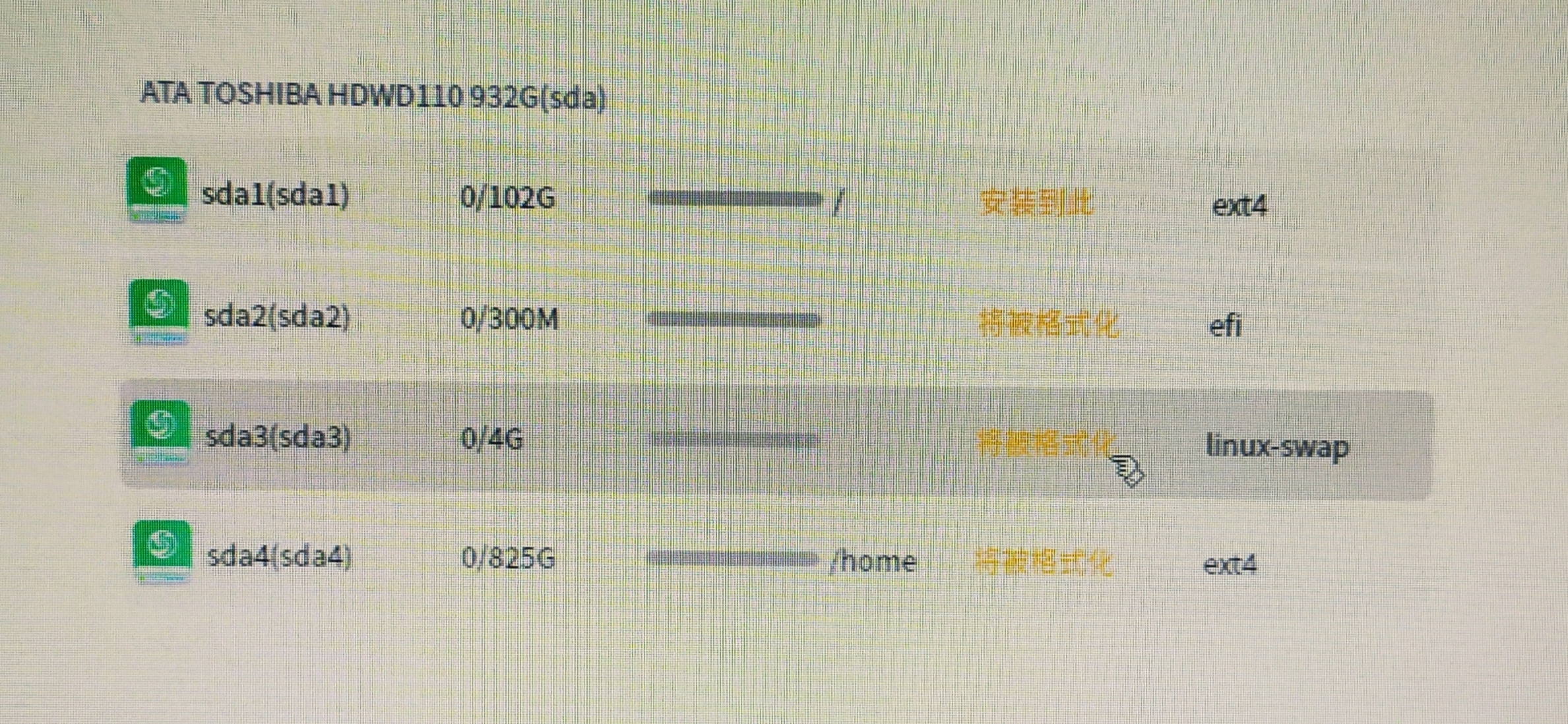
[Newbies] 手动分区安装,这样分区可以不?谢谢!
Tofloor
poster avatar
liulin5175
deepin
2021-02-28 16:06
Author

Reply Favorite View the author
All Replies
2 / 2
To page
bxkdhao
deepin
2021-03-01 21:00
#21
cwbs

根分区那么大太浪费了吧。

我的习惯是 efi /boot单独分区易于维护 ,/ /home用luks加密,再把/opt /var等挂载到/home上,exfat装win10,既相当于全盘加密又可用双系统。
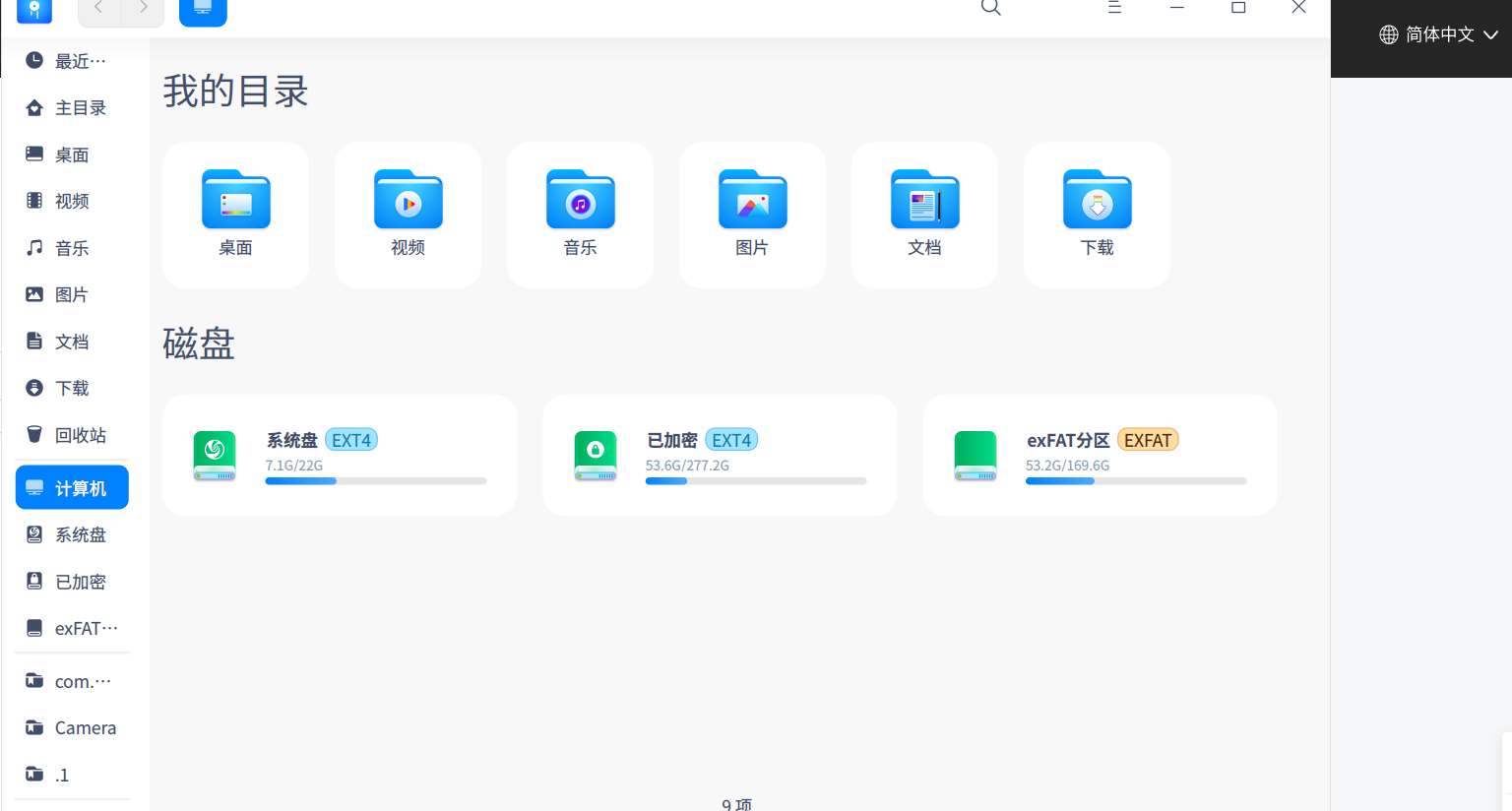
 

秒哇。挂载功能原来是这样用的,甚好

Reply View the author
bxkdhao
deepin
2021-03-01 21:04
#22
mardou

如果系统安装过程中,有默认分区功能,那就太适合大众使用该系统了。否则可能会影响到这个系统的生命力。

同意。我刚开始也是一脸懵,不选全盘分区都不知道怎么办,以为一直下一步就可以了。建议手动分区界面有些提示,引导分区,而不是自己瞎操作,然后报错不能安装。

Reply View the author
cwbs
deepin
2021-03-02 02:43
#23
bxkdhao

秒哇。挂载功能原来是这样用的,甚好

这个挂载可不是安装界面里的那个挂载,安装时的挂载是 mnt mount,这个挂载是创建软连接的意思link

Reply View the author
bxkdhao
deepin
2021-03-02 02:51
#24
cwbs

这个挂载可不是安装界面里的那个挂载,安装时的挂载是 mnt mount,这个挂载是创建软连接的意思link

嗯嗯,要用命令行的,我还是先不要试了。

Reply View the author
cwbs
deepin
2021-03-02 03:03
#25
bxkdhao

嗯嗯,要用命令行的,我还是先不要试了。

不用,可以再图形界面操作的,改日我发个教程吧

Reply View the author
辉夜
deepin
2021-03-02 03:39
#26
cwbs

不用,可以再图形界面操作的,改日我发个教程吧

记得艾特我

Reply View the author
bxkdhao
deepin
2021-03-02 04:16
#27
cwbs

不用,可以再图形界面操作的,改日我发个教程吧

我们一起围观

Reply View the author
cwbs
deepin
2021-03-02 06:33
#28
bxkdhao

我们一起围观

教程已发,多多关照哦

https://bbs.deepin.org/zh/post/215392

Reply View the author
cwbs
deepin
2021-03-02 06:34
#29
辉夜

记得艾特我

请多关照

https://bbs.deepin.org/zh/post/215392

Reply View the author
2 / 2
To page