中文
中文 
ibestboy deepin
2021-02-27 22:45 deepin windows系统显示也正常,就是深度系统的无法正常显示。现在安装UOS发现还是一样。
Reply Like 0 View the author
 deepin
 windows系统显示也正常,就是深度系统的无法正常显示。现在安装UOS发现还是一样。

 deepin
 windows系统显示也正常,就是深度系统的无法正常显示。现在安装UOS发现还是一样。
你好,你可以尝试设置一下DNS,比方说 223.5.5.5 和 223.6.6.6
下面是通过配置 /etc/resolv.conf 实现的,不过你也可以通过图形化的方法,在网络设置里面添加
https://alidns.com/knowledge?type=SETTING_DOCS#user_linux
https://dudns.baidu.com/support/localdns/PC/index.html
 deepin
 运营商问题,dns污染了,手动设置dns

 deepin
 改dns。如果你的网络不支持ipv6的话,在浏览器里面禁用ipv6相关服务。
deepin deepin 改dns。如果你的网络不支持ipv6的话,在浏览器里面禁用ipv6相关服务。
感谢,确实是DNS的问题,已解决!
deepin 运营商问题,dns污染了,手动设置dns
感谢,确实是DNS的问题,已解决!
deepin 你好,你可以尝试设置一下DNS,比方说 223.5.5.5 和 223.6.6.6
下面是通过配置 /etc/resolv.conf 实现的,不过你也可以通过图形化的方法,在网络设置里面添加
https://alidns.com/knowledge?type=SETTING_DOCS#user_linux
https://dudns.baidu.com/support/localdns/PC/index.html
感谢,确实是DNS的问题,已解决!
Popular Ranking
ChangePopular Events
More


 the Network section no longer appears
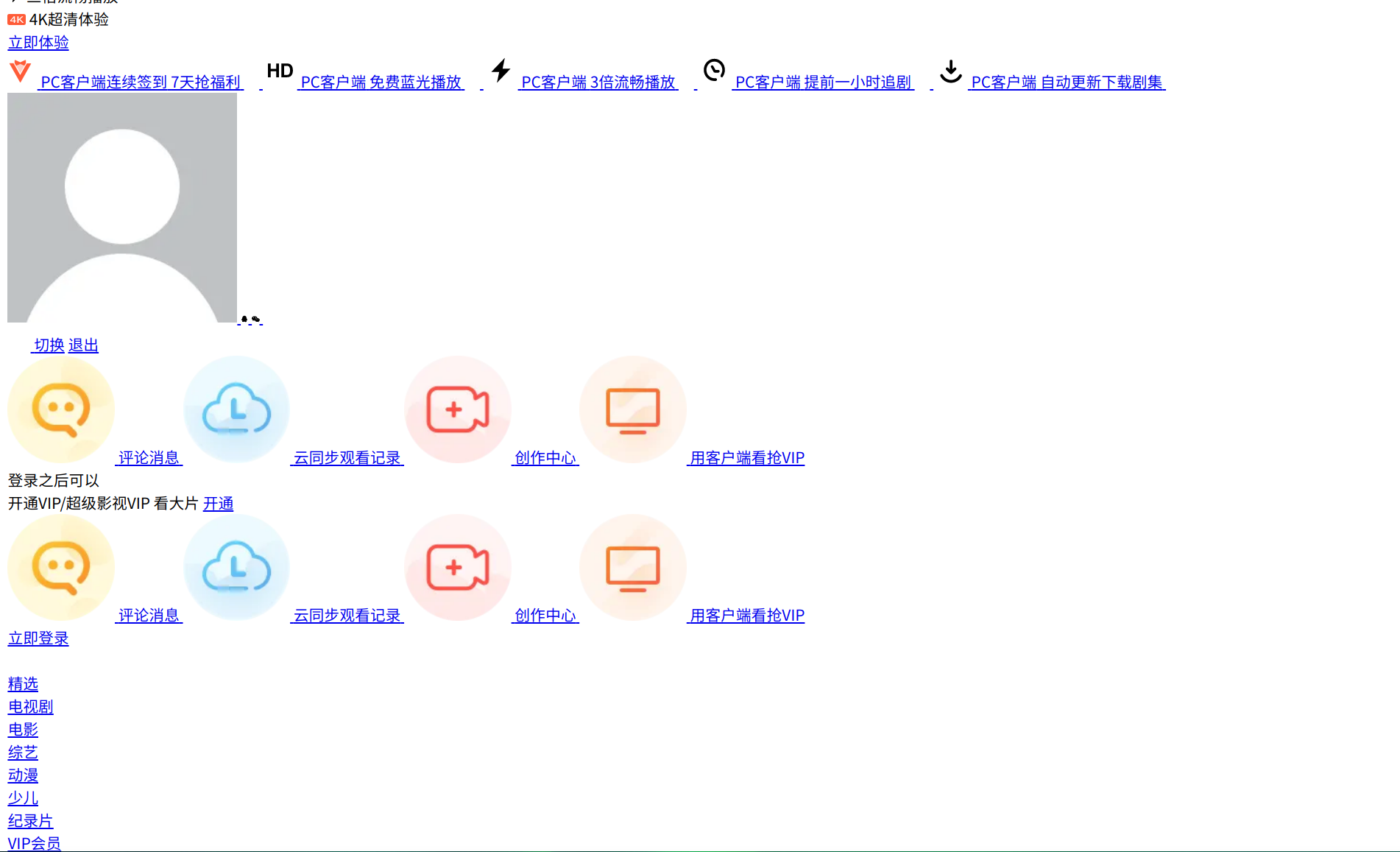
浏览器打开腾讯视频网站显示不正常,试过了所有的浏览器,包括系统自带的,谷歌,360,火狐,opera,全部 显示不正常!不知道各位有没遇到过啊,烦请指教!谢谢!我特意试了一下ubuntu,发现ubuntu系统可以正常打开腾讯视频网站。