

 中文
中文 
mardou deepin
2021-02-27 06:22 deepin 是否你的打印机在win7下是需要输入身份,等验证确认后再可以使用打印机?
Reply Like 0 View the author
 deepin
 是否你的打印机在win7下是需要输入身份,等验证确认后再可以使用打印机?

 deepin
 https://www.cnblogs.com/xhf-wonder/p/7144332.html
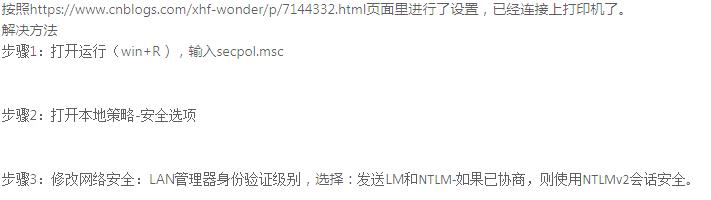
deepin 是否你的打印机在win7下是需要输入身份,等验证确认后再可以使用打印机?
其他win设备可以正常连接使用这个win7的共享打印机,我的deepin就不行
deepin https://www.cnblogs.com/xhf-wonder/p/7144332.html
其他win设备可以正常连接使用这个win7的共享打印机,我的deepin就不行
Popular Ranking
ChangePopular Events
More


 the Network section no longer appears
deepin 连接 win7共享打印机后,打印文件需要身份验证,应该填什么内容
我试了以下账号密码都不行
自己电脑 账号+密码
自己电脑 账号+密码为空
win7电脑Guest 账号+密码
win7电脑Guest 账号+密码为空
win7电脑Administrator 账号+密码为空(共享电脑没有密码)
均不成功!!
所以想问下群里的大神该填什么账号和密码