

 中文
中文 
cwbs deepin
2021-02-23 17:55 deepin 进live,系统修复工具,dpkg修复
Reply Like 0 View the author
 deepin
 进live,系统修复工具,dpkg修复

 deepin
 进live,系统修复工具,dpkg修复
只能在LIVE下执行吗
deepin 只能在LIVE下执行吗
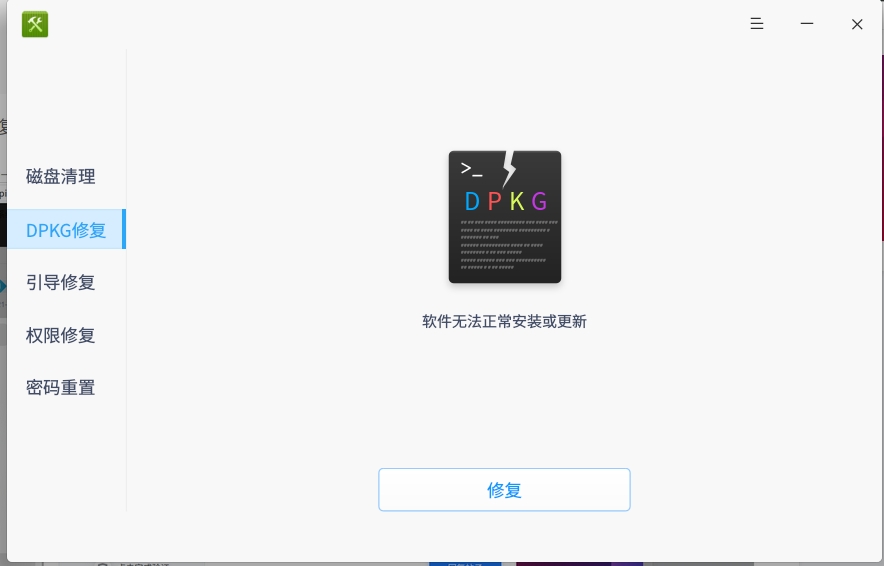
如果你已经安装了系统修复工具(图标是绿色的),就不用进live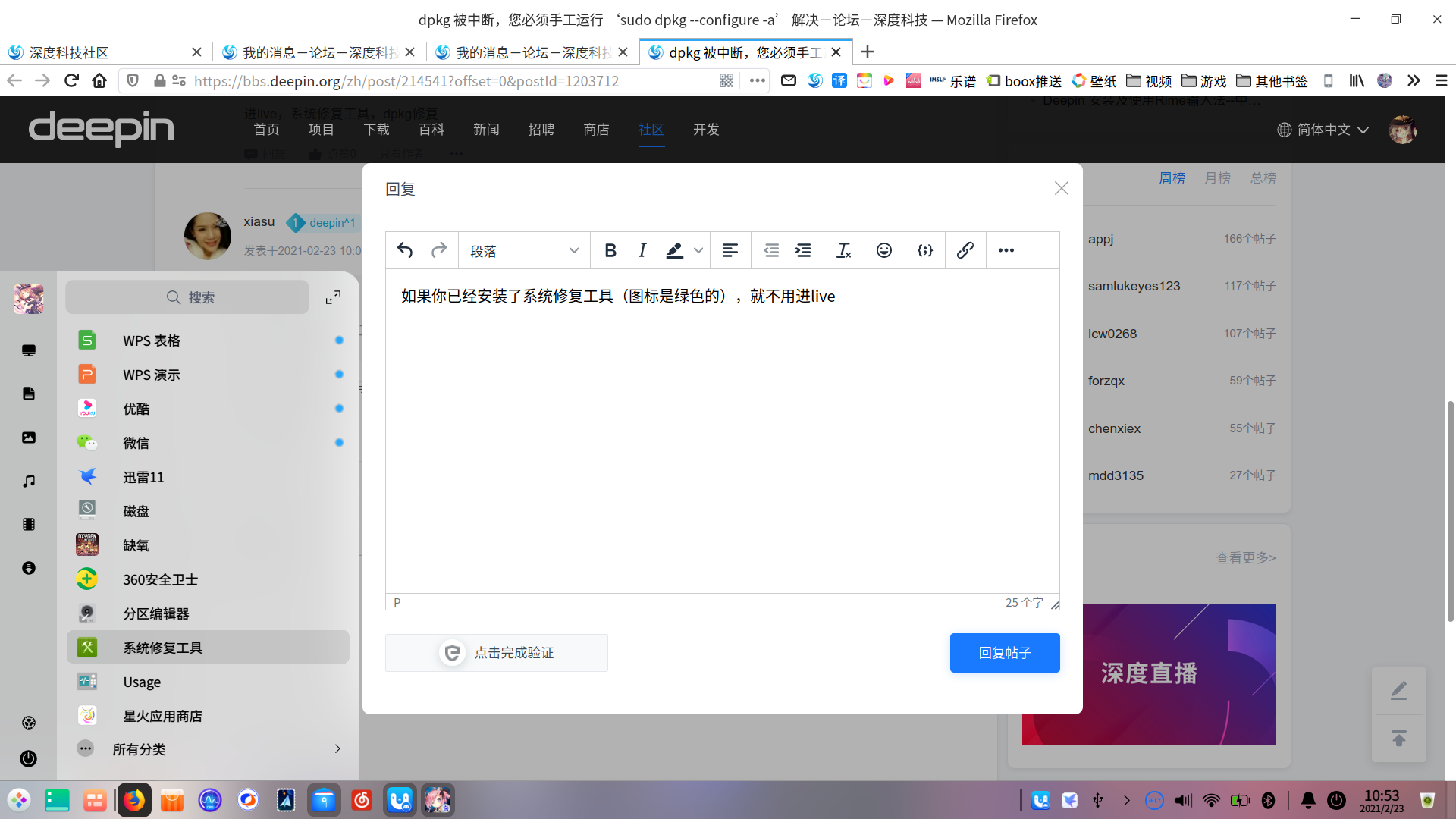
deepin 只能在LIVE下执行吗
deepin
安装包能发一连接吗!

 deepin
 安装包能发一连接吗!
deepin-repair-tools装这个
deepin deepin-repair-tools装这个
谢谢,装上了!

 deepin
 哦,deepin什么时候造出这么个功能。
留记号。
 deepin
 flash一般都是需要联线下载啊。

 deepin
 这是个flash浏览器插件,因为是个闭源软件,因此上游的处理方案是安装一个下载脚本,configure过程中去执行这个下载脚本。问题就出在下载过程,一直下载不完就停住了。
其实卸了它就行,现在哪还需要什么flash
Popular Ranking
ChangePopular Events
More


 the Network section no longer appears
xiasu@xiasu-PC:/var/lib/apt/lists$ sudo apt-get install browser-plugin-freshplayer-pepperflash
E: dpkg 被中断,您必须手工运行 ‘sudo dpkg --configure -a’ 解决此问题。
xiasu@xiasu-PC:/var/lib/apt/lists$
我在网上找了解决办法运行了还是这样提示,大神们帮我看一下!
xiasu@xiasu-PC:/var/lib/apt/lists$ sudo dpkg --configure -a
正在设置 pepperflashplugin-nonfree (1.8.4) ...
一直在这不动,怎么取消这个程序安装