

 中文
中文 
剥壳白煮蛋 deepin
2021-02-10 07:56 deepin 不对,还是没解决。
Reply Like 0 View the author
 deepin
 不对,还是没解决。

 deepin
 Screenshot_20210210_133541.png
楼主说的可是这个?
deepin Screenshot_20210210_133541.png
楼主说的可是这个?
对,我自己找到方法了
Popular Ranking
ChangePopular Events
More


 the Network section no longer appears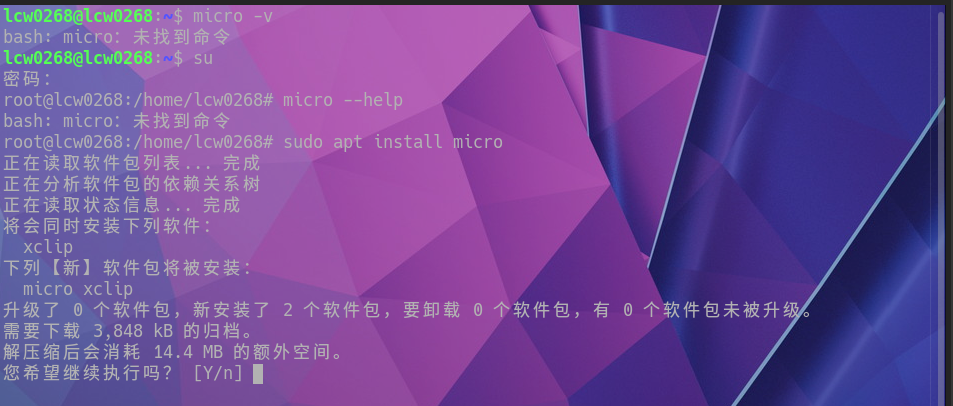
-bash: micro:未找到命令
~# whereis micro
micro:
特地去找官方安装命令: