

 中文
中文 

忘记、过去 deepin
2021-02-06 18:11 deepin 1. Seems that before user login correctly, these user custom settings won't be loaded?
You may set your monitors in dde-control-center and set which one is primary screen (dde-dock will show on primary screen), and then shutdown, next time you login it will show correctly.
2. 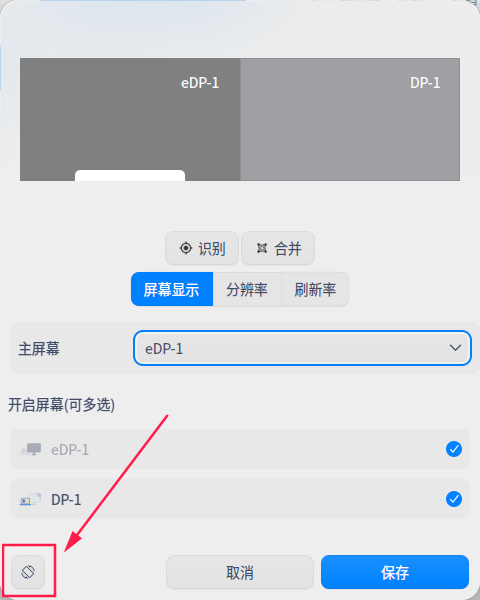
This is rotation settings button, just click it and then follow the instructions.
Reply Like 0 View the author

 the Network section no longer appears


Hi,
just updated from ubuntu by installing DDE. looks cool.
my monitor setup is like 3 monitors (visually side by side)
30 inch screen (2560*1600) in portrait mode
40 inch screen (3840*2160) in lanscape mode
24 inch screen (1920*1200) in landscape mode.
PROBLEMS
1- default login boots up so menu bar is on first and not rotated (hard to use). Is it possible to move task bar placed on second monitor
2- in settings (display) i tried screens in custom mode but unable to set orientation... what is best way to do it.?
thanks in advance, regards,haseeb