

 中文
中文 
WangZhongyun deepin
2021-02-01 20:36 deepin 看来先保存再另存为才保险了
Reply Like 2 View the author
 deepin
 看来先保存再另存为才保险了

 deepin
 换永中吧。wps无爱啦。哎
 deepin
 我所知道的方法是到 /home/user/.config这个目录里面去删除wps文件夹就暂时不会有了,以后还是可能有
 deepin
 我所知道的方法是到 /home/user/.config这个目录里面去删除wps文件夹就暂时不会有了,以后还是可能有
没有此目录
 deepin
 这个问题是WPS的还是DEEPIN的呢?

 deepin
 国际版另存xls,xlsx都正常。
deepin 一般建议在线文档,导出docx

 deepin
 没有此目录
隐藏文件,user是你的系统用户名
deepin 试了一下,另存没问题呢。

 deepin
 WPS打开备份位置看看有没有备份~/.local/share/Kingsoft/office6/data/backup
deepin 这个问题是WPS的还是DEEPIN的呢?
刚试了 uos个人版 另存为 正常
deepin 办公还是用uos个人版,稳定点。
deepin 靠右上方有个设置(齿轮图标),点击打开配置和修复工具
点击高级,WPS Office兼容第三方系统和软件,选择与Microsoft Office 2010兼容。
确定,退出
这是Windows版的修复方法,先试试,不行也未必就是deepin的问题,Linux版的WPS还不完整
deepin 好像没有问题出现,一直以来使用都正常
 deepin
 重新安装软件了,目前另存没问题。
心累,重新打工制表。
我个人觉得是wps的问题吧。
还是尽量别另存为了,先点下保存,
没发现有windows的自动保存恢复。
啊,不是deepin,是uos。
deepin 我的使用一直正常
deepin 测试了另存为本地文件docx没问题

 deepin
 linux下的wps有个让我郁闷的地方,就是我在deepin的WPS编辑好的图文文档,结果到了win10下WPS打开错位,还要重新排版……
 deepin
 永中不香?
 deepin
 我测试了表格文件,没有问题
系统是debian sid
Popular Ranking
ChangePopular Events
More


 Deepin IDE?
整理了一上午文件,就全完了?!!!
而且百分百重现,只要你点另存为,就必然错误!!!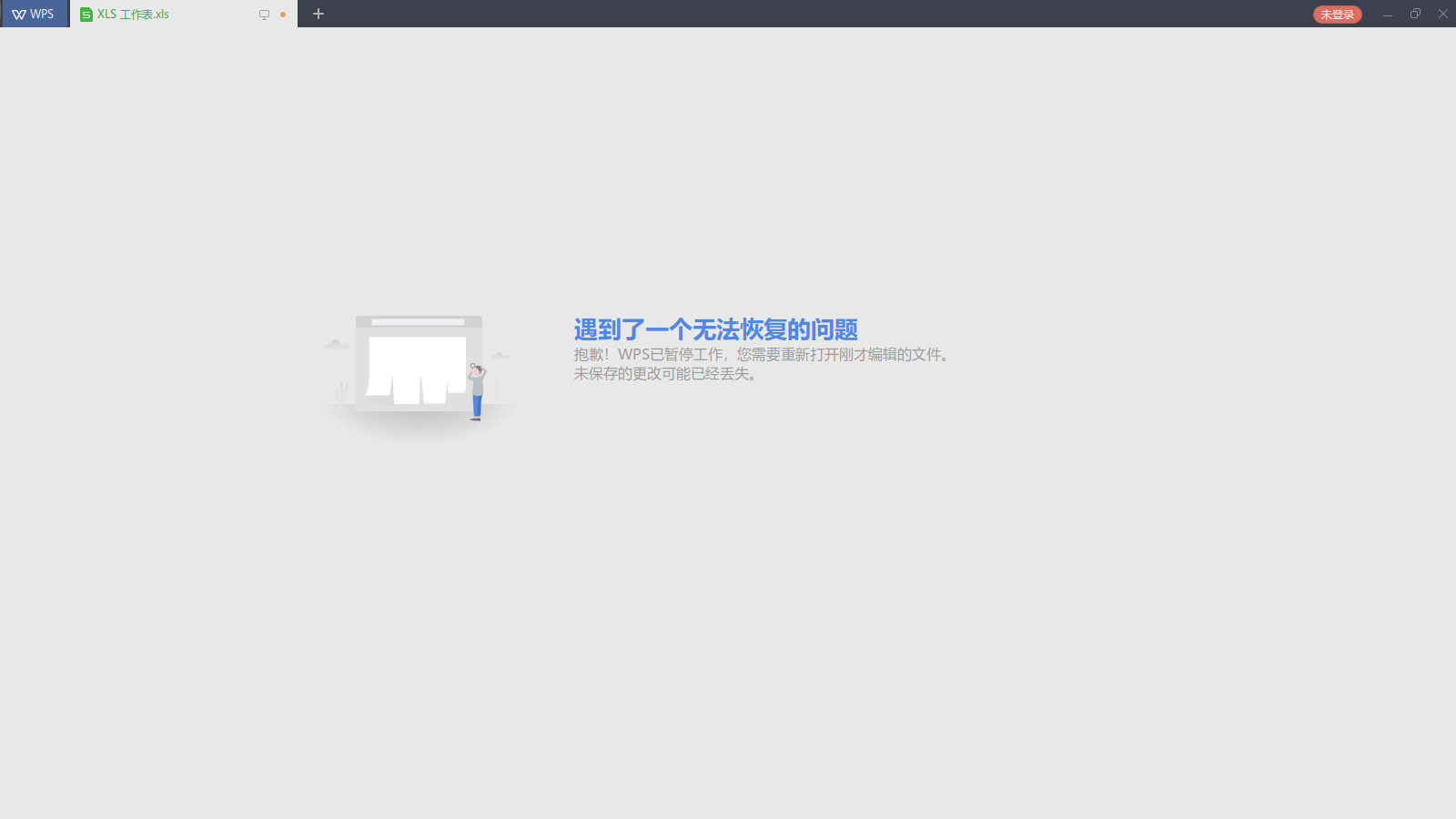
重新安装软件了,目前另存没问题。
心累,重新打工制表。
我个人觉得是wps的问题吧。
还是尽量别另存为了,先点下保存,
没发现有windows的自动保存恢复。
啊,不是deepin,是uos。