

 中文
中文 
mardou deepin
2021-01-30 18:58 deepin 问题是哪些可以禁用,哪些不能禁用的。如同在视窗系统中,有部分不能禁用的一旦被禁用,那么就影响系统正常运行,或者再也无法启动了。
Reply Like 0 View the author
 deepin
 问题是哪些可以禁用,哪些不能禁用的。如同在视窗系统中,有部分不能禁用的一旦被禁用,那么就影响系统正常运行,或者再也无法启动了。
deepin 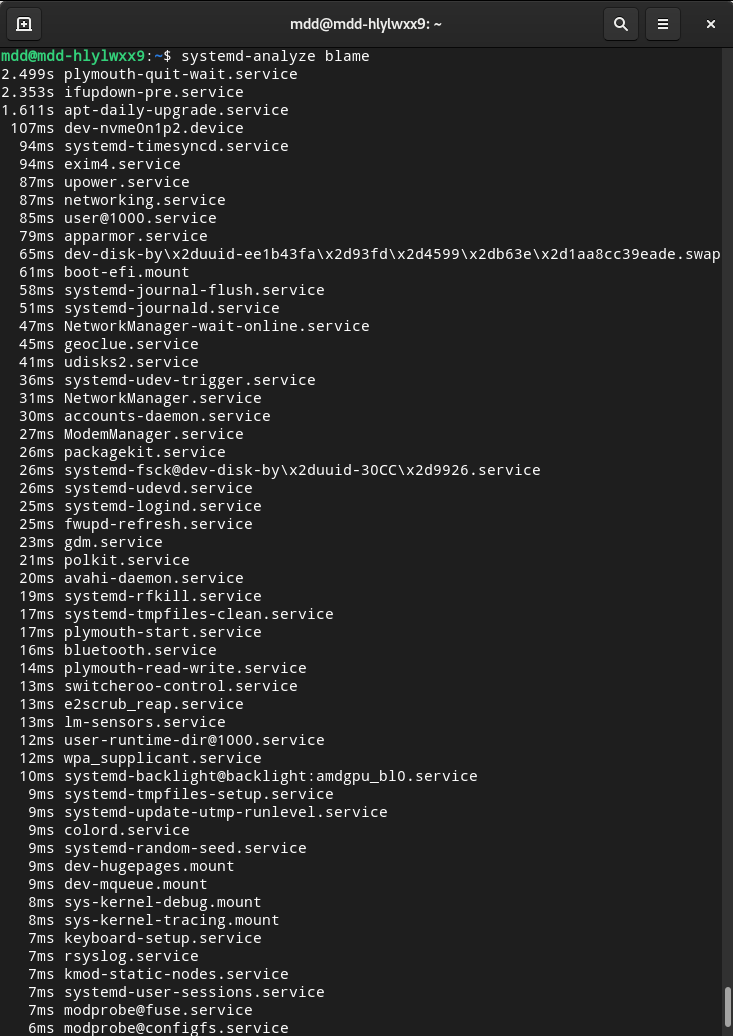
 deepin
 确实是系统越更新,启动时间越长!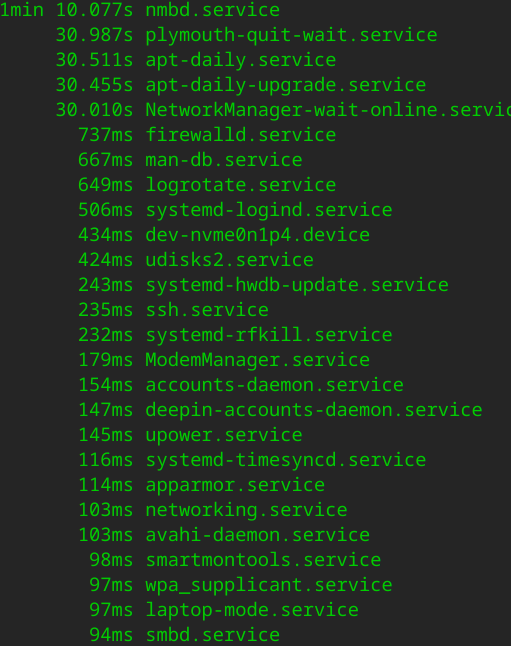

 deepin
 楼主是机械磁盘还是SSD?
楼主应该先检查系统,再来讨论启动。
deepin 楼主是机械磁盘还是SSD?
楼主应该先检查系统,再来讨论启动。
我的是机械硬盘。系统是最新的。
deepin 确实是系统越更新,启动时间越长!
你的速度也不快呀。
deepin 你不是deepin系统吧。
deepin 你不是deepin系统吧。
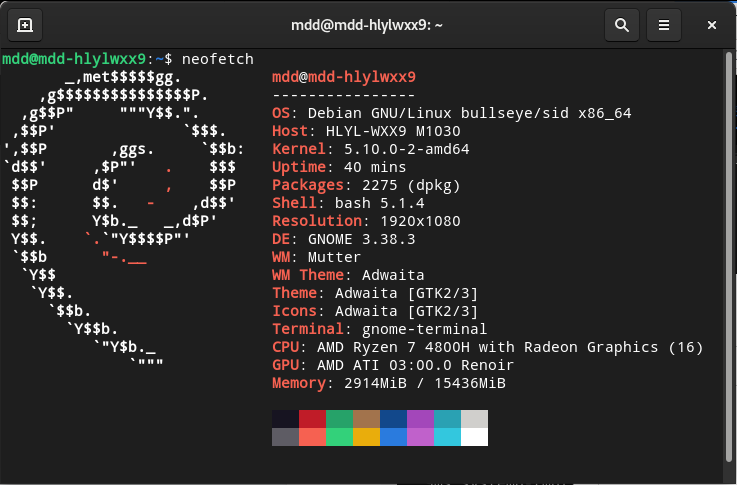
嗯
 deepin
 我是这是机械硬盘的台式机,这算正常范围吗?
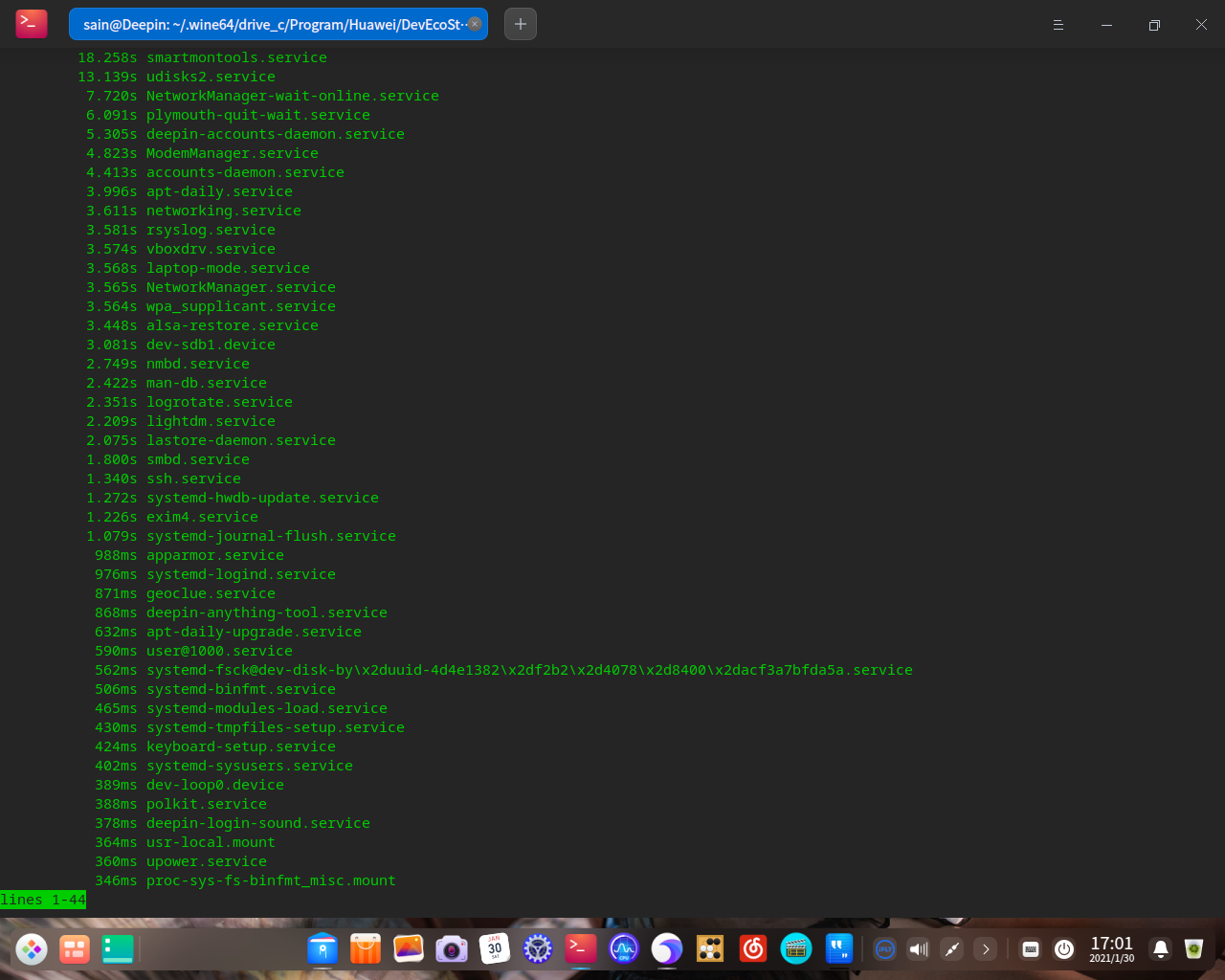
 deepin
 确实是系统越更新,启动时间越长!
想问一下这个启动还是很慢吗
我每次启动的时候都很慢,nmbd.service用了一分多钟
deepin 想问一下这个启动还是很慢吗
我每次启动的时候都很慢,nmbd.service用了一分多钟
你的也不快呀,貌似比我的快一点。
deepin 我的电脑启动所需时间如下:
终端检测结果:
#systemd-analyze time
Startup finished in 10.163s (kernel) + 2min 2.800s (userspace) = 2min 12.964s
graphical.target reached after 2min 2.775s in userspace

 deepin
 建议先换成SSD(更好的优化),再将内核换成兼容自己硬件的(非最新)

 deepin
deepin 想问一下这个启动还是很慢吗
我每次启动的时候都很慢,nmbd.service用了一分多钟
正常,如果嫌慢建议换固态
我的机械硬盘老爷机开机要用两分多钟。。。。
deepin 正常,如果嫌慢建议换固态
我的机械硬盘老爷机开机要用两分多钟。。。。
我本来就是固态,deepin也是装在固态上的,还这么慢,我感觉是哪里出了问题
deepin
你的是火箭速度。
 deepin
 换回15了,优化了一下
$ systemd-analyze time
Startup finished in 4.320s (firmware) + 2.193s (loader) + 7.072s (kernel) + 1.546s (userspace) = 15.132s
我本来启动两分多,
禁了几个能看懂的,
apt-daily.service
apt-daily.timer
apt-daily.upgrade.timer
apt-daily.upgrade.service
bluetooth.service
又禁了虚拟机的
vboxdrv.service
vboxballoonctrl-service.service
vboxautostart-service.service
现在的数据
Startup finished in 4.988s (firmware) + 6.602s (loader) + 5.958s (kernel) + 27.452s (userspace) = 45.003s
graphical.target reached after 27.442s in userspace
deepin 楼主是机械磁盘还是SSD?
楼主应该先检查系统,再来讨论启动。
我用的机械硬盘呀。
Popular Ranking
ChangePopular Events
More


 Deepin IDE?
我感觉在系统不断升级、功能不断完善的同时,启动所需的时间却越来越长了,今天检查了一下整个启动所需时间,真是感觉太慢了。如何办?其中以下列表中哪些是可以关闭的呢?请高手指点。
以下为检查启动过程所需时间的列表:
$ systemd-analyze blame
1min 30.080s nmbd.service
24.356s ModemManager.service
21.973s plymouth-quit-wait.service
21.806s udisks2.service
20.558s deepin-accounts-daemon.service
19.648s dev-sda1.device
19.415s accounts-daemon.service
16.476s mariadb.service
15.441s wpa_supplicant.service
15.440s NetworkManager.service
14.916s rsyslog.service
14.807s laptop-mode.service
14.465s smartmontools.service
14.397s pppd-dns.service
14.357s systemd-logind.service
10.775s nginx.service
9.480s smbd.service
8.226s lightdm.service
3.695s lastore-daemon.service
3.223s deepin-login-sound.service
3.093s systemd-hwdb-update.service
3.026s polkit.service
2.969s upower.service
2.879s ssh.service
2.710s deepin-anything-tool.service
2.588s systemd-journal-flush.service