

 中文
中文 
jorsion deepin
2021-01-19 15:50 deepin 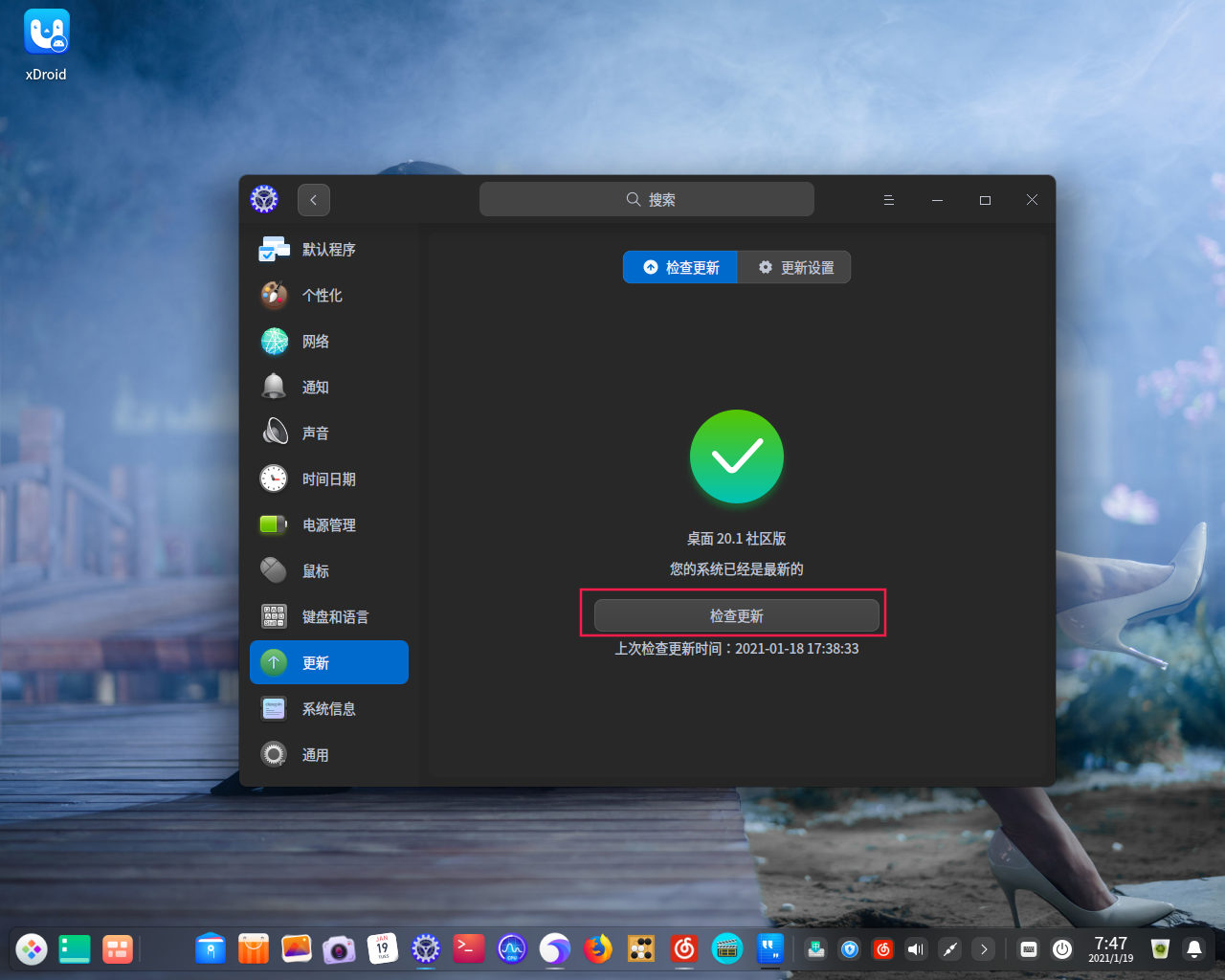
clicking here for update system
Reply Like 0 View the author
 deepin
clicking here for update system

 deepin
 Please wait for the end of the background update
 deepin
 HI. Thank you both for quick responses; much appreciated
The update via the update option completed fine
Terminal dialogue as per below:
raaj@raaj-PC:~$ sudo apt-get update
Password
[sudo] password for raaj:
Verification successful
Hit:1 https://community-store-packages.deepin.com/appstore eagle InRelease
Hit:2 https://community-packages.deepin.com/deepin apricot InRelease
Hit:3 https://community-packages.deepin.com/printer eagle InRelease
Reading package lists... Done
raaj@raaj-PC:~$ sudo apt-get upgrade
E: dpkg was interrupted, you must manually run 'sudo dpkg --configure -a' to correct the problem.
raaj@raaj-PC:~$ sudo dpkg --configure -a
Setting up pepperflashplugin-nonfree (1.8.4) ...
Has been at that position for last 10 minutes
How long do you think it will take?
Thanks again
R
deepin HI, tried update again today. It downloaded a system update but failed to install. I fear now I have a broken system that I cannot use. Please help Thanks in advance
Regards
R
deepin HI, tried update again today. It downloaded a system update but failed to install. I fear now I have a broken system that I cannot use. Please help Thanks in advance
Regards
R
Found a solution on ubuntu forum. Apparently this plugin no longer exists and has to be renoved via:
Sudo dpkg - - remove - - force-remove-reinstreq pepperflashplugin-nonfree
Popular Ranking
ChangePopular Events
More


 Deepin IDE?
Hi just downloaded and installed 20.1 kernel 5.8
Such a beautiful desktop
Couple of issues for which I will raise seperate posts
This one about installing / uodating software
Tried app store and everything I triwd was stuck
Then went terminal and did sudo apt-get uodate which worked fine
Then sudo apt-get upgrade came up with a dpkg var lock message
So I did dpkg - - configure - a
It then said installing pepperflashplugin-non free and nothing happens
Even after reboot!
Grateful for your advice as to how to get oast this error
Thanks
R