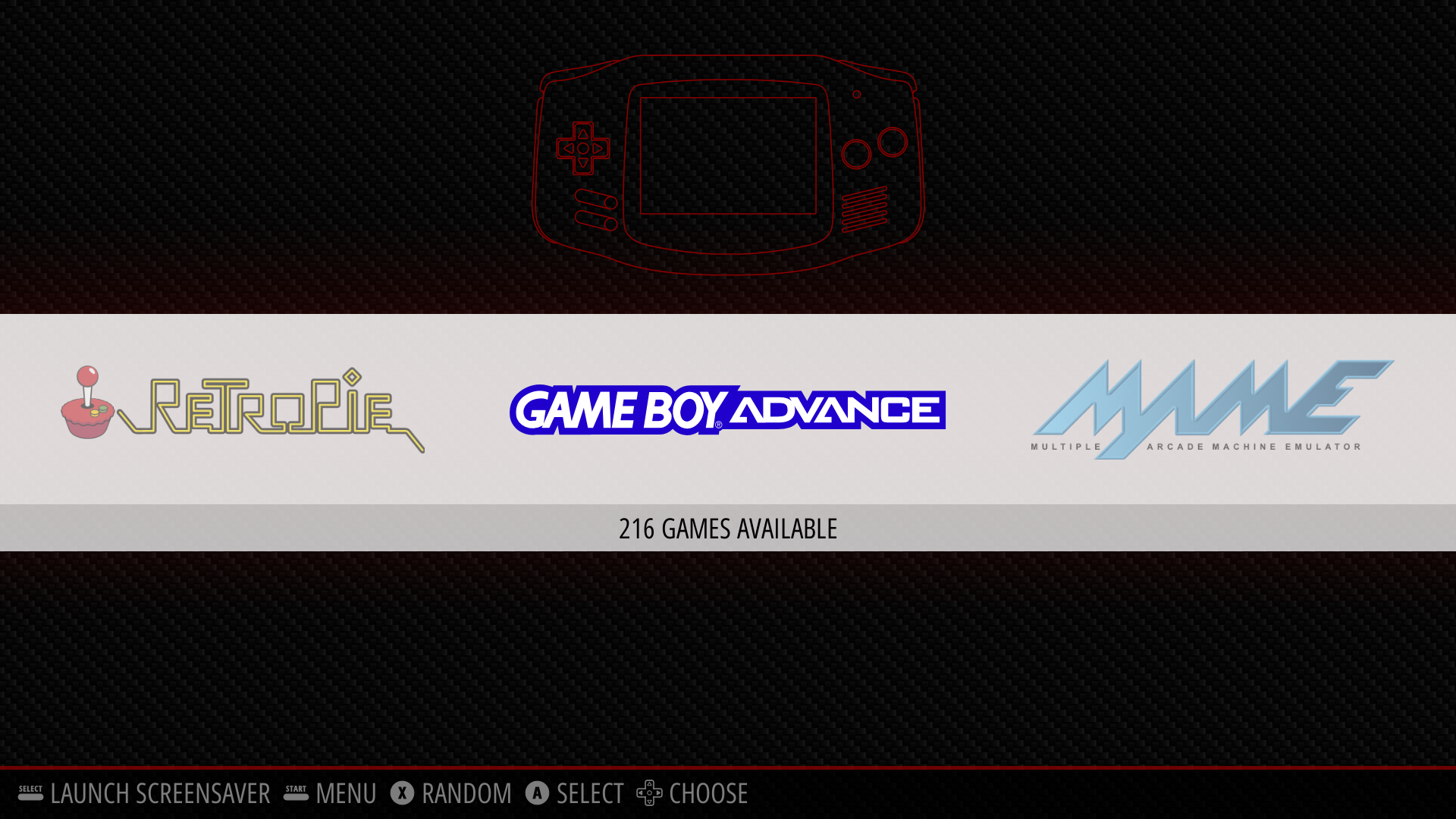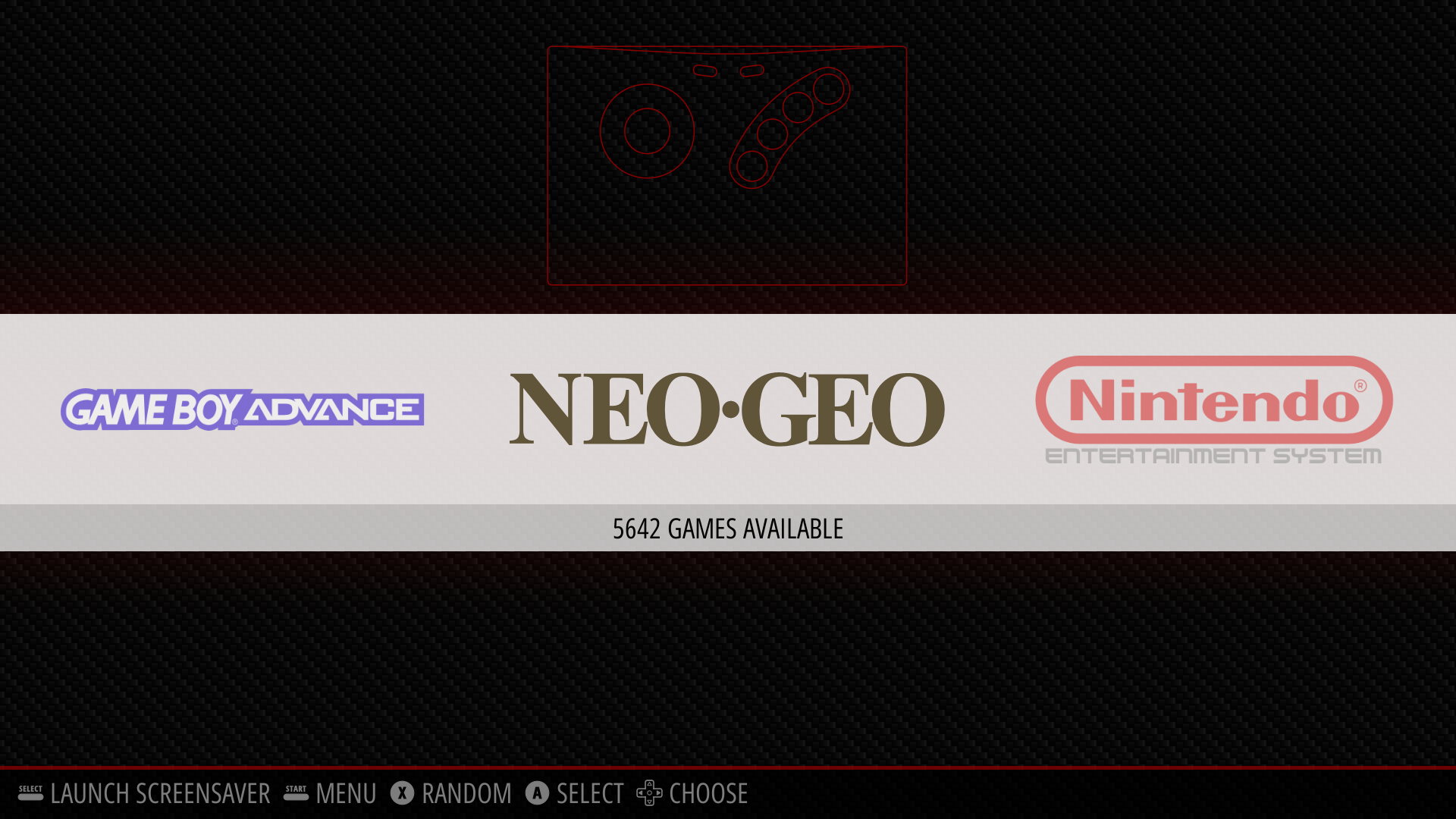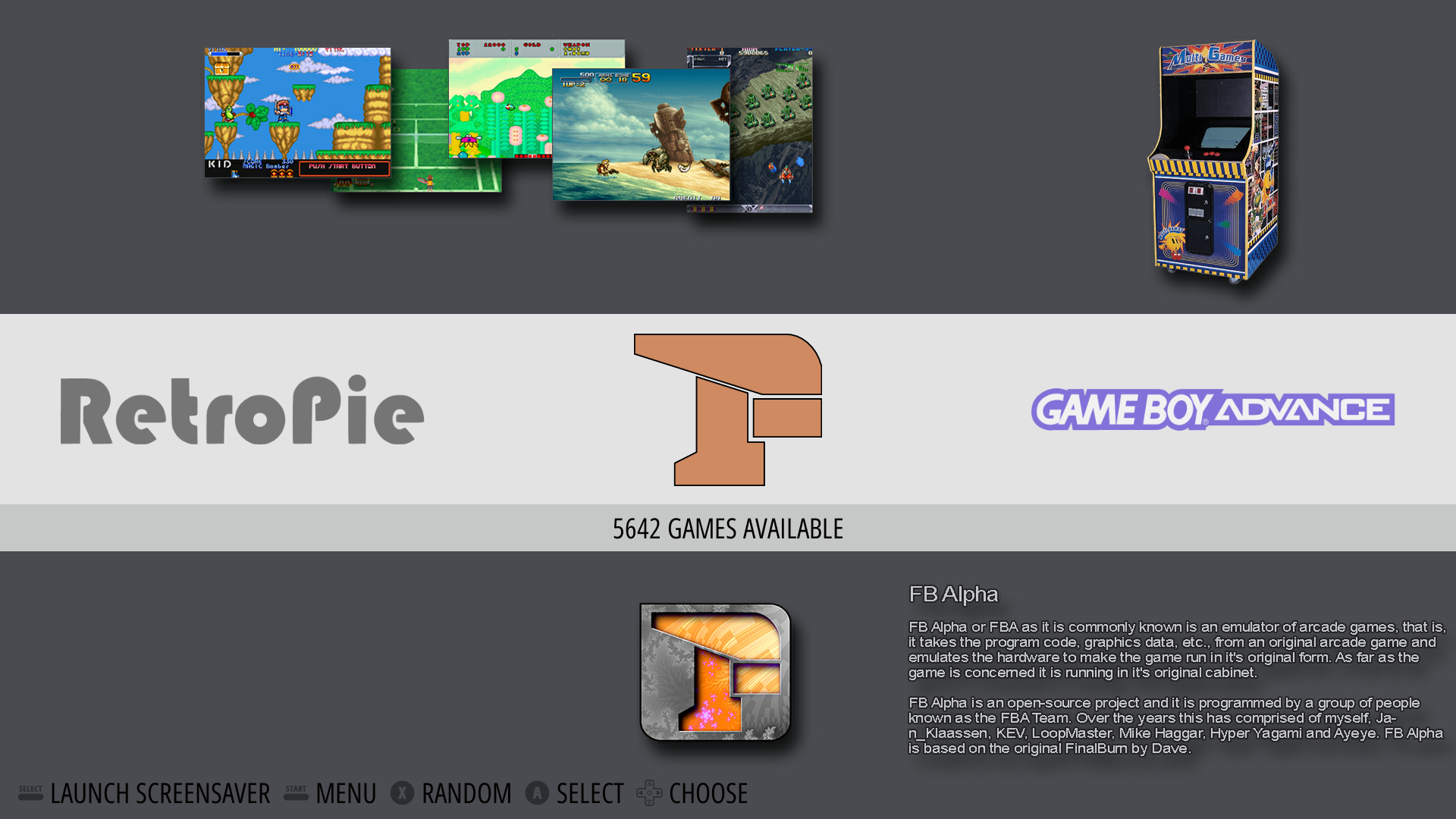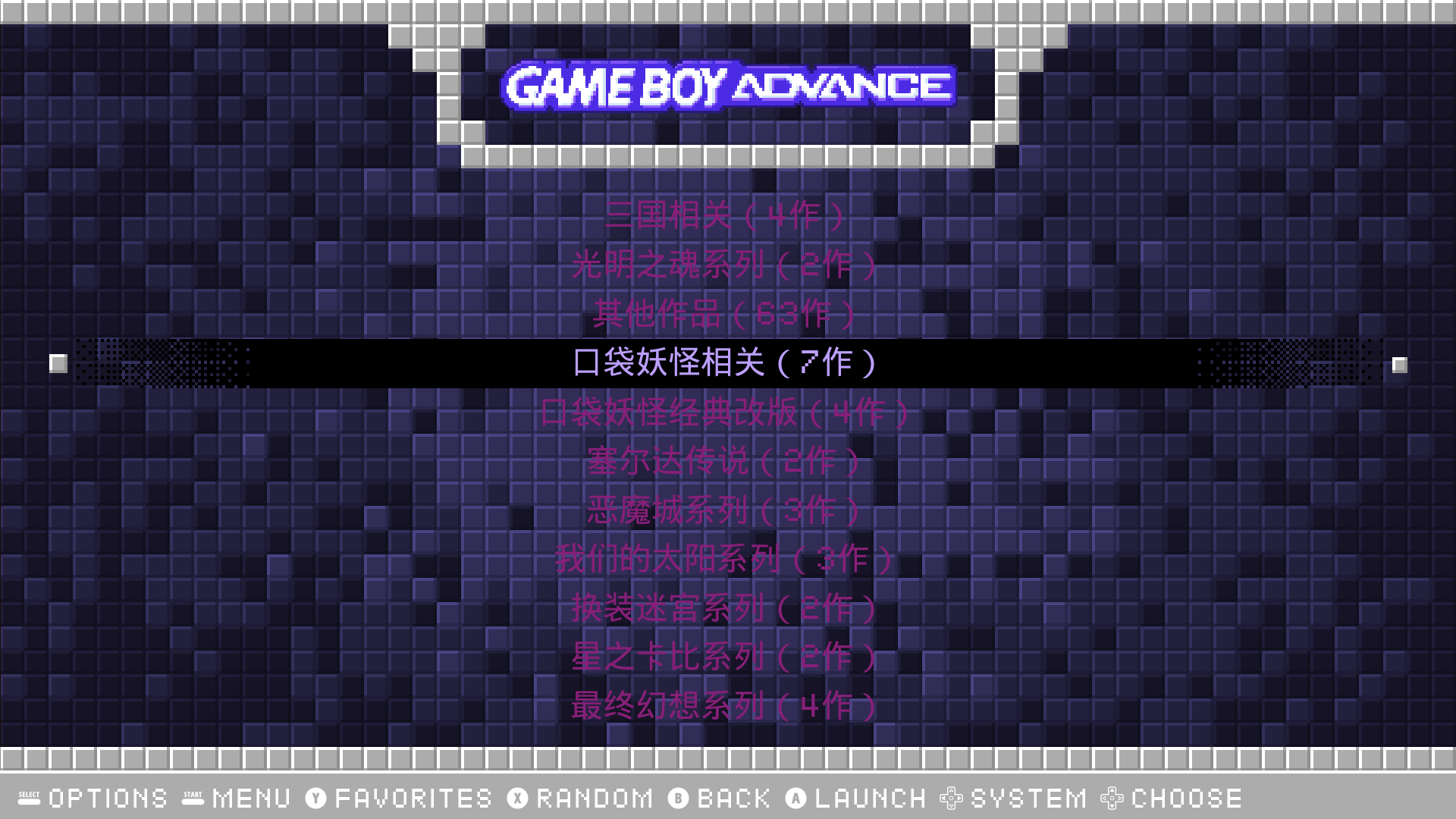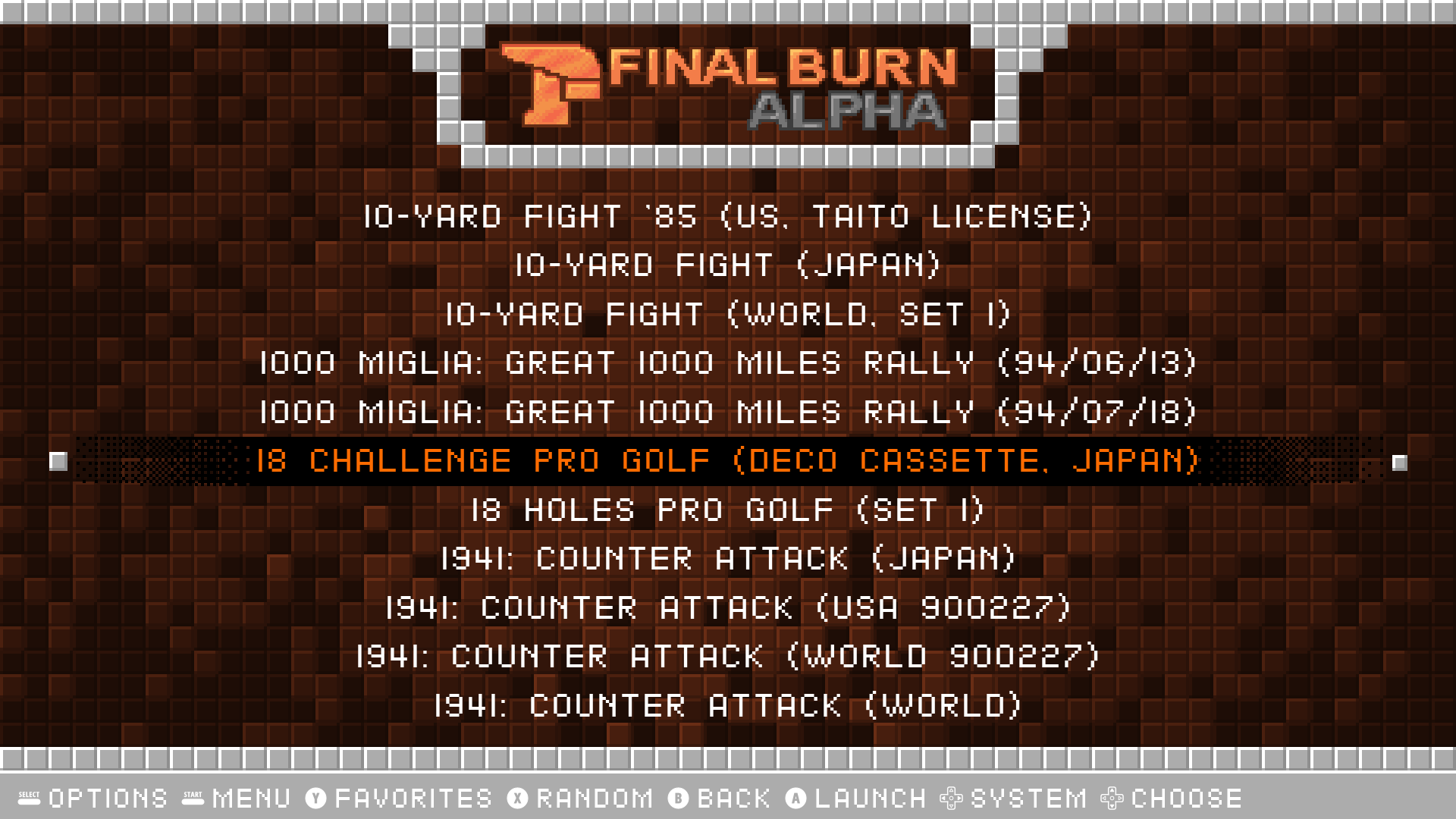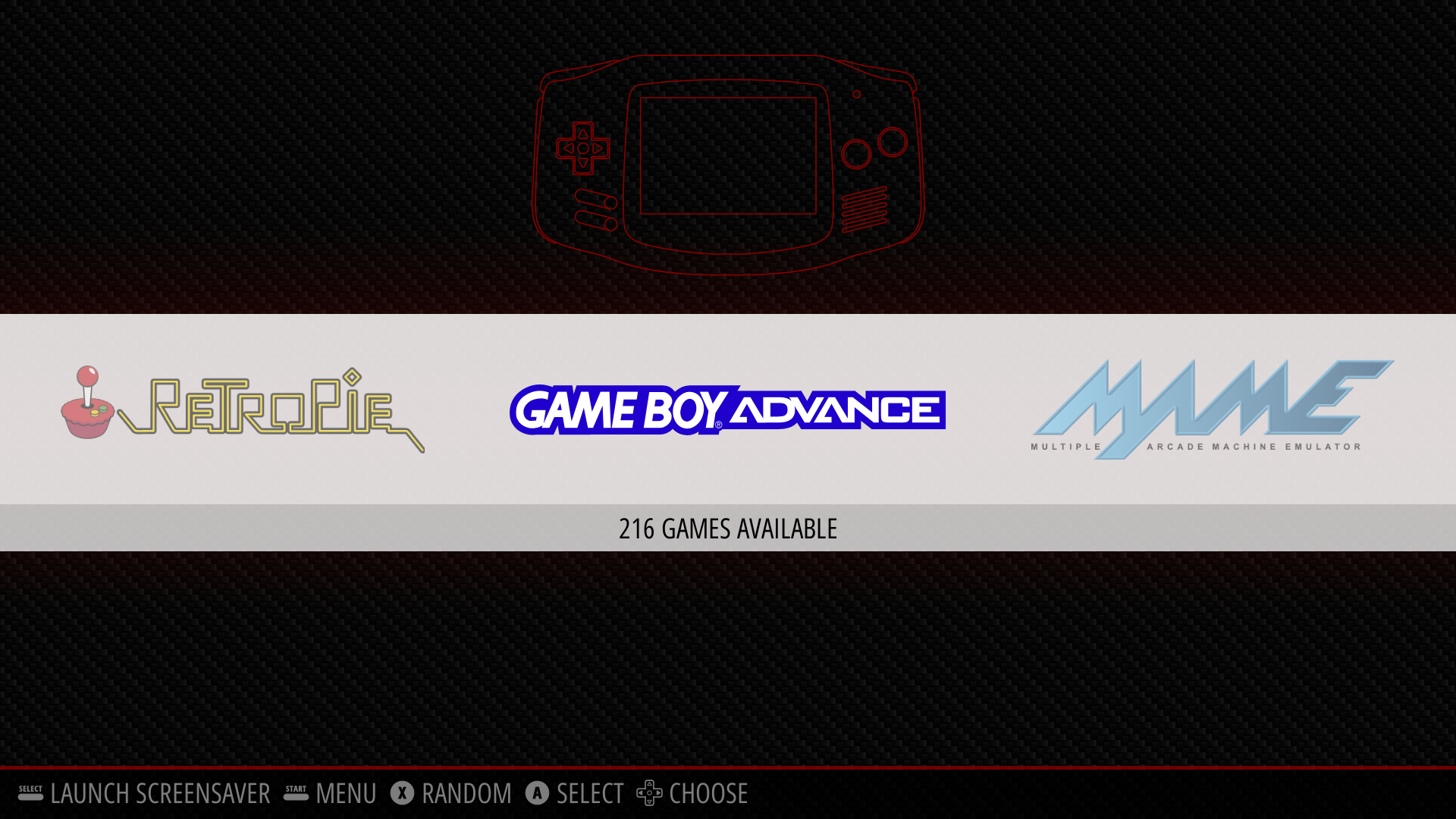
[Stand-alone Games] Deepin编译安装Retropie复古游戏模拟器
Tofloor
poster avatar
ksgt0025
deepin
2021-01-15 06:12
Author

Reply Favorite View the author
All Replies
ksgt0025
deepin
2021-01-15 06:15
#1

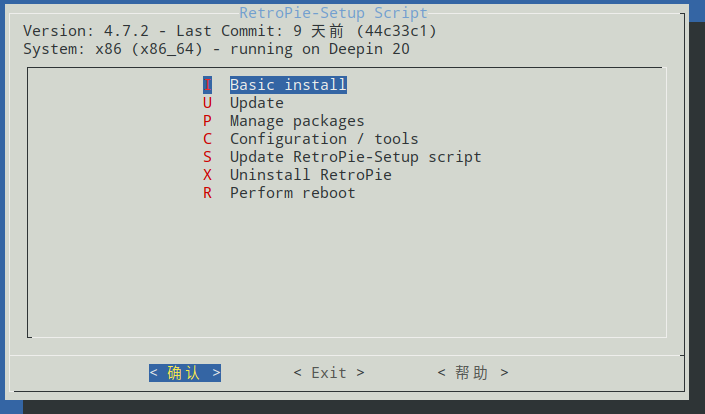
deepin 编译安装Retropie复古游戏模拟器的步骤:

1、sudo apt install -y git dialog unzip xmlstarlet

2、git clone --depth=1 https://github.com/RetroPie/RetroPie-Setup.git

3、cd RetroPie-Setup

4、sudo ./retropie_setup.sh

5、选择第一项:Basic install 安装
Reply View the author
ksgt0025
deepin
2021-01-15 06:19
#2

游戏ROM目录是在 ~/RetroPie/roms

在网上下载相对的游戏ROM放入对应的目录中就可以了。在应用列表打开rpie 就可以刷新出来了。

也可以在应用商店搜索:retroarch 同样可以玩复古游戏,但是界面以及功能就没有RetroPie多了,Retropie是集合了retroarch核心+界面模板,还有其他的功能。

Reply View the author
ksgt0025
deepin
2021-01-15 06:21
#3


Reply View the author
ksgt0025
deepin
2021-01-15 06:23
#4

无需手柄,初次打开Retropie会提示手柄初始化的框架,只要按住键盘的任意按键,就可以用键盘代替手柄自定义按键。

Reply View the author
ksgt0025
deepin
2021-01-15 06:26
#5

这个模拟器是全屏的(也可以说它本身就是一个游戏桌面),很多人用开发板安装无图形界面的linux,然后编译安装Retropie模拟器,让Retropie开机自启,然后这个开发板就成了一个游戏机。比如树梅派游戏机多数都是用的树梅派开发板安装的Retropie。

Reply View the author
andot
deepin
2021-02-01 15:51
#6

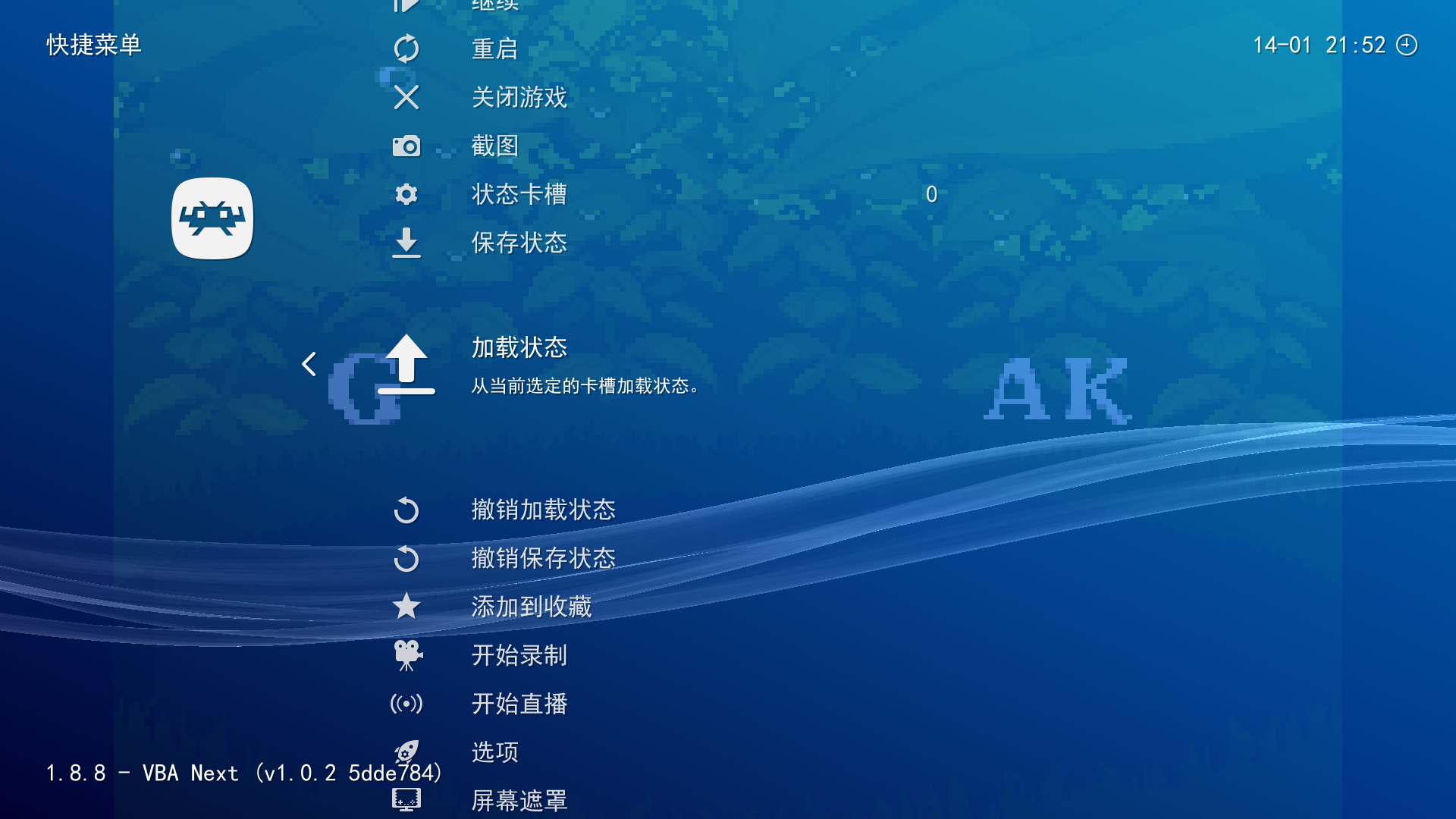
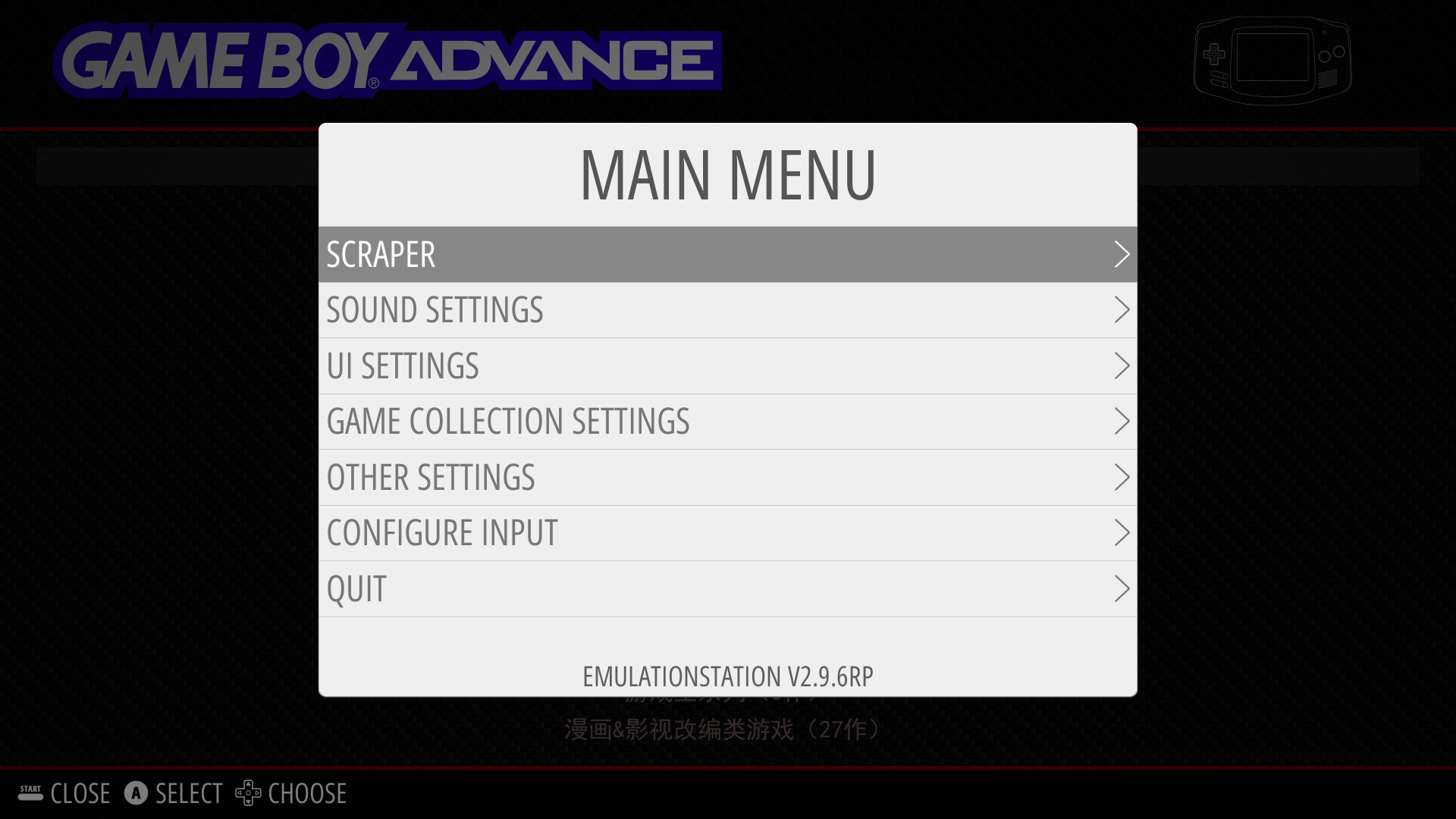
这个界面可以向 retroarch 那样变成中文吗?

Reply View the author
ksgt0025
deepin
2021-08-01 05:47
#7

Reply View the author
ksgt0025
deepin
2021-08-01 05:51
#8

Reply View the author
ksgt0025
deepin
2021-08-01 05:51
#9

Reply View the author
ksgt0025
deepin
2021-08-01 05:51
#10

Reply View the author