
U盘安装长时间显示 deepin图标后,提示initramf
Tofloor
poster avatar
rongfine9
deepin
2020-12-30 05:04
Author

U盘安装长时间显示 deepin图标后,提示initramf) 后,安装无法继续下去;

主板是技嘉H61的主板; 


Reply Favorite View the author
All Replies
rongfine9
deepin
2020-12-30 05:06
#1

如图所示


Reply View the author
非专业摸鱼选手
deepin
2020-12-30 05:20
#2

镜像验证一下完整性,然后重新制作启动盘。再试一次。

Reply View the author
luing6
deepin
2020-12-30 05:54
#3

楼主是用镜像自带工具制作的安装盘吗?

Reply View the author
Ziggy
deepin
2020-12-30 06:49
#4

具体配置?关闭安全启动?用过ventoy?

Reply View the author
rongfine9
deepin
2021-01-01 23:10
#5
非专业摸鱼选手

镜像验证一下完整性,然后重新制作启动盘。再试一次。

下载了三个镜都是这一种提示

Reply View the author
rongfine9
deepin
2021-01-01 23:11
#6
luing6

楼主是用镜像自带工具制作的安装盘吗?

不是,用的是软碟通ultraISO

Reply View the author
rongfine9
deepin
2021-01-01 23:17
#7
Ziggy

具体配置?关闭安全启动?用过ventoy?

找了台旧电脑,BIOS重置过了,用这个镜就是这个提示,今天下了最新的镜像也不行

Reply View the author
rongfine9
deepin
2021-01-01 23:49
#8
rongfine9

不是,用的是软碟通ultraISO

刚才试过了,用深度的供的启动盘制作工具做的U盘也不行

Reply View the author
Ziggy
deepin
2021-01-02 00:04
#9
rongfine9

找了台旧电脑,BIOS重置过了,用这个镜就是这个提示,今天下了最新的镜像也不行

用ventoy

Reply View the author
非专业摸鱼选手
deepin
2021-01-02 03:01
#10
rongfine9

不是,用的是软碟通ultraISO

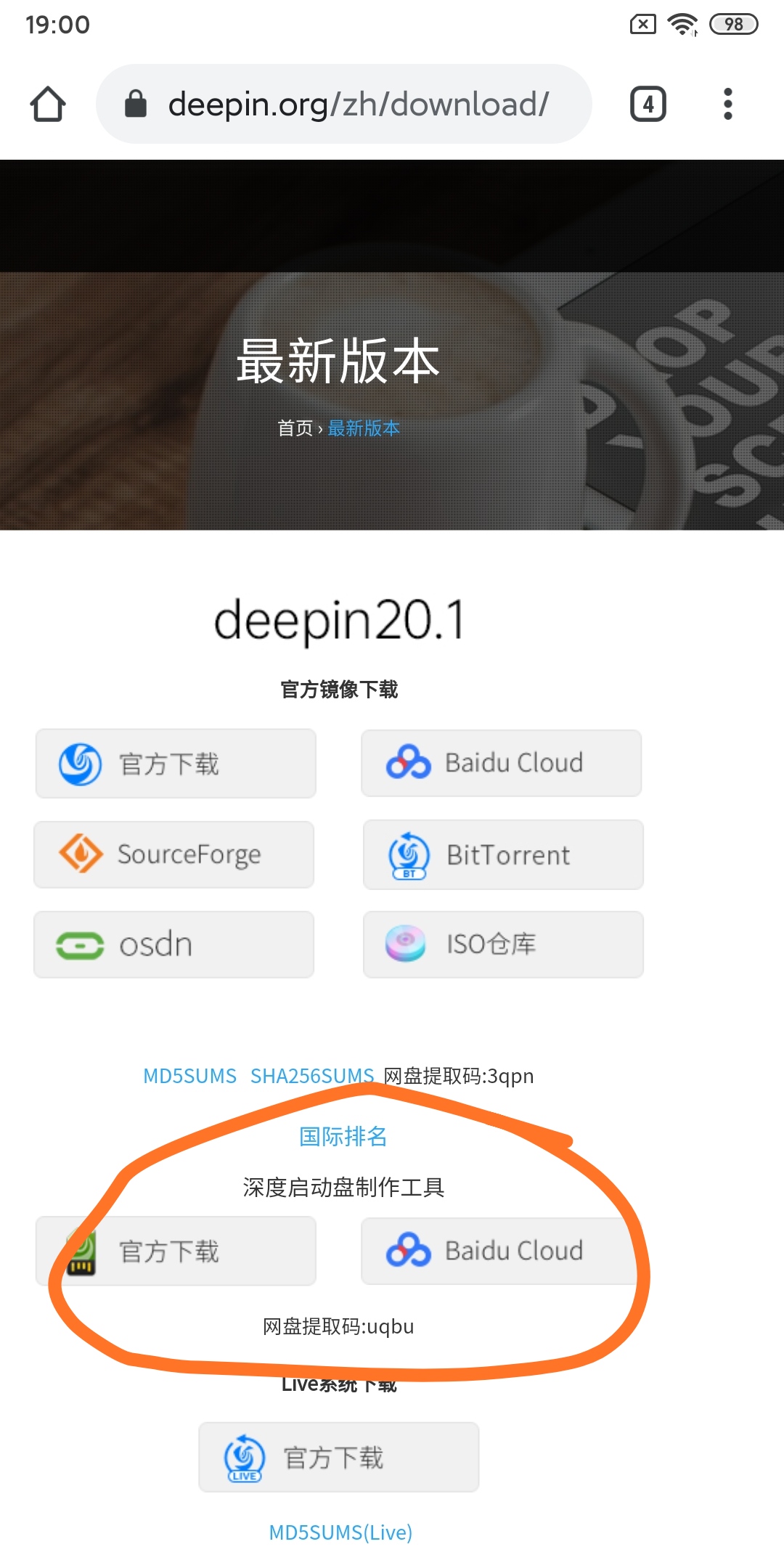
deepin有自己的启动安装盘制作工具。

最好用它自己的。
Reply View the author
rongfine9
deepin
2021-01-03 05:23
#11

显示卡拨掉,就安装成功能了,好神奇

Reply View the author
