

 中文
中文 
liwl deepin
2020-12-17 14:30 deepin 版主好精力
Reply Like 0 View the author
 deepin
 版主好精力

 deepin
 先码再看!
 deepin
 中文讲叫“牛逼”,英文讲叫“nbility”![[good]](https://img.t.sinajs.cn/t35/style/images/common/face/ext/normal/d8/good_thumb.gif)

 deepin
 @deepin-mq
 deepin
 后面很多格式都乱掉了

 deepin
 后面很多格式都乱掉了
之前我做wget 镜像的时候就已经这样了
不会改
作者在社区里,但是我不知道id
deepin 如果用的gitbook不应该会这样啊![[开心]](/assets/image/raccoon/[joy].gif)
凑和看先![[尾]](/assets/image/raccoon/[tail].gif)
 deepin
 先码再看。。。。
 deepin
 谢谢斑竹先,辛苦了。入门良药啊。吃药去~~~
 deepin
 不错的深度经,先点赞!

 deepin
 收藏下来,随后看看。
 deepin
 萌新的曙光!向大佬致敬!收藏点赞
deepin 看到第八章了,后面就有点难受啊这排版~~~
 deepin
 我去github看了一下,这个《深度易经》确实不错。
deepin 我去github看了一下,这个《深度易经》确实不错。
老哥pdf这个在gitee镜像的file也是有的

写得确实很好
deepin 老哥pdf这个在gitee镜像的file也是有的
我看你在1楼说gitee的更新落后于github,我就直接去github了。

 deepin
 看了下目录,
感觉顺序有点问题.
6,7 才是普通用户关心的内容.前面讲了一堆,并不是很有必要,
如果用户想要拓展 的时候,才需要看那些.
8 和12应该连接起来.
窃以为 按如下顺序较好.
1. 以深度为例讲一般使用,日常常用图形化软件的安装使用.全部选点点鼠标就用的,不要敲命令.改配置文件之类的,这些放 4 里讲.
2. 拓展知识linux认知,常识,可选发行版,桌面环境,文件系统等内容
3. 拓展电脑启动知识,电脑启动模式,linux启动流程,开机时间优化等
4. 拓展使用,shell,脚本,个性化定制,美化,
5. 讲服务器.主要samba,cups,远程桌面等,日常能用到的,其他的服务器领域的可以不讲.
6. 安全.
7. 如何制作本书
之前我做wget 镜像的时候就已经这样了
不会改
作者在社区里,但是我不知道id
https://bbs.deepin.org/post/144708
就是这位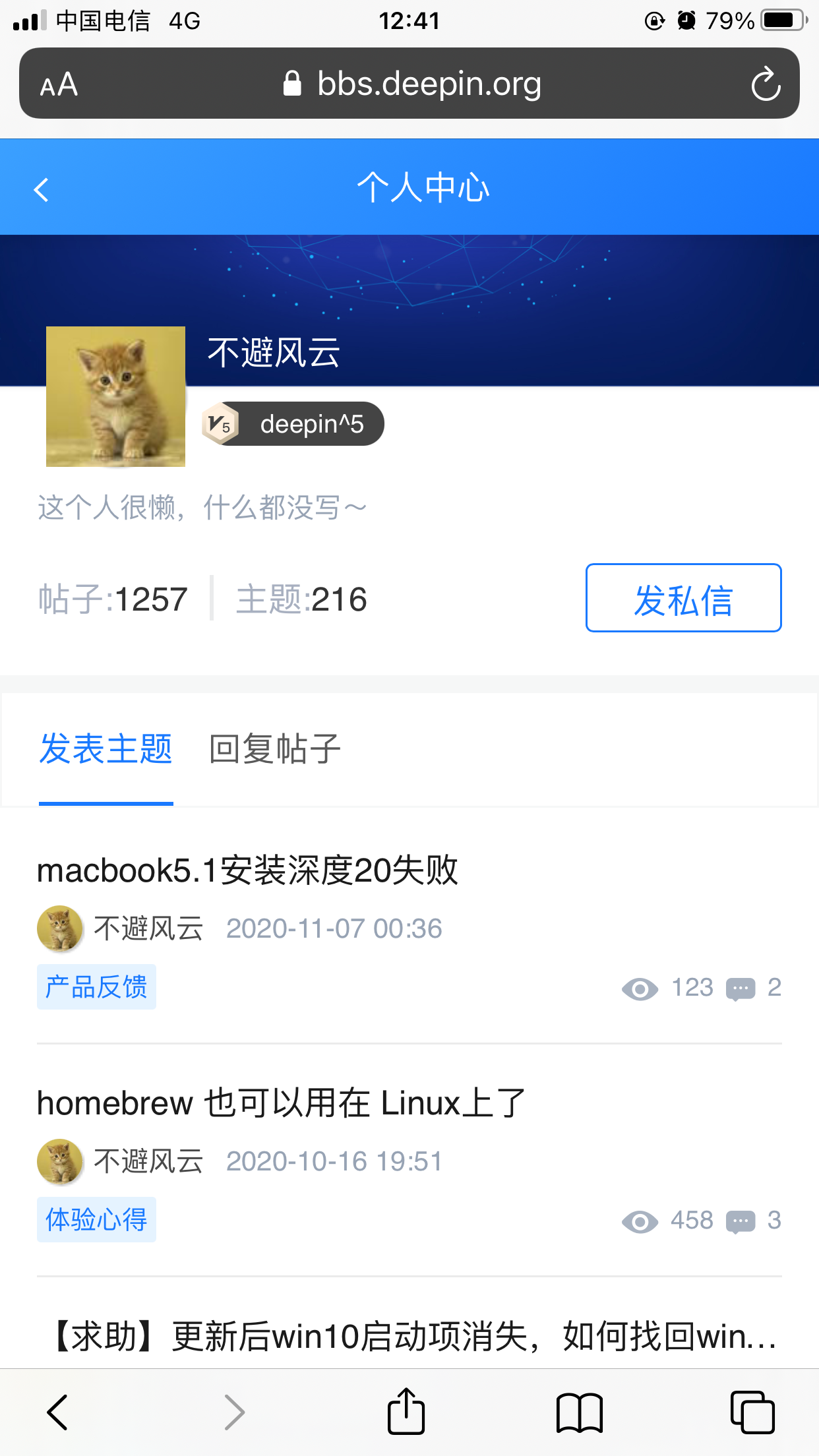


实际上原作者在码云有对应的东西,但是我看更新的commit落后github很久,而github page国内访问不稳定,故制作镜像
http://spark-opensource.gitee.io/deepin-bible/