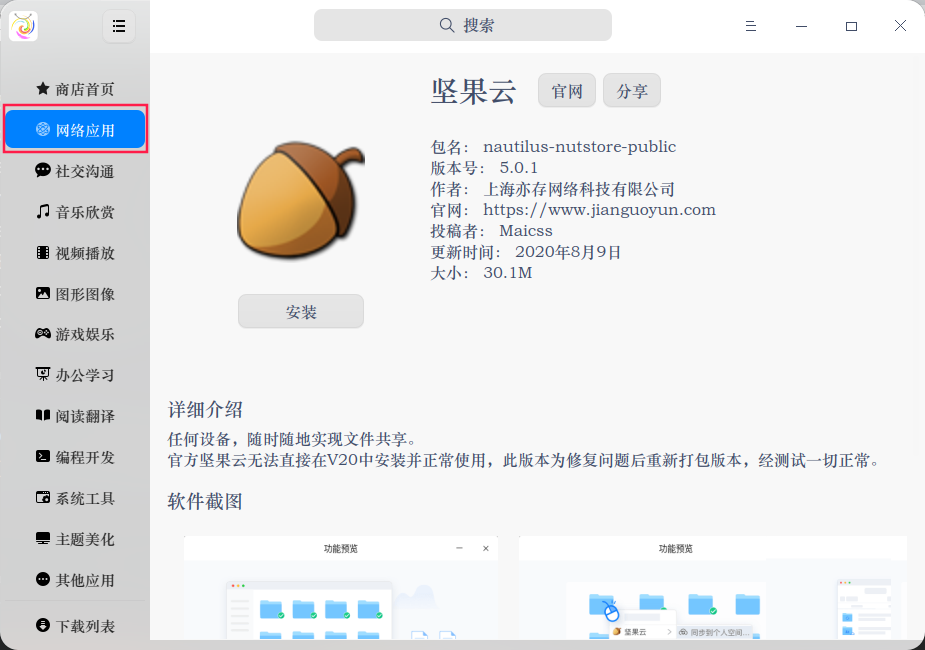
强烈推荐“坚果云”入住“应用商店”
Tofloor
poster avatar
紫雨林
deepin
2020-09-14 06:53
Author
“坚果云”是一款我一直再用的云盘软件,非常好用,而且官网可以下载linux版本。强烈推荐入驻“应用商店”,能在“应用商店”安装、更新,体验会更好!
Reply Favorite View the author
All Replies
神末shenmo
deepin
Spark-App
Q&A Team
2020-09-14 07:09
#1
spk://store/network/nautilus-nutstore-public/

Reply View the author
a***1@163.com
deepin
2020-09-14 07:32
#2
https://bbs.deepin.org/post/202035
spk://store/network/nautilus-nutstore-public/

斑竹,你整这一句怎么个玩法啊?
Reply View the author
SamLukeYes
deepin
2020-09-14 07:53
#3
https://bbs.deepin.org/post/202035
斑竹,你整这一句怎么个玩法啊?

用星火商店可以打开这样的链接。其实也可以直接从星火商店的软件源中下载坚果云。
Reply View the author
afcwjy
deepin
2020-09-14 08:33
#4
原来有的,不知道怎么给删了
Reply View the author
haohu1193
deepin
2020-09-14 08:43
#5

Reply View the author
a***1@163.com
deepin
2020-09-14 16:01
#6
笑尿,我说怎么玩呢。丢浏览器下载星火商店。
以为去终端里执行,看着又不像是apt install格式。。
Reply View the author
songyiyong
deepin
2020-09-14 16:58
#7
为什么安装以后打不开  ?
Reply View the author
mxm8491
deepin
2020-09-14 18:27
#8
同问,在官网下载的也是这样
Reply View the author
lanyun7112
deepin
2020-09-14 18:43
#9
坚果云打不开解决

先看第三步你有没有这个文件,没有的话就从第一步开始吧

1. 下载二进制包

  1. $> wget https://www.jianguoyun.com/static/exe/installer/nutstore_linux_dist_x64.tar.gz -O /tmp/nutstore_bin.tar.gz
Copy the Code


2. 解压缩二进制组件包

  1. $> mkdir -p ~/.nutstore/dist && tar zxf /tmp/nutstore_bin.tar.gz -C ~/.nutstore/dist
Copy the Code


3. 安装坚果云菜单和图标

  1. $> ~/.nutstore/dist/bin/install_core.sh
Copy the Code


弄完以后,找到 File "/home/xx/.nutstore/dist/bin/nutstore-pydaemon.py", line 51, in
gi.require_version('Notify', '0.7')  这个文件,用编辑器打开,删除了第51行的代码,保存。(看网上说有的是第50行,不管是第几行,只要是这段代码就对了)
Reply View the author
ieayoio
deepin
2020-09-14 21:45
#10
原来有,v20很多软件商店都没了,不知道什么原因
Reply View the author