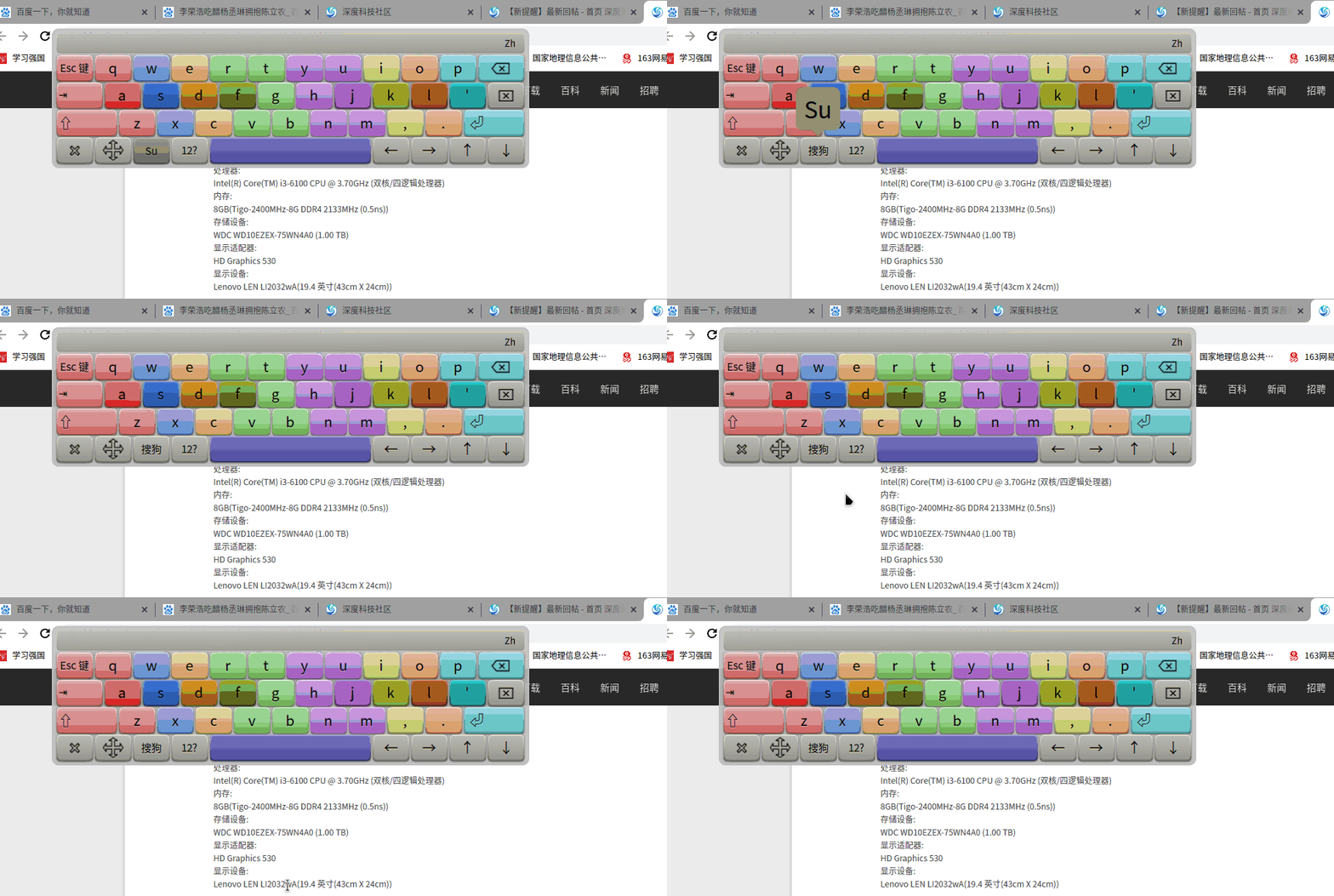
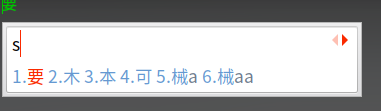
15.11自带的五笔呢?
Tofloor
poster avatar
silkapok
deepin
2020-09-13 09:12
Author
本帖最后由 silkapok 于 2020-9-13 11:08 编辑

如题
系统v20

输入法没有提示的。。之前的乌班图五笔那么好用。。怎么没有了?
记得一开始是可以的 好像更新了搜狗就不行了。。
什么捏
不想用搜狗,我都还想问怎么删除搜狗呢。。
不是说搜狗不好用,主要是之前的乌班图五笔太好用了。。显得搜狗很垃圾。。
Reply Favorite View the author
All Replies
andktan
deepin
2020-09-13 16:32
#1
同样需求,请高手指教
Reply View the author
Viagra
deepin
2020-09-13 16:32
#2
最新的搜狗不是集成了五笔麻
Reply View the author
andktan
deepin
2020-09-13 16:36
#3
本帖最后由 andktan 于 2020-9-13 08:41 编辑


刚发现,在这里换成搜狗,就好用了,但是只有五笔,没有混合拼音,不如15版本中的五笔拼音混合的输入法好用
Reply View the author
silkapok
deepin
2020-09-13 19:10
#4
https://bbs.deepin.org/post/201939
最新的搜狗不是集成了五笔麻

不想用搜狗,没有之前的好看
Reply View the author
silkapok
deepin
2020-09-13 19:14
#5
https://bbs.deepin.org/post/201939
刚发现,在这里换成搜狗,就好用了,但是只有五笔,没有混合拼音,不如15版本中的五笔拼音混合的输入法好 ...
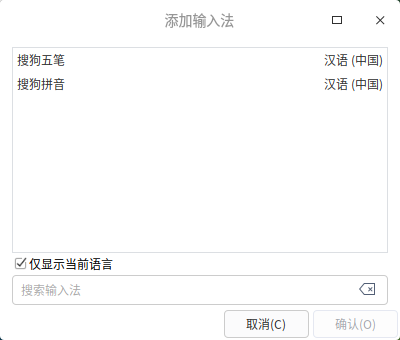


这里是吧。不想用搜狗 。。。之前的五笔 好用又好看
Reply View the author
Viagra
deepin
2020-09-13 21:23
#6
https://bbs.deepin.org/post/201939
这里是吧。不想用搜狗 。。。之前的五笔 好用又好看

你是指fcitx-wubi吗?本来就有呀
Reply View the author
silkapok
deepin
2020-09-13 21:30
#7
https://bbs.deepin.org/post/201939
你是指fcitx-wubi吗?本来就有呀

我没有的。。。
Reply View the author
Viagra
deepin
2020-09-13 21:32
#8
  1. sudo apt install fcitx-wubi
Copy the Code

试试
Reply View the author
silkapok
deepin
2020-09-13 21:38
#9

E: 无法定位软件包 fcitx-wubi
这个输入法长什么样 打字截个图来呗
Reply View the author
Viagra
deepin
2020-09-13 21:42
#10

Reply View the author
Viagra
deepin
2020-09-13 21:45
#11
可能给错代码了
  1. sudo apt install fcitx-table
  2. sudo apt install fcitx-table-wubi
Copy the Code
Reply View the author
silkapok
deepin
2020-09-13 21:46
#12

你改过皮肤吗?15.11的五笔是混合拼音的。只有4个皮肤 2个深色2个浅色 还有ubuntu的logo
有点帅
Reply View the author
Viagra
deepin
2020-09-13 21:47
#13
???
这个是fcitx的五笔,哪来的Ubuntu的logo
Reply View the author
silkapok
deepin
2020-09-13 21:48
#14
https://bbs.deepin.org/post/201939
???
这个是fcitx的五笔,哪来的Ubuntu的logo

那应该不是15.11的输入法了
Reply View the author
Viagra
deepin
2020-09-13 21:52
#15
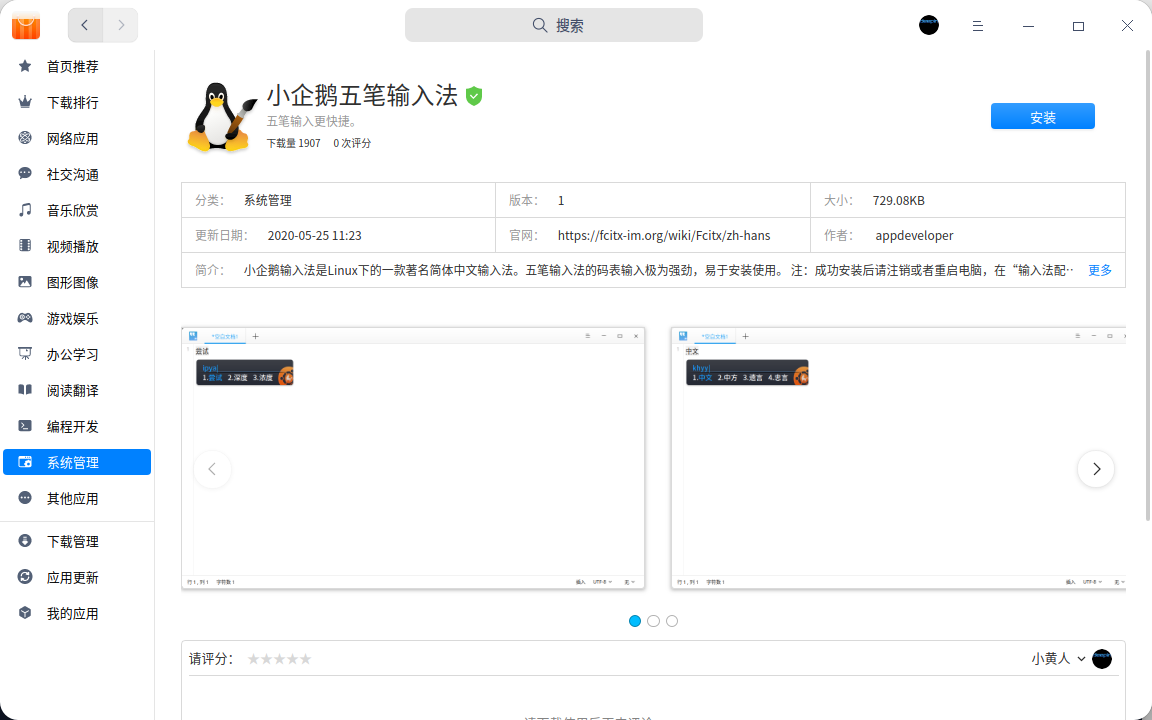
难道你说的是这个
直接去商店下载就行了


Reply View the author
silkapok
deepin
2020-09-13 21:59
#16
https://bbs.deepin.org/post/201939
难道你说的是这个
直接去商店下载就行了
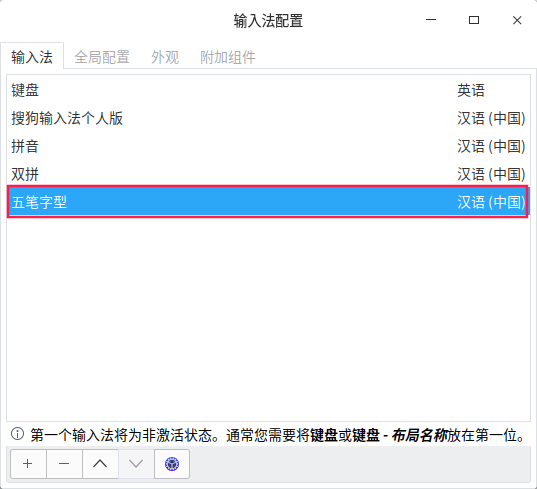

Reply View the author
silkapok
deepin
2020-09-13 23:01
#17
本帖最后由 silkapok 于 2020-9-14 12:10 编辑
https://bbs.deepin.org/post/201939
难道你说的是这个
直接去商店下载就行了

不行的,用不了 不是這個鬼樣。输入法托盘不显示,好像和搜狗有冲突
真的煩 輸入法配置完全不起作用。我卸截搜狗和其他輸入法,装了一下fcitx。
皮肤只有fcitx的classic default dark。
我只想要小企鹅五笔拼音,写轮眼logo帅的一匹
Reply View the author
Comments
andktan
2020-09-14 16:54
同样烦死人