

 中文
中文 
Ziggy deepin
2020-09-10 04:32 deepin 其实还是建议首选deepin-wine5的,尽管还没有完善,但它终究是新产物
Reply Like 0 View the author
 deepin
 deepin
 deepin
 https://bbs.deepin.org/post/201663
其实还是建议首选deepin-wine5的,尽管还没有完善,但它终究是新产物
deepin https://bbs.deepin.org/post/201663
安装wine后不是可以直接双击吗?
deepin https://bbs.deepin.org/post/201663
其实还是建议首选deepin-wine5的,尽管还没有完善,但它终究是新产物
deepin https://bbs.deepin.org/post/201663
打印机制驱动程序用Wine安装也没用是吧
deepin 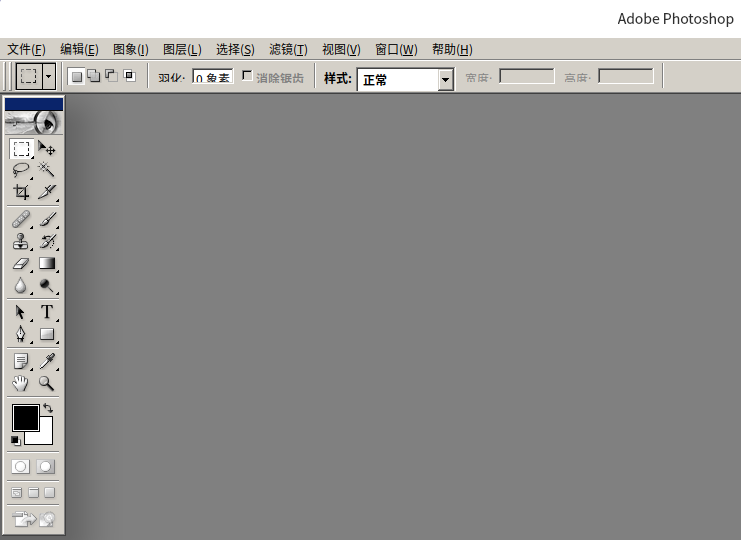


 deepin
 https://bbs.deepin.org/post/201663
我去,看看我装好了什么?
deepin deepin 首先确保已经安装了deepin-wine5:sudo apt install deepin-wine5


管理员权限打开 /usr/share/applications/,
1、桌面新建wine.desktop,并输入以下内容:
[Desktop Entry]
Name=Deepin-wine
Exec=deepin-wine %F
Type=Application
MimeType=text/plain;
保存退出,并复制该文件
2、Ctrl+alt+t,调出终端,输入:sudo dde-file-manager,在弹出的窗口中找到:/usr/share/application,将桌面的文件粘贴过来。
3、找到任意.exe文件,右键单击 --> 打开方式 --> 选择默认程序 --> (找到 Deepin-wine) --> 选择
4.找到要运行的exe文件,直接双击exe文件运行,可以下载windows程序的安装文件,双击直接安装,装完后要自己找到安装后的程序,可以在开始菜单找到。
注:如果安装过程卡住,可以把桌面的Wine.desktop中的wine改为wine5,如下
[Desktop Entry]
Name=Deepin-wine5
Exec=deepin-wine5 %F
Type=Application
MimeType=text/plain;