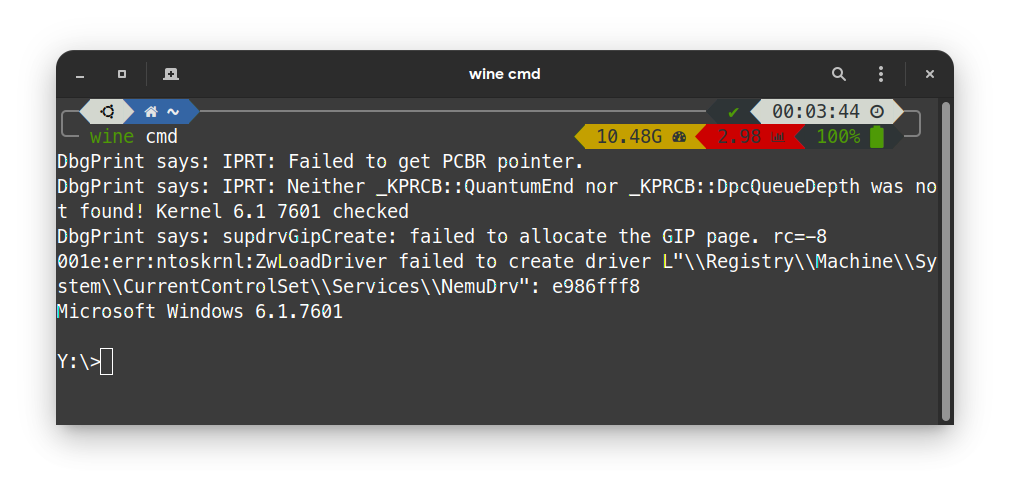
deepin这系统不能运行EXE文件呀
Tofloor
poster avatar
qwer888987
deepin
2020-09-06 07:41
Author
在网上看到有的教程不能用,现在在那个文件夹里都不能新建文本,求助......
Reply Favorite View the author
All Replies
gangzai0707
deepin
2020-09-06 08:04
#1
这个问题挺不好解决的,试试用windows10,或者安装个银河麒麟系统,那个系统也不错
Reply View the author
deepin
2020-09-06 08:05
#2
deepin原生不支持,但你可以试试用wine -> sudo apt install wine 或 sudo apt install deepin-wine5
然后在exe应用的文件夹里使用" <你的exe应用文件>"来运行。
有关不能新建文本的问题,能提供一下截图吗?
Reply View the author
gangzai0707
deepin
2020-09-06 08:17
#3
https://bbs.deepin.org/post/201445
deepin原生不支持,但你可以试试用wine -> sudo apt install wine 或 sudo apt install deepin-wine5
然后 ...

估计是在带锁的文件夹里,没有权限
Reply View the author
jfpwan
deepin
2020-09-06 08:21
#4
sudo apt install deepin-wine
sudo apt install deepin-wine5
Reply View the author
SamLukeYes
deepin
2020-09-06 17:10
#5
都用 Linux 了还想用 Windows 的程序,钓鱼?
Reply View the author
辉夜
deepin
2020-09-06 17:17
#6
exe那是win的程序。。。。
Reply View the author
jianguo922
deepin
2020-09-06 17:20
#7
可以wine部分软件
Reply View the author
duanchi
deepin
2020-09-06 17:26
#8
嘿。小伙子发现了了不得的特征啊!恭喜你,你说的太对了。
Reply View the author
神末shenmo
deepin
Spark-App
Q&A Team
2020-09-06 17:30
#9
sudo apt install crossover-deepin
Reply View the author
Ziggy
deepin
2020-09-06 17:49
#10
具体描述一下问题,关闭Win快速启动,Linux本来就不支持原生exe,只能wine
Reply View the author
qinshp
deepin
2020-09-08 06:52
#11
不要花这个力气了,很多安装了也不能运行
Reply View the author