

 中文
中文 

lenke deepin
2020-08-10 05:47 deepin 本帖最后由 lenke 于 2020-8-9 23:14 编辑
占楼补充不支持gdebi安装
安装方案一:sudo apt install ./deepin-wine-thunder11.deb
安装方案二:使用深度软件包安装器安装
安装方案三:如果已经安装过商店里的qq(wine版),可以使用如下命令安装:sudo dpkg -i deepin-wine-thunder11.deb
对deepin-wine-thunder11进行自定义设置
env WINEPREFIX="$HOME/.deepinwine/Thunder11" deepin-wine5 winecfg
占楼补充不支持gdebi安装
安装方案一:sudo apt install ./deepin-wine-thunder11.deb
安装方案二:使用深度软件包安装器安装
安装方案三:如果已经安装过商店里的qq(wine版),可以使用如下命令安装:sudo dpkg -i deepin-wine-thunder11.deb
对deepin-wine-thunder11进行自定义设置
env WINEPREFIX="$HOME/.deepinwine/Thunder11" deepin-wine5 winecfg
Reply Like 0 View the author






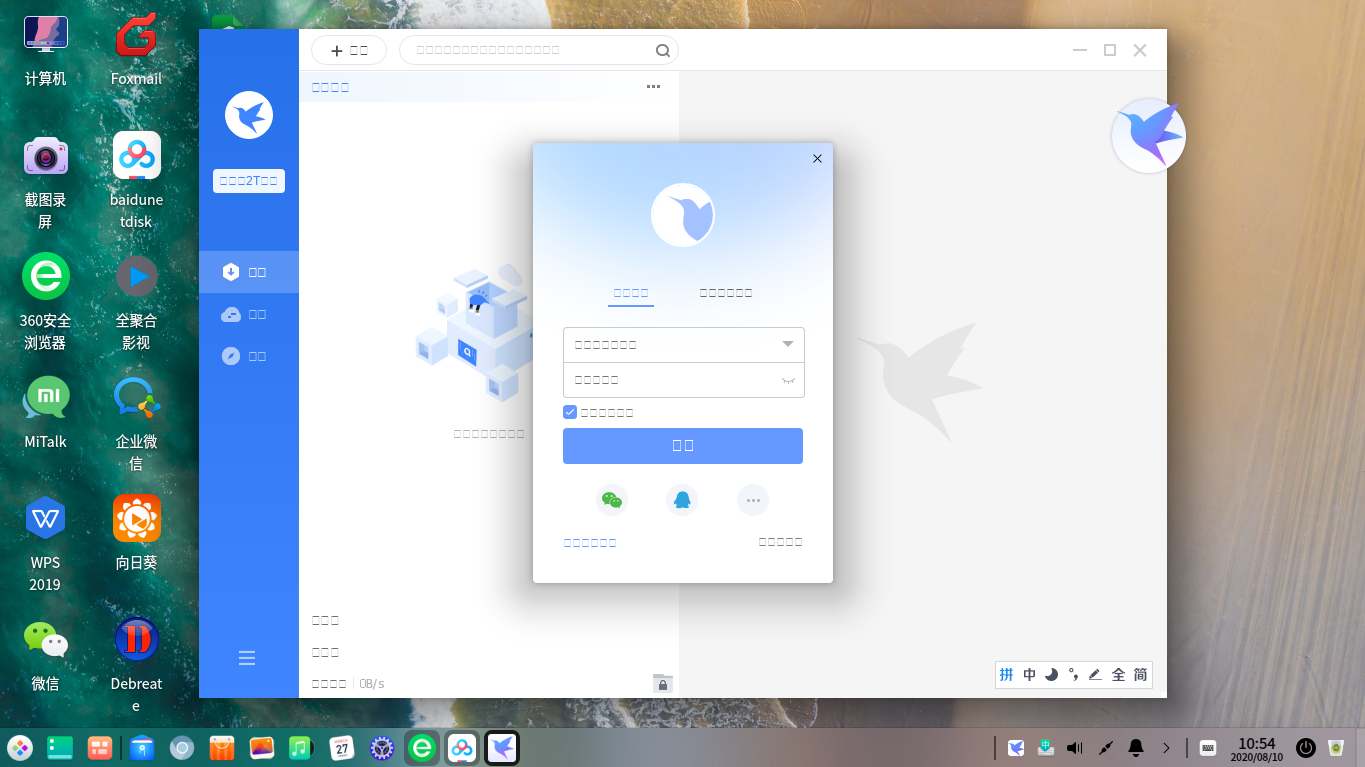



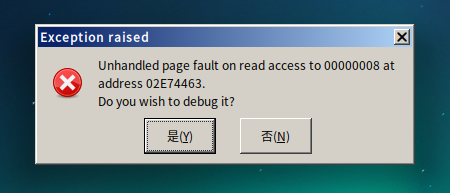

 Website????


打包环境
deepin20 rc版+deepin-wine5+Thunder11内测版
虽然Thunder11是内测版,使用还是很稳定的
采用Thunder11原版打包,体积略大(只精简了temp目录下的内容)
内存占用略大,建议8G内存以上的用户使用
本来想传星火商店的,自从升级到rc版,星火商店投稿器就不能打包了
暂时先上传到云盘
链接: https://pan.baidu.com/s/1pMXMTqSZx3K5Eg4VcfLTyw 密码: p1vr