Deepin20 启动器v
Tofloor
poster avatar
alei666
deepin
2020-08-05 19:51
Author
Deepin20 启动器无反应
Reply Favorite View the author
All Replies
avatar
吉王义昊
deepin
2020-08-05 20:01
#1
这也太简洁了吧?上图啊,具体一点啊,多说两句啊
Reply View the author
avatar
jingle
deepin
2020-08-05 20:04
#2
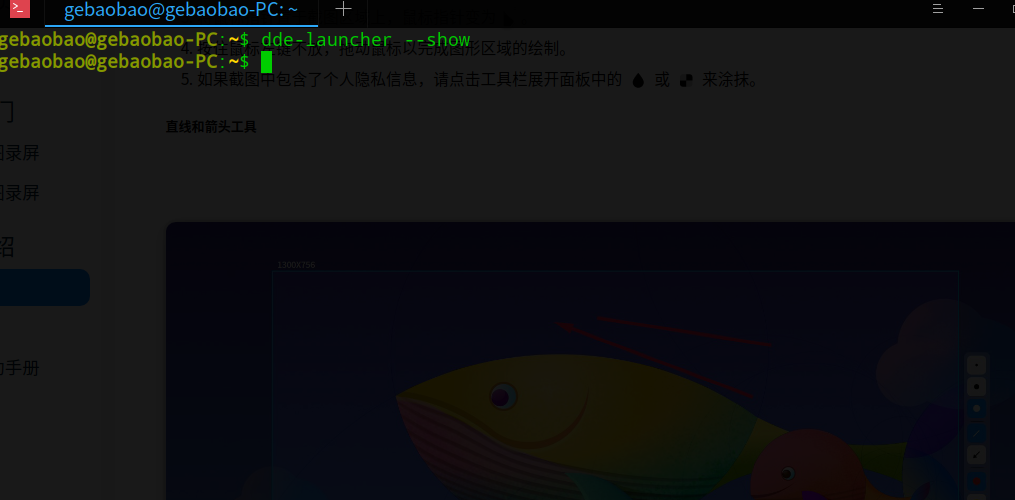
终端执行下命令看看  

  1. dde-launcher --show
Copy the Code
Reply View the author
avatar
alei666
deepin
2020-08-05 23:36
#3
https://bbs.deepin.org/post/198321
终端执行下命令看看

没有反应
Reply View the author
avatar
alei666
deepin
2020-08-05 23:42
#4
Reply View the author
avatar
Hello
deepin
2020-08-05 23:45
#5

你这个图怎么回事,怎么加载不出来啊
Reply View the author
avatar
卖时间的商人
deepin
2020-08-06 00:23
#6
UOS该优化优化启动器了。
1、开机启动初次打开启动器很卡顿。2、每次卸载软件都自动回桌面,每次打开启动菜单自动回第一页。
3、左右页没有分隔空隙,切换效果不好(分类启动菜单里这样做了,为什么不分类的不这样做,很奇怪啊)
4、点击软件图标旁边的地方就容易误打开软件,软件点击有效范围太大
5、不支持鼠标连续拖动,拖一点就卡死不动,体验挺糟
6、不支持建文件夹,不支持两个软件调换位置,拖一个软件可以挤动一大排
7、背景可不可以回到原来的模糊通透的样子,现在有点粗糙了,直接壁纸

感觉字体总是有些偏小偏细偏模糊,系统还好,特别是软件里的,如百度网盘,网易云这些。
那个摩登效果几乎不敢用。                                            多界面切换应该用deepinV20那种更好

以上是我发现的一些问题。

变好是个过程,慢慢来吧~
Reply View the author
avatar
alei666
deepin
2020-08-06 00:25
#7

Reply View the author
avatar
alei666
deepin
2020-08-06 00:30
#8
点击启动菜单无反应,别的设置都可以打开,软件都得从应用商店打开。
Reply View the author
avatar
jingle
deepin
2020-08-06 02:18
#9
https://bbs.deepin.org/post/198321
点击启动菜单无反应,别的设置都可以打开,软件都得从应用商店打开。
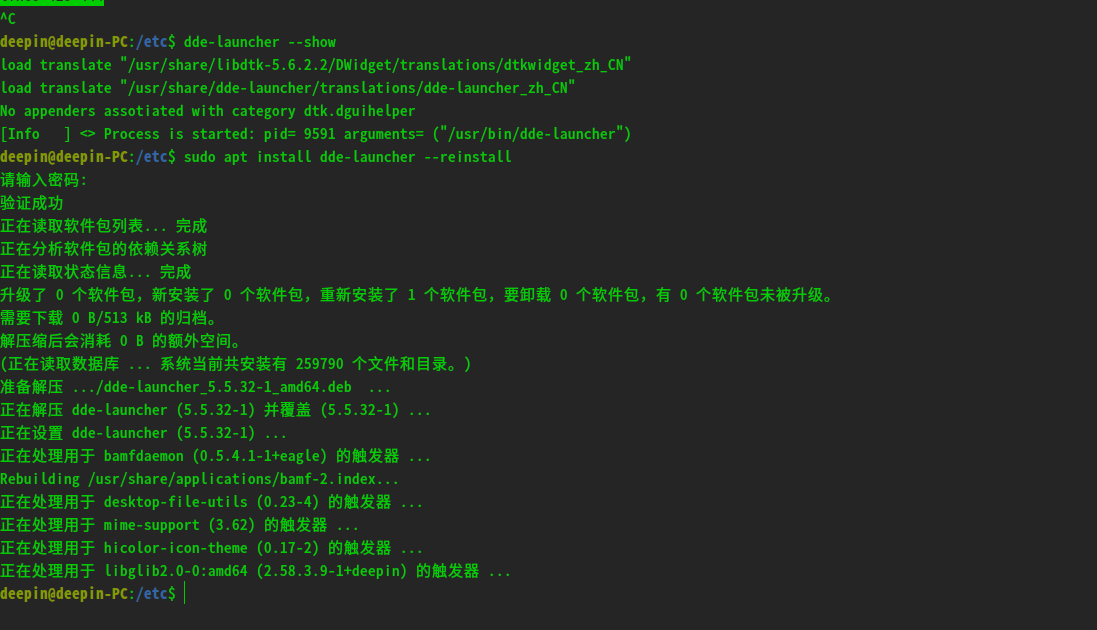
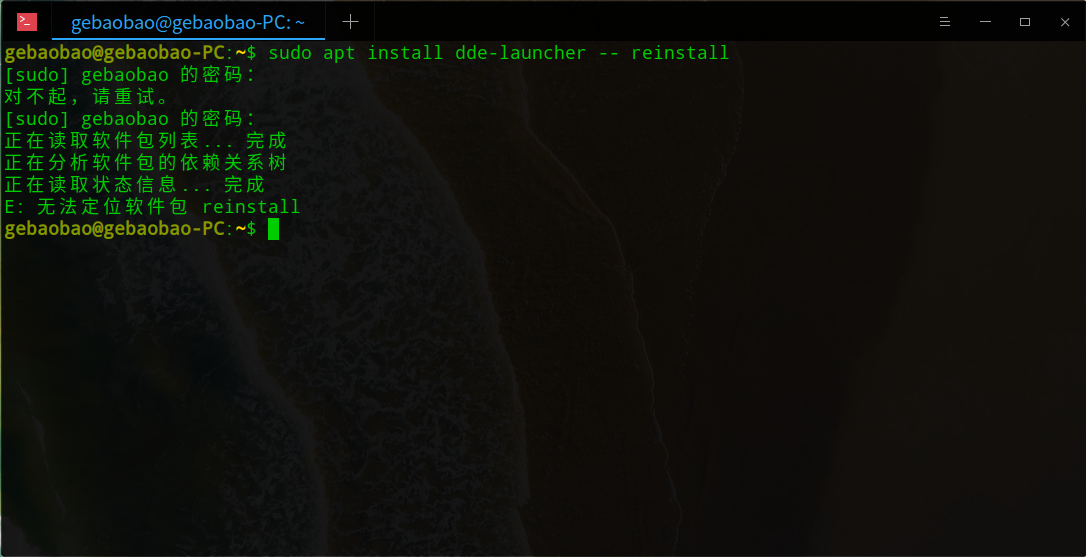
  1. sudo apt install dde-launcher -- reinstall
Copy the Code
Reply View the author
avatar
alei666
deepin
2020-08-06 03:27
#10
Reply View the author
avatar
昨夜的星辰
deepin
2020-08-06 03:58
#11

sudo apt install dde-launcher --reinstall

--和reinstall之间没有空格
Reply View the author
avatar
alei666
deepin
2020-08-06 06:43
#12
可以了,谢谢
Reply View the author
avatar
inpossible
deepin
2021-02-13 00:47
#13
jingle
终端执行下命令看看  

  1. dde-launcher --show
Copy the Code


dde-launcher --show 报错。

terminate called after throwing an instance of 'std::bad_alloc'

  what():  std::bad_alloc

求大神解决,启动器点击无反应。

Reply View the author
avatar
high_and_dry
deepin
2021-07-08 20:16
#14
inpossible


dde-launcher --show 报错。

terminate called after throwing an instance of 'std::bad_alloc'

  what():  std::bad_alloc

求大神解决,启动器点击无反应。

https://bbs.deepin.org/post/132217#mod=viewthread&tid=132217


我也是出现这个错误了,亲测这个方法有用! 把~/.config/deepin目录下的几个配置文件直接删掉就行,启动器就可以用了。之后系统会自动生成配置文件。


Reply View the author
avatar
ironman9527
deepin
2021-10-31 01:52
#15
high_and_dry

https://bbs.deepin.org/post/132217#mod=viewthread&tid=132217


我也是出现这个错误了,亲测这个方法有用! 把~/.config/deepin目录下的几个配置文件直接删掉就行,启动器就可以用了。之后系统会自动生成配置文件。


亲测,可以使用。

请问大神,这是什么原理?

Reply View the author
avatar
强--
deepin
2023-04-04 03:38
#16

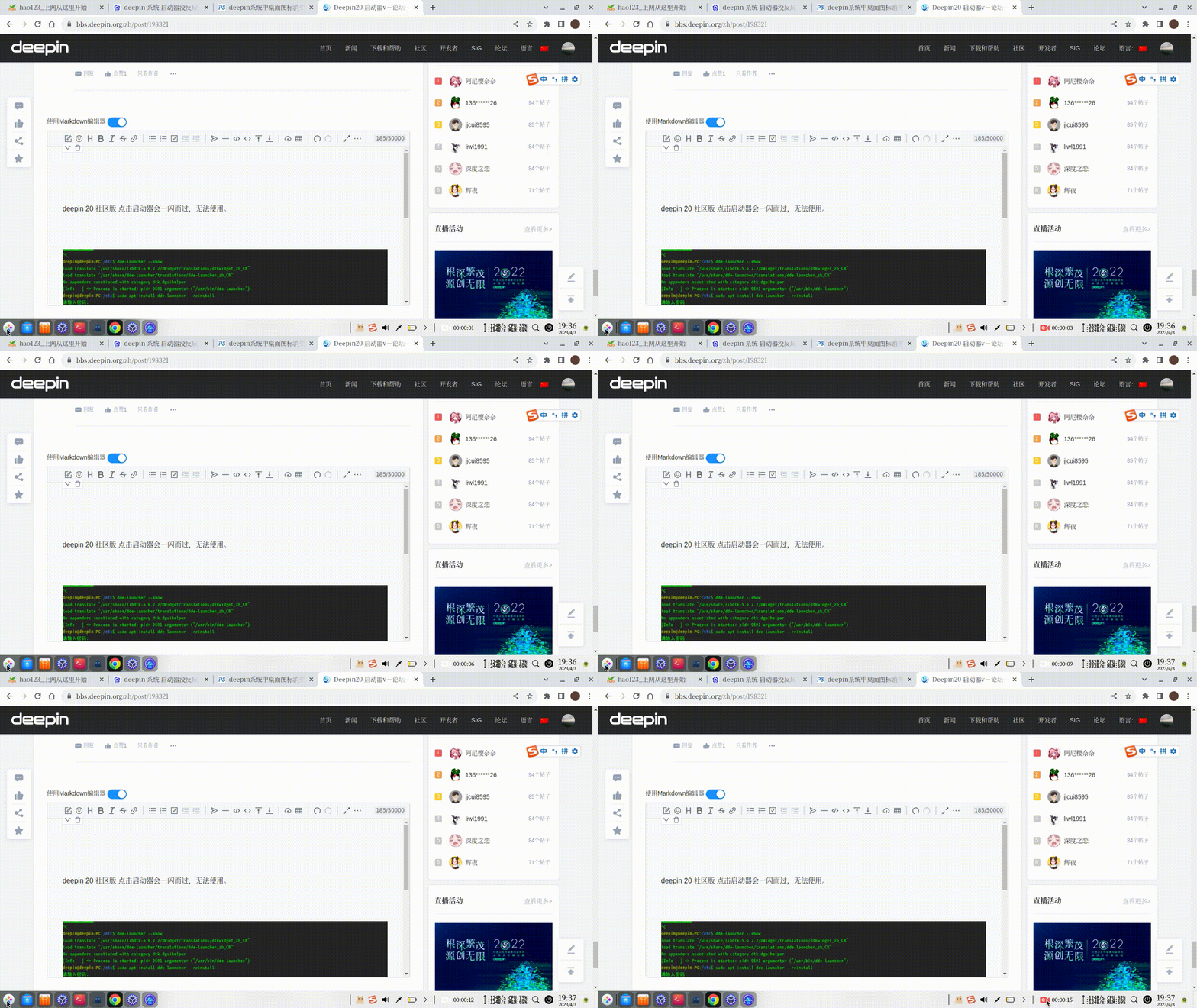
deepin 20 社区版 点击启动器会一闪而过,无法使用。哪位遇到过

“~/.config/deepin目录下的几个配置文件直接删掉就行 ” 这个删除后重启发现也不行,

我把启动器卸载了重启安装了一下 还是不行
录屏_选择区域_20230403193654.gif

image.png

Reply View the author