[星火应用商店]官网第三代上线!
Tofloor
poster avatar
chaodn
deepin
2020-07-28 19:22
Author
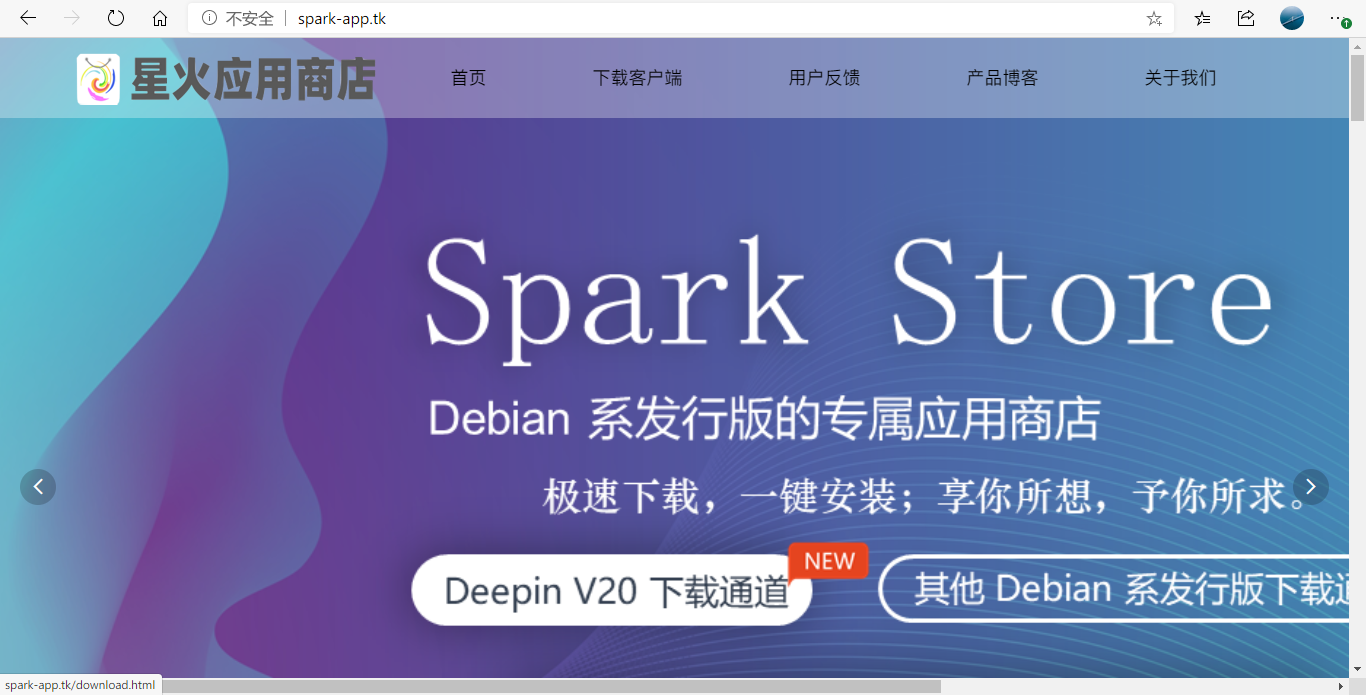
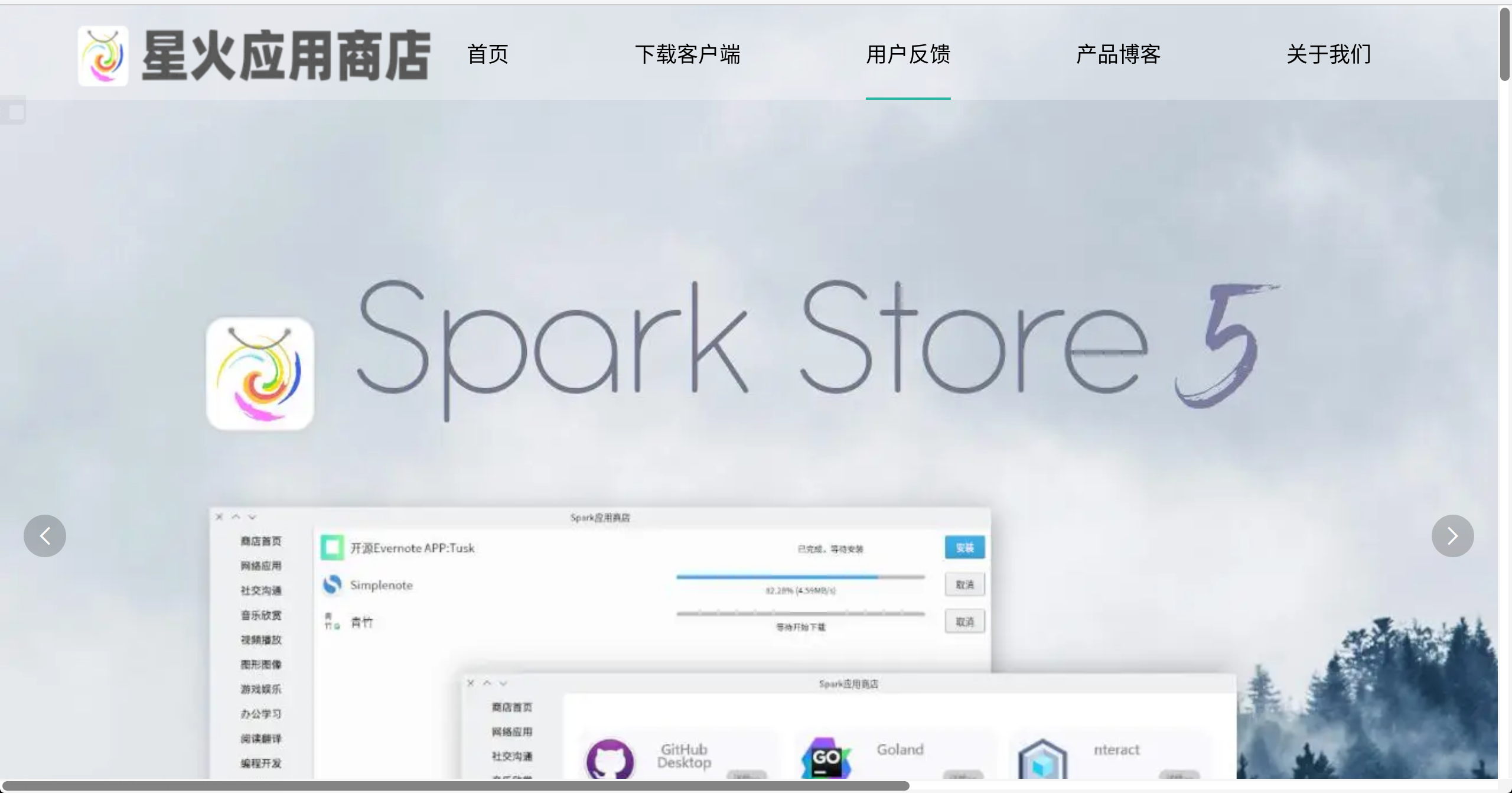
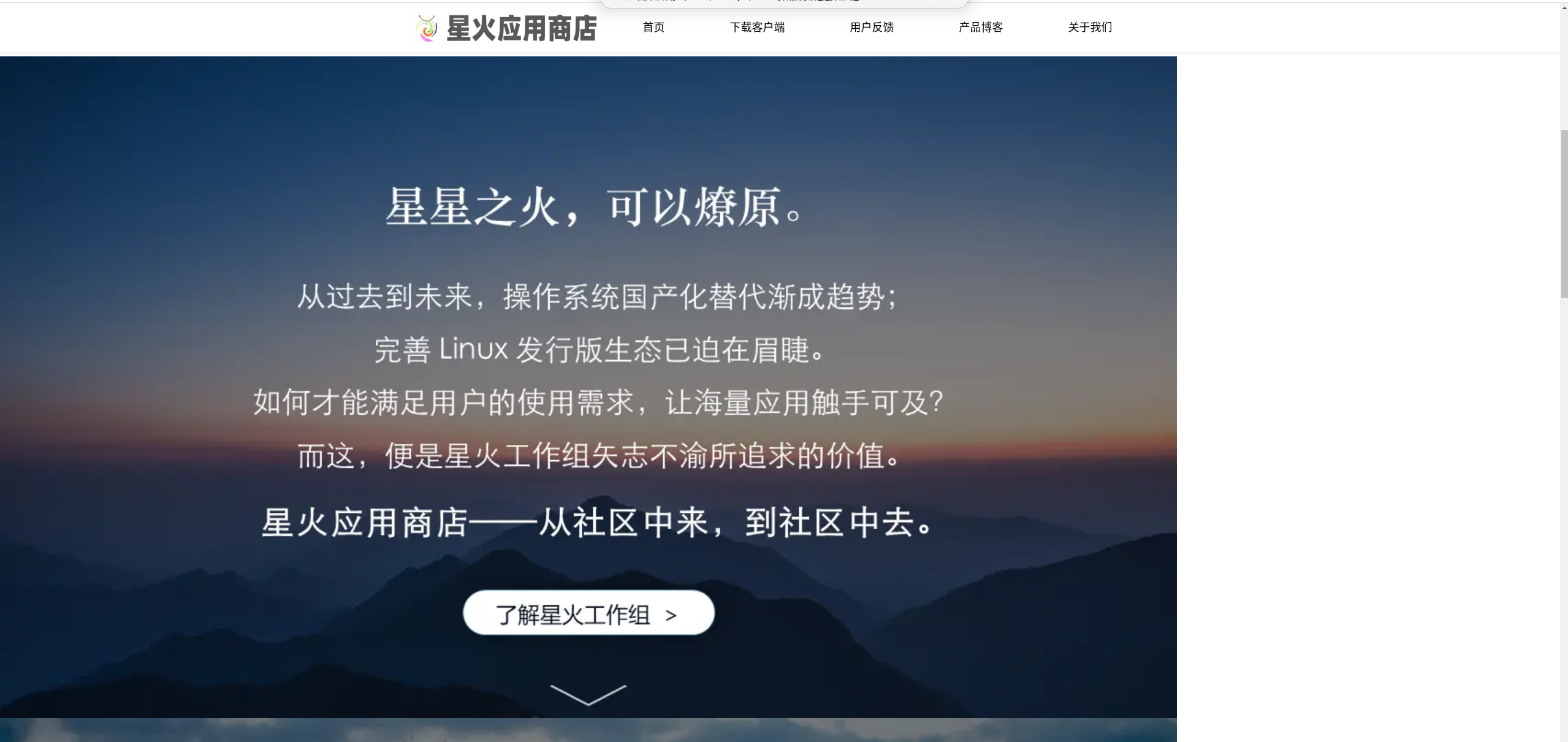
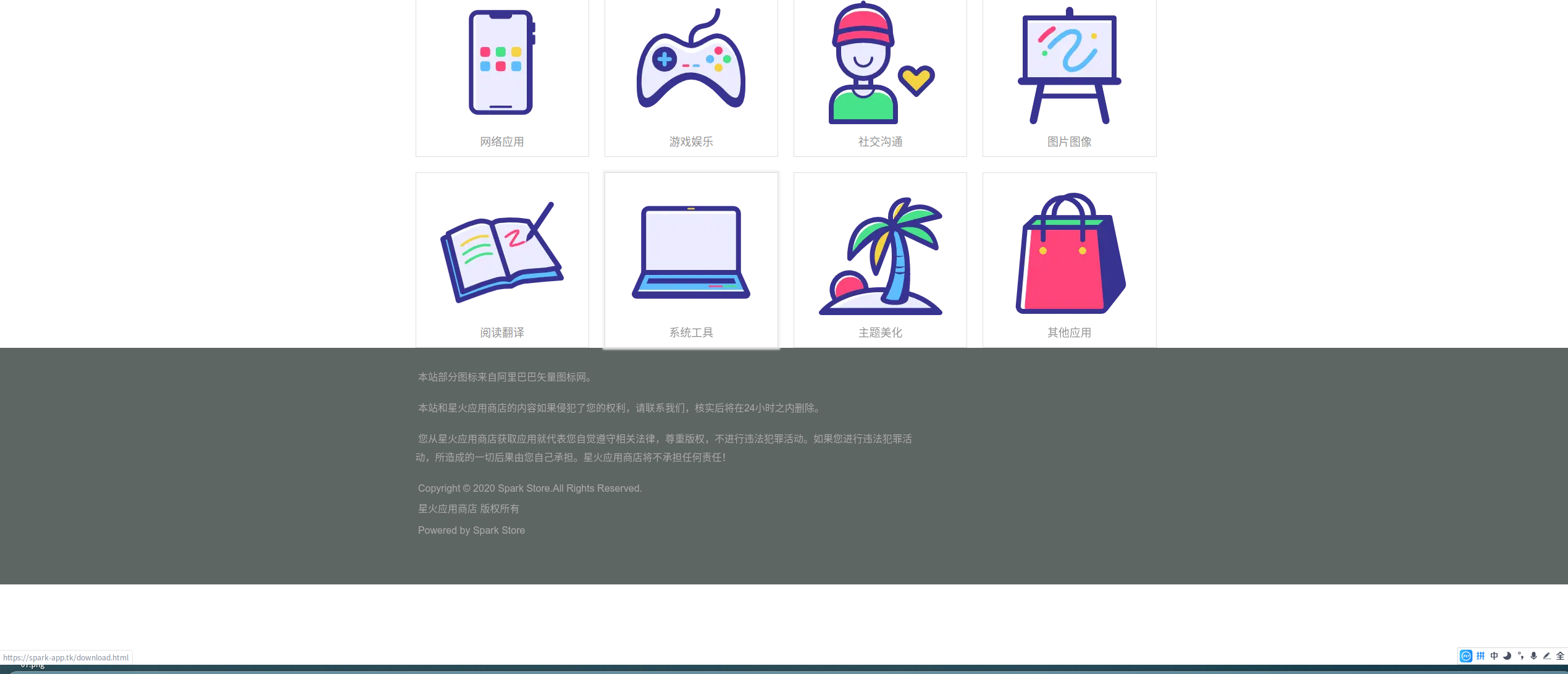
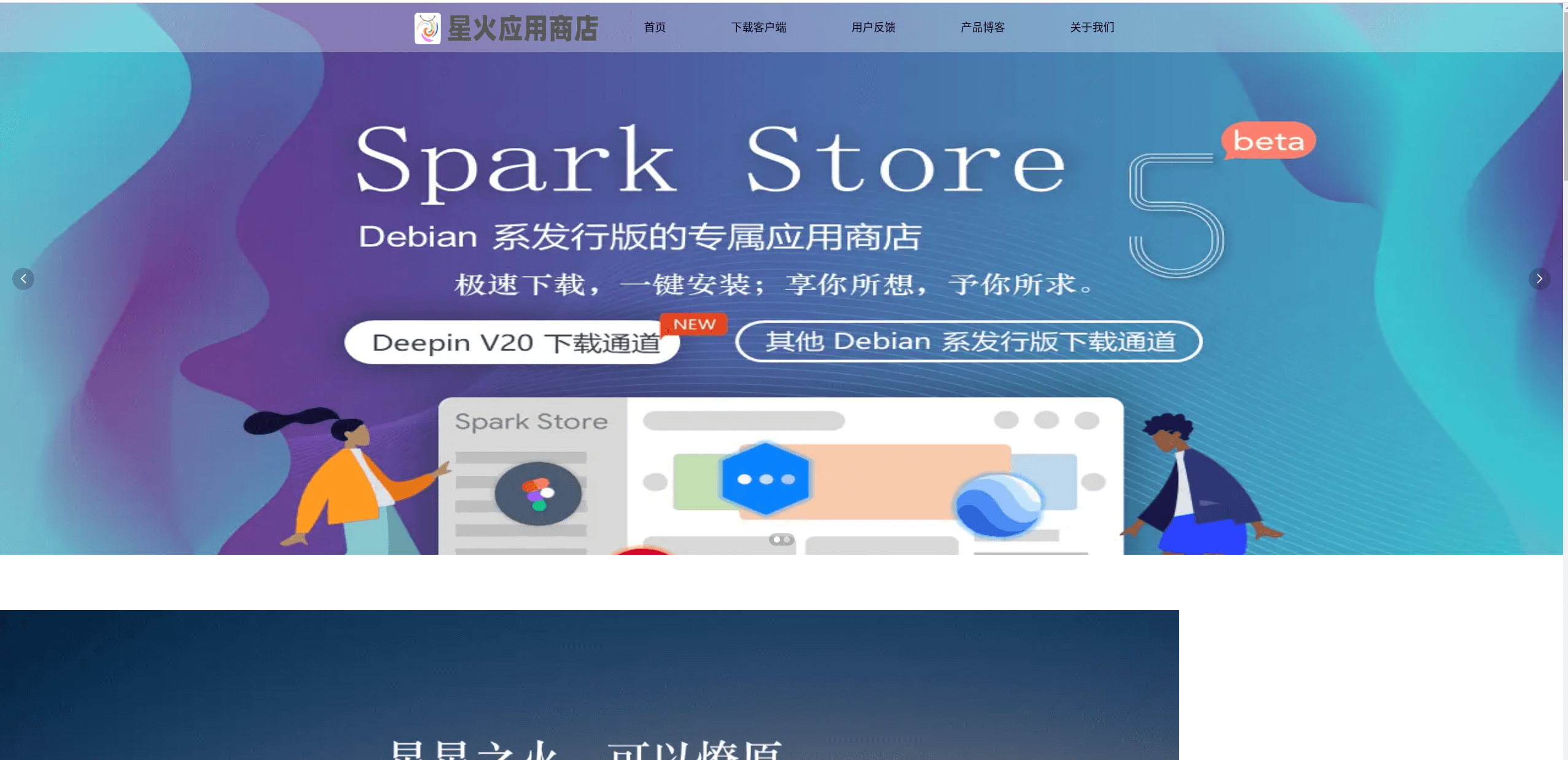
我按照大家的建议改了改,再按照我们的UI概念设计师https://bbs.deepin.org/user/225373 的设计制作,星火应用商店官网第三代上线了!看图


最后奉上网址:https://spark-app.tk/(该域名非正式域名,现在测试用。)

问题反馈地址:https://support.qq.com/products/178646
Reply Favorite View the author
All Replies
1 / 3
To page
avatar
MeowVing
deepin
2020-07-29 01:07
#1
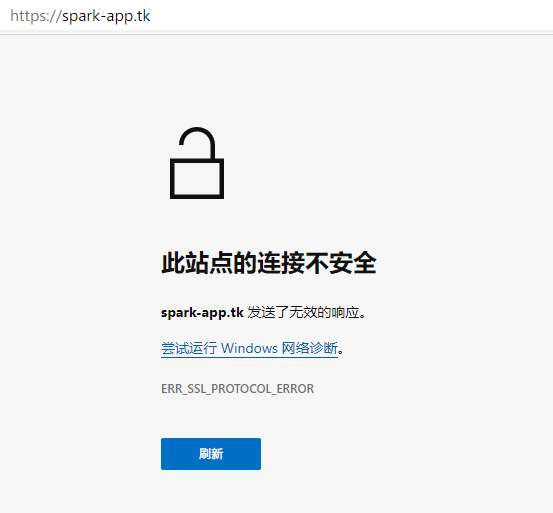
https出问题了,现在就http能用~

Reply View the author
avatar
神末shenmo
deepin
Spark-App
Q&A Team
2020-07-29 01:31
#2
首页不要用衬线字体了
Reply View the author
avatar
jerry979
deepin
2020-07-29 02:43
#3
我猜想一个解决办法: github page不要加https, 也不要强制https. 申请证书,  在CDN中加https.
Reply View the author
avatar
shaoming
deepin
2020-07-29 04:32
#4
网页轮播嵌入图片怪怪的,有点模糊,清晰度不够呀
Reply View the author
avatar
chaodn
deepin
2020-07-29 04:48
#5
https://bbs.deepin.org/post/197795
我猜想一个解决办法: github page不要加https, 也不要强制https. 申请证书,  在CDN中加https. ...

现在就在解决,申请证书中
Reply View the author
avatar
chaodn
deepin
2020-07-29 04:49
#6
https://bbs.deepin.org/post/197795
https出问题了,现在就http能用~

知道了,在申请证书
Reply View the author
avatar
卖时间的商人
deepin
2020-07-29 07:02
#7
好像网页不如PPT清晰,有些模糊,不过挺高级了
Reply View the author
avatar
山高谷深
deepin
2020-07-29 16:09
#8
本帖最后由 z2894577139 于 2020-7-29 08:13 编辑

网页缩放有问题吧,还有图片分辨率似乎不太高,我打开一张看了下好像是720p的,太低了,我在2K屏上看比较糊。
可以看到图片下边的滚动条,说明缩放有些问题。
Reply View the author
avatar
走钢丝
deepin
2020-07-29 16:36
#9
页面宽度和高度似乎跟内容不完全匹配,右边和下边有一大片空白。
Reply View the author
avatar
BG7ZAG
deepin
2020-07-29 16:45
#10
前端功底还需加强哈


Reply View the author
avatar
chaodn
deepin
2020-07-29 17:17
#11
https://bbs.deepin.org/post/197795
前端功底还需加强哈

你的分辨率是多少?网站比较适合1920*1080分辨率。

网站现在是测试阶段,也是需要改进的
Reply View the author
Comments
mariobolo
2020-07-30 17:49
class="main-product" 先加上 text-align center
mariobolo
2020-07-30 17:47
响应式,哪儿就分辨率的 不行 @media
avatar
chaodn
deepin
2020-07-29 17:18
#12
现在有CDN加速和ssl证书了,大家看看速度如何。
Reply View the author
avatar
zanyrain
deepin
2020-07-29 17:41
#13
https://bbs.deepin.org/post/197795
首页不要用衬线字体了

同意!衬线字体适合打印,不适合屏幕显示。
Reply View the author
avatar
Superboo
deepin
2020-07-29 20:55
#14
大兄弟,banner以及其他版块可以做成自适应的,现在不能适应屏幕大小,其次,logo字太大 不太美观........................
Reply View the author
avatar
Shalling
Deepin Wiki Editor
2020-07-29 21:46
#15
厉害了,大神!
Reply View the author
avatar
吉王义昊
deepin
2020-07-30 00:56
#16
https://bbs.deepin.org/post/197795
你的分辨率是多少?网站比较适合1920*1080分辨率。

网站现在是测试阶段,也是需要改进的 ...

把index.html第69、70、71行的img的width属性改成100%,height属性不设置就可以解决这个问题,在我电脑上是好长的滚动条。。。
前端功底确实需要加强啊。。。写页面的时候考虑不同大小、不同比例的屏幕是一般操作吧
Reply View the author
avatar
吉王义昊
deepin
2020-07-30 01:00
#17
另外index.html第10行请求的
  1. http://tajs.qq.com/stats?sId=66575326
Copy the Code
与网站本身的协议(https)存在冲突,如果需要这个且
  1. https://tajs.qq.com/stats?sId=66575326
Copy the Code
是可访问的话可以把第10行改为
  1.   *type="tex*" src="//tajs.qq.com/stats?sId=66575326" charset="UTF-8">
Copy the Code

这样写会自动按照加载时协议去补充协议头
Reply View the author
avatar
吉王义昊
deepin
2020-07-30 01:04
#18
emmm,我刚才发现只要屏幕够宽banner那三张图甚至可以并列,a标签是display:inline属性会这样倒也没什么问题,但是这个拿到不应该处理一下吗。。。还有那个图片,就算真的不想拉伸,非要固定那个宽度的话也应该居中并且用overflow:hidden处理一下溢出的部分吧,另外由于有溢出现象,所以不能用margin:0 auto居中,应该用定位或者其他方法居中,不过那个图显然还是拉伸(等比例,也是为什么height不设置的原因)到屏幕款比较美观
Reply View the author
avatar
michaelyajun
deepin
2020-07-30 01:13
#19
真的很丑。。。
Reply View the author
avatar
吉王义昊
deepin
2020-07-30 01:27
#20
本帖最后由 jwyh 于 2020-7-30 10:05 编辑

另外about.html中的那个图标宽度居然是50%,根据我的测试,只有在屏幕宽是500px的设备上显示才会不那么奇怪。。。
还有下载页的按钮。。。真的。。。辣眼睛
而且卡片和页面底部。。。挨得也太近了吧
建议给index.css第42行的.main-product p加上margin-top:10px;(这个和改下载按钮也有关系,按我的方案改过按钮以后会和字挨得很近,加了这个就不会了)
给download.html第58、69、81行嵌套的第二个span(话说就不能多用class吗)加上样式
  1. background-color: #00d5ff;
  2. padding: 10px;
  3. border-radius: 20px;
  4. box-shadow: 1px 1px 6px #666666;
Copy the Code

最后把最里层的span的字号改成20px
按照惯例是要上效果图。。。但是我死活传不上去
时间有限,效果可能还略有欠缺
Reply View the author
1 / 3
To page