Home
Categories
WIKI
Topic
User
LANGUAGE:
中文
English
canon MG2540s 打印机不能使用
Experiences and Insight
1260
views ·
3
replies ·
To
floor
Go
zyl5056500
deepin
2020-07-05 16:21
Author
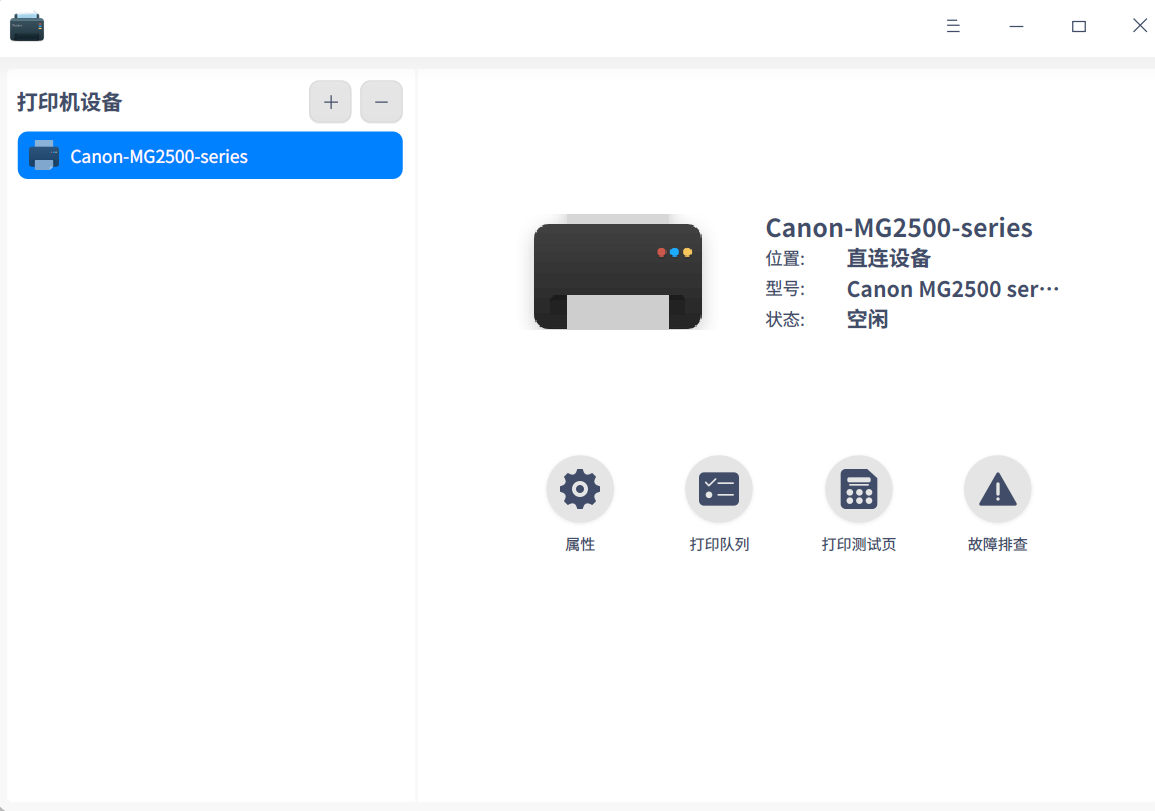
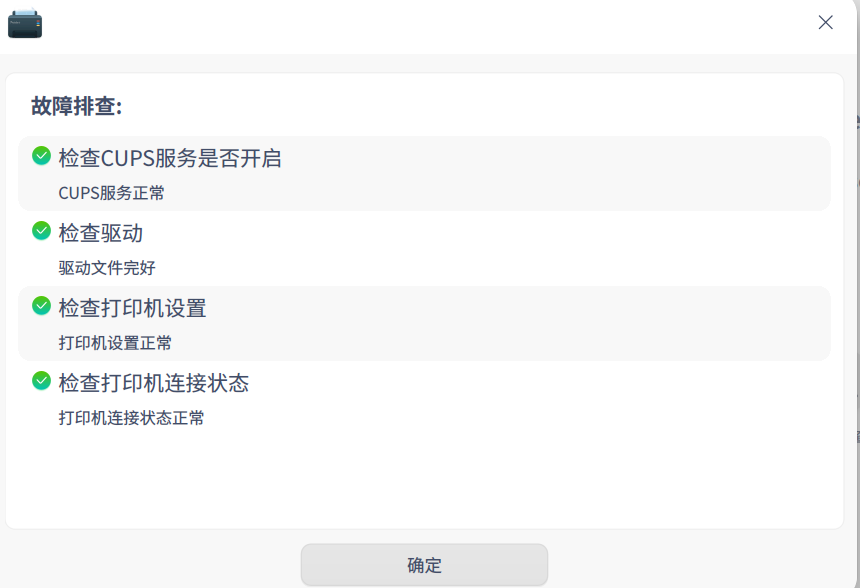
canon MG2540s 打印机安装好不能使用
求大神帮忙!
Reply
Like 0
Favorite
View the author
All Replies
Ziggy
deepin
2020-07-05 16:36
#1
驱动装没(手动)
Reply
Like 0
View the author
zyl5056500
deepin
2020-07-05 16:39
#2
本帖最后由 zyl5056500 于 2020-7-5 08:48 编辑
https://bbs.deepin.org/post/196731
驱动装没(手动)
没有手动装,我也不知道装那个驱动,求帮忙,孩子还等着我打印试卷
Reply
Like 0
View the author
Ziggy
deepin
2020-07-05 17:20
#3
来自wiki:
佳能打印机驱动包有多个,cndrvcups-ufr2-uk,cndrvcups-ufr2lt-uk,cndrvcups-capt,每个包都支持一些打印机。如果不知道需要的驱动在那个驱动包中,可以全部安装。
sudo apt install cndrvcups-ufr2-uk cndrvcups-ufr2lt-uk cndrvcups-capt
使用cndrvcups-capt驱动包的打印机的配置方法比较特殊,如果打印机是本地直连,在安装完驱动后直接使用打印设置添加打印机,可能出现无法打印的现象。 比如LBP2900打印机,在安装完驱动后需要运行脚本:
sudo /opt/cndrvcups-capt/addprinter.sh LBP2900 CNCUPSLBP2900CAPTK.ppd /dev/usb/lp0
其中LBP2900添加之后的打印机名字;CNCUPSLBP2900CAPTK.ppd是打印机对应的ppd文件,位于路径/usr/share/cups/model/下;dev/usb/lp0是打印机设备路径,需要确保系统存在此设备路径。(部分系统如果lp0被占用,可能会使用/dev/usb/lp1或者其他路径。如果此设备路径经常会变,可以使用udev规则创建别名。)
Reply
Like 0
View the author
Please
sign
in first
Featured Collection
Change
[Tutorial] deepin25 WSL Offline Installation Guide
UOS AI 2.8 Released! Three New Intelligent Agents & Major Evolution
Solid Q&A | deepin 25 Common Questions – The Immutable System Edition
New Thread
Popular Ranking
Change
Website????
Popular Events
More


 中文
中文 
 deepin deepin
  deepin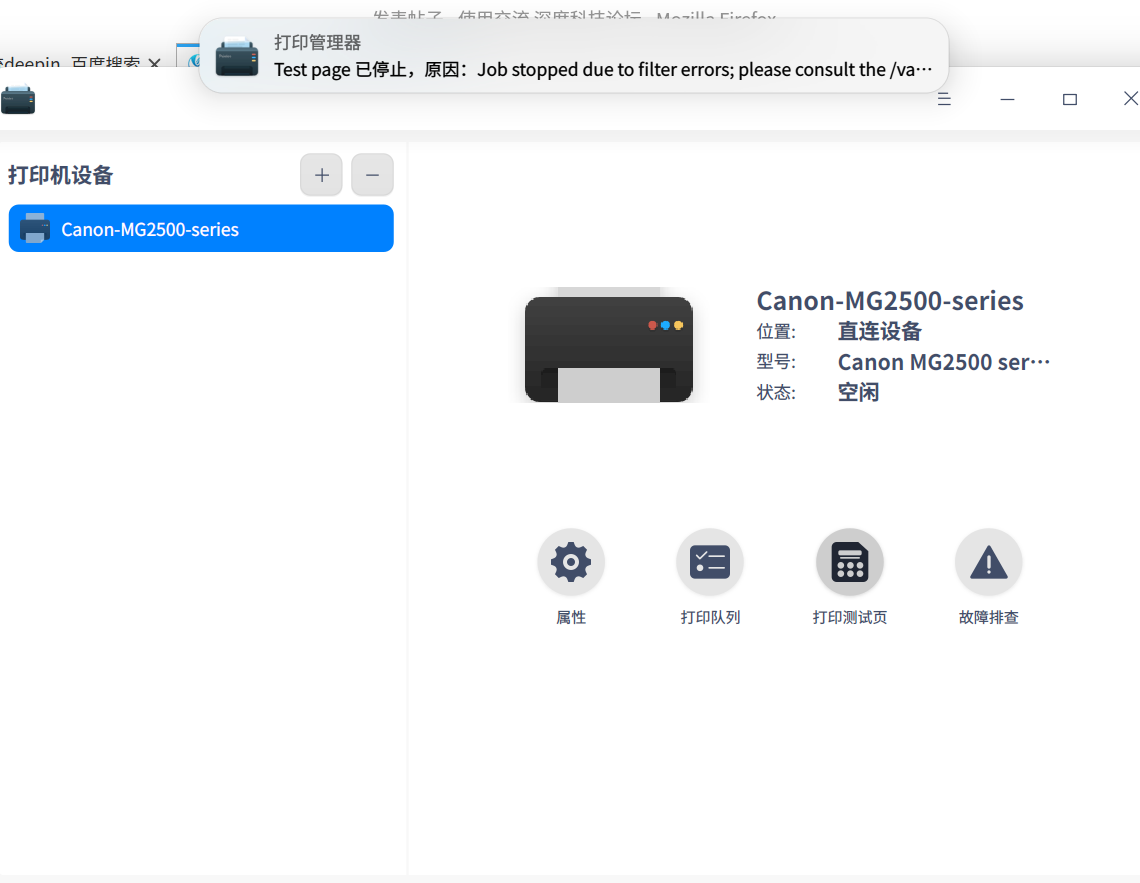
 求大神帮忙!
 deepin deepin
  deepin


 Website????