

 中文
中文 
心平气和 deepin
2020-05-31 06:30 deepin https://bbs.deepin.org/post/195299
问题:GUI怎么办?
自己写一个(手动狗头)
Reply Like 0 View the author

 deepin
 deepin
 https://bbs.deepin.org/post/195299
问题:GUI怎么办?

 deepin deepin
 deepin
 houyawei 发表于 2020-5-31 17:47
悟空我之前装过https://bbs.deepin.org/post/193074#
后来还添加了homeassi ...
 deepin
 deepin
 deepin
  deepin deepin
 https://bbs.deepin.org/post/195299
怎么进入:进入 wukong-root 目录下 ???
deepin Popular Ranking
ChangePopular Events
More

 WiFi Drivers
前言
很多人抱怨没有语音助手,现在他来了,几个腾讯大佬开源了悟空语音助手,so 我们可以在deepin 上体验一波语音助手哦,善意提醒,这个需要折腾,如果懒得折腾,出门左拐——---》UOS。
安装
step one:
安装 pip 包管理工具
ps: 如果你的pip 下载 极慢,这里我推荐你换源,具体参考这个(戳我)
step two(重头戏):
我们为了简单 ,这里笔者给你推荐一键安装脚本,如果你不嫌麻烦,你可以去github 下载,自己编译安装哦(戳我)
脚本命令如下:
- 安装目录位于 ~/wukong-robot/
- 默认使用阿里云的源进行安装,如有问题请切换到github源进行安装
- 运行后如果出现No module named 'xxx’ 可能是有pip3的网络原因引起的,请切换到 ~/wukong-robot/ 目录后执行以下命令:
sudo pip3 install -r requirements.txtStep three:
进入 wukong-root 目录下,执行
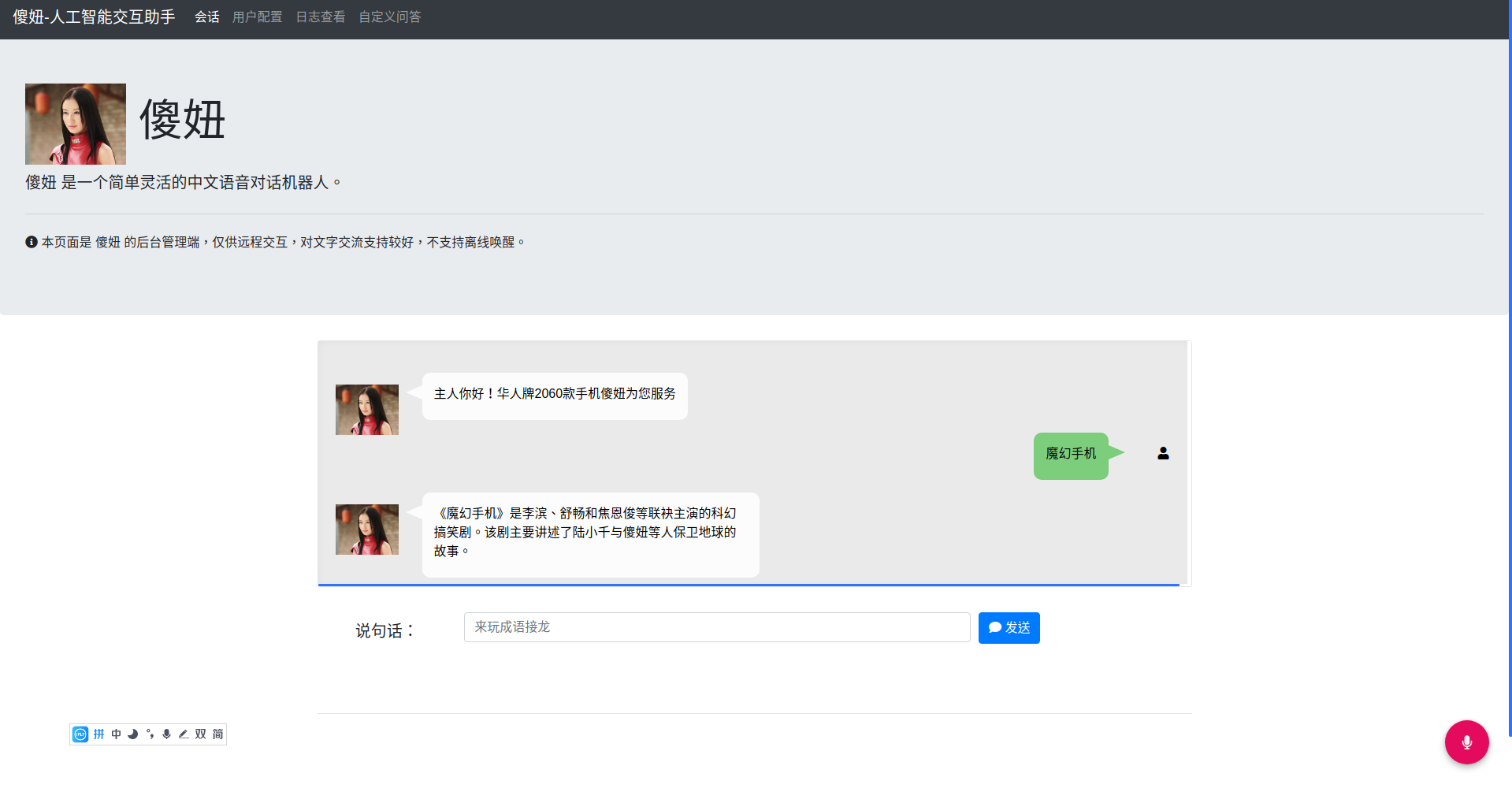
这时你可以 对你的屏幕大喊悟空 就能唤醒 如下图
PS ;
自带的语音模型 是作者的声音,不能保证每个人都能唤醒,你首先要去训练自己的语音模型
比较建议到 [color=var(--theme-color,#42b983)]snowboy 官网 上训练自己的模型,然后把模型放在 ~/.wukong 中,并修改 ~/.wukong/config.yml 里的几个 hotword 指向的文件名(如果文件名没改,则不用变)。一共有三个唤醒词需要修改:
如果还无法唤醒,请检查 自己的麦克是否工作正常
扩展:
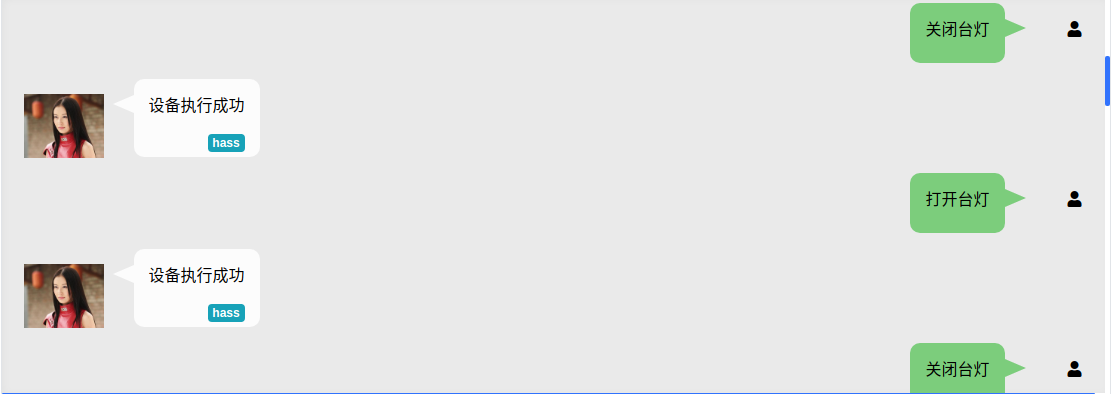
如果你会python 语言,你可以自定义自己的技能,比如帮你打开记事本,帮你打开你家的智慧电器
,作者提供了三个demo 你们可以参考一下
https://wukong.hahack.com/#/writing-skill
更多的详细信息,请去官网,
悟空roboot(点我)