Home
Categories
WIKI
Topic
User
LANGUAGE:
中文
English
如何彻底删除没有的内核
Experiences and Insight
631
views ·
6
replies ·
To
floor
Go
dreamonly
deepin
2020-01-17 01:53
Author
dream@dream-PC:~$ dpkg --get-selections| grep linux
libselinux1:amd64 install
libselinux1:i386 install
linux-base install
linux-firmware install
linux-headers-4.15.0-30deepin install
linux-headers-5.4.11-050411 install
linux-headers-5.4.11-050411-generic install
linux-headers-5.5.0-050500rc6 install
linux-headers-5.5.0-050500rc6-generic install
linux-headers-5.5.0-050500rc6-lowlatency install
linux-image-unsigned-5.5.0-050500rc6-generic install
linux-libc-dev:amd64 install
linux-modules-5.4.12-050412-generic install
linux-modules-5.5.0-050500rc6-generic install
linux-modules-extra-4.15.0-30deepin-generic deinstall
pptp-linux install
syslinux install
syslinux-common install
util-linux
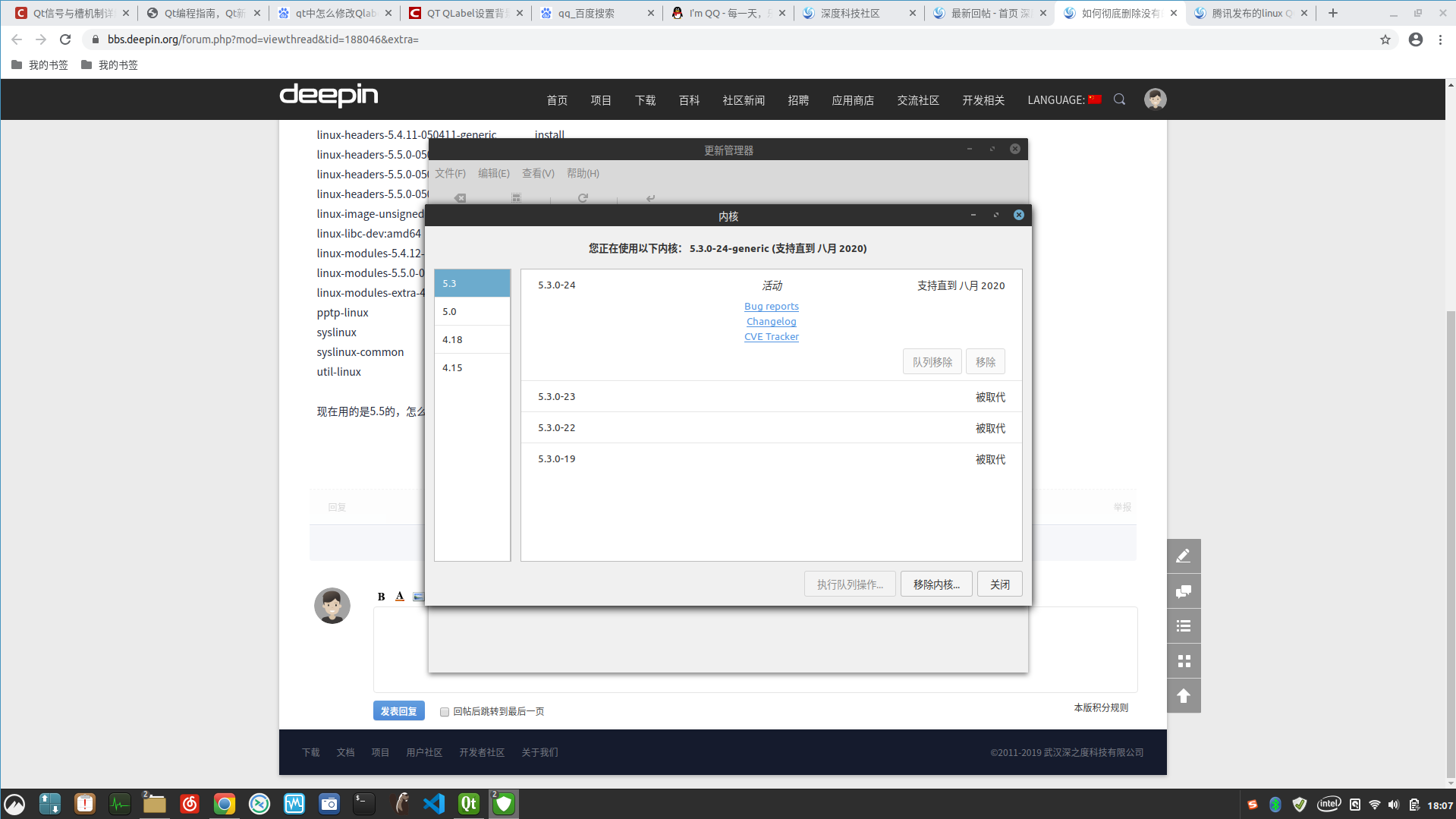
现在用的是5.5的,怎么把其它内核全删除
Reply
Like 0
Favorite
View the author
All Replies
code19
deepin
2020-01-17 02:08
#1
linux mint 不香么?
Reply
Like 0
View the author
zed7th
deepin
2020-01-17 02:17
#2
1.查看系统内存在的内核版本列表:
sudo dpkg --get-selections |grep linux
2.查看当前Ubuntu系统使用的内核版本
uname -a
3.删除多余内核:
sudo apt-get purge linux-headers-3.0.0-12 linux-image-3.0.0-12-generic
更新grub:
sudo update-grub
Reply
Like 0
View the author
要讲武德
deepin
2020-01-17 03:02
#3
很详细的删除教程
https://segmentfault.com/a/1190000021291732
Reply
Like 0
View the author
Feng Yu
deepin
2020-01-17 03:16
#4
sudo apt autoremove --purge
这玩意本来就会删掉多余的内核,最多保留三个最近的
Reply
Like 0
View the author
dreamonly
deepin
2020-01-17 07:35
#5
谢谢楼上兄弟,已经全删除,就留 一个5.5
Reply
Like 0
View the author
要讲武德
deepin
2020-01-17 18:03
#6
dreamonly 发表于 2020-1-16 23:35
谢谢楼上兄弟,已经全删除,就留 一个5.5
建议留一两个稳定的旧版的。新版的假如出问题了可以从旧的内核进系统。只一个出问题就惨了
Reply
Like 0
View the author
Please
sign
in first
Featured Collection
Change
[Tutorial] deepin25 WSL Offline Installation Guide
UOS AI 2.8 Released! Three New Intelligent Agents & Major Evolution
Solid Q&A | deepin 25 Common Questions – The Immutable System Edition
New Thread
Popular Events
More


 中文
中文 
 deepin deepin
  deepin
 deepin
 deepin
  deepin
  deepin deepin


libselinux1:amd64 install
libselinux1:i386 install
linux-base install
linux-firmware install
linux-headers-4.15.0-30deepin install
linux-headers-5.4.11-050411 install
linux-headers-5.4.11-050411-generic install
linux-headers-5.5.0-050500rc6 install
linux-headers-5.5.0-050500rc6-generic install
linux-headers-5.5.0-050500rc6-lowlatency install
linux-image-unsigned-5.5.0-050500rc6-generic install
linux-libc-dev:amd64 install
linux-modules-5.4.12-050412-generic install
linux-modules-5.5.0-050500rc6-generic install
linux-modules-extra-4.15.0-30deepin-generic deinstall
pptp-linux install
syslinux install
syslinux-common install
util-linux
现在用的是5.5的,怎么把其它内核全删除