

 中文
中文 
luowenfang deepin
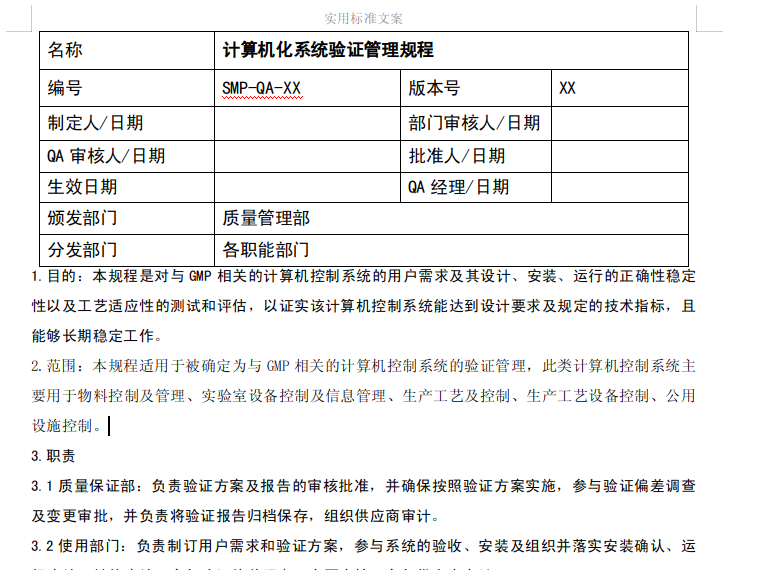
2020-01-13 21:01 deepin 系统字体我没折磨过,WPS字体,按伙伴“nowave”介绍(https://bbs.deepin.org/post/187790#page%3D2)操作,目前能满足日常使用,我个人用 WPS主要是仿宋、宋、黑三种字体,打开以前的文档能正常显示。
Reply Like 0 View the author
deepin 
 deepin
 https://bbs.deepin.org/post/187927
系统字体我没折磨过,WPS字体,按伙伴“nowave”介绍(https://bbs.deepin.org/forum.php?mod=viewthread&t ...
deepin https://bbs.deepin.org/post/187927
系统字体我没折磨过,WPS字体,按伙伴“nowave”介绍(https://bbs.deepin.org/forum.php?mod=viewthread&t ...
 deepin
 https://bbs.deepin.org/post/187927
系统字体我没折磨过,WPS字体,按伙伴“nowave”介绍(https://bbs.deepin.org/forum.php?mod=viewthread&t ...
 deepin deepin
 https://bbs.deepin.org/post/187927
尝试删除dconf试一下
rm -rf ~/.config/dconf ~/.config/deepin*


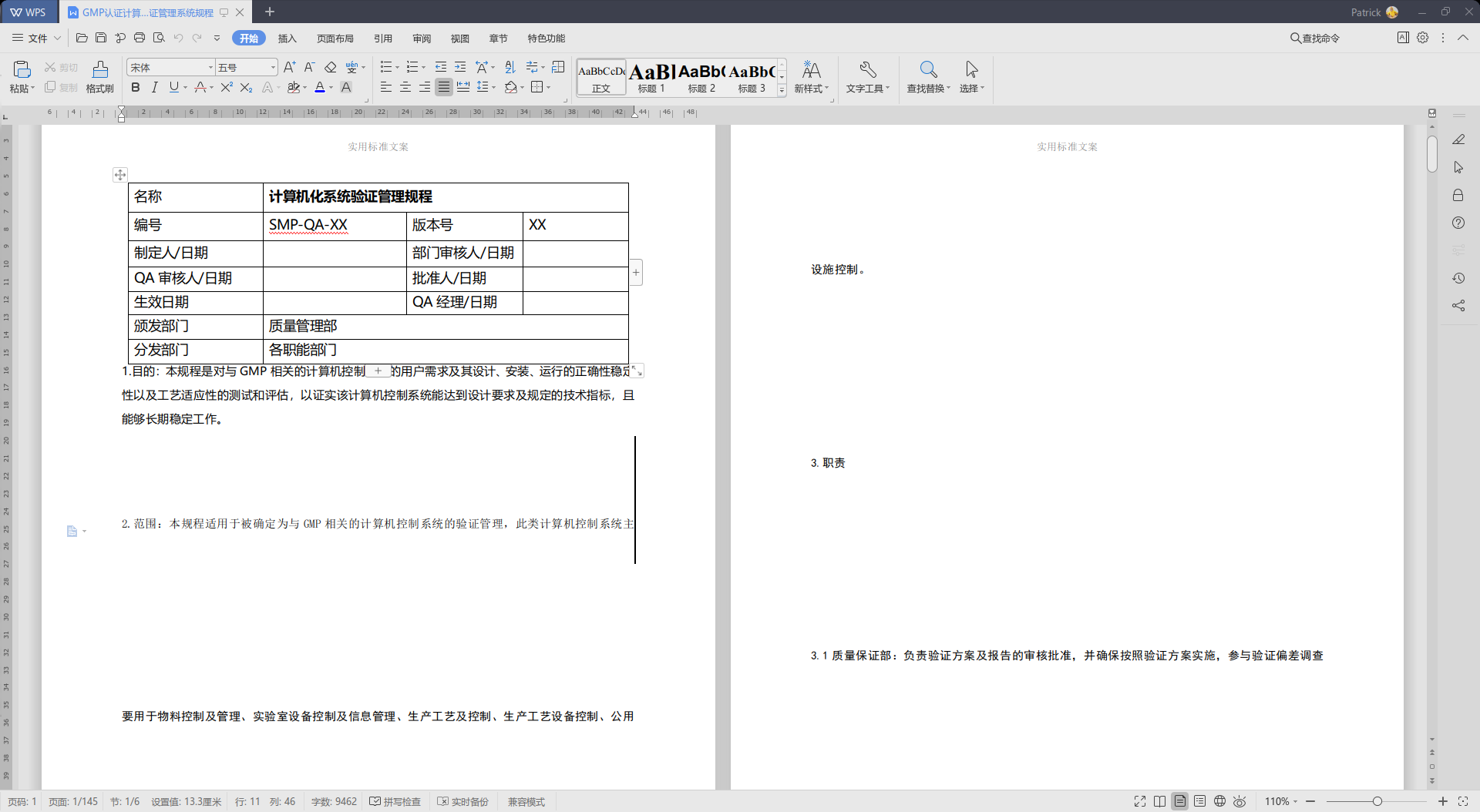
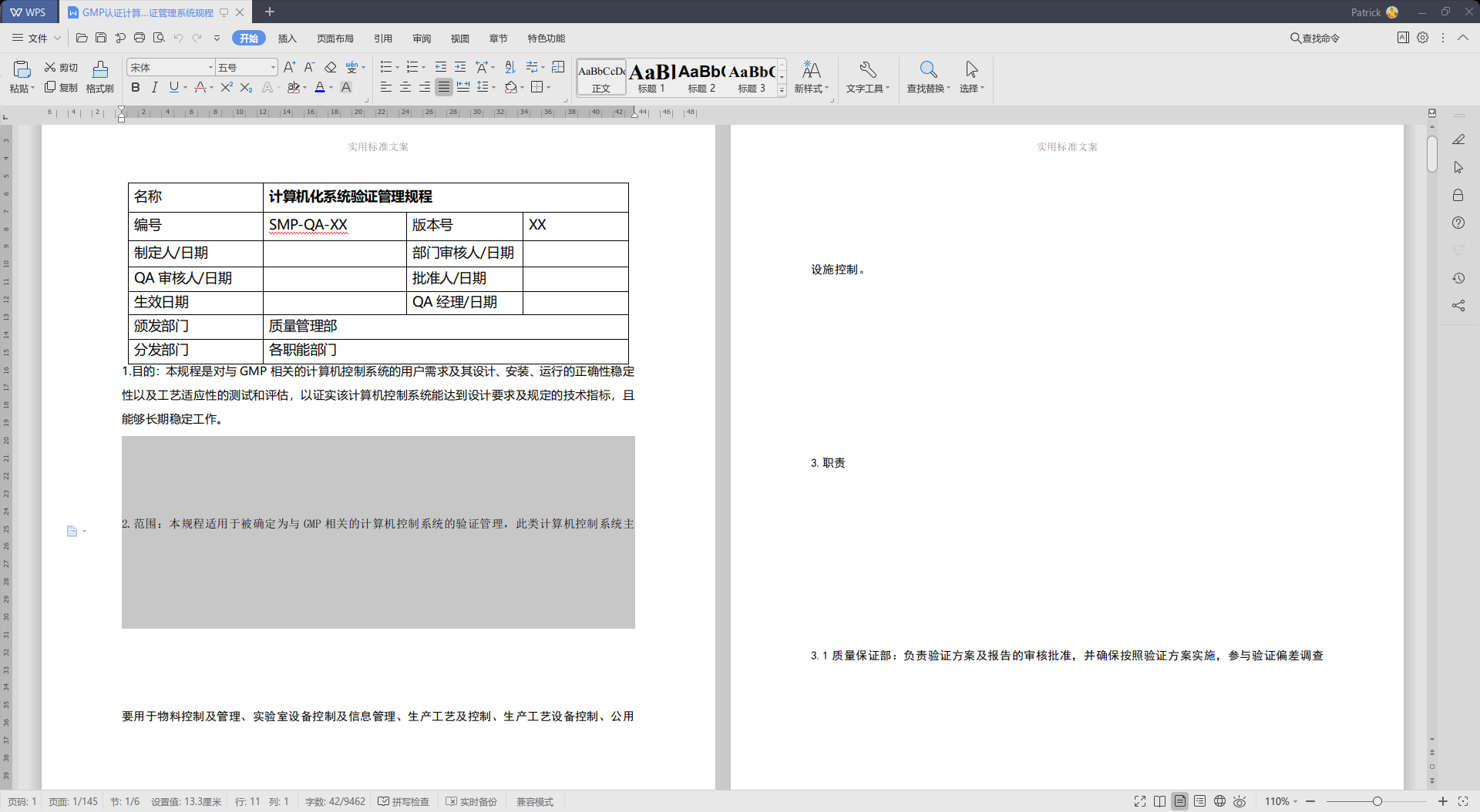
求帮看看是什么问题。
https://bbs.deepin.org/user/101846
这里,点啥都点不动