win 7+deepin 15. 11安装记录 代理上网
Tofloor
poster avatar
danzeng
deepin
2019-12-31 02:58
Author
本帖最后由 danzeng 于 2020-1-9 11:22 编辑

DELL商用机OPT3020
双硬盘双系统
原机硬盘ghost安装win7旗舰版
加装①块儿250G硬盘,安装deepin15.11,全盘安装引导写入了sda
安装完成后没有GRUB
折腾半天,最后重新安装deepin,引导写入deepin的硬盘(sdb)
成功引导,界面可以选择系统了。

深度商店不支持代理上网下载软件,终端无法实现全局代理,头疼(´;︵;`) ————已经解决,见三楼回贴。

强烈注意::::系统安装完成后,先拨掉U盘再点“立即体验”。
问题:QQTIM,百度网盘(官网linux),weixin(win)都无法实现登录。
Reply Favorite View the author
All Replies
avatar
ghostry
deepin
2019-12-31 03:16
#1
Reply View the author
avatar
danzeng
deepin
2019-12-31 20:54
#2
本帖最后由 danzeng 于 2020-1-9 12:13 编辑

一、在终端用命令行实现代理上网,下载升级软件。
  1. sudo apt-get -o Acquire::http::proxy="http://10.20.1.16:809/" update
Copy the Code
二、更改深度软件源为清华大学源1、将/etc/apt/下的sources.list文件,改名为sources.list.old   #以管理员身份打开文件夹
  1. sudo mv sources.list sources.list.beifen
Copy the Code

2、使用编辑器软件新建一个文本,写入以下代码。并将文件保存在/etc/apt/sources.list
  1. ## Generated by deepin-installer
  2. deb [by-hash=force] https://mirrors.tuna.tsinghua.edu.cn/deepin panda main contrib non-free
  3. #deb-src https://mirrors.tuna.tsinghua.edu.cn/deepin panda main contrib non-free
Copy the Code
已经制作好的软件源文件:sources.list.zip
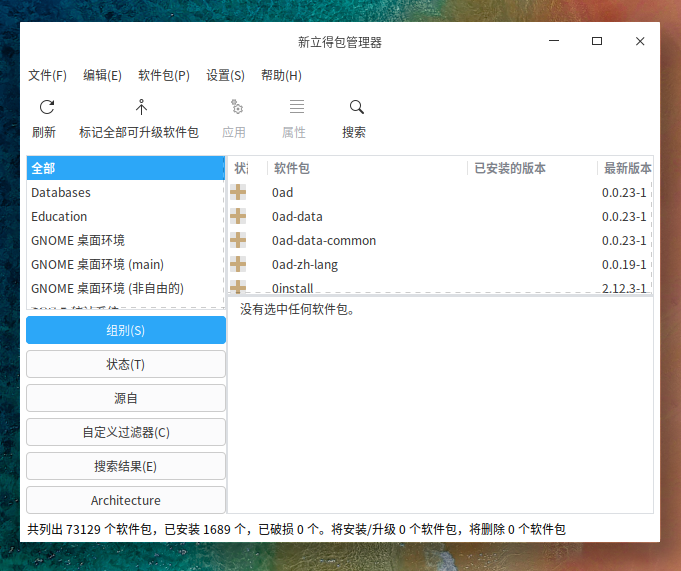
三、安装新立得软件管理
  1. sudo apt-get -o Acquire::http::proxy="http://10.20.1.16:809/" install synaptic
Copy the Code
  1. 正在读取软件包列表... 完成
  2. 正在分析软件包的依赖关系树      
  3. 正在读取状态信息... 完成      
  4. 下列软件包是自动安装的并且现在不需要了:
  5.   libfile-copy-recursive-perl
  6. 使用'sudo apt autoremove'来卸载它(它们)。
  7. 将会同时安装下列软件:
  8.   docbook-xml libept1.5.0 librarian0 libvte-2.91-0 libvte-2.91-common rarian-compat sgml-base
  9.   sgml-data xml-core
  10. 建议安装:
  11.   docbook docbook-dsssl docbook-xsl docbook-defguide sgml-base-doc perlsgml w3-recs opensp
  12.   libxml2-utils dwww menu deborphan apt-xapian-index software-properties-gtk debhelper
  13. 下列【新】软件包将被安装:
  14.   docbook-xml libept1.5.0 librarian0 libvte-2.91-0 libvte-2.91-common rarian-compat sgml-base
  15.   sgml-data synaptic xml-core
  16. 升级了 0 个软件包,新安装了 10 个软件包,要卸载 0 个软件包,有 445 个软件包未被升级。
  17. 需要下载 3,810 kB 的归档。
  18. 解压缩后会消耗 14.5 MB 的额外空间。
  19. 您希望继续执行吗? [Y/n] y
  20. 获取:1 https://mirrors.tuna.tsinghua.edu.cn/deepin panda/main amd64 sgml-base all 1.29 [14.8 kB]
  21. 获取:2 https://mirrors.tuna.tsinghua.edu.cn/deepin panda/main amd64 xml-core all 0.18 [23.4 kB]
Copy the Code


四、实现全天终端可以上网具体步骤如下:
1.在/etc/apt目录下建立apt.conf文件   
     
  1. sudo vi /etc/apt/apt.conf
Copy the Code

2.在apt.conf文件中添加如下内容:
  1. Acquire::http::proxy "http://10.20.1.16:809/";
  2. Acquire::https::proxy "https://10.20.1.16:809/";
  3. Acquire::ftp::proxy "ftp://10.20.1.16:809/";
Copy the Code
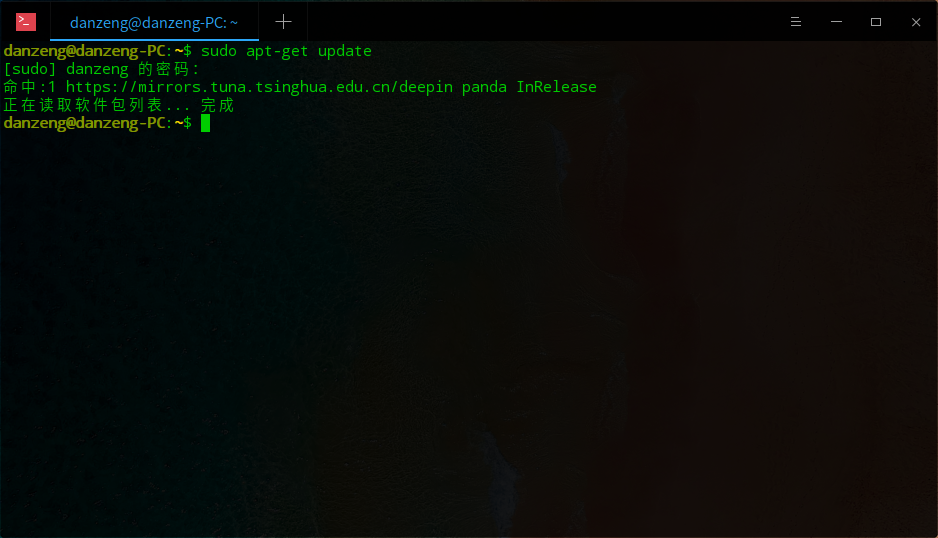
3.重启电脑,搞定。通过 sudo apt-get update测试下!


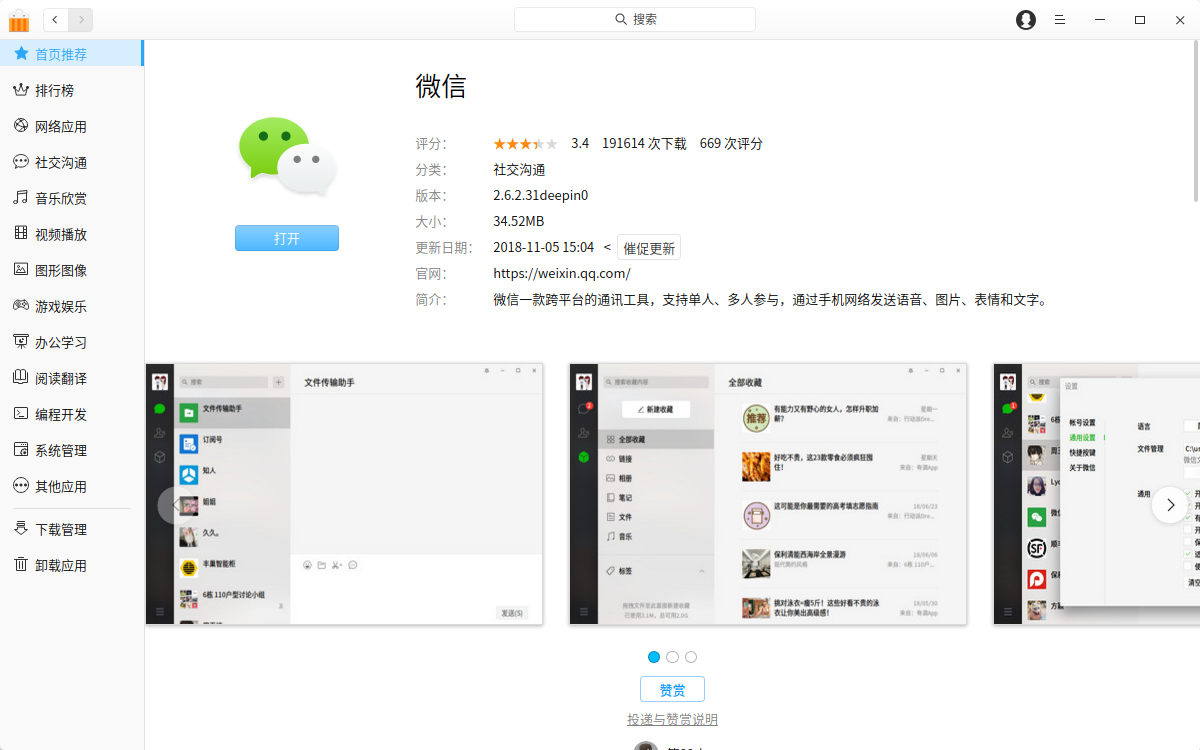
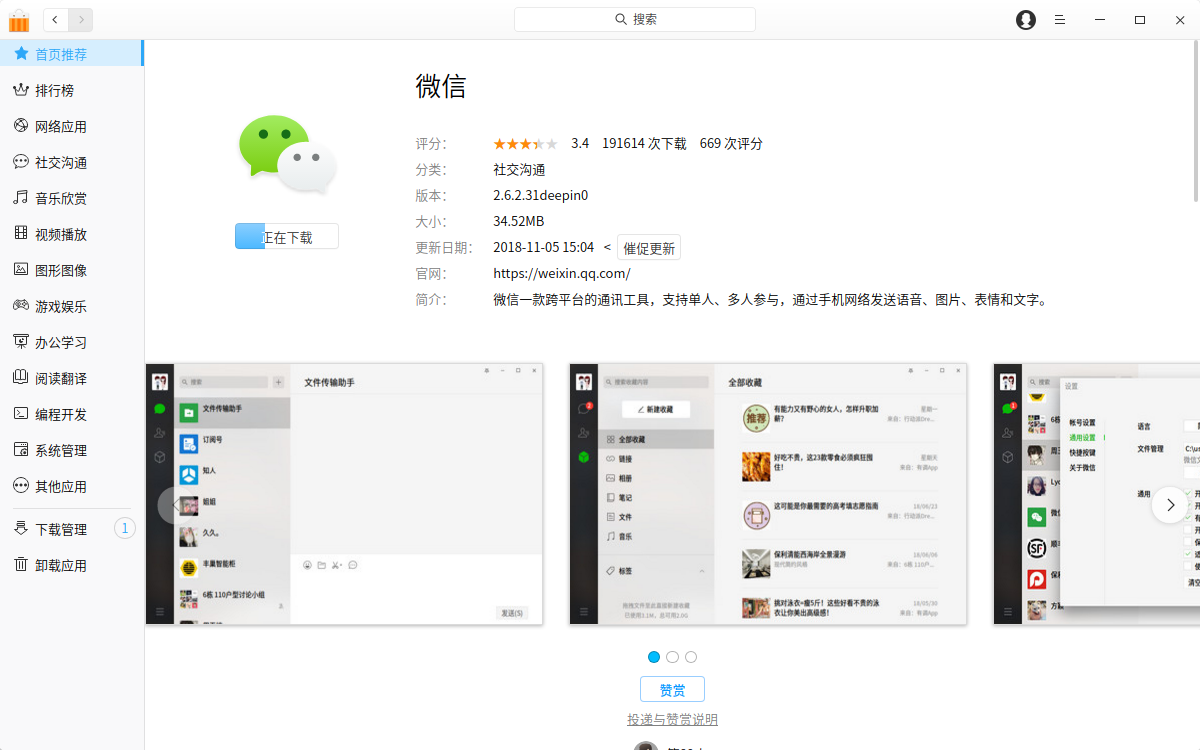
五、实现深度软件商店直接下载
突然发现完成第四个目标后,第五个目标居然可以实现了。


问题:QQTIM,百度网盘(官网linux),weixin(win)都无法实现登录。


###增加华为软件源

1:开始菜单找到终端并打开,输入
  1. sudo dedit /etc/apt/sources.list.d/deepin.list
Copy the Code
接着输入管理员密码
2:按回车之后,会自动打开编辑器,在编辑器中输入:
  1. deb [trusted=yes] https://mirrors.huaweicloud.com/deepin stable main contrib non-free #deb-src deb https://mirrors.huaweicloud.com/deepin stable main
Copy the Code

并保存。
3:回到终端输入
  1. sudo apt-get update
Copy the Code

并回车,等更新完毕再次输入
  1. sudo apt-get upgrade
Copy the Code

,再次回车。


Reply View the author
avatar
danzeng
deepin
2019-12-31 20:55
#3
https://bbs.deepin.org/post/187540
https://blog.ghostry.cn/program/762.html

谢谢您的推荐。
Reply View the author
avatar
ghostry
deepin
2019-12-31 23:58
#4

不客气,我看你自己解决了.
Reply View the author