字体渲染优化
Tofloor
poster avatar
schhy
deepin
2017-08-19 03:53
Author
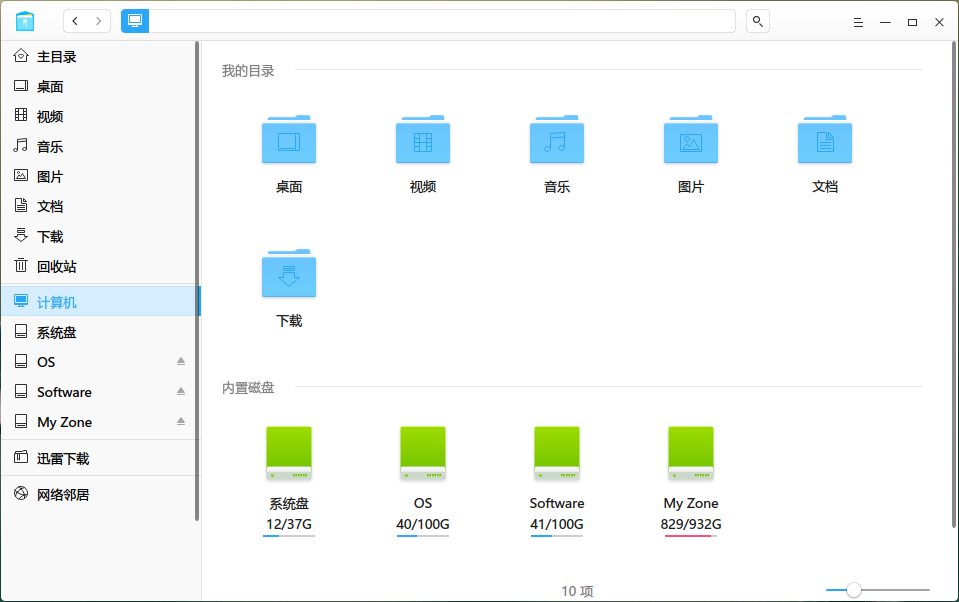
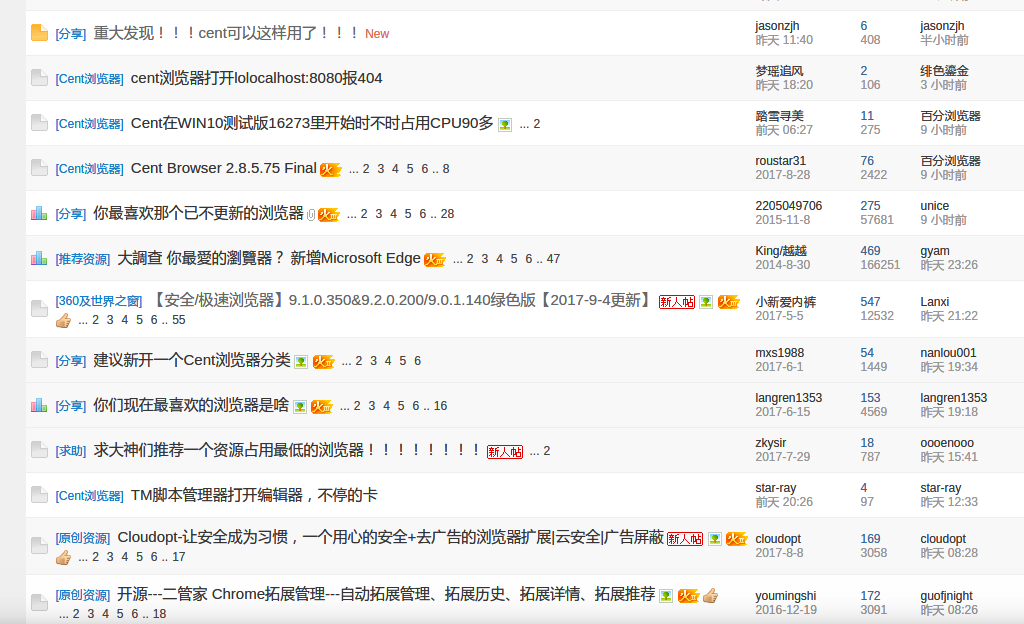
直接上图
优化前:                            优 化后:

优化方式是我以前在网上看到的,如下

$ sudo add-apt-repository ppa:no1wantdthisname/ppa
$ sudo apt-get update
$ sudo apt-get install fontconfig-infinality
指定渲染效果
$ sudo bash /etc/fonts/infinality/infctl.sh setstyle
Select a style:
1) debug 3) lin
ux 5) osx2 7) win98

infinality 4) osx 6) win7 8) winxp
#? 4


由于ppa安装有风险 深度好像不支持,可以直接下软件:http://ppa.launchpad.net/no1wantdthisname/ppa/ubuntu/pool/main/f/fontconfig-infinality/
下载  fontconfig-infinality 软件自己安装
然后在终端 sudo bash /etc/fonts/infinality/infctl.sh setstyle


另外我不是技术人员,无法知道优化原理,希望官方能研究下,这个优化怎么实现的,是否可以进入官方的标准优化。
Reply Favorite View the author
All Replies
avatar
159******54
deepin
2017-08-19 04:46
#1
你用的是chrome吗 多少版本的?
Reply View the author
avatar
schhy
deepin
2017-08-19 04:54
#2
本帖最后由 schhy 于 2017-8-18 21:04 编辑
https://bbs.deepin.org/post/144375
你用的是chrome吗 多少版本的?

58,目前最新稳定版是60.如何你字体发虚,你可以试一试跟换chrome的字体。
Reply View the author
avatar
159******54
deepin
2017-08-19 07:25
#3
https://bbs.deepin.org/post/144375
58,目前最新稳定版是60.如何你字体发虚,你可以试一试跟换chrome的字体。

更换了没啥用
Reply View the author
avatar
星外之神
deepin
2017-08-19 17:57
#4
https://bbs.deepin.org/user/48640 可以默认配置进系统吗?
Reply View the author
avatar
jingle
deepin
2017-08-21 22:43
#5
https://bbs.deepin.org/post/144375
@jingle 可以默认配置进系统吗?

这个先验证 测试下 看看对什么字体有效。
Reply View the author
avatar
132******16
deepin
2017-08-22 16:04
#6
亲测有效,谢谢~ Linux Mint 18字体锯齿、发虚严重,换了思源字体还是没法解决,这个问题困扰了我很久,不想这个方法解决了。
Reply View the author
avatar
moriwuhen
deepin
2017-09-05 17:22
#7
本帖最后由 moriwuhen 于 2017-9-5 09:56 编辑

多谢楼主,效果试了下,使用3  linux比4 osx好。
试过很多渲染,目前达到了比较满意的效果,字体渲染真的很影响体验,而且很复杂,所以来分享下我的低分屏设置,(分辨率1366*768)。
步骤:
1.安装微软雅黑字体(直接Windows系统复制过来)
2.sudo gedit /usr/share/fontconfig/conf.avail/10-enhance-rending.conf
把里面的hintslight改为hintfull.

3.(就是楼主的帖子)
安装楼主提供的软件fontconfig-infinality,下载链接:
http://ppa.launchpad.net/no1want ... tconfig-infinality/
然后在终端sudo bash /etc/fonts/infinality/infctl.sh setstyle
然后输入3。(4渲染轻微些,没有3效果好)


4.然后是chrome浏览器设置:参考http://bbs.kafan.cn/thread-1681393-1-1.html,这个帖子发的实在太乱,自己看着办吧。说下我的简略步骤:
就是安装了该贴内两个扩展:字体很舒服.crx、Stylish.crx扩展并加载该贴第一张图中的CSS 。
反正设置后效果还不错。见图:


Reply View the author
avatar
luxwen
deepin
2017-09-05 19:33
#8
https://bbs.deepin.org/post/144375
多谢楼主,效果试了下,使用3  linux比4 osx好。
试过很多渲染,目前达到了比较满意的效果,字体渲染真的很 ...
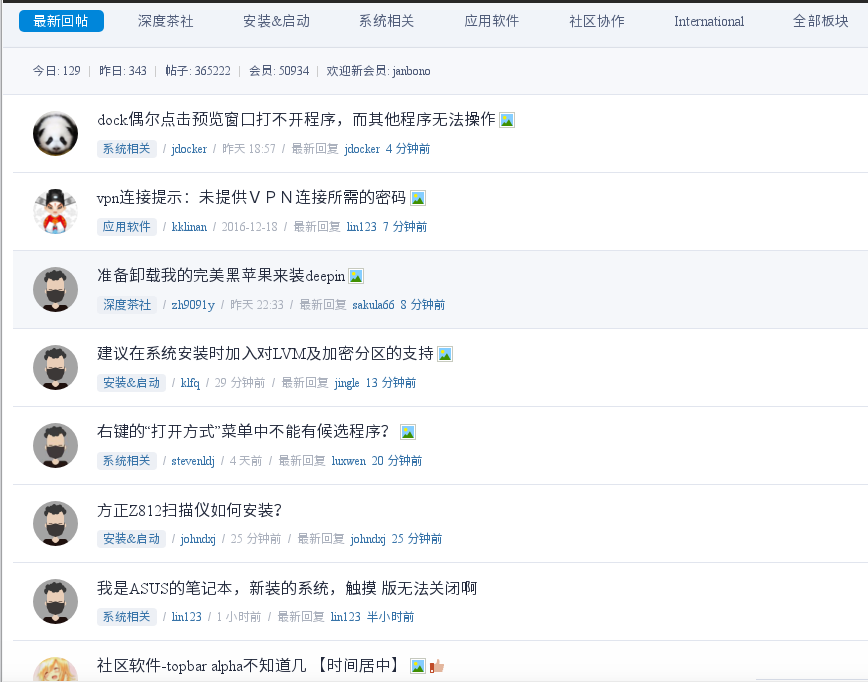
我的是这样的

Reply View the author
avatar
jingle
deepin
2017-09-05 19:47
#9
https://bbs.deepin.org/post/144375
多谢楼主,效果试了下,使用3  linux比4 osx好。
试过很多渲染,目前达到了比较满意的效果,字体渲染真的很 ...
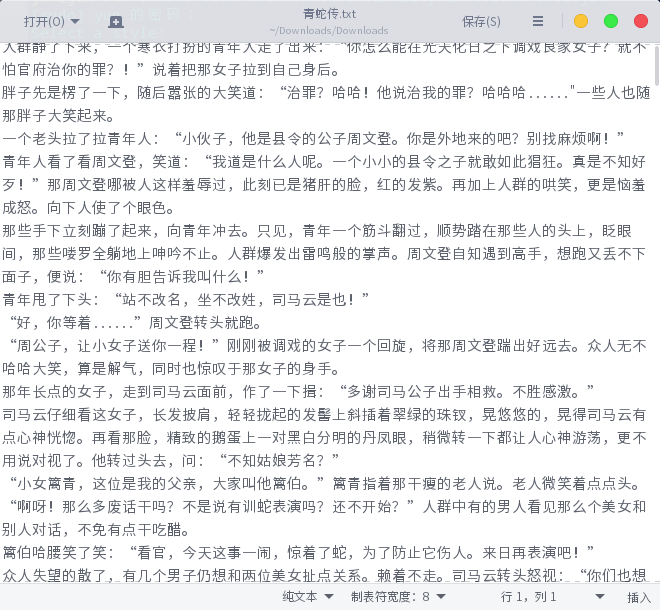
是微软雅黑就不行了
Reply View the author
avatar
s3040608090
deepin
2017-09-05 20:31
#10
感谢楼主,十分好用。
Reply View the author
avatar
moriwuhen
deepin
2017-09-05 21:25
#11

谢谢分享,看着比较清晰。这是什么字体?
Reply View the author
avatar
wlh320
deepin
2017-09-05 23:53
#12
据我所知, fontconfig-infinality 的作者一年前不知所踪,这个项目已经处于没人维护的状态了
Reply View the author
avatar
moriwuhen
deepin
2017-09-15 16:17
#13

字体可否分享下?
Reply View the author