打印机提示不支持的页面描述语言
Tofloor
poster avatar
qingxp9
deepin
2017-08-15 17:58
Author
好不容易添加上驱动,添加上用户名,打印作业也发过去了
结果提示“不支持的页面描述语言”

求解

Reply Favorite View the author
All Replies
avatar
jingle
deepin
2017-08-15 18:04
#1
打印机型号 发下
Reply View the author
avatar
qingxp9
deepin
2017-08-15 18:14
#2
https://bbs.deepin.org/post/144201
打印机型号 发下

Fuji Xerox ApeosPort-V C3375

按这个提取的ppd
https://blog.inceptit.net/2015/09/14/unpacking-os-x-dmg-files-in-linux/
Reply View the author
avatar
qingxp9
deepin
2017-08-15 18:18
#3
另外有个问题是,只能在/etc/cups/printers.conf中这样添加与系统用户不一样的用户名
DeviceURI lpd://username@a.com/printqueue
Reply View the author
avatar
jingle
deepin
2017-08-15 18:31
#4
https://bbs.deepin.org/post/144201
Fuji Xerox ApeosPort-V C3375

按这个提取的ppd

http://onlinesupport.fujixerox.c ... lang_list=zh_CN

没有linux  提取的不知道是否可行
Reply View the author
avatar
rdlg
deepin
2017-08-15 18:36
#5
用通用的PCL6驱动试试 在厂商"Generic"里面找
Reply View the author
avatar
qingxp9
deepin
2017-08-15 18:37
#6
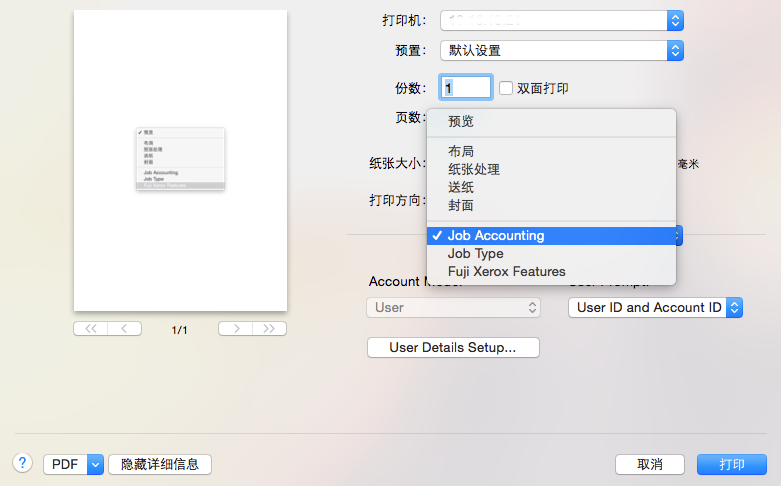
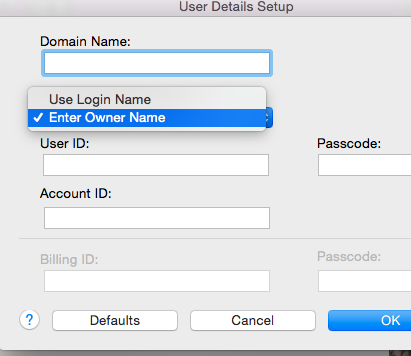
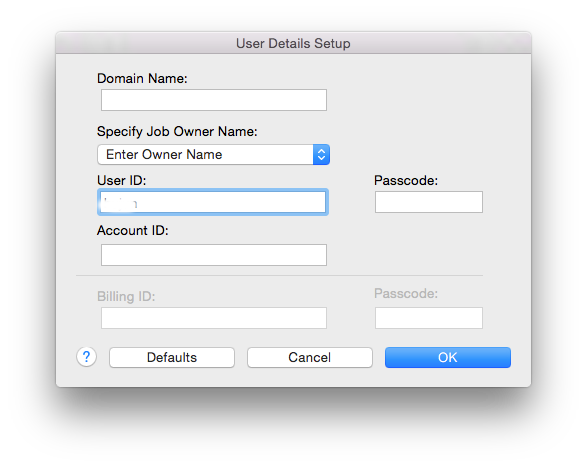
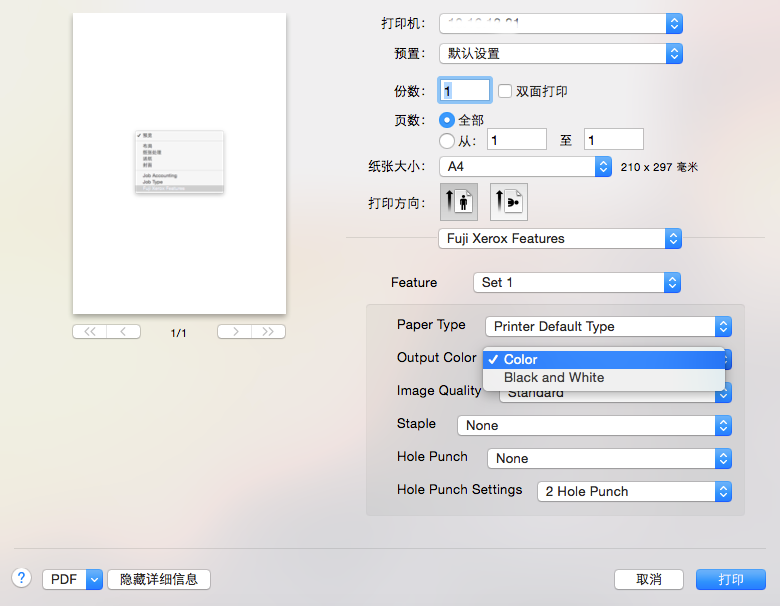
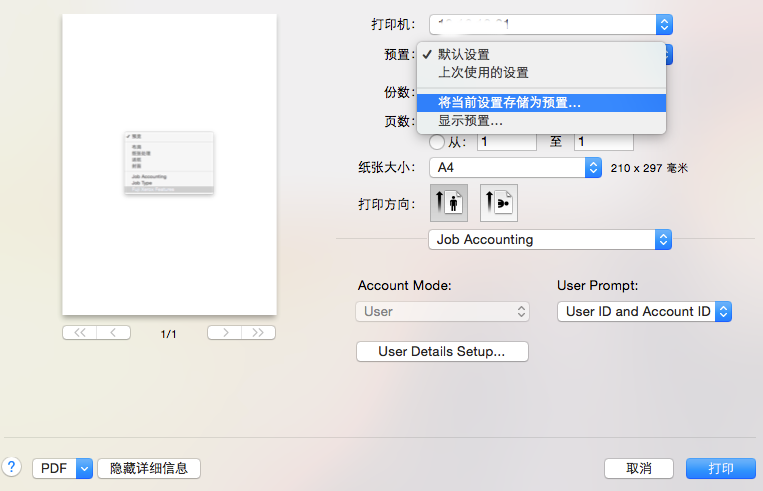
公司给的MAC的配置说明:
添加账户


output color 里选择black and white(即黑白模式)


Reply View the author
avatar
qingxp9
deepin
2017-08-15 18:48
#7
https://bbs.deepin.org/post/144201
用通用的PCL6驱动试试 在厂商"Generic"里面找

试了下,出现同样的问题
Reply View the author
avatar
rdlg
deepin
2017-08-15 19:43
#8
你是在MAC上共享出来的打印机吗 可以用raw试试 也在Generic下面
Reply View the author