默认的文本软件改成文本编辑器后,DOC文件无法改回WPS
Tofloor
poster avatar
freefly521
deepin
2017-08-12 03:18
Author

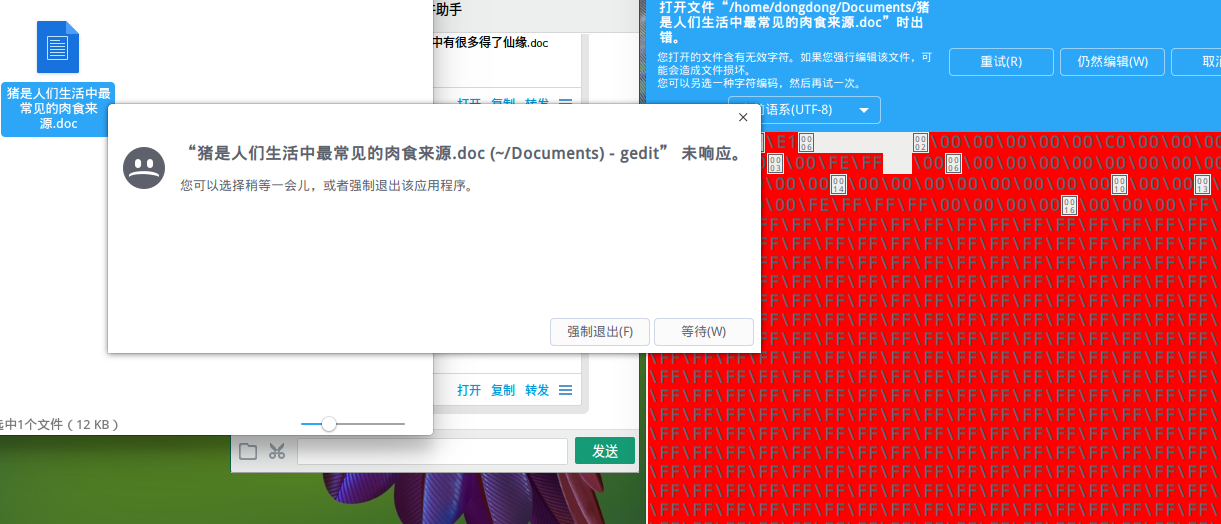
手动改动默认软件也不行。依然用文本编辑器打开DOC文件,结果只能是乱码

Reply Favorite View the author
All Replies
avatar
jingle
deepin
2017-08-12 03:42
#1
恢复到默认打开方式么?
Reply View the author
avatar
moriwuhen
deepin
2017-08-12 05:55
#2
https://bbs.deepin.org/post/144048
恢复到默认打开方式么?

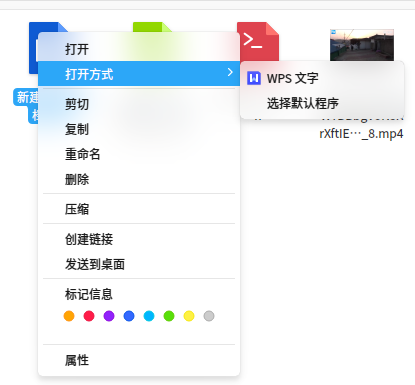
以后能否实现右键菜单“打开方式”里面像Windows那样,选择某个程序作为默认的打开程序?控制中心默认程序可设置的只有常用的几个。
Reply View the author
avatar
freefly521
deepin
2017-08-12 07:20
#3
https://bbs.deepin.org/post/144048
恢复到默认打开方式么?


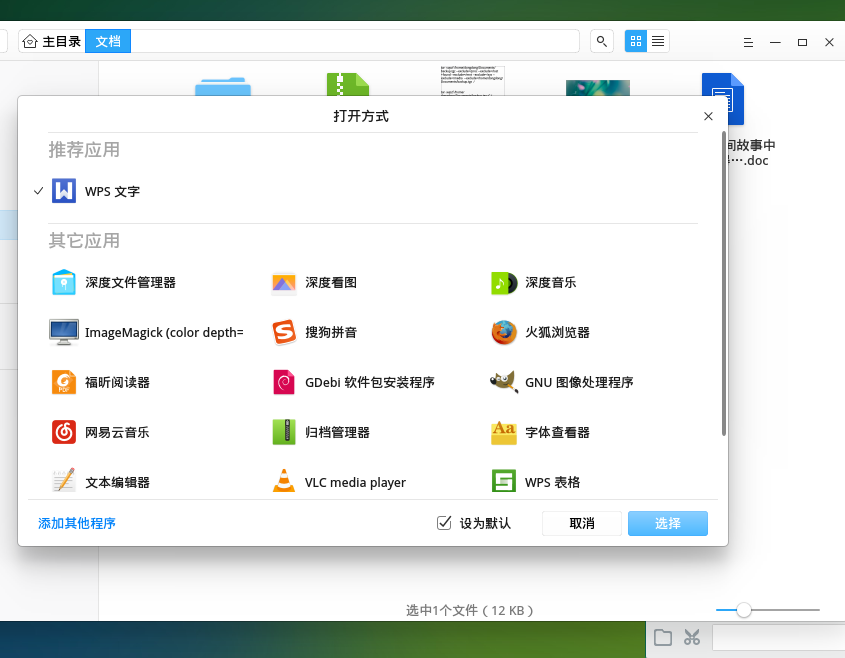
这样设置后依然不行,还是用文本编辑器打开。

Reply View the author
avatar
freefly521
deepin
2017-08-12 07:22
#4
本帖最后由 freefly521 于 2017-8-11 23:23 编辑


只是设置后的第一次可以,以后打开还是用文本编辑器。
Reply View the author
avatar
mountainguan
deepin
2018-08-25 00:52
#5
本帖最后由 mountainguan 于 2018-8-24 16:55 编辑

同样的问题,持续很久了,不知道怎么解决@jinge
Reply View the author
avatar
mountainguan
deepin
2018-11-08 18:14
#6
同样的问题,持续很久了,不知道怎么解决https://bbs.deepin.org/user/48640
Reply View the author
avatar
liuwen
deepin
2018-11-08 19:07
#7
https://bbs.deepin.org/post/144048
同样的问题,持续很久了,不知道怎么解决@jingle

右键--打开方式,直接选择WPS打开,这样不行吗?
Reply View the author
avatar
mountainguan
deepin
2018-11-19 19:26
#8
本帖最后由 mountainguan 于 2018-11-19 11:28 编辑
https://bbs.deepin.org/post/144048
右键--打开方式,直接选择WPS打开,这样不行吗?


如果可以,我就不用提问了,最主要的问题是不能双击直接打开了.


Reply View the author
avatar
zccrs
deepin
2018-11-19 21:10
#9
刚刚试了一下,发现是个bug,先在“其它应用”列表中选择wps,“推荐应用”列表中的设置为默认功能失效了
Reply View the author
avatar
BLumia
deepin
2018-11-19 23:46
#10
Reply View the author
avatar
倔强的木头
deepin
2018-11-20 00:04
#11
把gedit给卸载了
Reply View the author