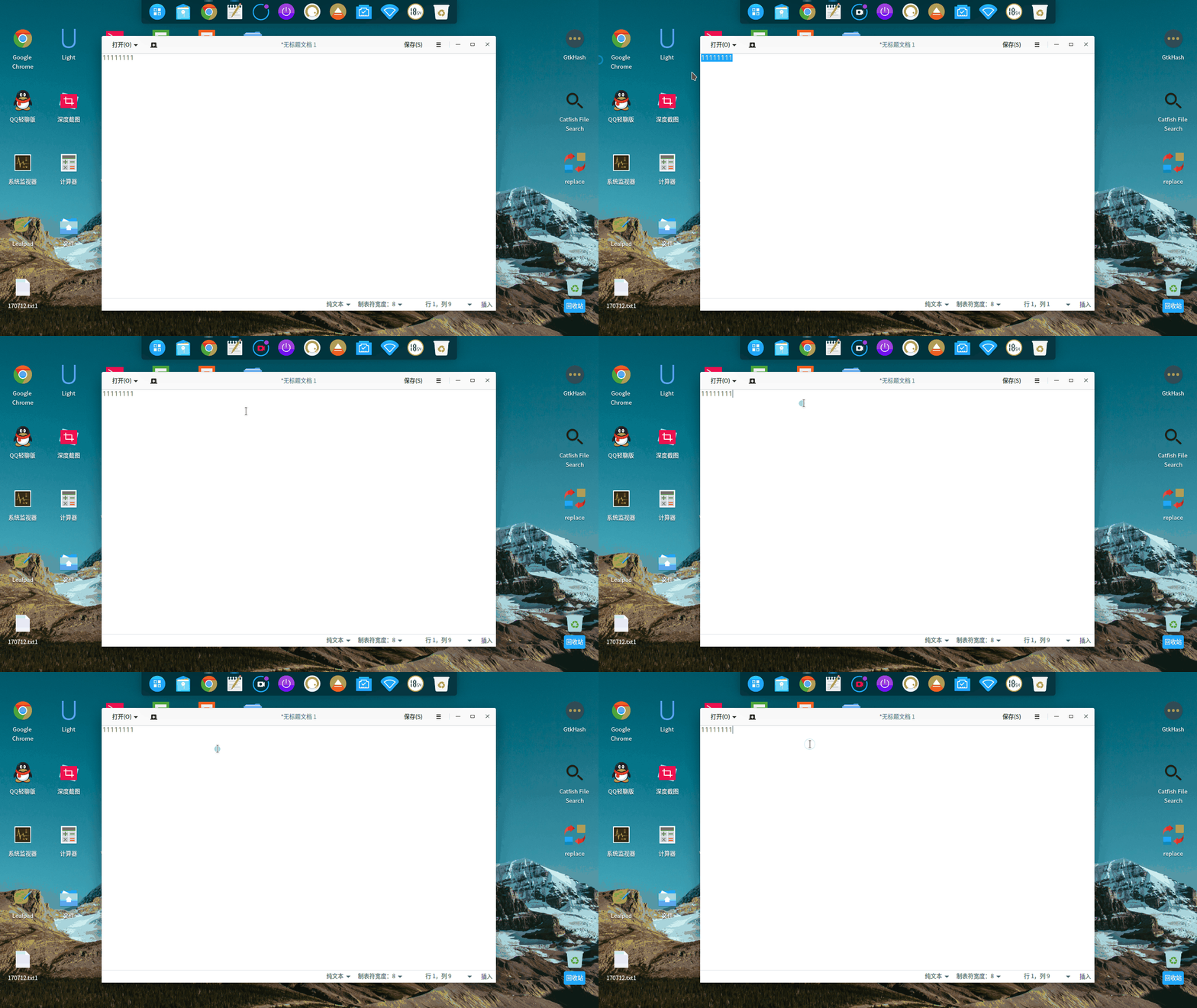
使用中的几处细节,也许你也注意到了
Tofloor
poster avatar
150******40
deepin
2017-06-22 03:49
Author
1.深度终端
在窗口模式和雷神模式下,按ctrl+s,就卡住不动了,不能输入任何东西,这个不知是不是bug

2.深度文件管理器
左边没有显示满,却又显示滚动条,我这里先打开文件管理器,再打开计算机时出现

3.登录界面
开机首次登录输入密码显示的点,和win+l锁定输入密码显示的点,大小不一样

4.grub菜单
通过sudo update-grub生成的/boot/grub/grub.cfg里面的Advanced子菜单里面一个是中文逗号,一个是英文逗号

暂时先这些吧


Reply Favorite View the author
All Replies
avatar
android
deepin
2017-06-22 03:58
#1
第一个不是bug,
Reply View the author
avatar
android
deepin
2017-06-22 03:59
#2
ctrl + q 就可以恢复了的
Reply View the author
avatar
aName
deepin
2017-06-22 04:51
#3
ctrl  s……
Reply View the author
avatar
humhook
deepin
2017-06-22 04:51
#4
那个ctrl+s 是一个古老的神奇命令。
Reply View the author
avatar
150******40
deepin
2017-06-22 07:29
#5
https://bbs.deepin.org/post/141411
ctrl + q 就可以恢复了的

原来如此,学习了
Reply View the author
avatar
150******40
deepin
2017-06-22 07:29
#6
https://bbs.deepin.org/post/141411
那个ctrl+s 是一个古老的神奇命令。

有什么历史么
Reply View the author
avatar
要讲武德
deepin
2017-06-22 08:45
#7
真的好细心的。这样才能bug越来越小。
Reply View the author
avatar
SevenFour
deepin
2017-06-22 08:52
#8
我用小米本,用U盘引导,但是又直接转到win登录,请问啥情况啊,配置也保存了
Reply View the author
avatar
herdde
deepin
2017-06-22 14:56
#9
Reply View the author
avatar
150******40
deepin
2017-07-13 05:47
#10
https://bbs.deepin.org/user/48640 ,不进来看看?第二个文件管理器昨天滚动条依旧,版本15.4.1
Reply View the author
avatar
herdde
deepin
2017-07-13 06:12
#11
终端里为什么要按 ctrl+s ?
Reply View the author
avatar
wtz
deepin
2017-07-13 17:08
#12
https://bbs.deepin.org/post/141411
终端里为什么要按 ctrl+s ?

GUI下的习惯性保存操作。
还好nano默认忽略Ctrl+S。
Reply View the author
avatar
jingle
deepin
2017-07-13 17:19
#13
https://bbs.deepin.org/post/141411
@jingle ,不进来看看?第二个文件管理器昨天滚动条依旧,版本15.4.1

为何我的没有滚动条了
Reply View the author
avatar
150******40
deepin
2017-07-14 02:11
#14
https://bbs.deepin.org/post/141411
为何我的没有滚动条了

先打开深度文件管理器,再打开计算机,鼠标放上去就有了
Reply View the author
avatar
sysop
deepin
2017-07-14 02:56
#15
文本编辑器 选取划出边框 不习惯呀。。。
还有我的录屏gif效果很差 mp4还可以 集成显卡太差?


    神奇的小尾巴:Mozilla/5.0 (X11; Linux i686) AppleWebKit/537.36 (KHTML, like Gecko) Chrome/48.0.2564.109 Safari/537.36  (zh-CN)
    ——2017/7/13 下午6:56:14
             
    Reply View the author