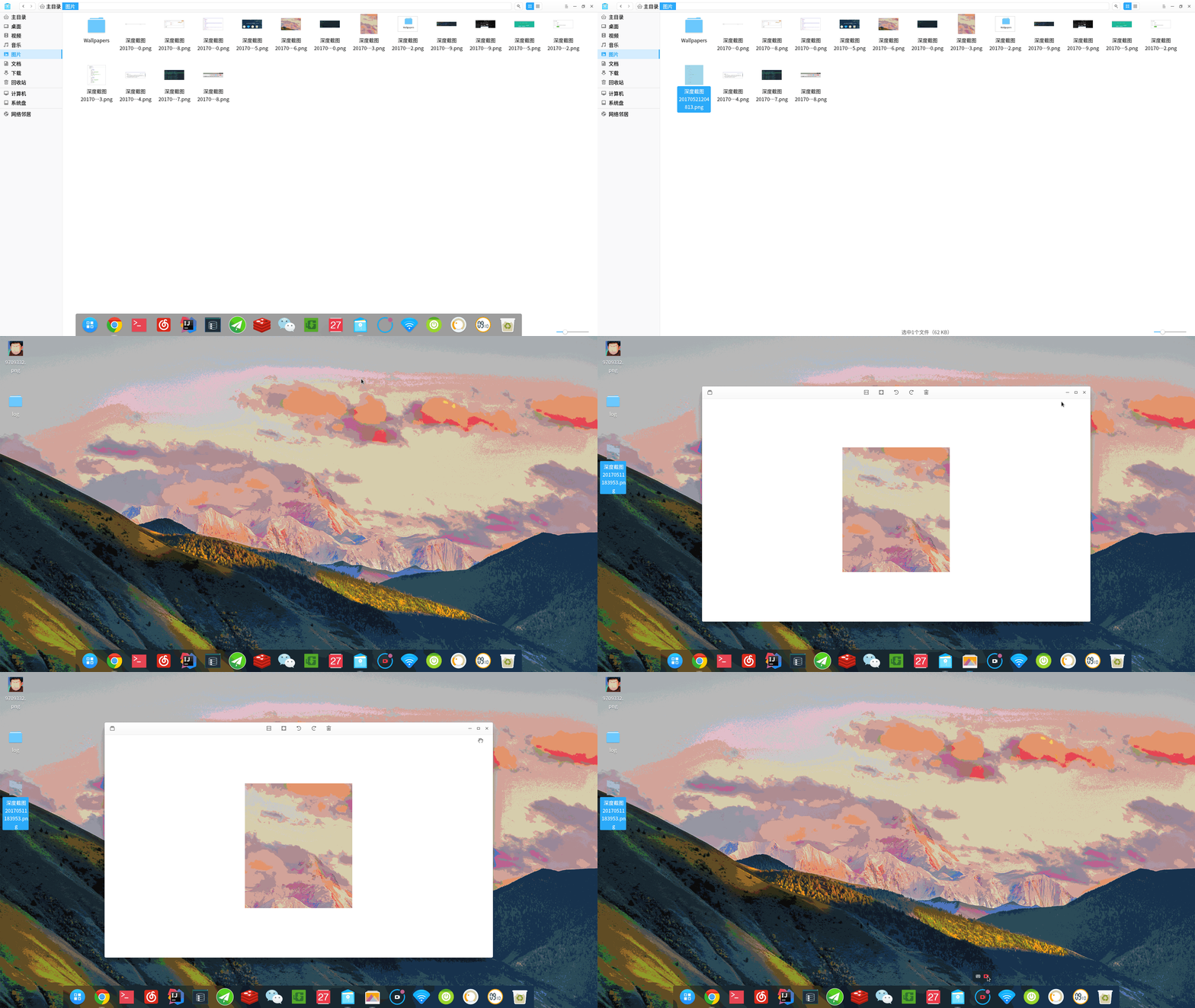
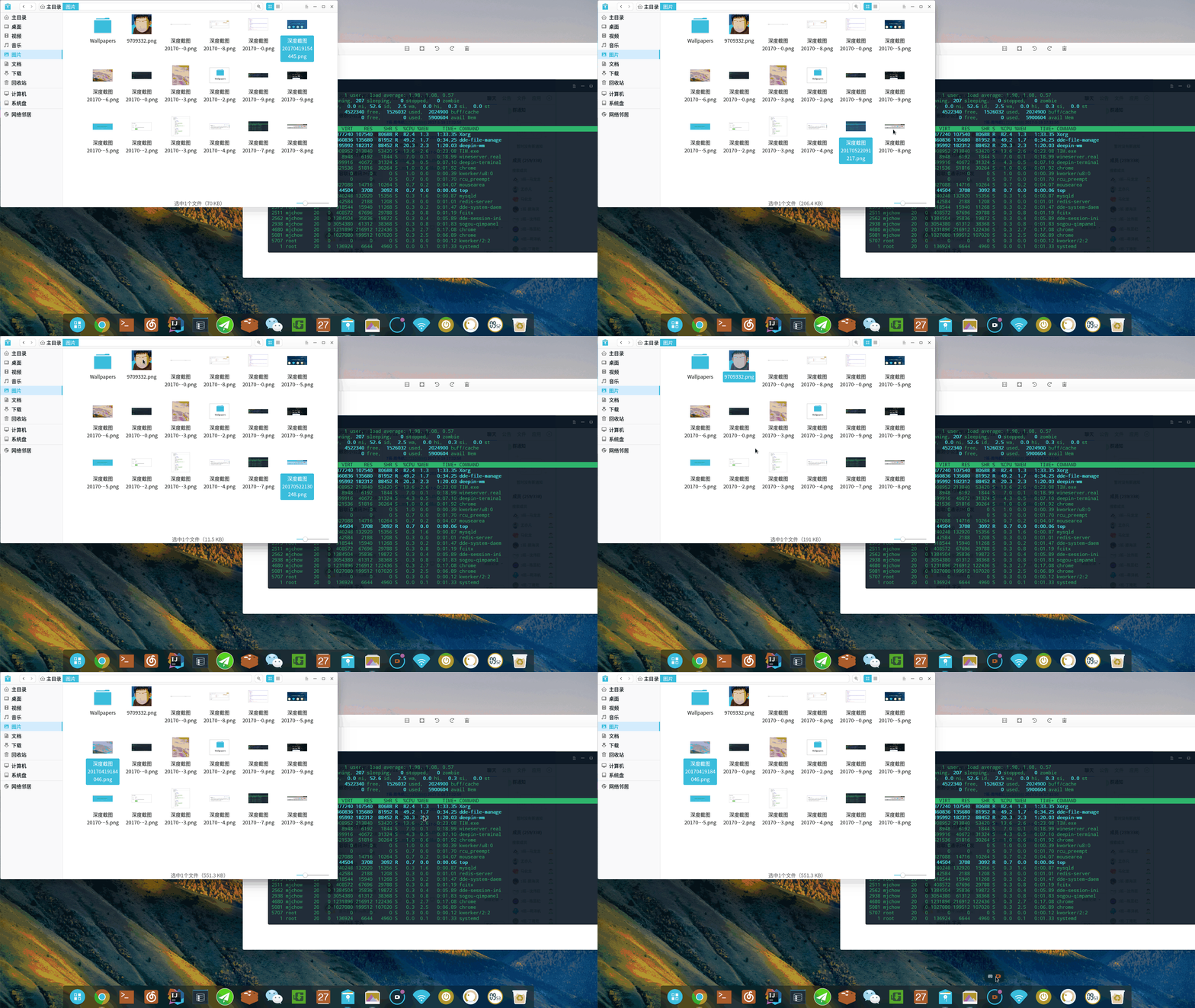
图片双击不能用默认的深度看图打开
Tofloor
poster avatar
159******54
deepin
2017-05-23 17:18
Author
在桌面上的图片可以双击默认是用深度看图打开没有问题,但是在其他目录下面,例如在图片目录下面的图片,双击不能默认用深度看图打开,但是可以用右键选择深度看图打开。而且默认的程序那边设置,已经是将看图的默认程序设置成深度看图了。现在好像深度截图用快捷键都不行了,直接打开截图软件是可以的,昨天快捷键还是可以的,本想截图一张默认程序设置的图片的。

Reply Favorite View the author
All Replies
avatar
jingle
deepin
2017-05-23 17:44
#1
图片文件夹的图片拖动到看图能打开吗?
Reply View the author
avatar
159******54
deepin
2017-05-23 17:54
#2
https://bbs.deepin.org/post/139876
图片文件夹的图片拖动到看图能打开吗?

是这样的情况吗?
Reply View the author
avatar
jingle
deepin
2017-05-23 18:07
#3
https://bbs.deepin.org/post/139876
是这样的情况吗?

你是不是安装了其他的看图应用?
Reply View the author
avatar
159******54
deepin
2017-05-23 18:28
#4
https://bbs.deepin.org/post/139876
你是不是安装了其他的看图应用?

对的,之前在商店里面装了一个GNU图像处理程序
Reply View the author
avatar
159******54
deepin
2017-05-23 18:31
#5
https://bbs.deepin.org/post/139876
你是不是安装了其他的看图应用?

我卸载了那个GNU图像处理程序 然后重启下就解决了
Reply View the author
avatar
jingle
deepin
2017-05-23 19:13
#6
https://bbs.deepin.org/post/139876
我卸载了那个GNU图像处理程序 然后重启下就解决了

Reply View the author