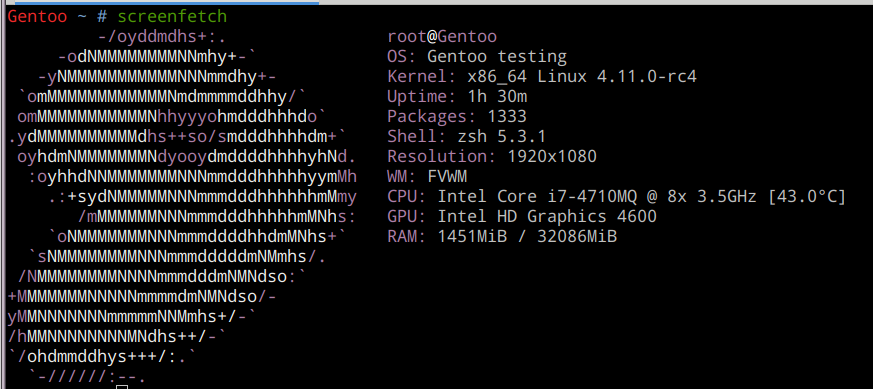
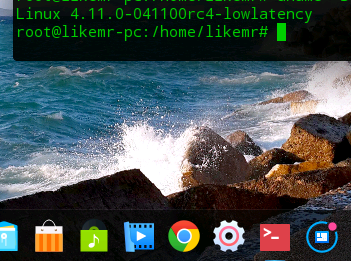
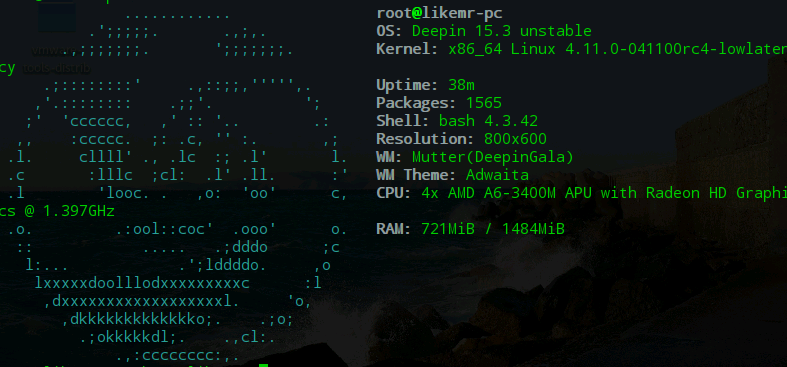
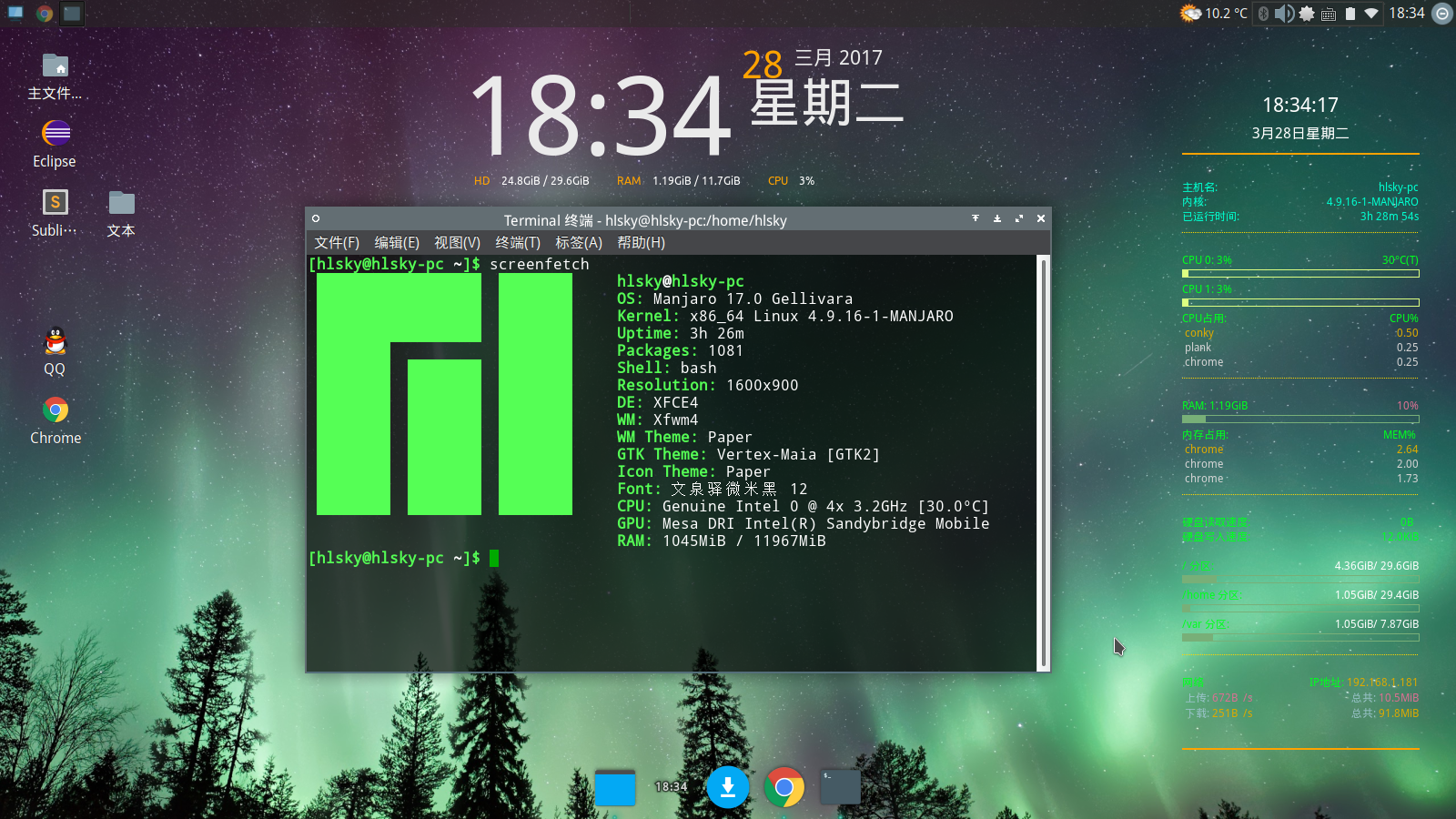
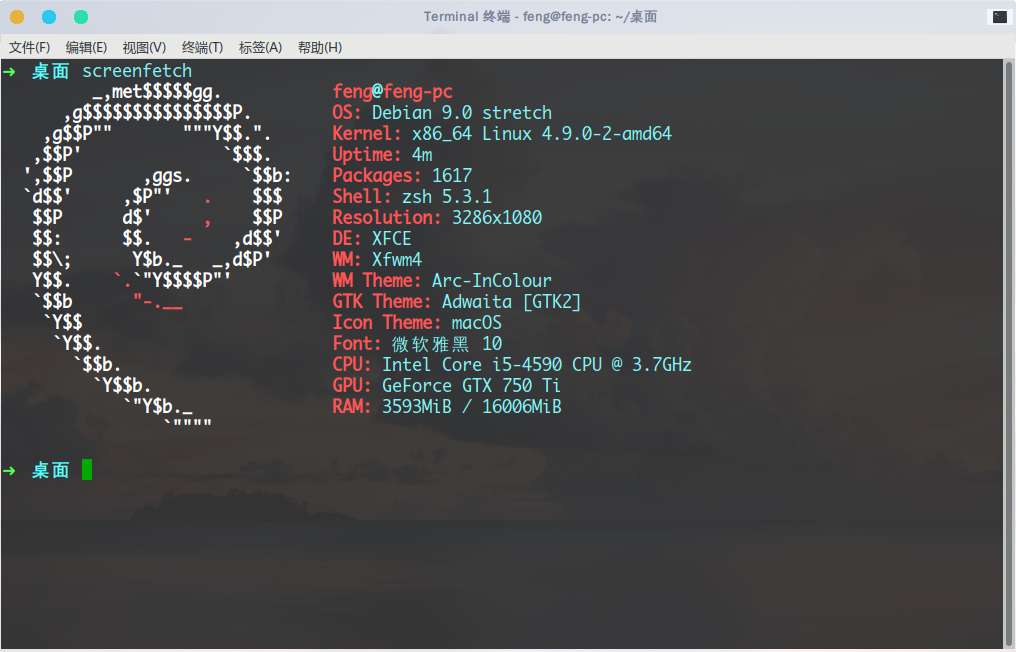
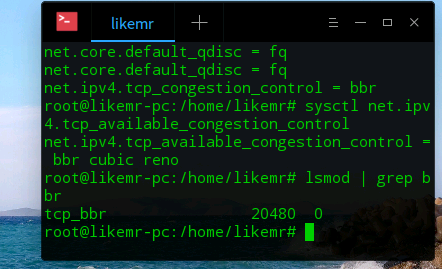
哈哈,第一次玩Linux乱搞把Deepin内核升级到4.11了
Tofloor
poster avatar
likemr
deepin
2017-03-28 06:18
Author
传闻4.11支持大AMD RYZEN最新的处理器!!
Reply Favorite View the author
All Replies
1 / 2
To page
avatar
MattD
deepin
2017-03-28 06:55
#1

Reply View the author
avatar
justforlxz
deepin
2017-03-28 16:43
#2

膜拜大佬,我还用着4.10呢
Reply View the author
avatar
likemr
deepin
2017-03-28 17:31
#3
Reply View the author
avatar
likemr
deepin
2017-03-28 18:20
#4

你上面图片输出的命令是什么呀,在Deepin可以使用吗
Reply View the author
avatar
151******17
deepin
2017-03-28 18:30
#5
https://bbs.deepin.org/post/136732
你上面图片输出的命令是什么呀,在Deepin可以使用吗

好像直接安装screenfetch就可以了
Reply View the author
avatar
likemr
deepin
2017-03-28 18:38
#6
https://bbs.deepin.org/post/136732
好像直接安装screenfetch就可以了

谢谢大神,用你的方法弄出来了,就是图标不是很好看。。
Reply View the author
avatar
likemr
deepin
2017-03-28 18:38
#7

Reply View the author
avatar
百花岭北彭于晏
deepin
2017-03-28 18:42
#8
膜拜大佬,我。。。我都不知道我的内核是多少。
Reply View the author
avatar
likemr
deepin
2017-03-28 19:03
#9
https://bbs.deepin.org/post/136732
膜拜大佬,我。。。我都不知道我的内核是多少。

这个我知道,获取超级权限之后输入uname -a
Reply View the author
avatar
Experience
deepin
2017-03-28 19:47
#10
我可没有升级的动力,因为用新的内核后,wl无线网卡驱动不支持
Reply View the author
avatar
adsafe
deepin
2017-03-28 19:47
#11
开启BBR。
Reply View the author
avatar
likemr
deepin
2017-03-28 21:07
#12

求详细教程
Reply View the author
avatar
153******45
deepin
2017-03-28 21:16
#13
likemr 发表于 2017-3-28 13:07
求详细教程

然并卵,服务端没有开启这功能的话没用的
Reply View the author
avatar
adsafe
deepin
2017-03-28 21:26
#14
本帖最后由 adsafe 于 2017-3-28 13:38 编辑
https://bbs.deepin.org/post/136732
然并卵,服务端没有开启这功能的话没用的

主要是都升级到4.9以上了,不开启个BBR对不起这么高的内核版本。
Reply View the author
avatar
adsafe
deepin
2017-03-28 21:30
#15
本帖最后由 adsafe 于 2017-3-28 13:37 编辑

用管理员权限:
  1. sudo su
Copy the Code

开启BBR:
  1. echo "net.core.default_qdisc=fq" >> /etc/sysctl.conf
  2. echo "net.ipv4.tcp_congestion_control=bbr" >> /etc/sysctl.conf
  3. sysctl -p
Copy the Code

检测内核是否成功开启BBR:
  1. sysctl net.ipv4.tcp_available_congestion_control
Copy the Code
如果结果中有bbr, 则证明你的内核已开启BBR。

检测BBR是否启动:
  1. lsmod | grep bbr
Copy the Code
看到有tcp_bbr,即说明BBR已启动。

Reply View the author
avatar
fengying6_6
deepin
2017-03-28 22:24
#16
本帖最后由 fengying6_6 于 2017-3-28 14:26 编辑

我的debian9才4.9.0,真羡慕你们用WM的
Reply View the author
avatar
likemr
deepin
2017-03-28 23:12
#17
https://bbs.deepin.org/post/136732
用管理员权限:
开启BBR:

谢谢大神,好像开启成功了
Reply View the author
avatar
adsafe
deepin
2017-03-28 23:17
#18
https://bbs.deepin.org/post/136732
谢谢大神,好像开启成功了

成功。哈哈。
Reply View the author
avatar
likemr
deepin
2017-03-28 23:27
#19

是不是,我现在用这台开启BBR的Deepin看视频的速度,下载软件的东西都会快一些呀~
Reply View the author
avatar
sam014
deepin
2017-03-29 02:38
#20
我以为你们在秀桌面
别问为什么我不用深度,深度在我机器上太卡了,从15.1就开始卡,卡到15.3,另外无线网卡还不正常工作……

Reply View the author
1 / 2
To page